Vendor invoice review
Bring the delivery into focus.
Import supported vendor files, review item matches and prepare stock receipts and draft pricebook changes.
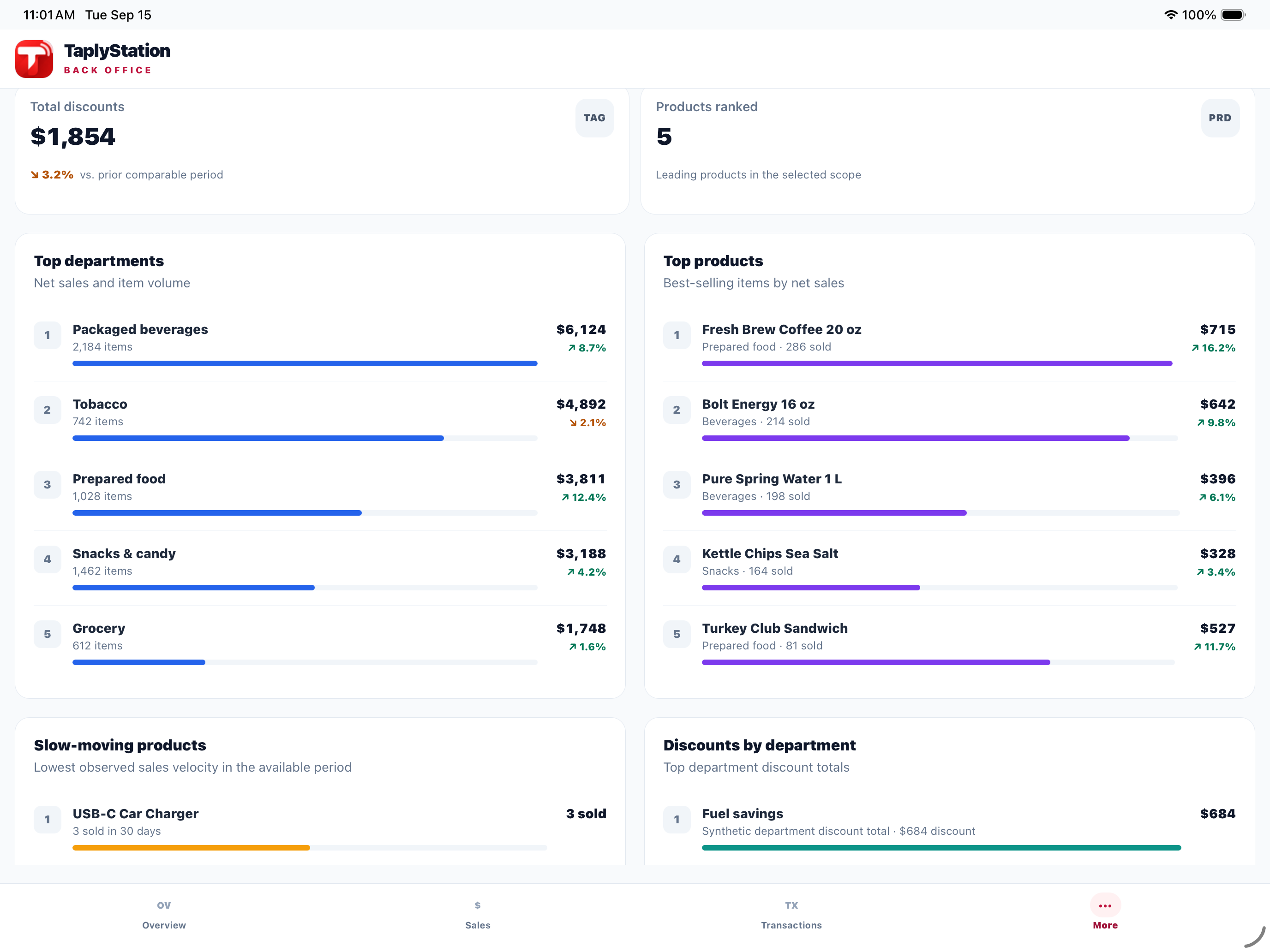
Review the details before receiving.
Use a deliberate review of vendor item codes, quantities and prices to prepare the next operational step.
Supported files
Import vendor CSV or EDI 810 files in the web dashboard.
Item matching
Review matches by barcode or vendor item code.
Draft changes
Prepare stock receipts and draft pricebook updates from reviewed lines.
Built around your workday
Keep approvals separate and clear.
Receiving requires an opening stock count. Proposed price changes need their own approval and delivery check.
Explore it in a personal walkthrough- 01
Confirm the station and vendor.
- 02
Review item matches and received quantities.
- 03
Check the opening stock baseline.
- 04
Approve price changes separately from stock receiving.
Plans & availability
Plan the right setup.
This workflow does not pay vendor bills or confirm that prices reached the register. Confirm file compatibility and required setup for your site.
Your questions, answered.
Does Taply Station replace my register or card processor?
Taply Station is back-office software. Your register handles checkout and your processor handles card payments. Station brings connected sales, fuel, merchandise and location reports into one owner view.
Will Taply Linq work with my register, and what has to be installed?
The connection depends on your site controller, register software and authorized back-office interface. Linq needs a powered appliance and the right store-network connection. Share your exact setup before buying hardware; compatibility and installation must be confirmed for your site.
Do the web, iPhone, iPad and Android versions offer the same features?
Check the features for the version you will use. The Android app covers sales, fuel, merchandise and location reports, receipt details, CSV exports and alerts while the app is open. Accounts are created through the web; the native apps use an existing account. Confirm operational workflows separately for your app version and store setup.
Keep the next step in view.
Practical guides and product details for your site.
Review the business day
Keep the location, reporting period and follow-up work together.
Explore the guide Connection directoryCheck the site connection
Start with the supported register, interface and installation requirements.
Explore the guide Product overviewExplore the owner view
See how Station brings available site records into the back office.
Explore the guideSee Taply Station in your workday.
Bring your workflow, equipment and questions to a personal product walkthrough.
Request a demo