See the whole shift
Put the detail behind your results in view.
- Sales and tender reports
- Product performance
- Plan-specific analytics
RESTAURANT POS SYSTEM & PAYMENTS
Start with our Free plan at $0/month for one device. Add the tools for your floor, kitchen and back office as your restaurant grows.
Free plan: hardware, processing fees and taxes are separate. Try a sample order here with no sign-up.
$595POS essentials
One-time hardware cost
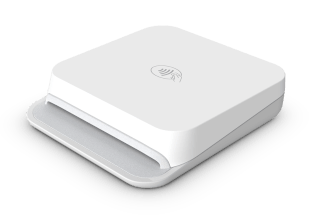
11-inch iPad, counter stand, receipt printer and Stripe M2 reader.
USD. Software, processing, tax and shipping are separate.
See hardware and what’s included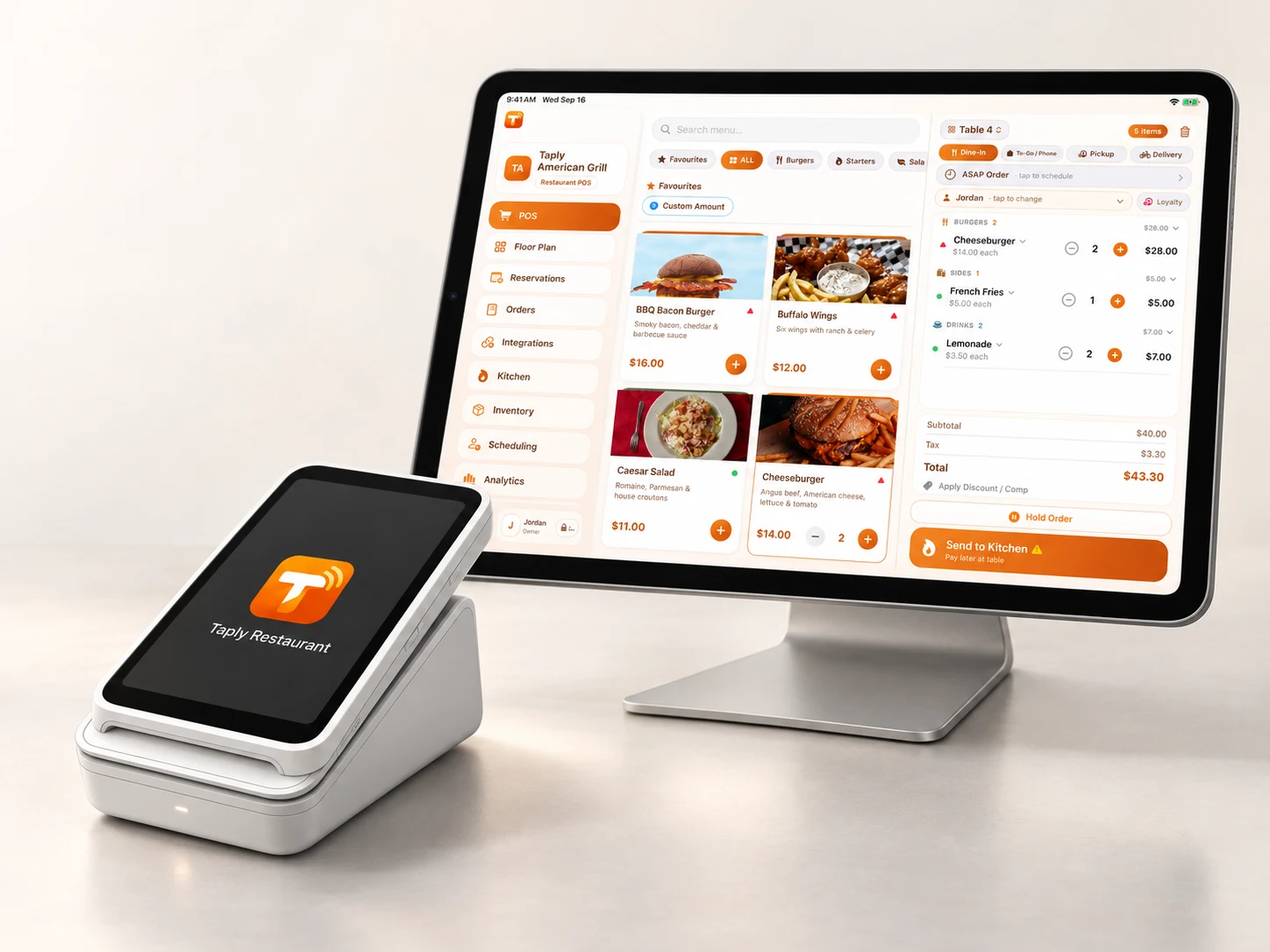
SEE TAPLY IN ACTION
Explore each step at the counter. Try a sample order, choose a tip and see the card tap.
01 Taply restaurant POS
The menu, the order, the next guest. Bring it together on a familiar iPad, right at your fingertips.

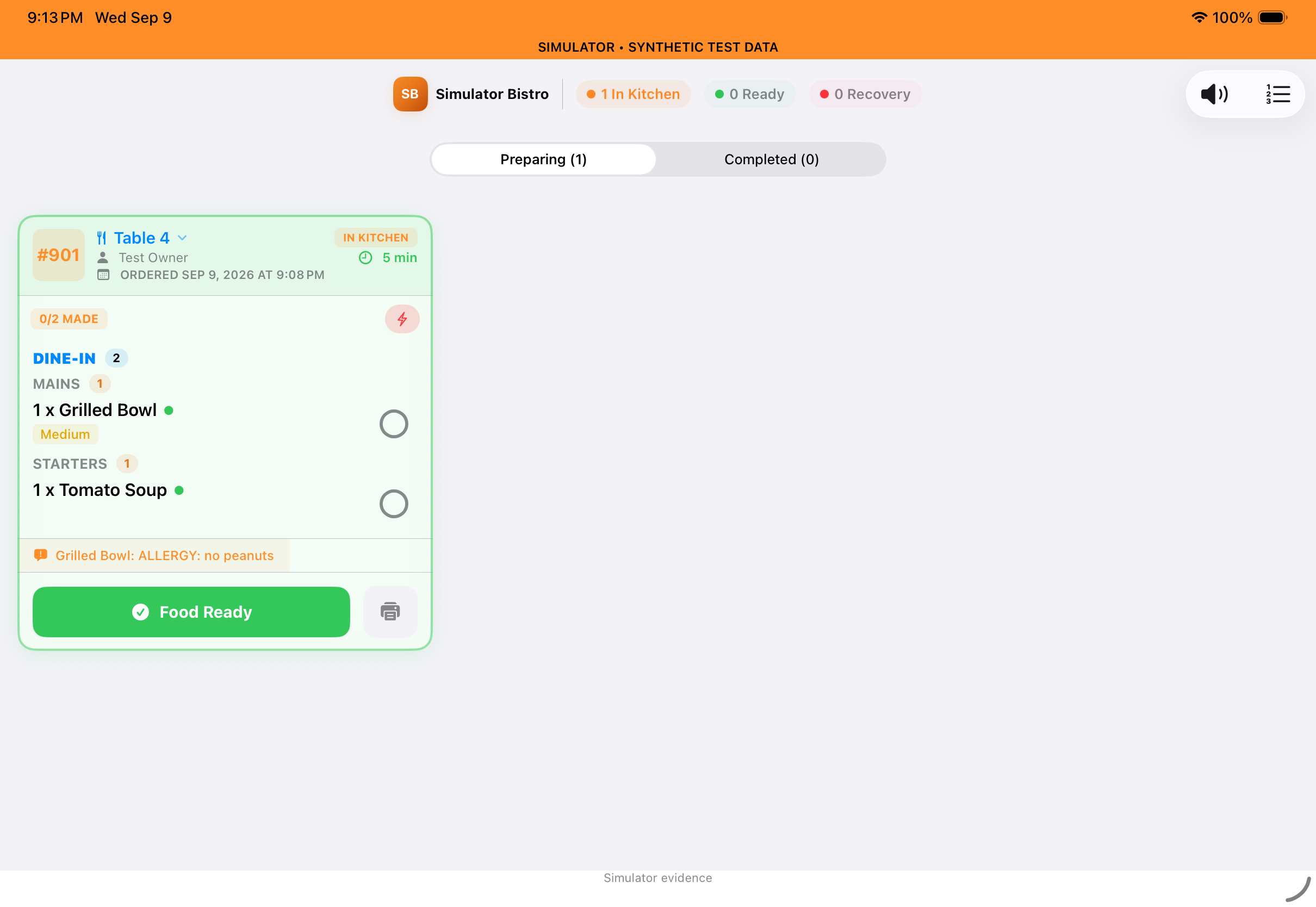
 TaplyTable 4 · Dine-in
Illustrative scenes and interactive examples. No order is sent and no payment is taken.
Bring order taking, service and reporting together with a setup that fits your restaurant.
Put the detail behind your results in view.
Plan the guest journey around your service.
Give each part of the restaurant its place.
Keep staff responsibilities easy to follow.
Choose the tools that support your team, your guests and the work behind each service.
Review supported readers, merchant setup and the guest checkout experience.
Explore paymentsKeep ingredient quantities, recipe costs and low-stock details together with Ultra or Enterprise.
Explore inventoryConnect QuickBooks Online and review the mapped daily journal workflow.
Explore accountingManage menu publishing and availability for an eligible, activated Uber Eats connection.
Explore deliveryBring incoming orders into a dedicated kitchen view on Ultra or Enterprise.
Explore the kitchen displayGive guests a dedicated view of the check at the counter.
Explore the guest experienceReview scheduling, time records and payroll calculations for your setup.
Explore staff toolsKeep order taking close to the guest with Taply Floor on compatible phones.
Explore Taply FloorApp previews show demonstration data; supporting graphics illustrate workflows. Confirm features, devices and plan details for your setup.
Explore the services, equipment and connections around Taply Restaurant. Review the requirements for the exact workflow you want to support.
Explore all 12 integrations QuickBooks Online
 Uber Eats
 Stripe
 Twilio SMS
 Mailchimp
 Google Sheets
 Google Calendar
 Google Reviews
 Yelp
Yelp Gmail
GmailA COUNTER THAT WORKS FOR YOU
Build your counter around compatible landscape iPads, kitchen displays, receipt printers and supported payment readers. We’ll help you understand the equipment and plan that fit.
Explore plans and hardware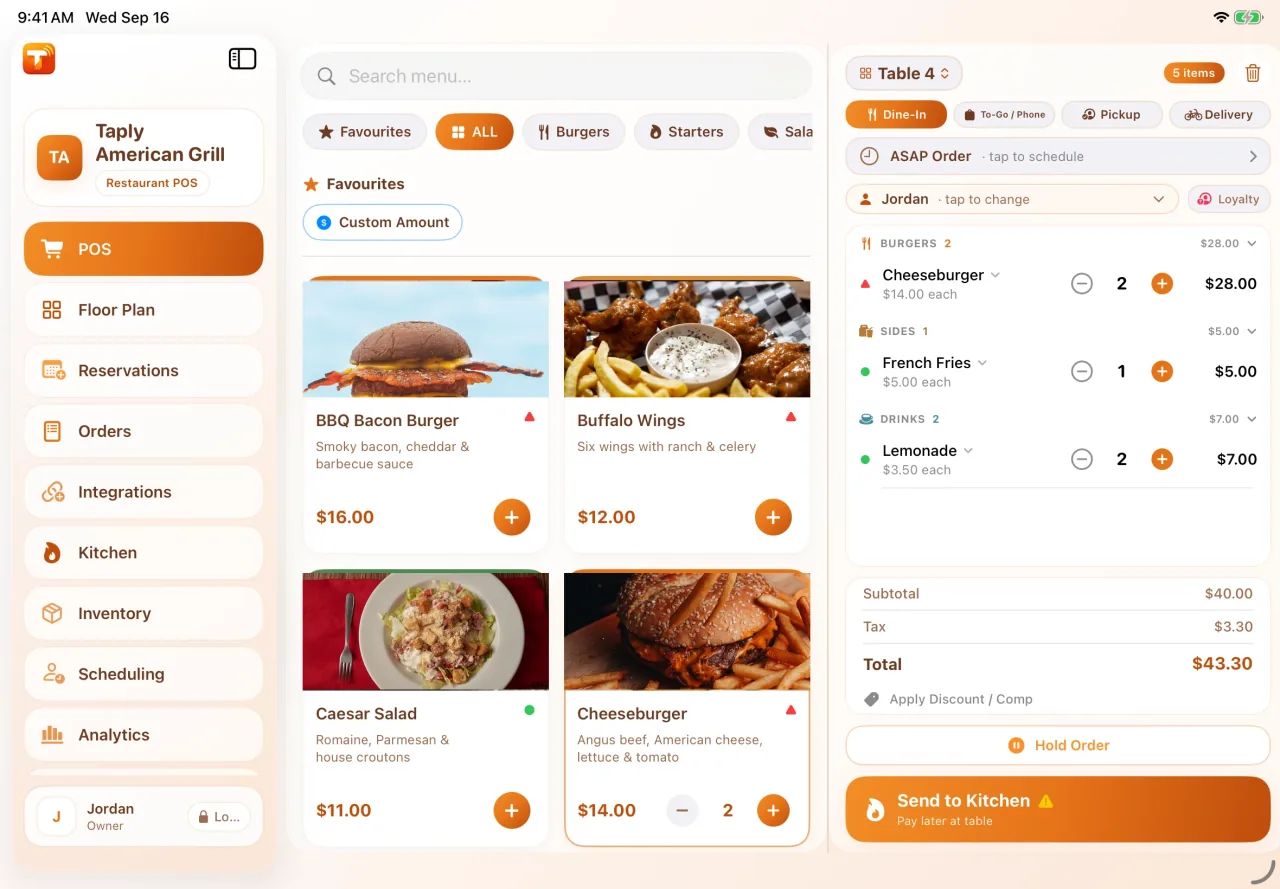
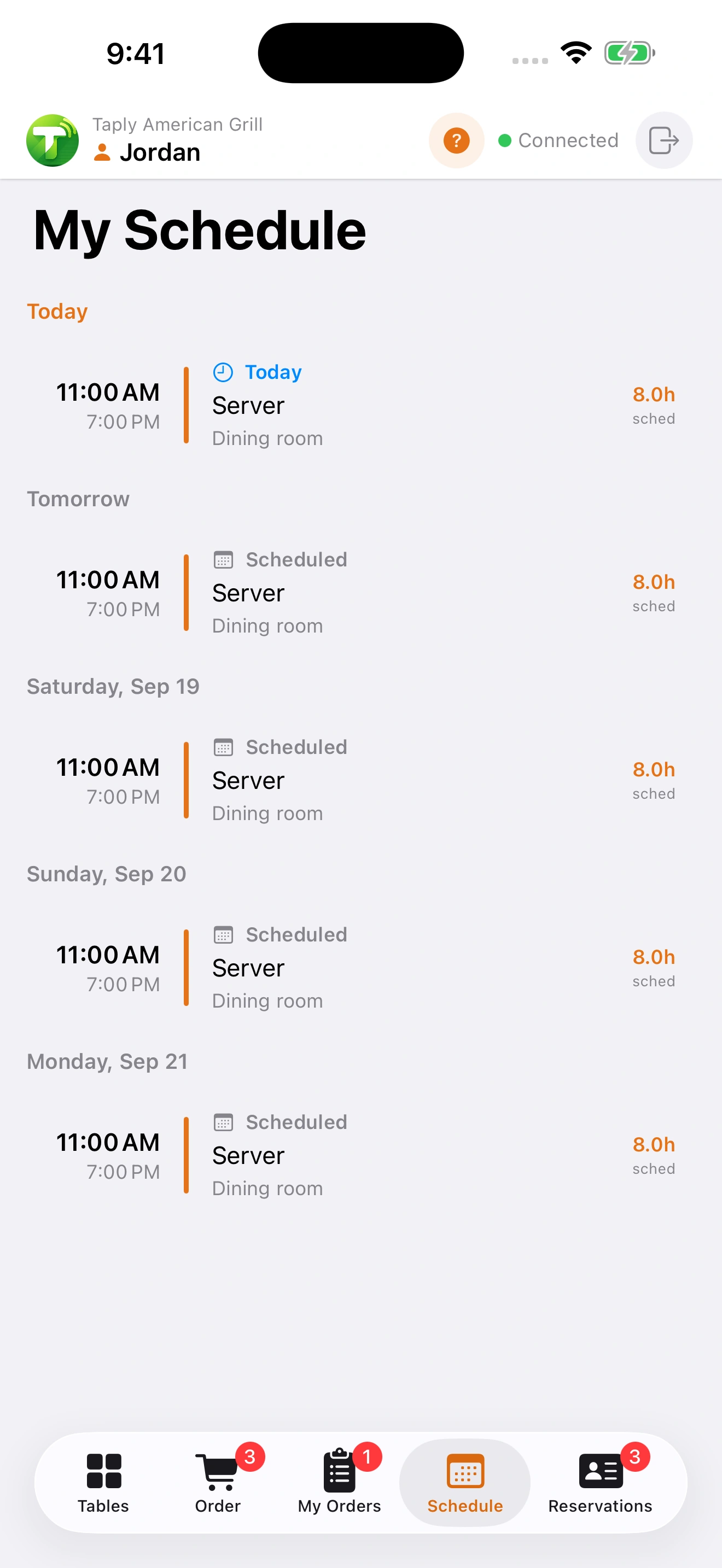
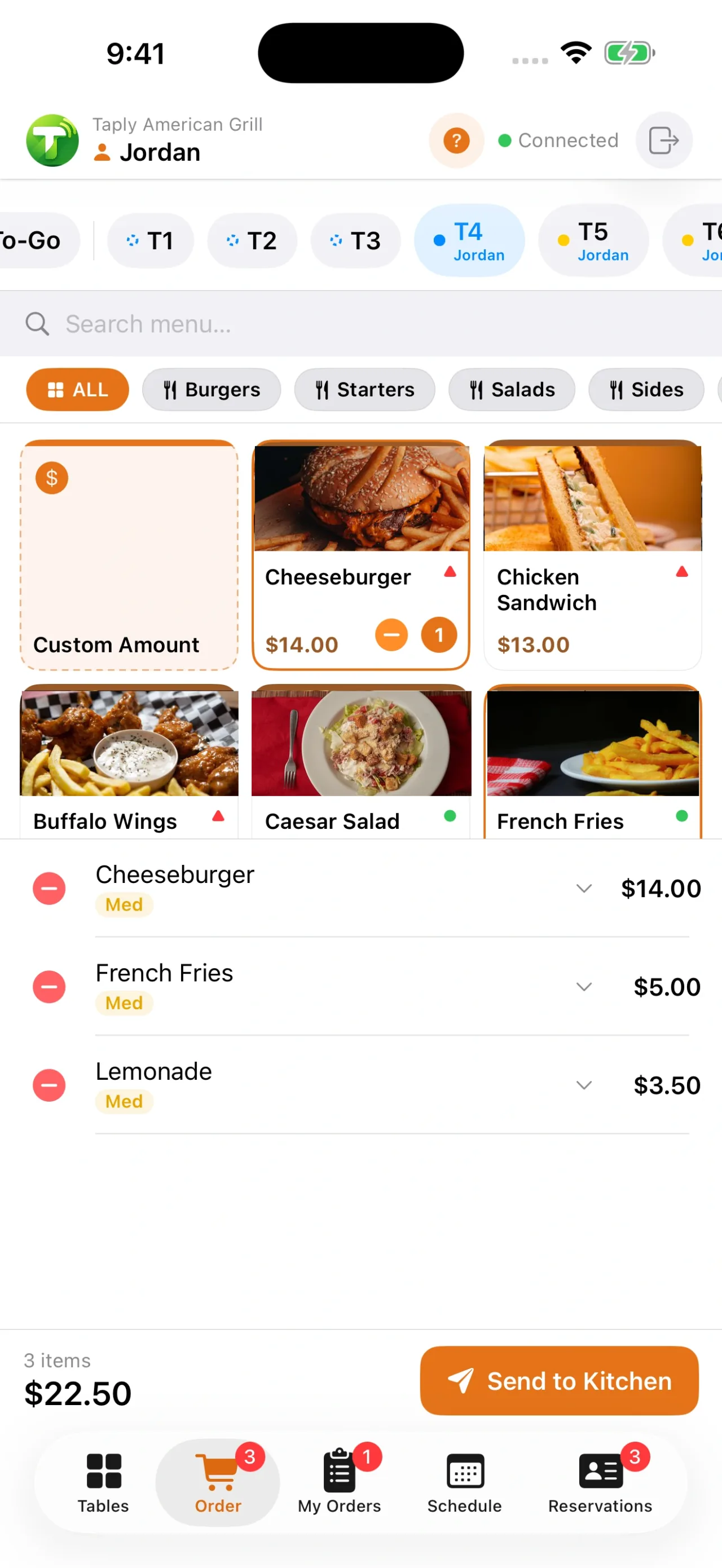
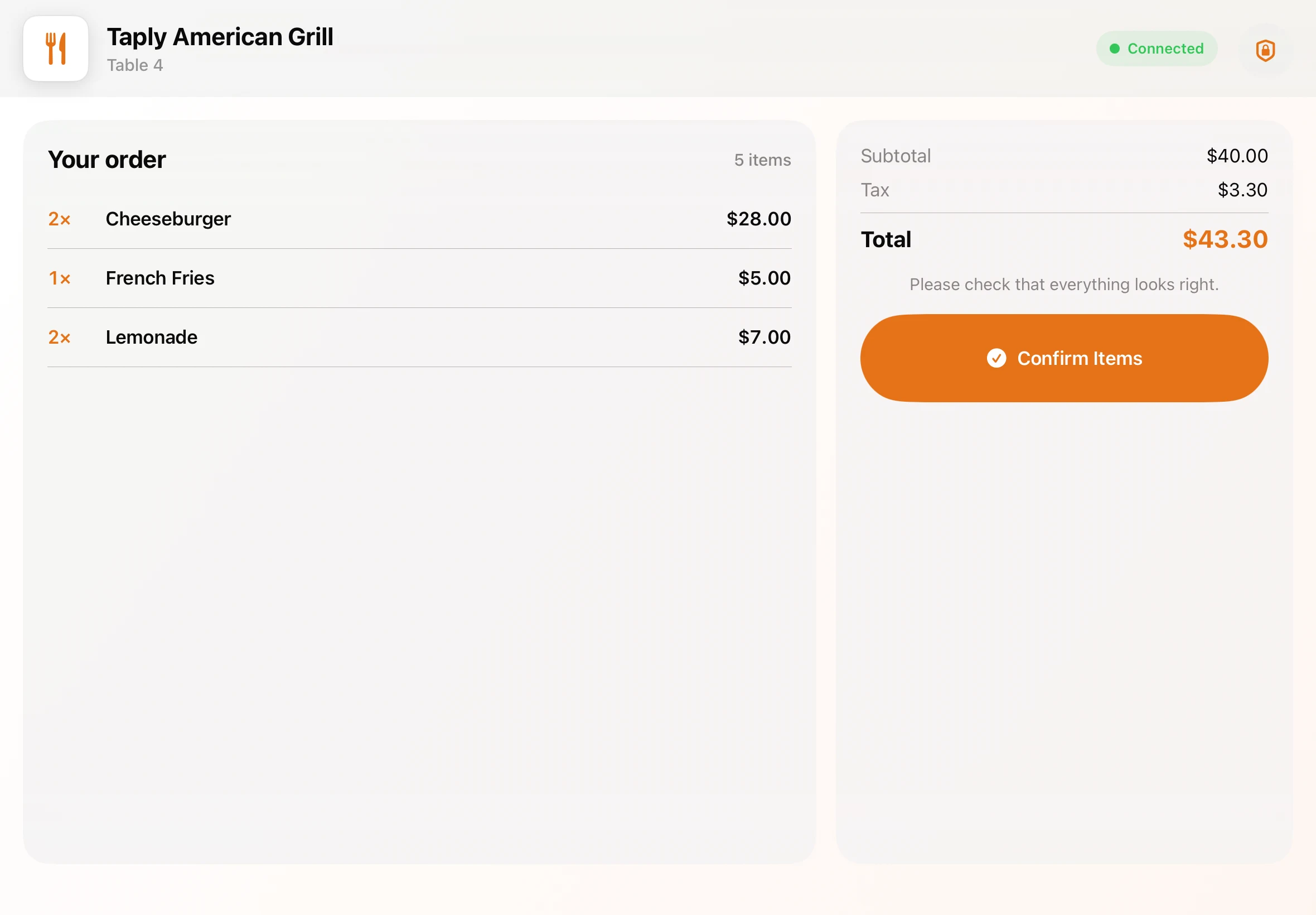 Taply interface previews · demonstration data
THE TAPLY APPS
Download the app for your device and connect it to your existing Taply setup.
For iPad
The main POS app for your restaurant counter.
Requires a Taply Restaurant account.
For iPhone & Android
Bring tableside ordering to your team's phones.
Pairs with your restaurant's Taply POS setup.
For iPad & Android tablets
On iPad, use KDS inside the Taply Restaurant POS app. On Android, download the dedicated Taply KDS app.
Dedicated KDS requires Ultra or Enterprise and a compatible device.
Take a personal tour of Taply Restaurant. Bring your menu, your questions and the way you like to work.
Talk to our teamHardware, costs and the details to settle before you choose your setup.
Talk through your setupTaply Restaurant uses compatible iPads. Taply Floor can use compatible iPhone or Android phones on Ultra and Enterprise. Bring your exact device, printer and reader models to the demo so we can confirm your setup.
No. You can bring compatible devices or choose a supplied setup. Hardware and software are separate. Ask for an itemized quote with the devices and accessories you need.
Bring sample exports from your current system. Review which fields can be moved, any cleanup and the import cost with us before choosing a launch date. Keep a copy of your original records.
Review outage behavior for your exact devices and setup in the demo. Ask to see which tasks need a connection, what happens during an outage and how records are checked after reconnecting.
Confirm this separately for your reader and processor. Ask which payment methods need a connection, and how to check a payment with an unclear status, before choosing your payment setup.
Processing is separate from software and hardware. Request a quote for your card volume and payment mix, including the percentage rate, per-transaction fee and other applicable charges.
Ask for the term, renewal rules, notice period and any cancellation or equipment charges in writing. Compare the software agreement and payment agreement separately before you sign.
Ultra includes Hugsy phone support for the first 30 days from initial Ultra activation. Enterprise includes ongoing 24/7 Hugsy phone support while active. The Hugsy tab is hidden after the Ultra window ends. Help guides and email support remain available.
Compare software, hardware, processing and optional setup separately. Use the pricing calculators as a starting point, then include any import work, training and fees from your current provider in the final budget.
Use your demo to walk through a normal day and the exceptions your team handles. Agree on the setup, training and launch steps before changing your live operation.