Location by location
Bring the restaurants into one organization view.
Taply for restaurant groups
Keep the character of every restaurant. Bring shared menus, location access and group reporting together as your business grows.
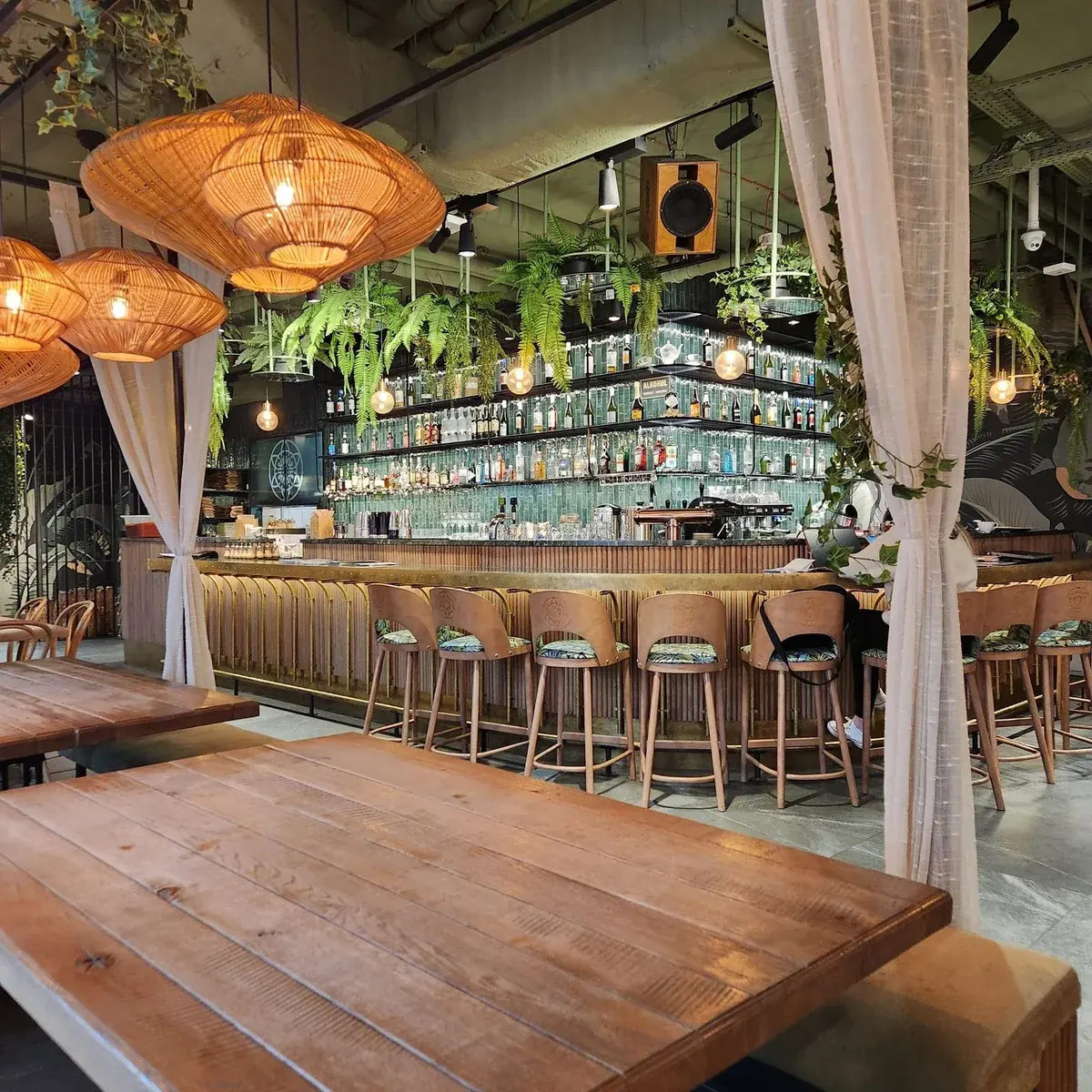
Bring the restaurants into one organization view.
Give the group a common starting point.
Keep totals and location detail in perspective.
Give people the scope their role needs.
The bigger picture, with the details
Explore a fictional restaurant group. Switch locations, preview local menu differences and compare a sample business day.
Keep each restaurant’s identity in the group view.
Neighborhood café
Individual location settingsAll-day dining
Individual location settingsEvening restaurant
Individual location settingsShared standards. Local character.
Build the master menu around what your restaurants share. Keep the details that belong to each location visible as you prepare to publish.
The right view for the right role
Separate group responsibilities from location access. Give owners and managers the view they need, with the restaurant in context.
Reports · shared menus · settings
Local operations · restaurant detail
A considered next opening
Use a representative location to establish the shared work, then review the people, devices and local details at every new site.
Group tools require Enterprise. Software is billed per location; confirm location limits, setup and rollout requirements.
Talk about your restaurant groupList the restaurants, account owners and people responsible for review.
Set menu standards, local differences and reporting definitions.
Check merchant setup, printers, receipt senders and devices individually.
Verify one complete location, then carry the agreed setup forward.
Keep exploring
Read the story behind each service.
Explore Restaurant insightsExplore the counter, kitchen and floor.
Explore Connected servicePlan the software for every location.
Explore Restaurant plansOrganize locations, group-level access, master-menu work and cross-location reporting. Review your organization structure and the permissions needed by each person.
A shared menu gives the group a common starting point. Locations can retain their own availability, photos and permitted price differences. Define the shared and local rules before publishing.
No. Organization permissions control access to group functions such as reports, menus and settings. A person also needs the appropriate location access for the till or restaurant workspace.
Restaurant software is billed per location. Group and multi-location tools require Enterprise. Confirm each location’s plan, device limits and organization setup with Taply.
Review that location’s merchant account, banking, devices, printers and receipt senders, alongside local tax and service requirements. Sharing a menu or selected settings does not complete those individual setups.
Use matching business periods and clear definitions, and keep location time zones and currencies in view. Review the underlying records and incomplete data before drawing conclusions from a group total.
No. The location manager is an interactive illustration using a fictional group. Filters and menu options only change the sample on this page.
Start with one representative location. Agree the shared menu, local exceptions, reporting scope and access, then verify the setup before extending it to the other restaurants.
Let’s talk Restaurant
Bring your questions. Explore your setup with Taply.
Talk to Taply