Items with meaning
Find products by menu, catalog or supported barcode lookup, with the details staff need to recognize the right item.
YOUR NEXT COUNTER SETUP
Move from a basic register routine to a workspace built around your menu or merchandise, with the records you need after the sale.
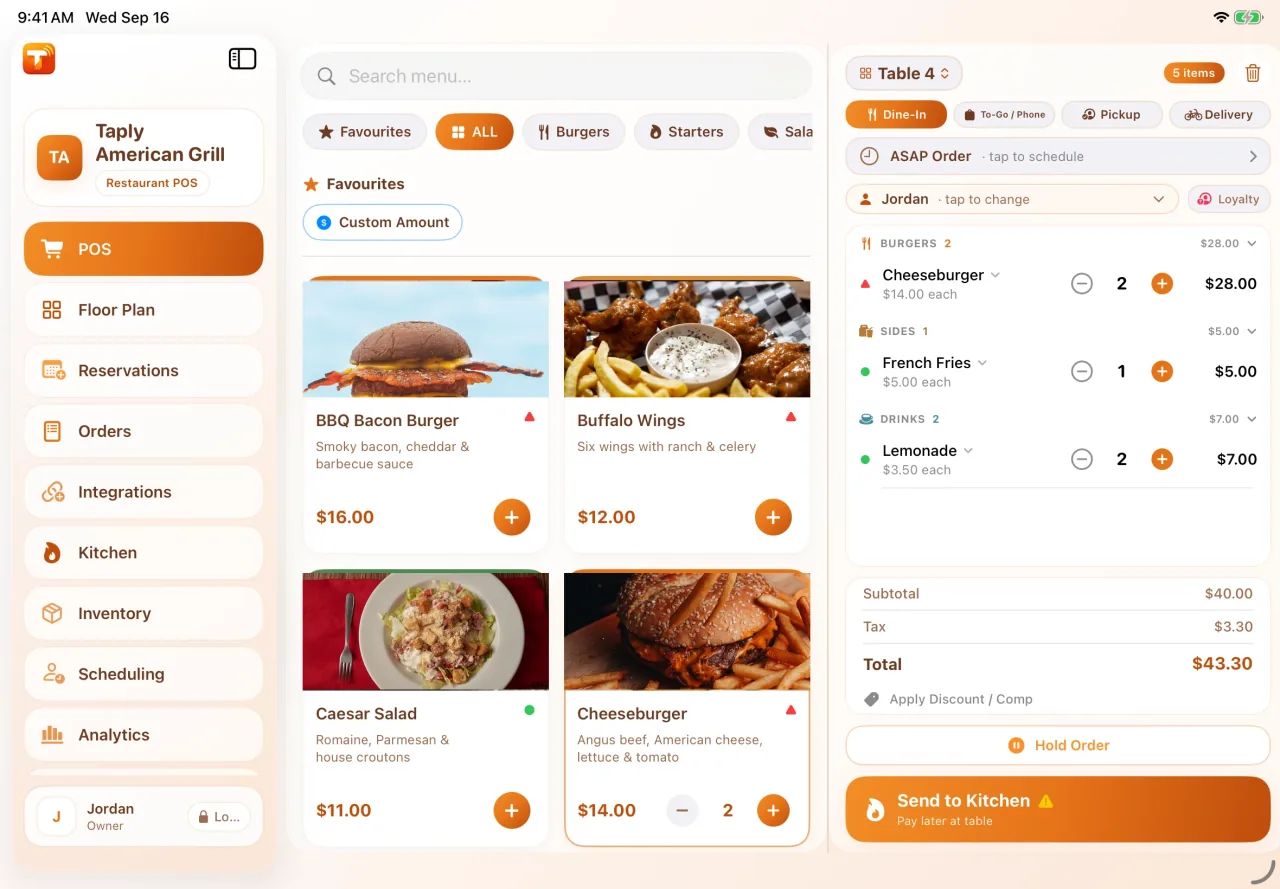
A useful counter setup includes the software, devices and daily routine. Choose each piece around how your business actually serves customers.
Find products by menu, catalog or supported barcode lookup, with the details staff need to recognize the right item.
Plan tablet, printer, drawer and eligible card hardware together, and confirm every connection before buying.
Agree how the team will review cash, tenders and the reporting available in the selected product.
Different workdays deserve different tools.
Menus, orders, kitchen preparation and the guest’s checkout. Explore the restaurant product and its equipment options.
Explore RestaurantProducts, inventory, purchasing and the counter. Explore the retail workspace and supported hardware.
Explore RetailRunning a fuel and convenience business? Explore the dedicated back office and its supported site connections.
Explore StationPLAN YOUR SETUP
A few practical notes make the walkthrough more useful. Start with your equipment, people and daily routine.
Prepare for your demoConfirm the drawer, printer and connection together. A drawer that worked with another register is not automatically compatible with your Taply setup.
No. Taply Station supports back-office workflows through supported connections and Taply Linq. It is not presented as a replacement for the fuel-site controller, forecourt or payment register.
Ask for equipment, software, installation, add-ons and payment processing to be listed separately. Compare the products and plans that cover your actual requirements.
Choose a product and bring your questions to the Taply team.
Request a demo