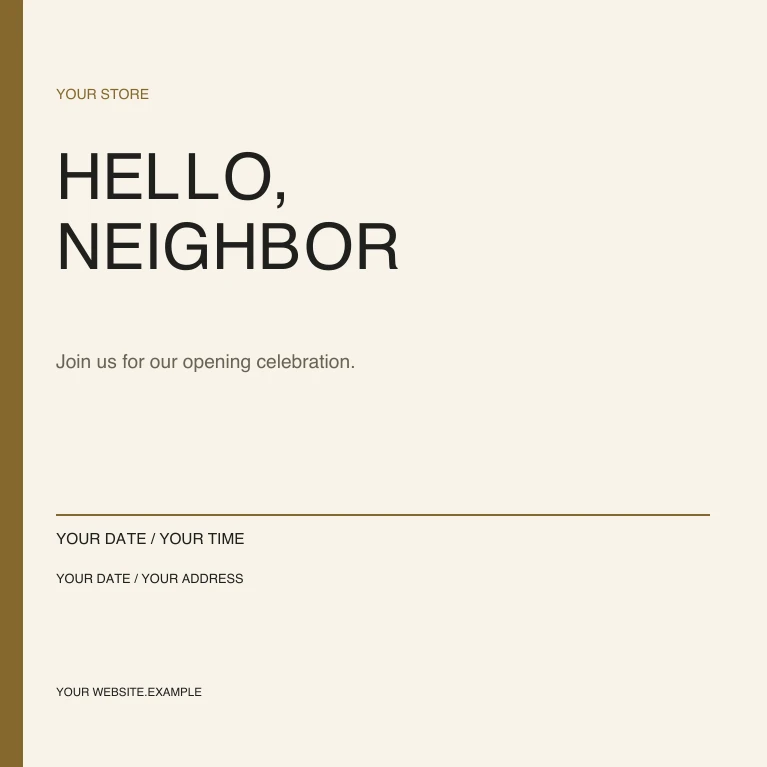
Grand opening / square
1080 × 1080 px
View full preview (opens in a new tab)Give your next announcement a considered look. Twelve editable designs in square, portrait, wide and tall formats.
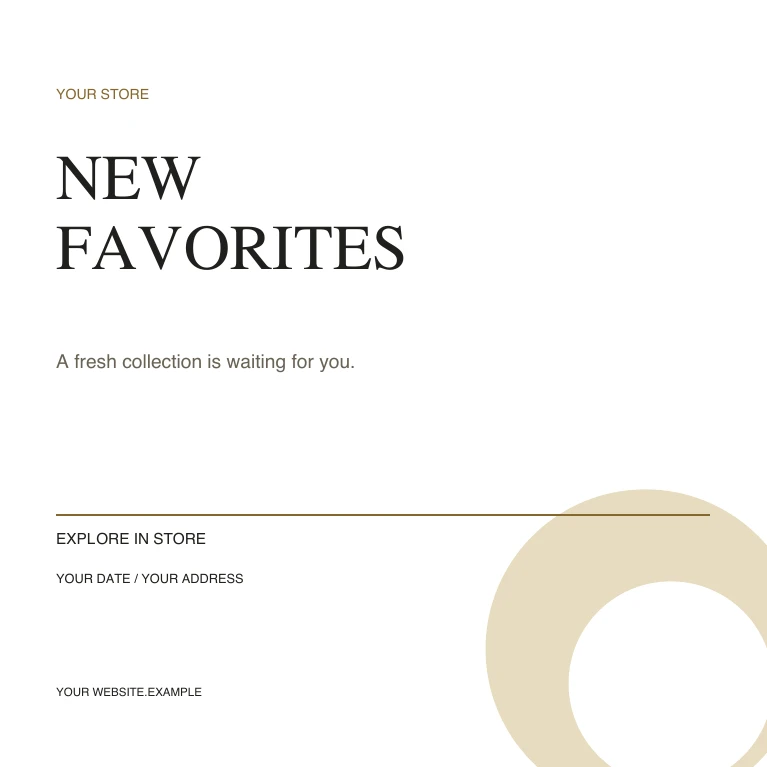
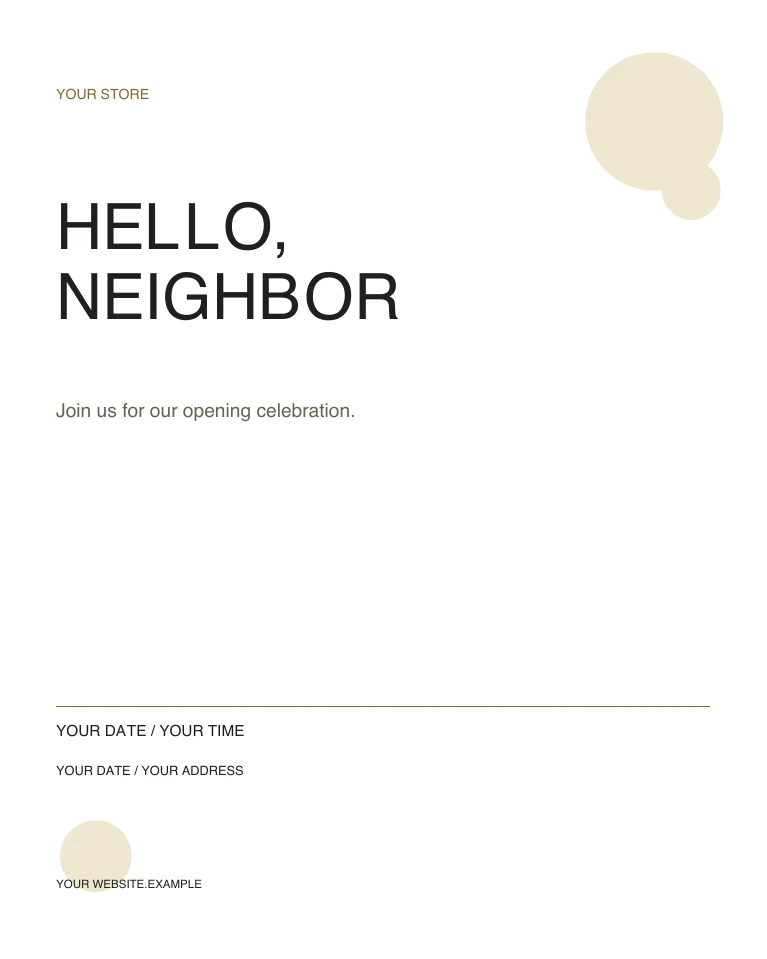
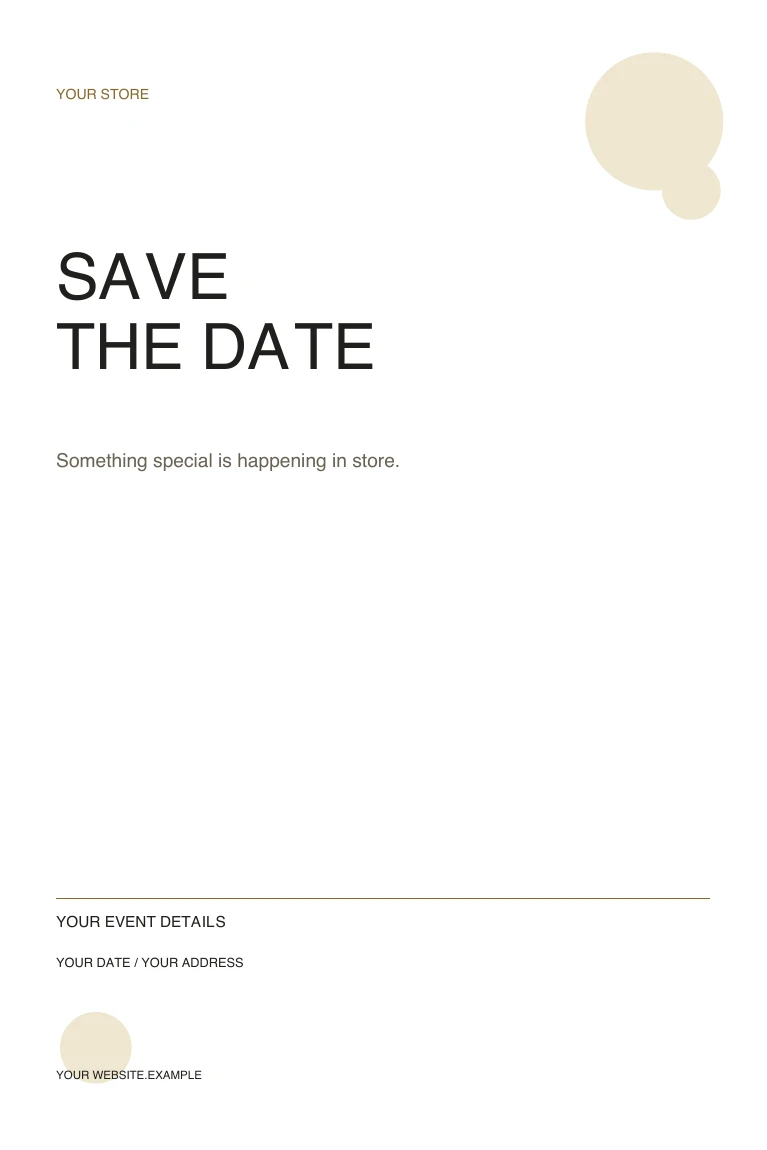
Start with a layout for new arrivals, an opening or an in-store event. Change the copy, colors and business details, then export a finished image from your vector editor.
12 editable SVG designs + PDF sample collection
IN THE SAME PACK
Every preview below is included in the editable download.
1080 × 1080 px
View full preview (opens in a new tab)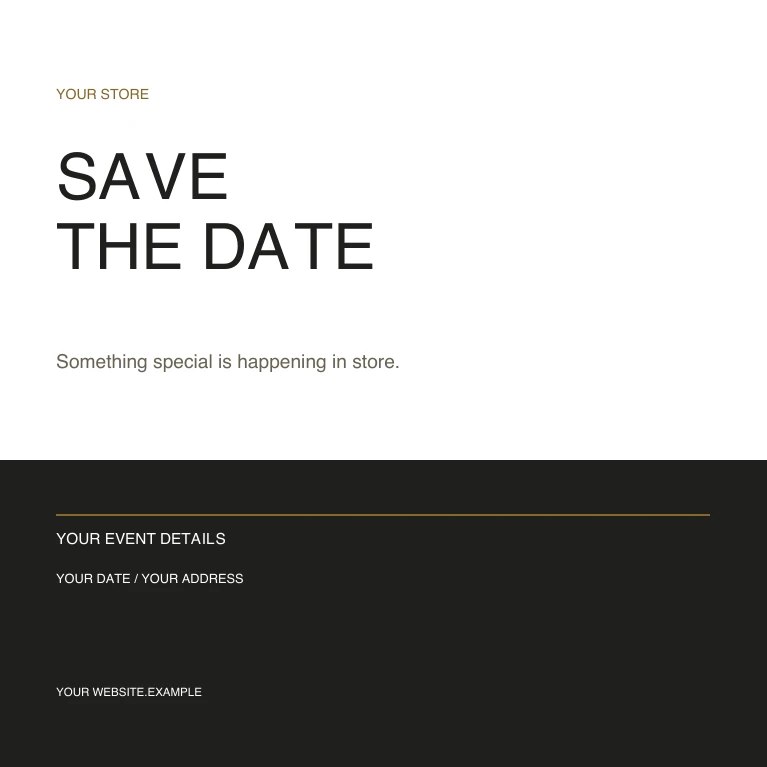
1080 × 1080 px
View full preview (opens in a new tab)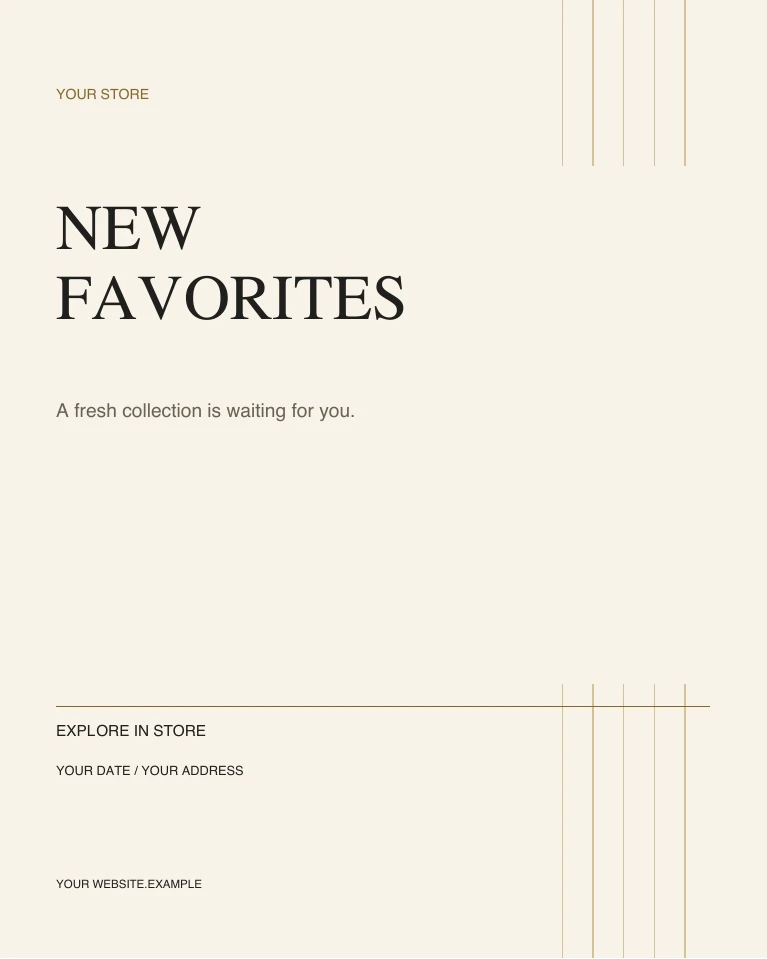
1080 × 1350 px
View full preview (opens in a new tab)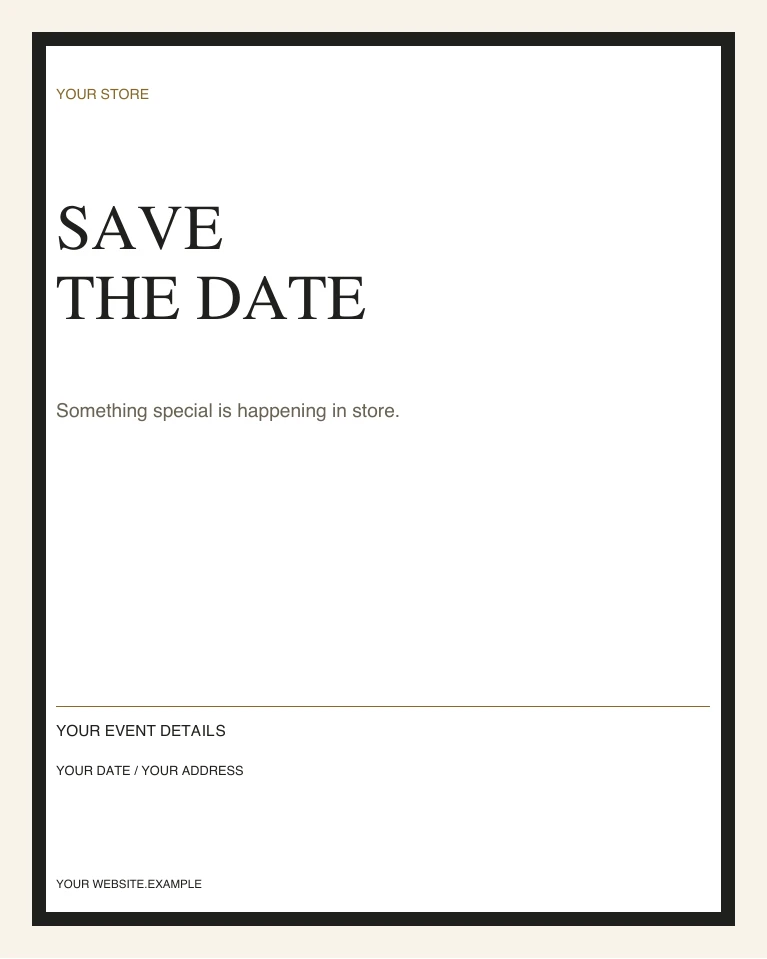
1080 × 1350 px
View full preview (opens in a new tab)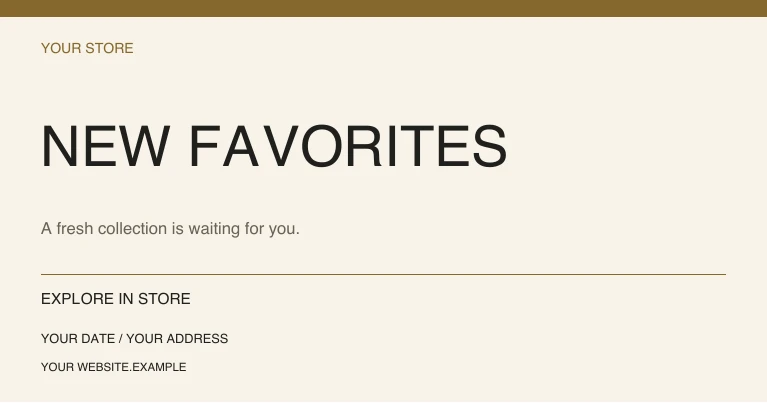
1080 × 567 px
View full preview (opens in a new tab)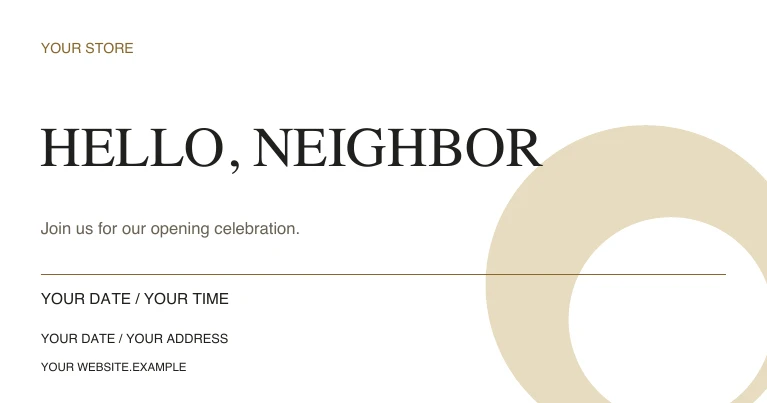
1080 × 567 px
View full preview (opens in a new tab)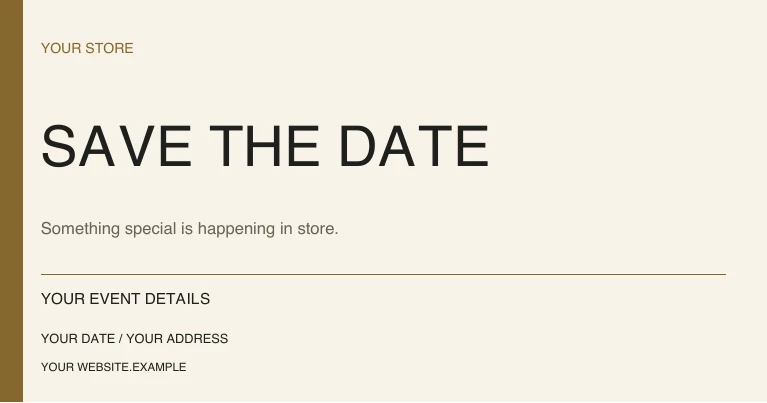
1080 × 567 px
View full preview (opens in a new tab)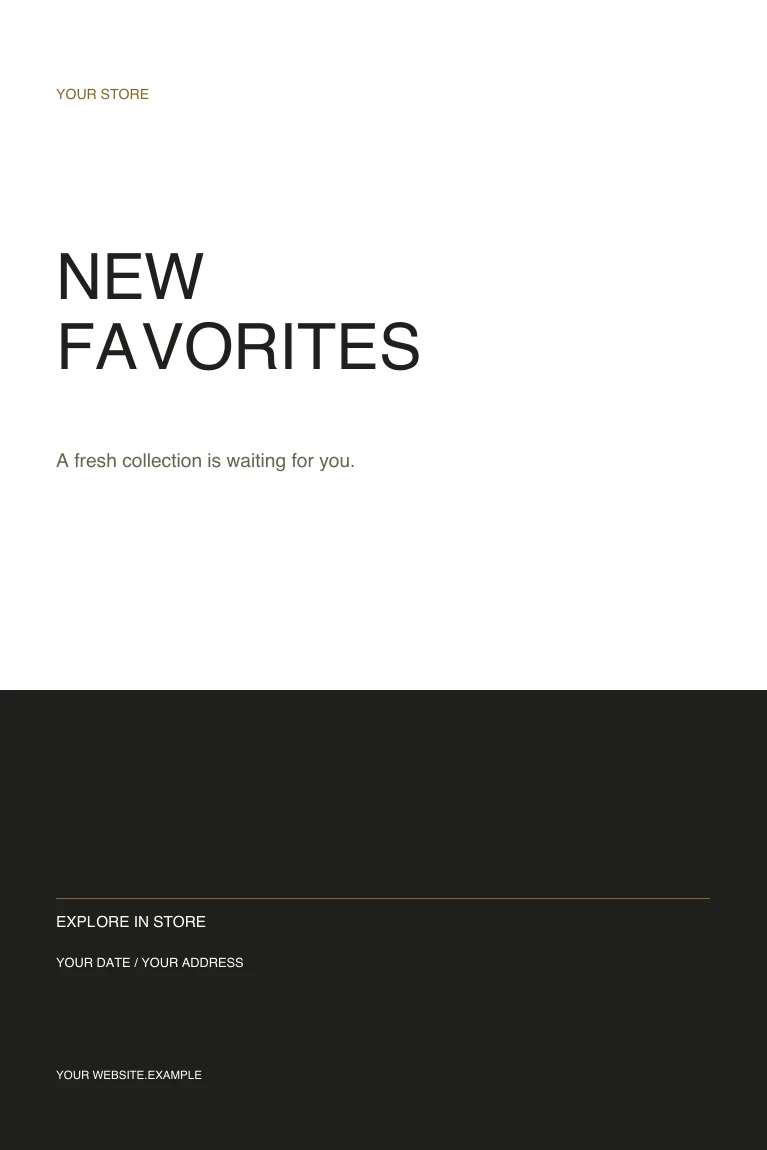
1080 × 1620 px
View full preview (opens in a new tab)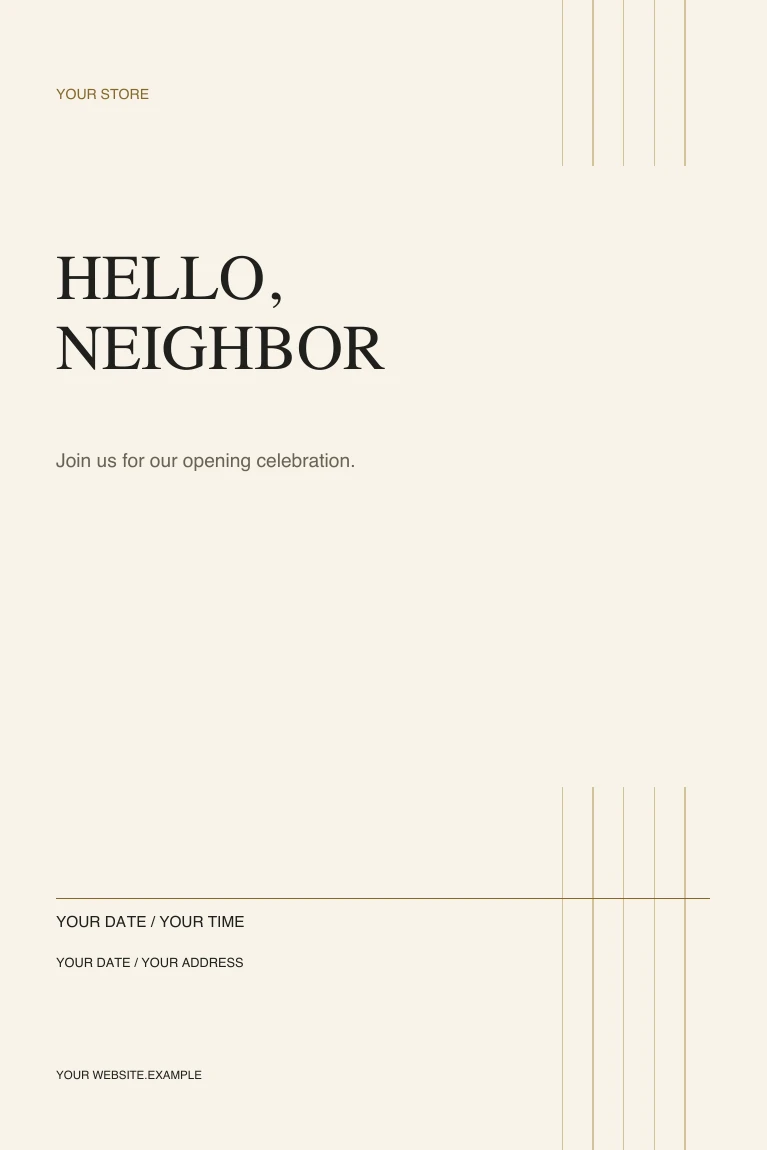
1080 × 1620 px
View full preview (opens in a new tab)A FEW DETAILS BEFORE YOU START
Use a vector editor such as Inkscape, Illustrator or Figma. The designs use separate text and shapes with standard system fonts.
Add your business name, message, dates, website and contact details. Menus and offers are fictional examples. Check your final wording and any font substitutions.
Export an image from your editor and check its crop in the destination app before posting. The PDF collection shows the original samples and is not a fillable form.
Find a menu for your kind of service. Start with 22 editable designs, then make the words, prices and details your own.
Explore the templatesA collection launch. A store opening. An occasion worth sharing. Start with seven editable flyer designs for your store.
Explore the templatesPut a new menu, weekend brunch or special evening in the spotlight. Seven editable flyers to make your own.
Explore the templatesShowing 3 of 3 more templates for your business