
A considered start for your next chapter in retail.
Ask about Retail app access and setup.
Start with the store you know.
Bring a sample of your catalog and a list of the equipment you use today. A useful setup conversation follows a complete trading day, from receiving stock to the final closeout.
- Review products, barcodes, selling units and tax settings
- Agree staff roles and the access each person needs
- Confirm the migration method and opening balances
- Rehearse checkout, receipts and end-of-day review

Know where to turn with a question.
Start with the Retail help center or email the Taply team. Include the affected product, device and a clear description so your question reaches the right conversation.
- Explore help for Retail devices and daily workflows
- Contact support@taplypos.com
- Agree support hours and the escalation route before launch
- Confirm training and setup services in your quote
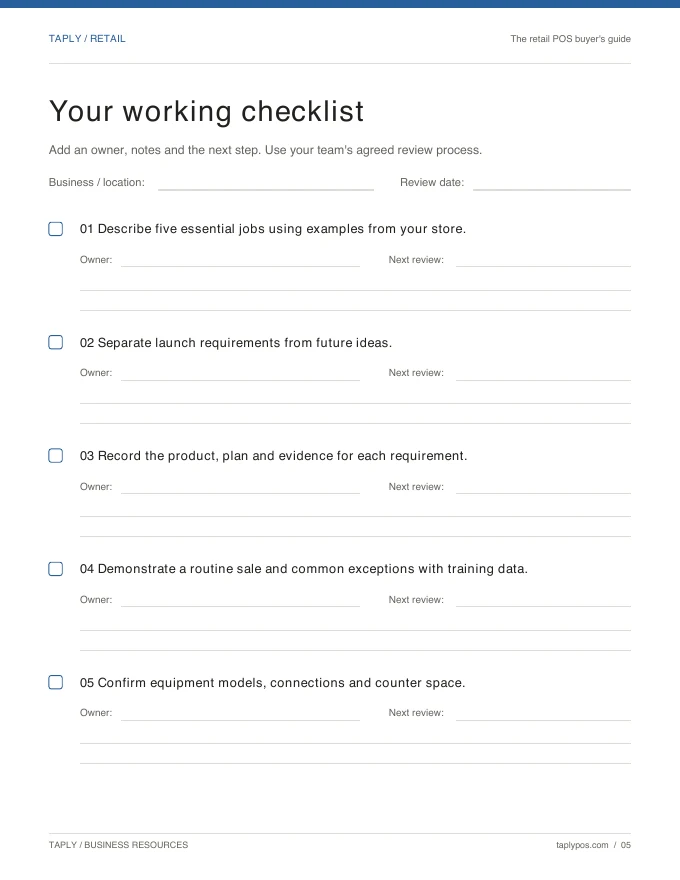
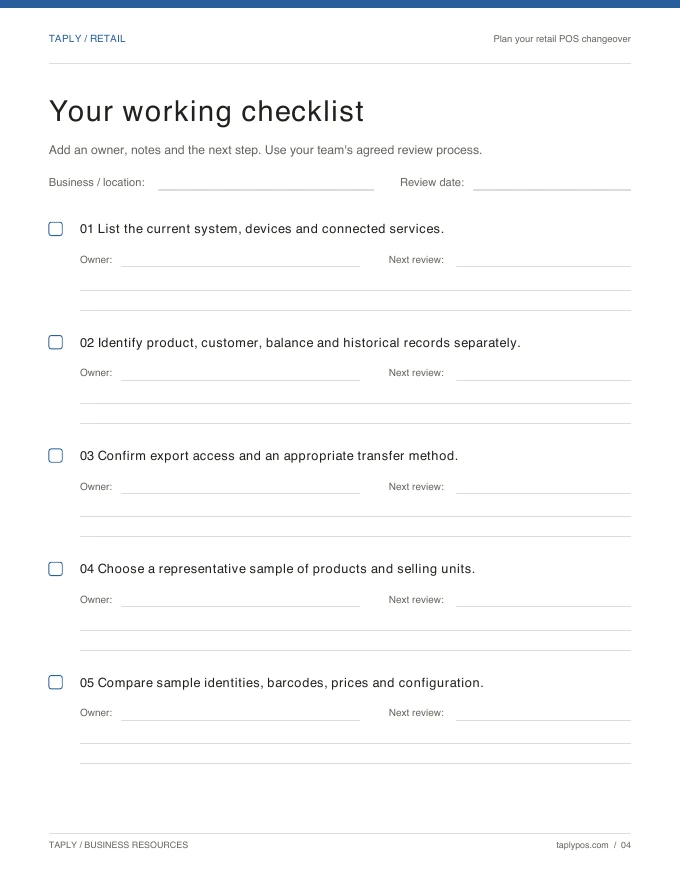
Original Taply guides · free planning resources
Practical tools for the work ahead.
Keep the planning useful. Explore original Taply guides, editable templates and articles for choosing equipment, organizing stock and preparing the team.
- A POS buyer’s guide and hardware worksheet
- Inventory, purchase-order and stock-count templates
- A migration checklist to structure the next conversation
- Retail articles on operations and customer experience
Let’s talk about your store.
Explore the setup, availability and next steps with the Retail team.
Discuss your Retail setupConfirm Retail availability, training, support hours and migration scope before choosing a launch date. Automatic imports and around-the-clock staffed support are not promised.