Find the right item
Use photos, categories, SKU search and compatible barcode input to distinguish similar styles.
Explore this workflowChildren’s clothing · Taply Retail
Bring the details of your children’s boutique together, from a new collection arriving to the right size leaving with a happy customer.
Pick sample products. Review the basket. Tap to finish.
Already with Taply? Owner login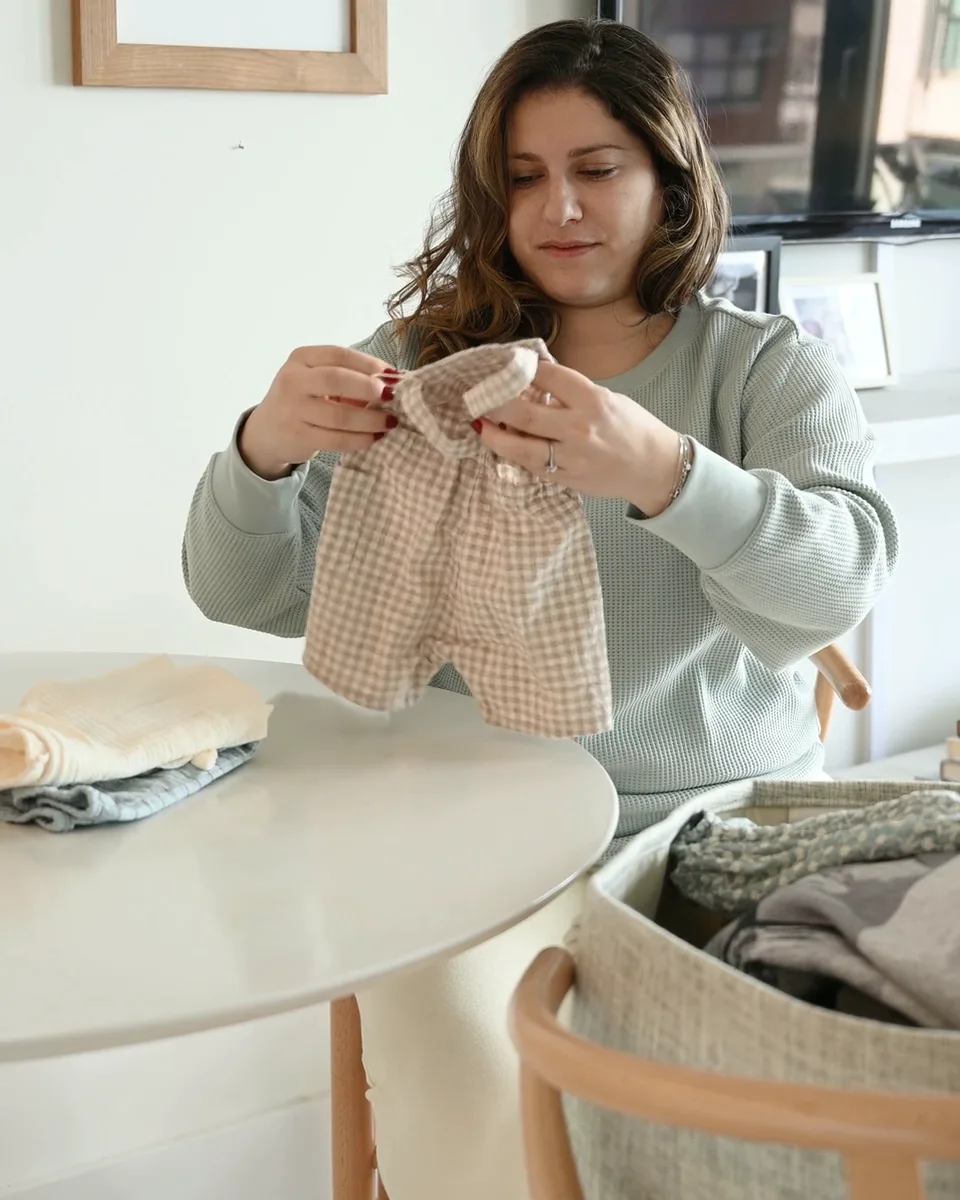
Explore the Retail tools around your store’s everyday work.
Use photos, categories, SKU search and compatible barcode input to distinguish similar styles.
Explore this workflowReview supplier packages, costs and delivered quantities before receiving the collection.
Explore this workflowKeep a customer record and purchase history close to the basket.
Explore this workflowLook at product mix and category results when planning your next range.
Explore this workflowReview the original transaction and staff permissions when handling a return or adjustment.
Explore this workflowBring your scanner, receipt and tablet requirements into one setup conversation.
Explore this workflowYOUR TURN AT THE COUNTER
 Taply RetailInteractive demo
Click a product to start your basket.
A familiar next visit
Help your team begin with the customer’s own record, then review the loyalty and gift-card options configured for the store.
The season in view
Bring sales, product performance and maintained costs into your buying review. Choose a date range that makes sense for your season.
Your business has its own details
Confirm how size and color combinations, gift receipts and exchanges will work with your actual merchandise. An automatic variant matrix or online-store connection is not established by this page.
Discuss your requirementsThe tools around your store
Explore the accounting, payment and equipment connections around Taply Retail, including the setup each one needs.
Explore Retail connectionsClick an orbiting icon to learn more. Stripe payments
 QuickBooks Online
Considering the switch?
Bring your real catalog, current equipment and the exceptions your team handles. A useful walkthrough follows your business from the first delivery to the final closeout.
Made for your counter
Build around the way your staff works, then confirm the exact models and connections.
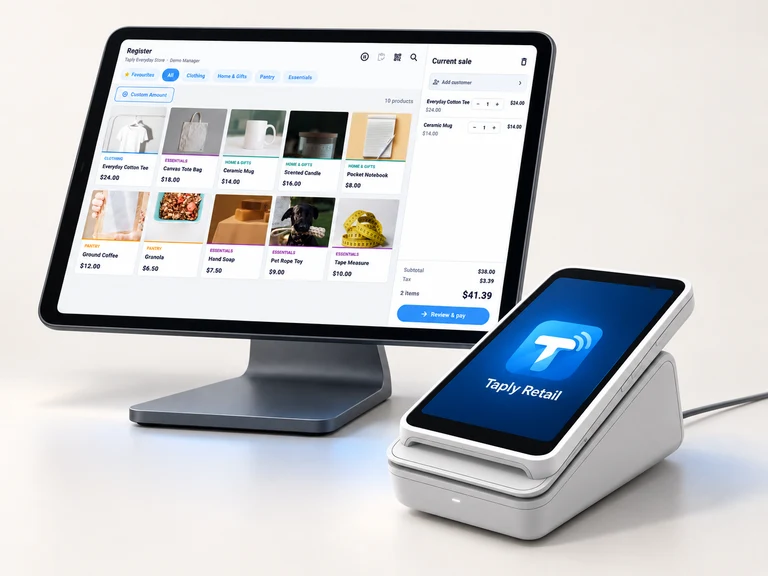
Give the register a clear view and a stable home. Confirm the tablet model, operating system and stand fit.
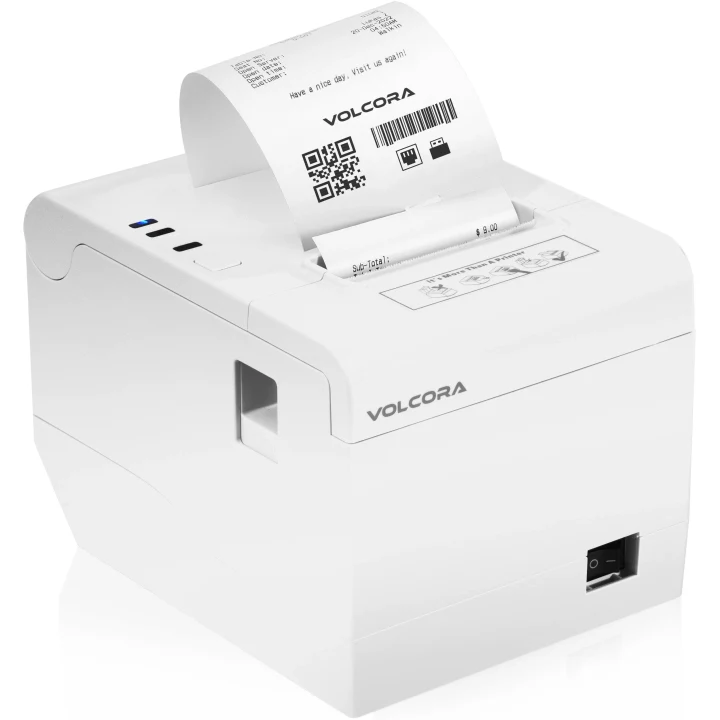
Match the exact printer, paper and connection to the way your store produces receipts.

Review supported readers, pairing and merchant eligibility before selecting payment equipment.
Equipment examples. Software, equipment and payment processing are separate.
Free tools to help you plan your next step.
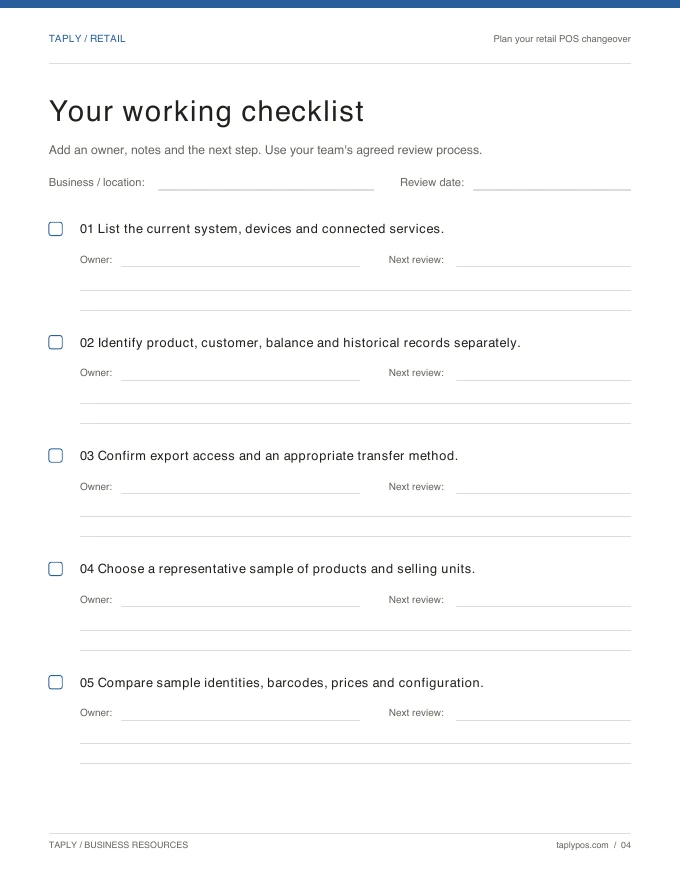
Capture the records, equipment and routines you want to preserve.
Explore the resource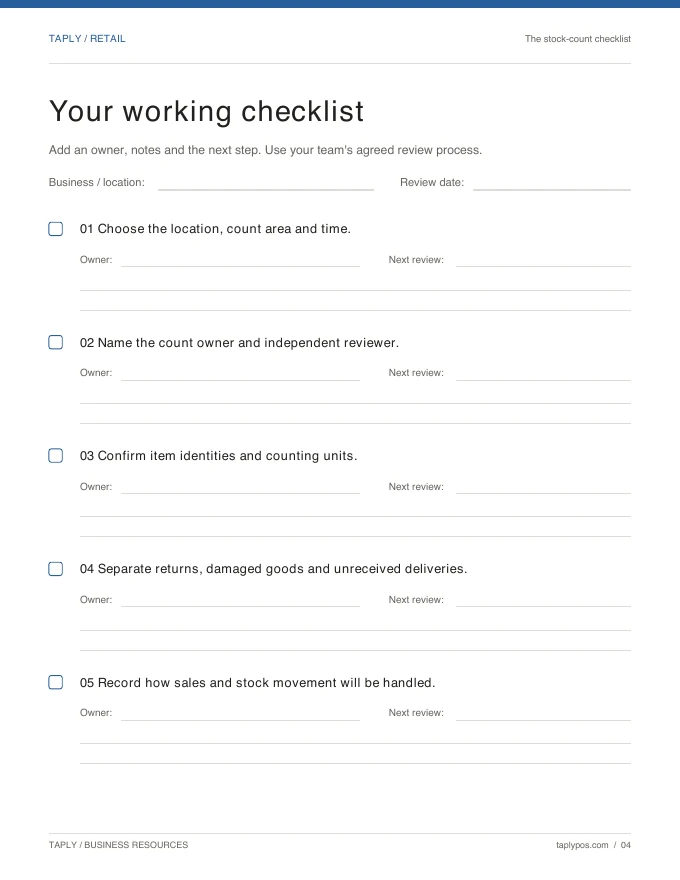
Give the count a scope, a responsible team and a review process.
Explore the resource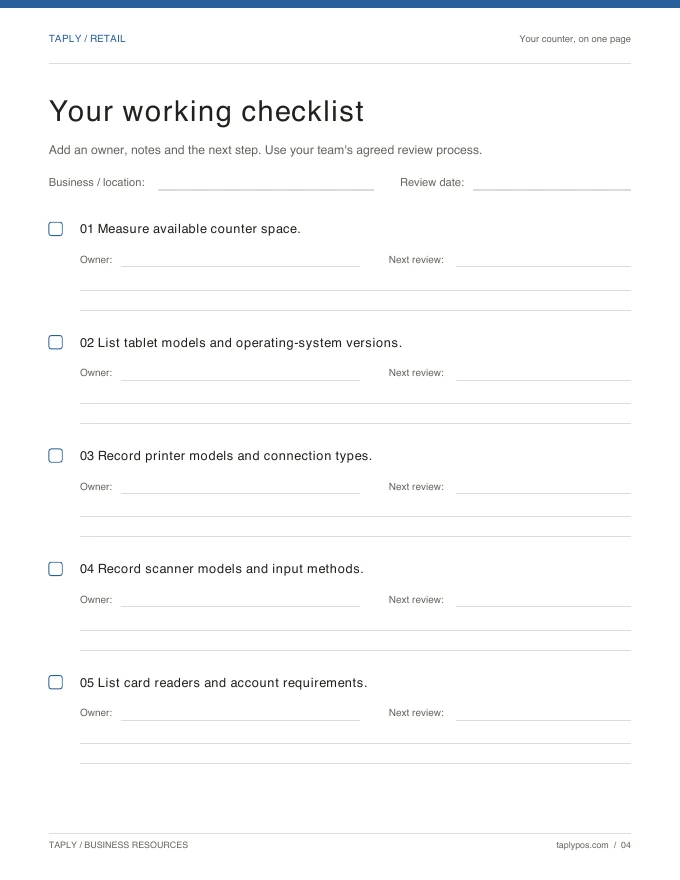
Bring exact device models and connection methods to the conversation.
Explore the resourceStart with a distinct sellable record, SKU and barcode for each combination you need to identify. Bring a representative collection to your walkthrough and confirm how variants, labels and reporting will be configured.
The Retail workspace also supports photo and category browsing and SKU search. Review the lookup options on the devices your team will use.
Customer records, supported loyalty options and gift-card handling are part of the existing Retail workflow. Confirm plan availability, program rules and return handling before offering the program.
A Taply storefront builder or automatic stock connection is not offered by this page. Share your existing website and fulfillment requirements so the team can review the proposed connection.
Bring your collection, your team’s routine and your questions.
Request a Retail demo