A clear catalog
Keep names, sizes, photos and barcodes close to each item.
Explore a clear catalogHardware store POS system
Bring tools, fittings and everyday counter sales together. Taply Retail helps your team organize the range, review stock and keep the trading day in view.

Keep names, sizes, photos and barcodes close to each item.
Explore a clear catalogReview counts, receiving and reorder levels.
Explore stock on handFind the right product and review the basket.
Explore counter checkoutLook at the products and categories behind the day.
Explore owner reportingYour team knows the difference between a look-alike fitting and the part a customer needs. Give that knowledge a clear place in the catalog, with item details that make sense across the store.
A box, a pack and an individual part are not the same stock unit. Review the unit you buy and the unit you sell, then test receiving, adjustments and counts against real supplier packaging.
Store decisions continue beyond the register. Review the owner workspace with the roles, locations and reporting views your business needs, and confirm how each person will access it.
Start with the work each system does. Confirm the exact connection and setup before relying on it.
Review the supported QuickBooks journal handoff and account mapping.
Learn moreConfirm the platform, catalog ownership and supported connection.
Explore online planningExplore customer records, loyalty and the rules for your store.
Explore customer toolsMap staff access, time records and the payroll preparation handoff.
Learn moreStart with the sale and follow the exceptions. A useful walkthrough includes unusual packaging, a return, a supplier discrepancy and any specialist department that runs differently.
Actual Retail interfaces with demonstration data. Open any screen for a closer look.
Make the category and product details useful at the counter.
Keep the items and customer in view through the sale.
Look at the data behind the store’s trading day.
Use product and category reporting to review the trading day and prepare for the next order. Look at the details behind the total, then export the available reports when you need a closer view.
Finish the hardware-store visit with a basket your staff and customer can review together. Taply Retail brings item lookup, customer details and the configured ways to pay into the sale.
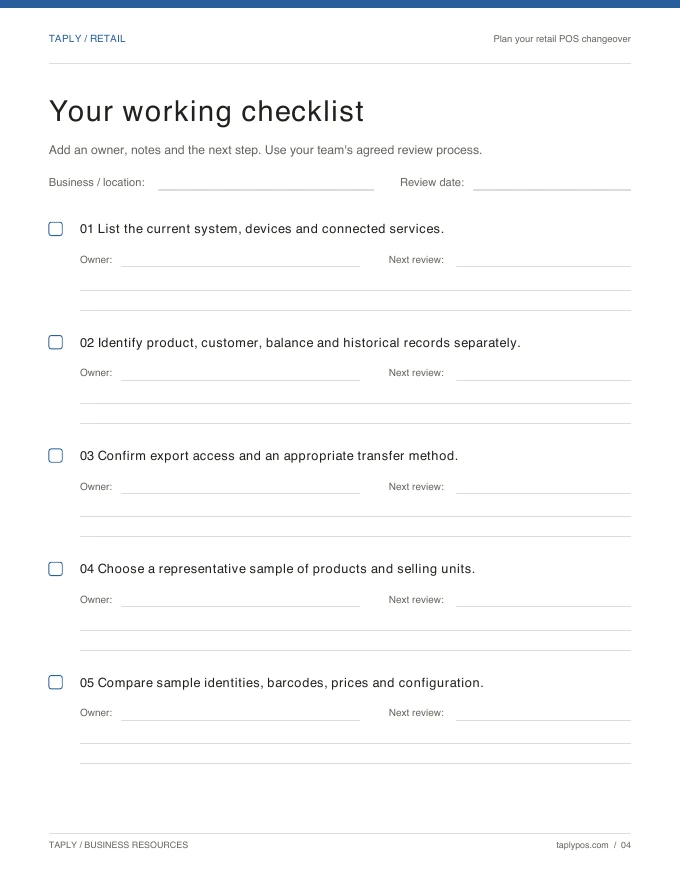
The useful starting point is your current store. Bring a sample catalog, supplier records and your exact equipment list so the transition can be planned around a real trading day.
Choose the tools around the way you serve customers. Confirm exact device models and connections before purchasing.
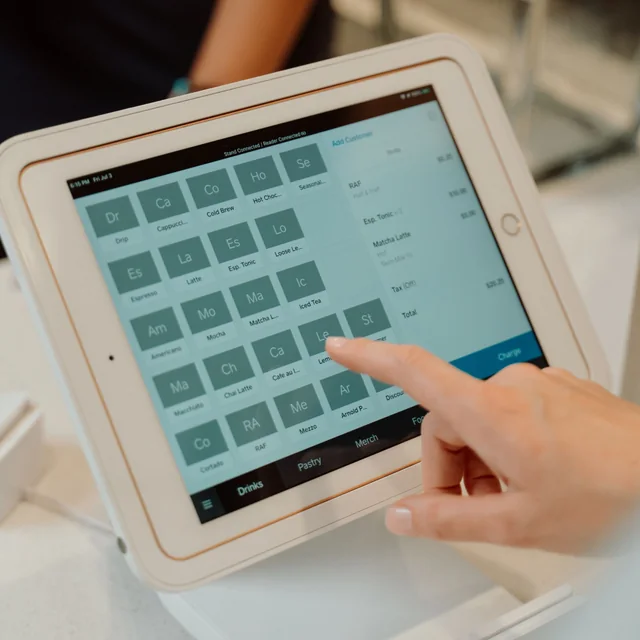
Keep the register in landscape on a stand that fits your tablet and counter.
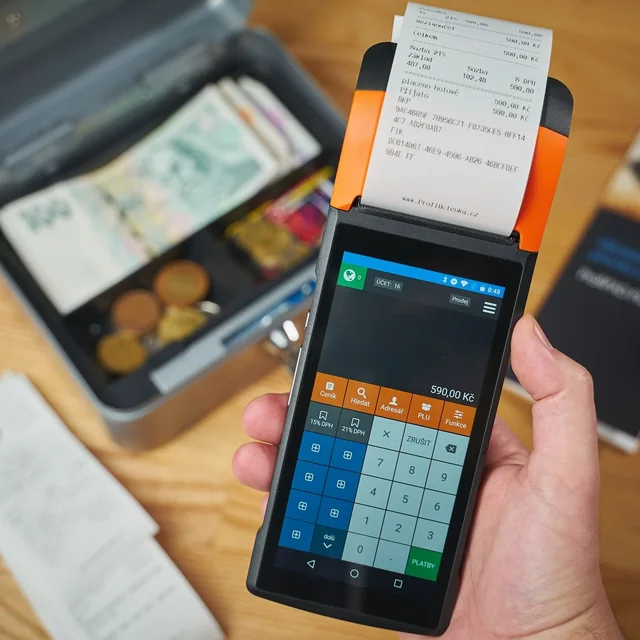
Review paper, printer model and connection method before choosing a printer.

Confirm supported readers, pairing and merchant eligibility for your store.
Equipment examples. Software, equipment and payment processing are separate.
Bring your products, supplier routines and equipment to a Taply Retail walkthrough.
Request a demoFocus on clear product records, barcode lookup, stock units, supplier receiving and useful reporting. Include examples of loose parts, packs and specialist departments in your evaluation.
Review the buying unit and selling unit for each example in your actual catalog. Automatic pack conversion is not promised by this page; confirm the correct item setup before rollout.
Paint formula systems, tinting integrations and weighed-item scale connections are not confirmed. Treat these as separate requirements in the capability review.
Customer records are available, but contractor credit limits, on-account billing and trade pricing require a specific review. Do not assume those financial workflows are included.
Taply Retail includes multi-store reporting and product-copying workflows. Confirm organization setup, staff access, plan scope and the exact stock or transfer behavior your stores need.
Start with an export sample, supplier records, opening stock and equipment model numbers. Agree migration scope and validation before choosing a launch date; the planning guide helps collect those details.