
Apps & equipment
Explore accounting, payments and the tools around your counter. Start with the connection that fits your Retail setup.
See all connectionsTaply Retail integrations
Accounting, payments and equipment, all orbiting the work at your counter. Click a connection to explore what it needs.
Explore all seven connections Stripe payments
 QuickBooks Online
Explore accounting, payments and the tools around your counter. Start with the connection that fits your Retail setup.
See all connections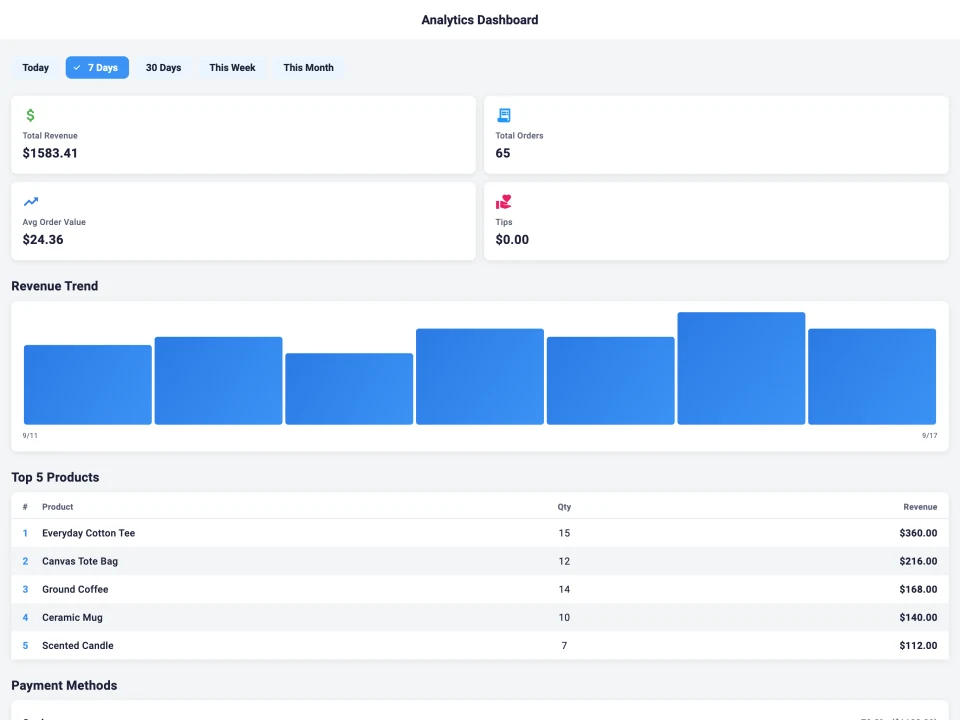
Connect your systems around products, stock, sales and reporting. Explore read scopes, events and a more tailored handoff.
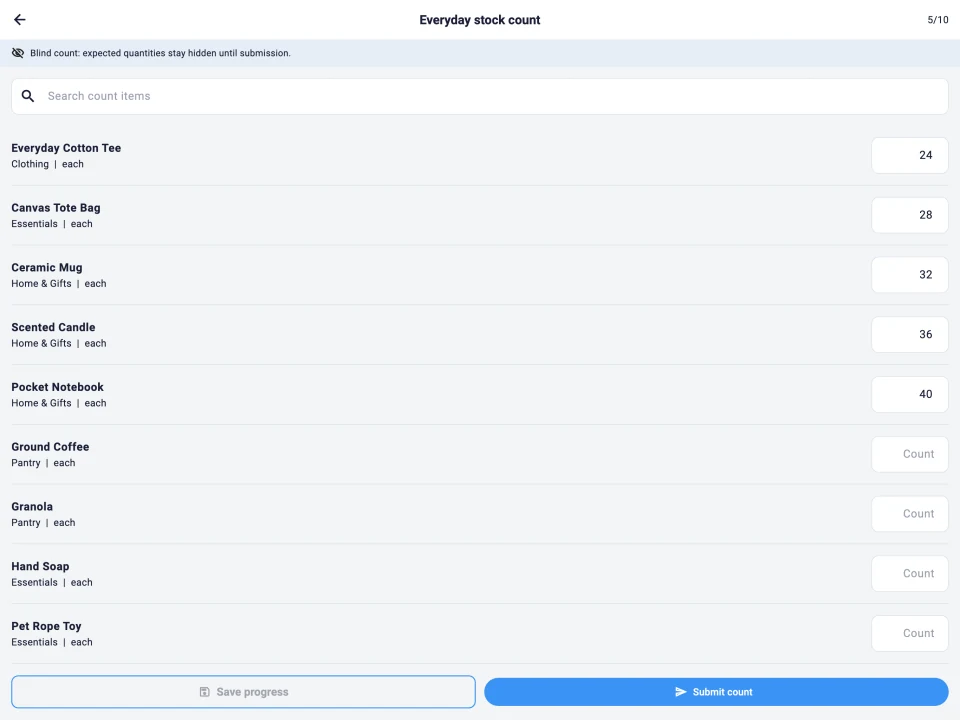
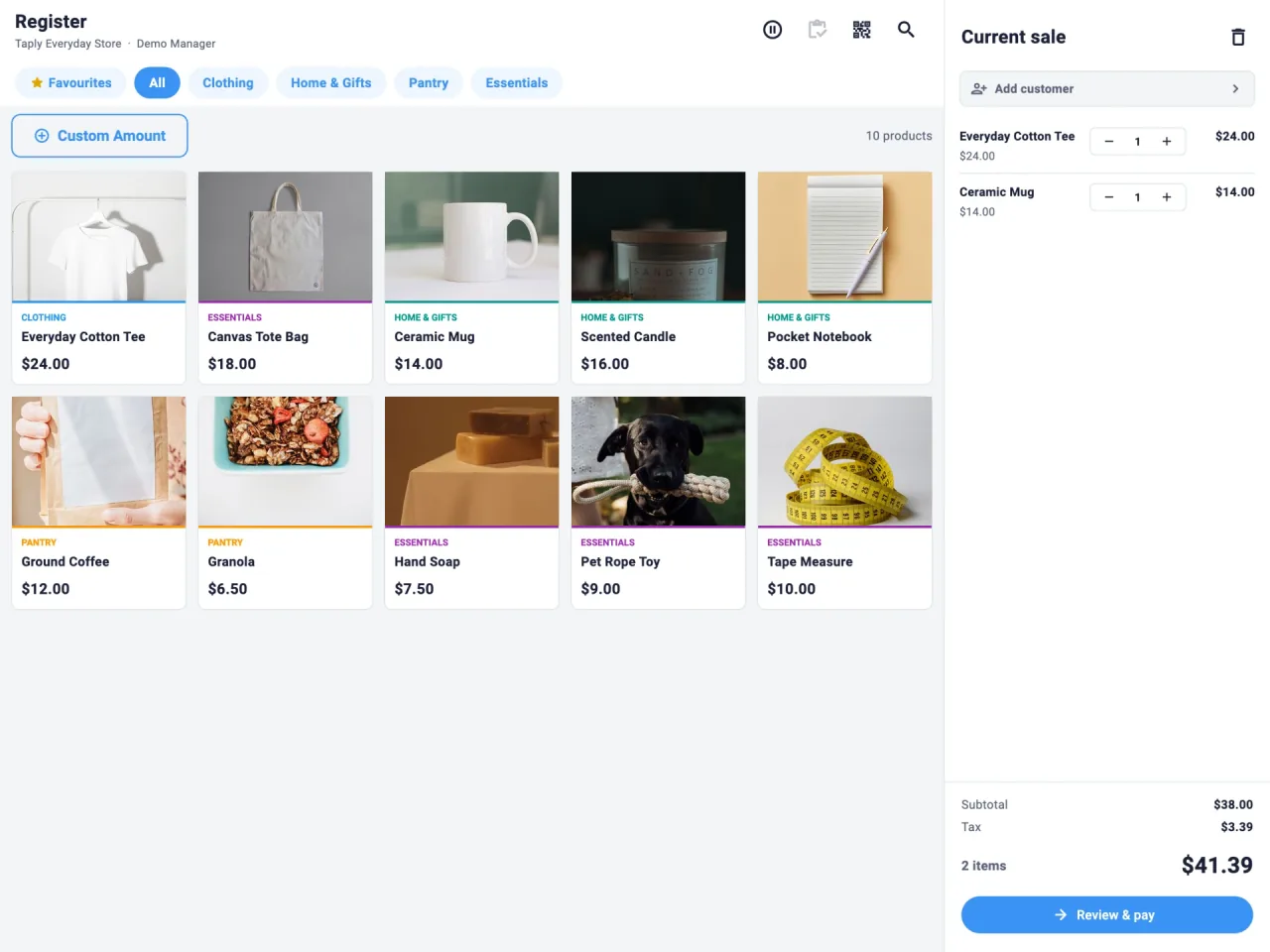
Explore the Retail APIStart with Stripe payment options, compatible barcode scanners and receipt or label printers. Bring your device and exact equipment models to the review. Your product catalog, tender choices and printed output should be checked as one checkout workflow.
QuickBooks Online supports a mapped daily journal, while CSV exports provide a file-based reporting handoff. Decide who reviews the figures and which store and reporting period they need. Compare a representative day with the source report before adopting the routine.
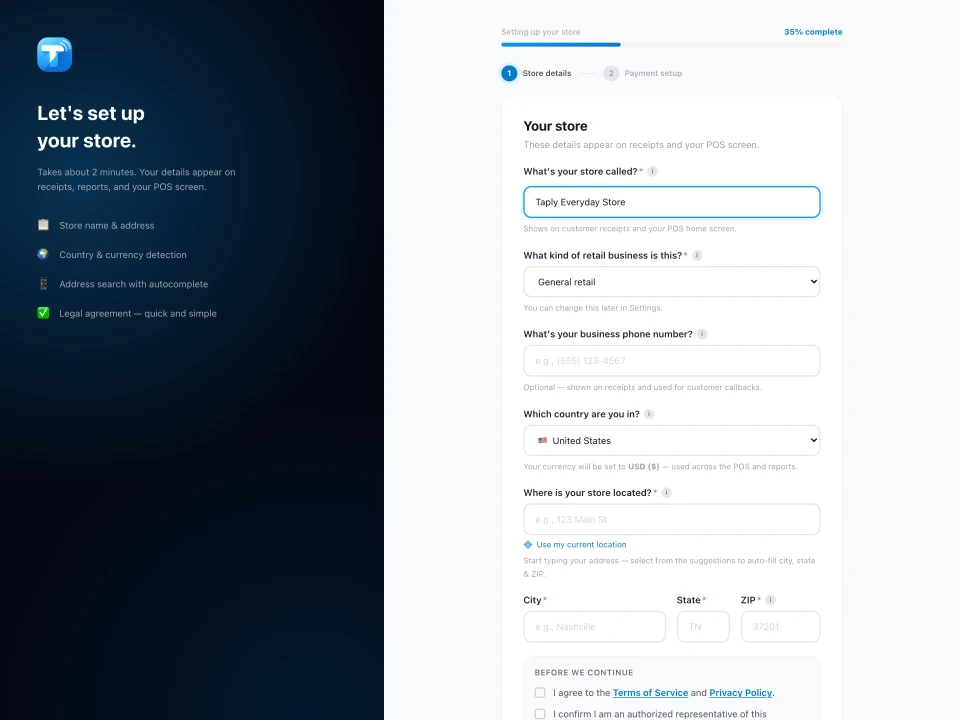
Explore API read scopes and webhook events when you need a specific connection to another system. Define the required records, update timing and receiving application. Ask for the applicable documentation and agree who will maintain the connection and investigate delivery exceptions.
Not sure which path fits? Talk with the Taply team
Choose another Taply product