Parts lookup
Find the item by SKU, category, product photo or compatible barcode input.
Explore this workflowPool & spa stores · Taply Retail
Bring pool supplies, replacement parts and showroom retail into one clear routine for the people running your store.
Pick sample products. Review the basket. Tap to finish.
Already with Taply? Owner login
Explore the Retail tools around your store’s everyday work.
Find the item by SKU, category, product photo or compatible barcode input.
Explore this workflowMaintain reorder points and par levels in the product record.
Explore this workflowReview the customer’s retail purchase history when they return to the store.
Explore this workflowReview supplies, parts and category performance for the selected period.
Explore this workflowCheck product matches, costs and quantities before receiving the delivery.
Explore this workflowMatch access and compatible counter equipment to the people doing the work.
Explore this workflowYOUR TURN AT THE COUNTER
 Taply RetailInteractive demo
Click a product to start your basket.
The returning customer
Use the customer’s purchase record to put the next retail conversation in context. Review your loyalty and gift-card options alongside the store’s own program rules.
Your season, in view
Bring product performance, tender activity and maintained costs into the owner’s review. Use the date range and filters that match your questions.
Your business has its own details
Field-service dispatch, recurring maintenance, water testing, equipment installation, warranties and chemical-specific controls require a separate review. This page describes store retail workflows.
Discuss your requirementsThe tools around your store
Explore the accounting, payment and equipment connections around Taply Retail, including the setup each one needs.
Explore Retail connectionsClick an orbiting icon to learn more. Stripe payments
 QuickBooks Online
Considering the switch?
Bring your real catalog, current equipment and the exceptions your team handles. A useful walkthrough follows your business from the first delivery to the final closeout.
Made for your counter
Build around the way your staff works, then confirm the exact models and connections.
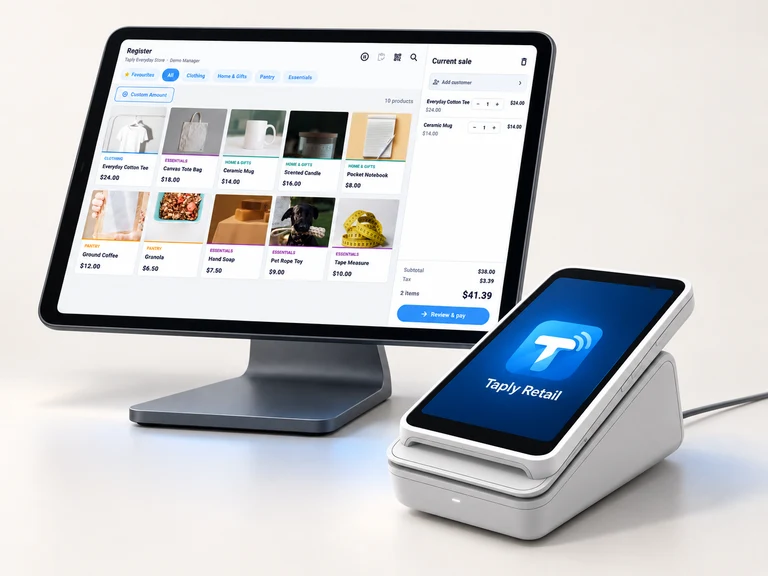
Give the register a clear view and a stable home. Confirm the tablet model, operating system and stand fit.
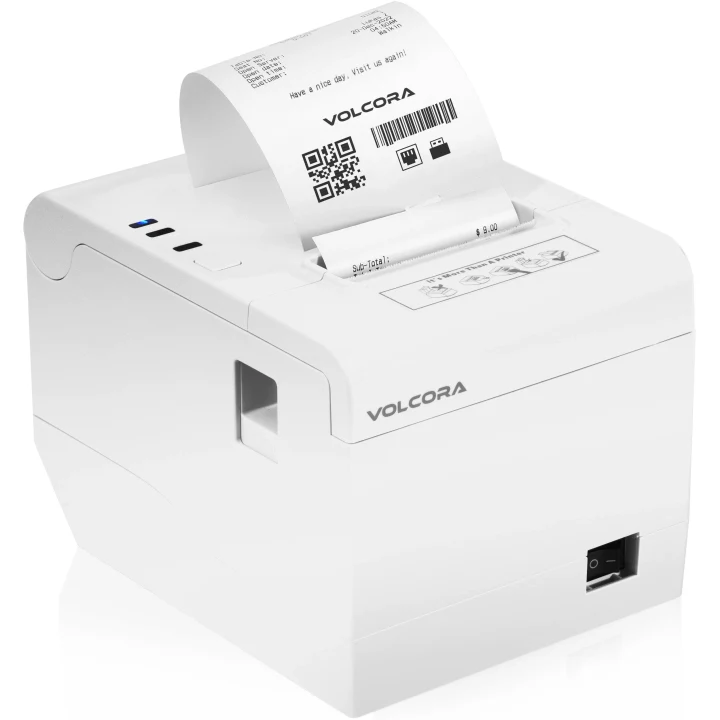
Match the exact printer, paper and connection to the way your store produces receipts.
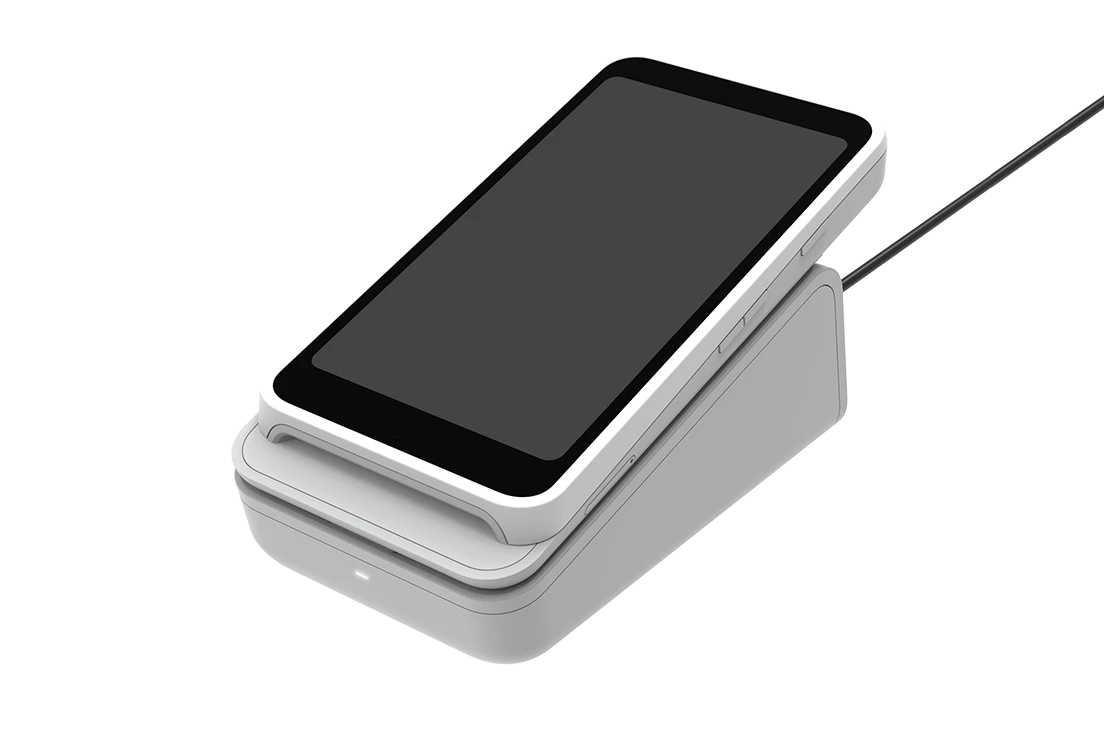
Review supported readers, pairing and merchant eligibility before selecting payment equipment.
Equipment examples. Software, equipment and payment processing are separate.
Free tools to help you plan your next step.
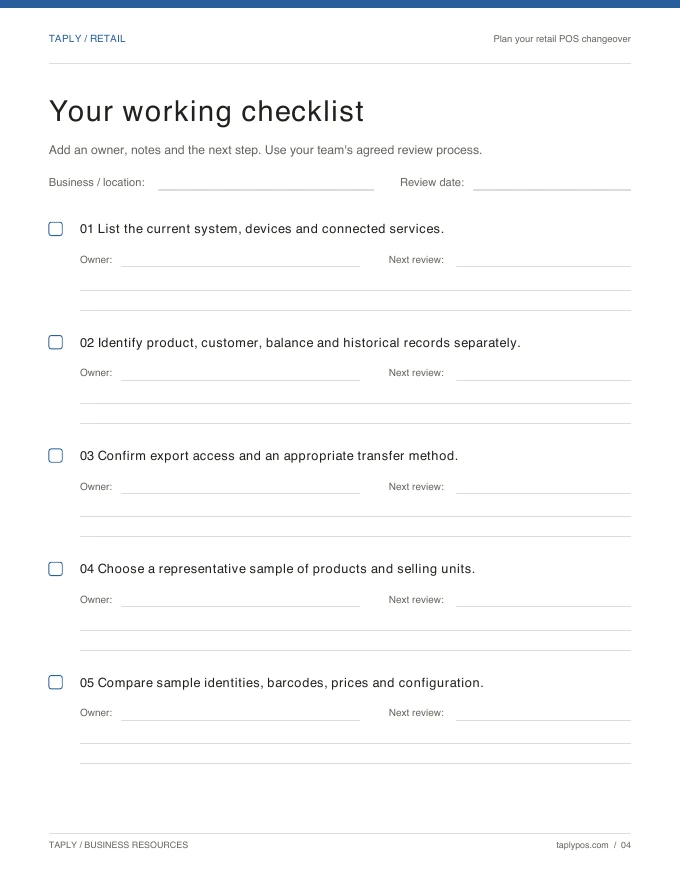
Capture the records, equipment and routines you want to preserve.
Explore the resource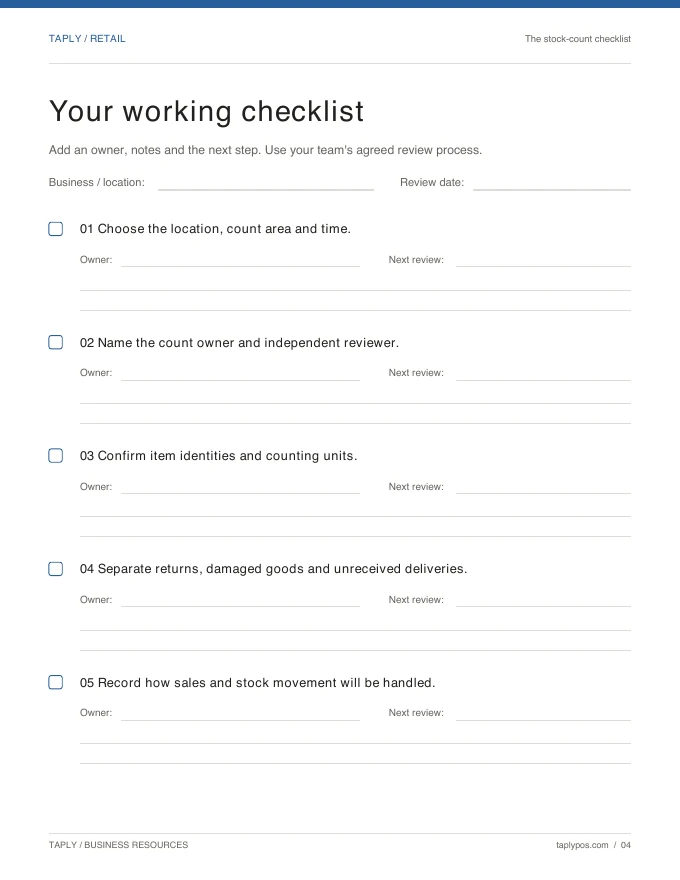
Give the count a scope, a responsible team and a review process.
Explore the resource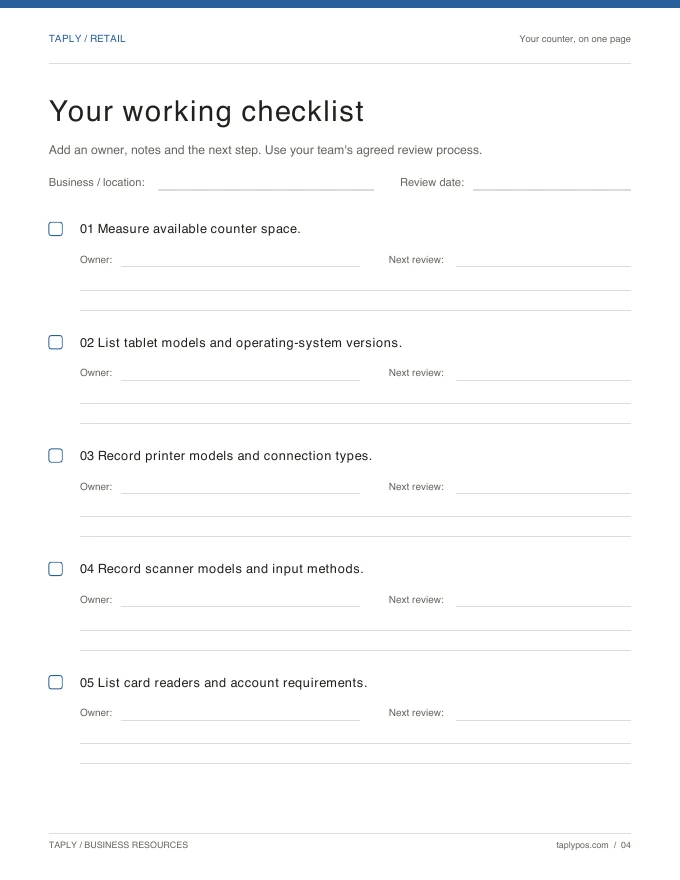
Bring exact device models and connection methods to the conversation.
Explore the resourceField-service scheduling, technician dispatch and recurring maintenance billing are not confirmed by this Retail page. Bring your existing service system and connection requirements to a capability review.
Use clear product names, SKUs and barcodes for the parts you sell. Review your actual model identifiers, package quantities and lookup needs during the walkthrough.
Water-test records, dosing recommendations and chemical-specific selling or traceability requirements are not confirmed here. Review those needs separately from the store’s general inventory workflow.
Bring vendor details, representative invoices, purchasing packages and the items you want to count. Review reorder points, par levels and receiving responsibilities before the season starts.
Bring your collection, your team’s routine and your questions.
Request a Retail demo