A considered catalog
Keep clear item names and identifiers for the collection and its accessories.
Explore this workflowBridal boutiques · Taply Retail
Give your bridal collection, customer records and everyday retail work the attention you bring to every store visit.
Pick sample products. Review the basket. Tap to finish.
Already with Taply? Owner login
YOUR TURN AT THE COUNTER
 Taply RetailInteractive demo
Click a product to start your basket.
Explore the Retail tools around your store’s everyday work.
Keep clear item names and identifiers for the collection and its accessories.
Explore this workflowReview purchase-order drafts and delivered pieces against the supplier’s invoice.
Explore this workflowAttach the correct customer and review their retail purchase history.
Explore this workflowReview products, sales and maintained costs in the owner workspace.
Explore this workflowReview the complete basket and configured payment options before collection.
Explore this workflowPlan the landscape tablet, receipt output and supported reader for your boutique.
Explore this workflowA personal store visit
Keep the customer attached to the retail transaction. Clear records help staff review what was purchased without confusing the sale with an appointment or an alteration job.
A clear owner view
Review your boutique’s sales and inventory together. Bring the questions that matter to your buying decisions into the reporting walkthrough.
Your business has its own details
Appointment scheduling, fittings, alterations, special orders, deposits and layaway require a separate capability review. This page describes the Retail catalog, customer, stock and checkout workflows.
Discuss your requirementsThe tools around your store
Explore the accounting, payment and equipment connections around Taply Retail, including the setup each one needs.
Explore Retail connectionsClick an orbiting icon to learn more. Stripe payments
 QuickBooks Online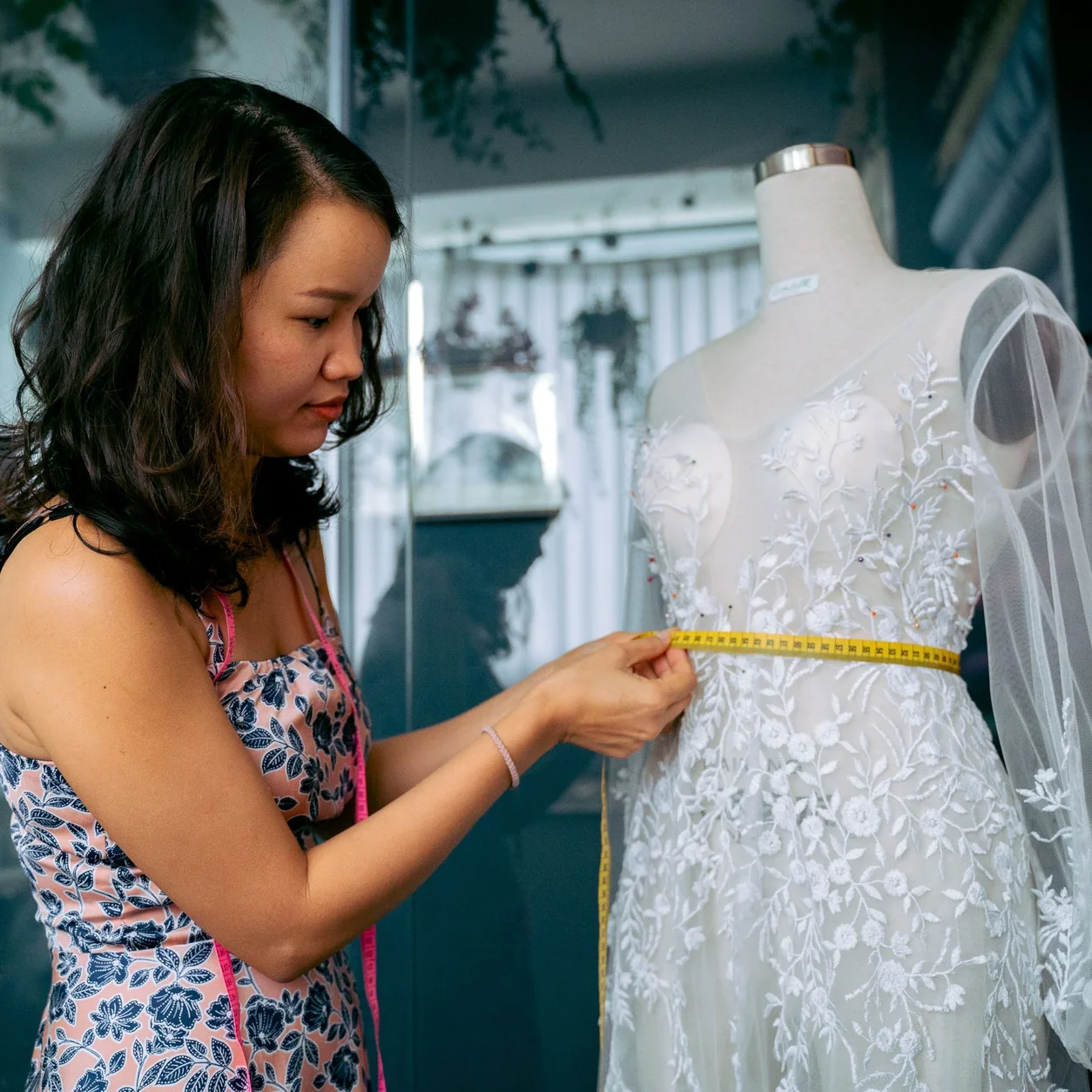
Considering the switch?
Bring your real catalog, current equipment and the exceptions your team handles. A useful walkthrough follows your business from the first delivery to the final closeout.
Made for your counter
Build around the way your staff works, then confirm the exact models and connections.
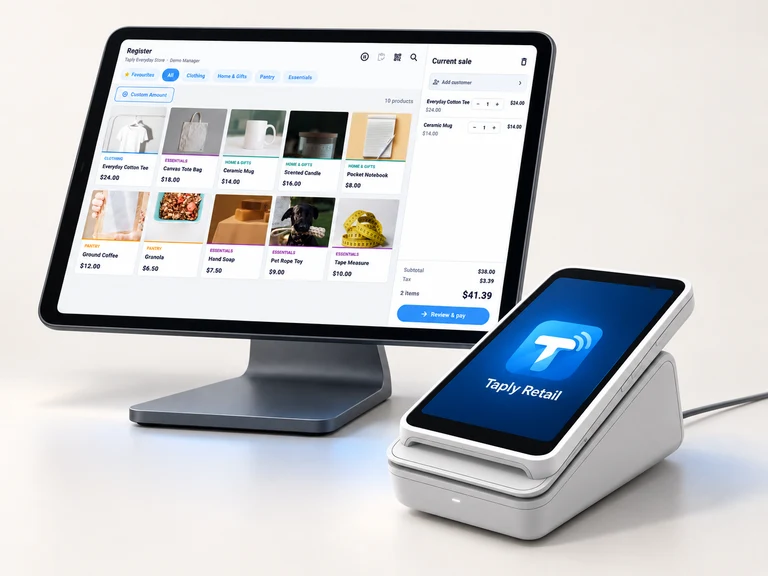
Give the register a clear view and a stable home. Confirm the tablet model, operating system and stand fit.
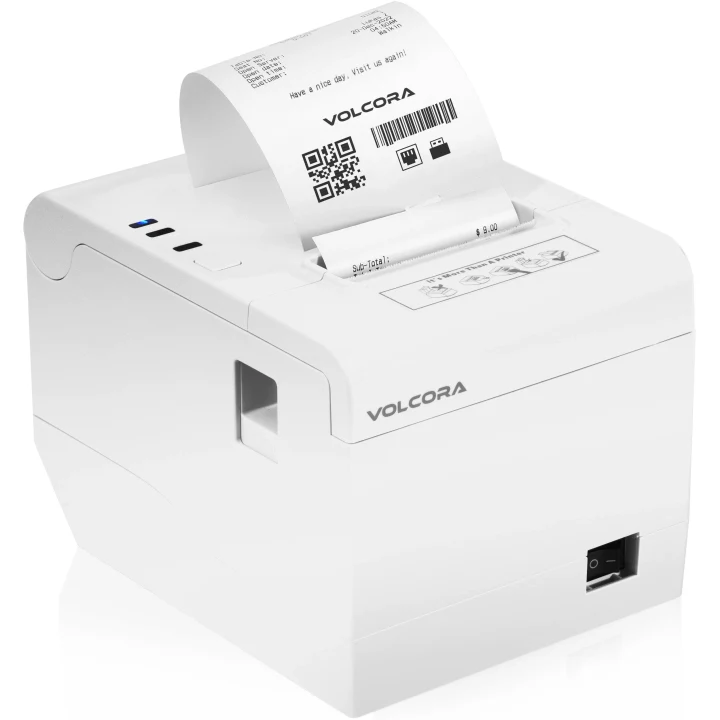
Match the exact printer, paper and connection to the way your store produces receipts.

Review supported readers, pairing and merchant eligibility before selecting payment equipment.
Equipment examples. Software, equipment and payment processing are separate.
Free tools to help you plan your next step.
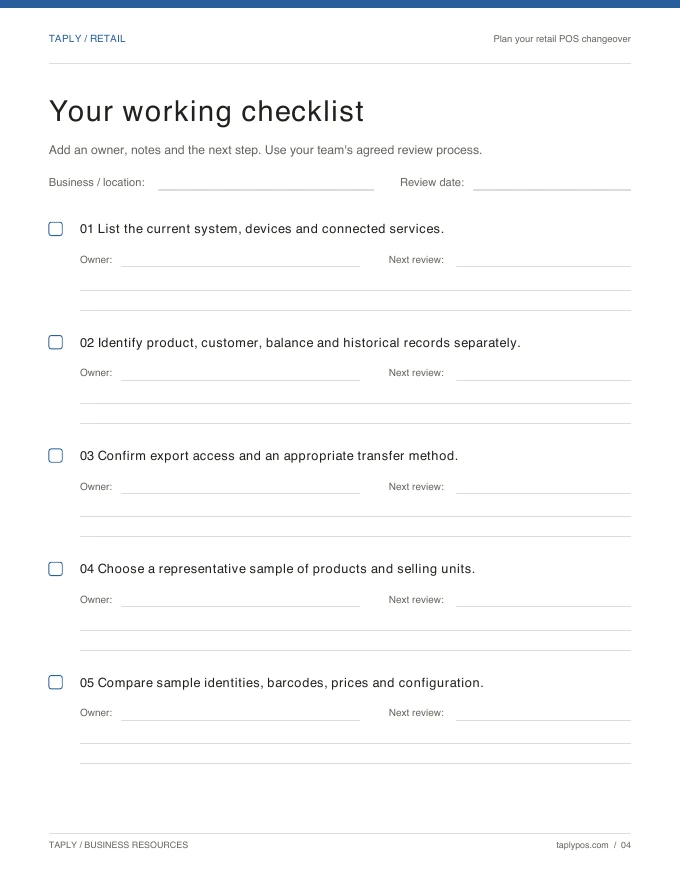
Capture the records, equipment and routines you want to preserve.
Explore the resource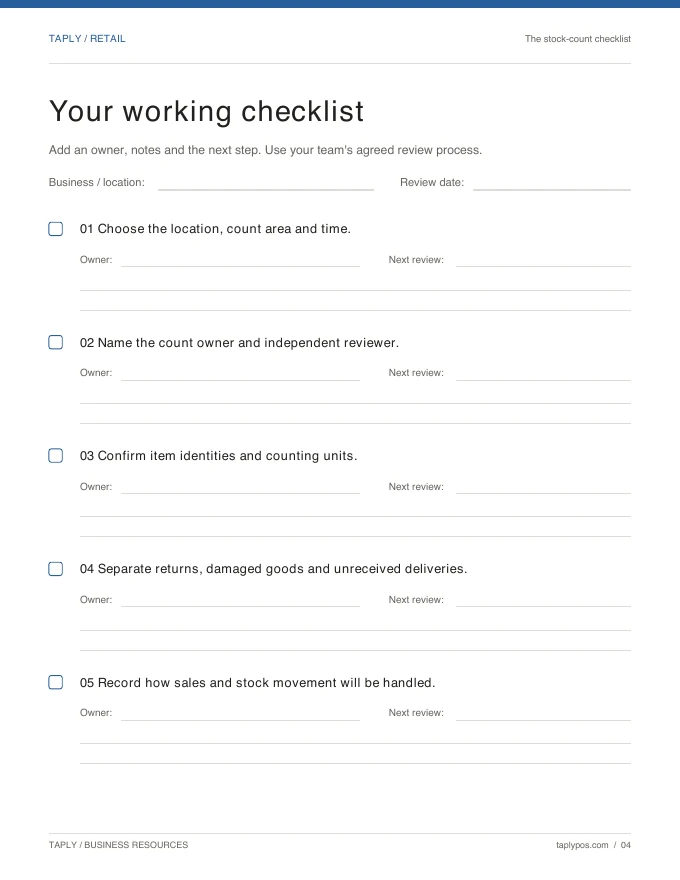
Give the count a scope, a responsible team and a review process.
Explore the resource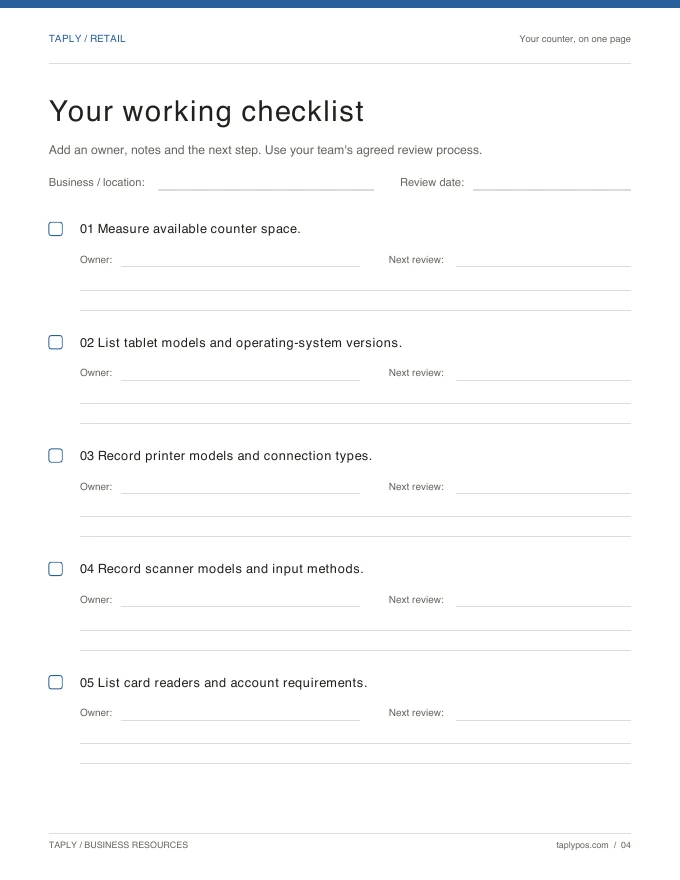
Bring exact device models and connection methods to the conversation.
Explore the resourceBridal scheduling, fitting calendars and alteration work orders are not confirmed features of the Retail setup described here. Bring your appointment system and requirements to a separate capability discussion.
Review distinct item records, identifiers, categories and stock treatment with your actual collection. Samples and other non-sale items need an agreed configuration before rollout.
Those workflows require a specific capability review. Do not treat a held basket or split tender as confirmation that a deposit, layaway or special-order process is supported.
Bridal retail uses the Taply Retail owner workspace. It does not require a separate bridal product account. Your plan, equipment and operating needs should be confirmed during setup.
Bring your collection, your team’s routine and your questions.
Request a Retail demo