Distinct product records
Give each finish and sellable package a clear name, SKU and barcode.
Explore this workflowFlooring stores · Taply Retail
Keep your flooring collection, supplier deliveries and everyday showroom sales organized around the way your team works.
Pick sample products. Review the basket. Tap to finish.
Already with Taply? Owner login
YOUR TURN AT THE COUNTER
 Taply RetailInteractive demo
Click a product to start your basket.
Explore the Retail tools around your store’s everyday work.
Give each finish and sellable package a clear name, SKU and barcode.
Explore this workflowReview purchasing units and the base stock units they contain before receiving.
Explore this workflowKeep the correct customer connected to the retail transaction.
Explore this workflowReview sales, products and maintained costs in the owner workspace.
Explore this workflowRecord delivered and outstanding quantities, then resolve exceptions.
Explore this workflowPlan compatible scanning, landscape tablet and receipt equipment.
Explore this workflowFrom display to basket
Find the correct item, check the selling unit and review the basket before payment. Demonstrate your actual carton and individual-unit requirements during setup.
Purchasing with context
Supplier names, purchasing units and invoice details belong with the delivery review. Verify draft information before it becomes received stock.
Your business has its own details
Area calculators, cutting plans, dye-lot tracking, installation scheduling, job estimates and project deposits are not confirmed here. Bring these requirements to a specific product-fit review.
Discuss your requirementsThe tools around your store
Explore the accounting, payment and equipment connections around Taply Retail, including the setup each one needs.
Explore Retail connectionsClick an orbiting icon to learn more. Stripe payments
 QuickBooks Online
Considering the switch?
Bring your real catalog, current equipment and the exceptions your team handles. A useful walkthrough follows your business from the first delivery to the final closeout.
Made for your counter
Build around the way your staff works, then confirm the exact models and connections.
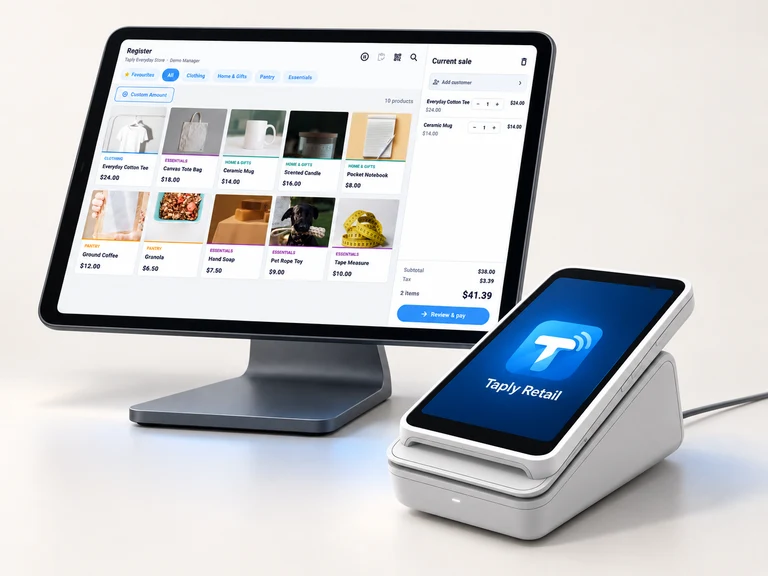
Give the register a clear view and a stable home. Confirm the tablet model, operating system and stand fit.
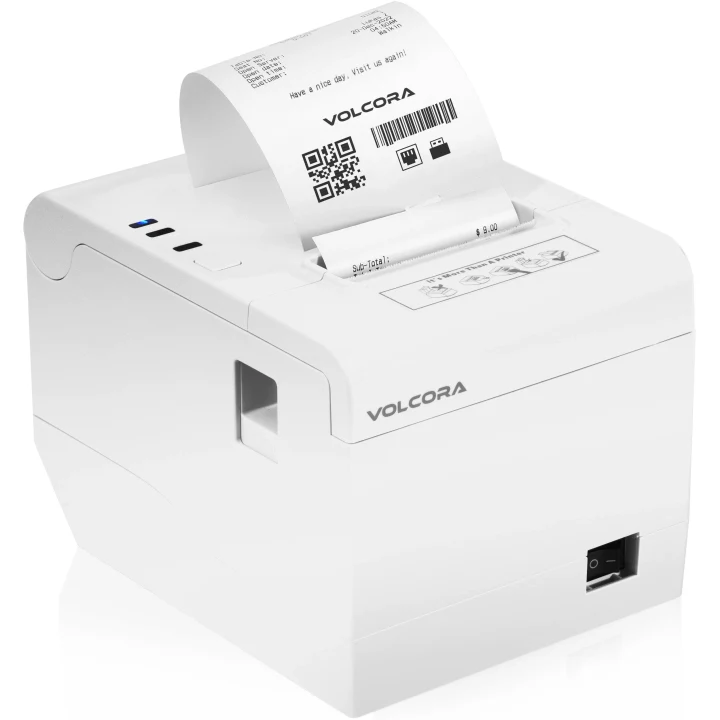
Match the exact printer, paper and connection to the way your store produces receipts.

Review supported readers, pairing and merchant eligibility before selecting payment equipment.
Equipment examples. Software, equipment and payment processing are separate.
Free tools to help you plan your next step.
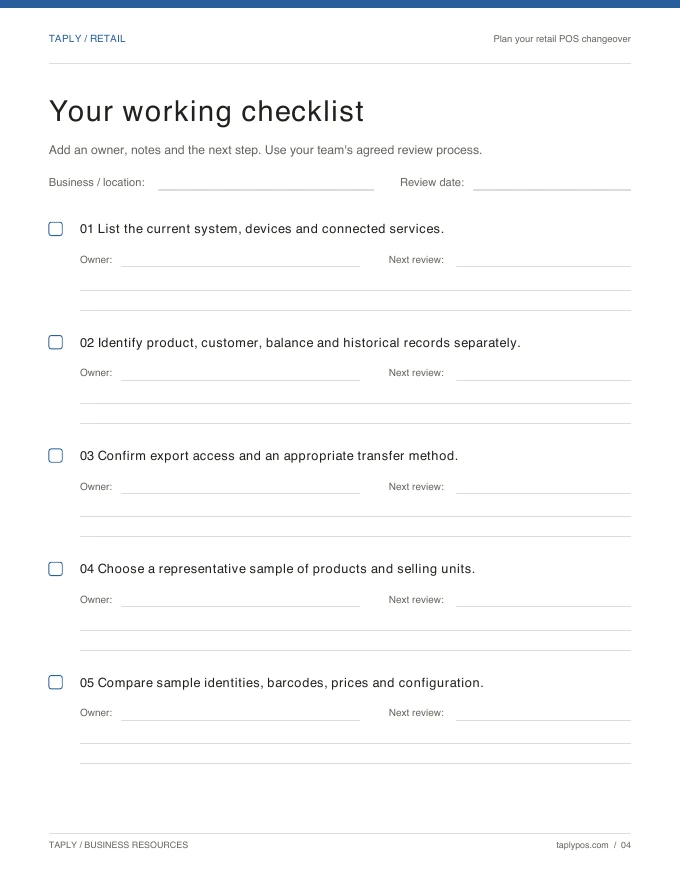
Capture the records, equipment and routines you want to preserve.
Explore the resource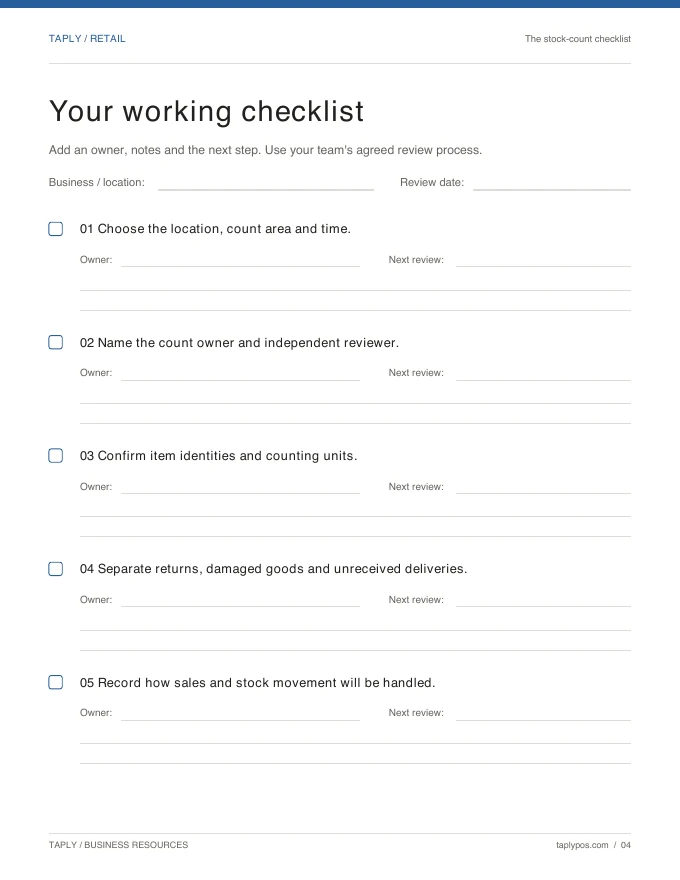
Give the count a scope, a responsible team and a review process.
Explore the resource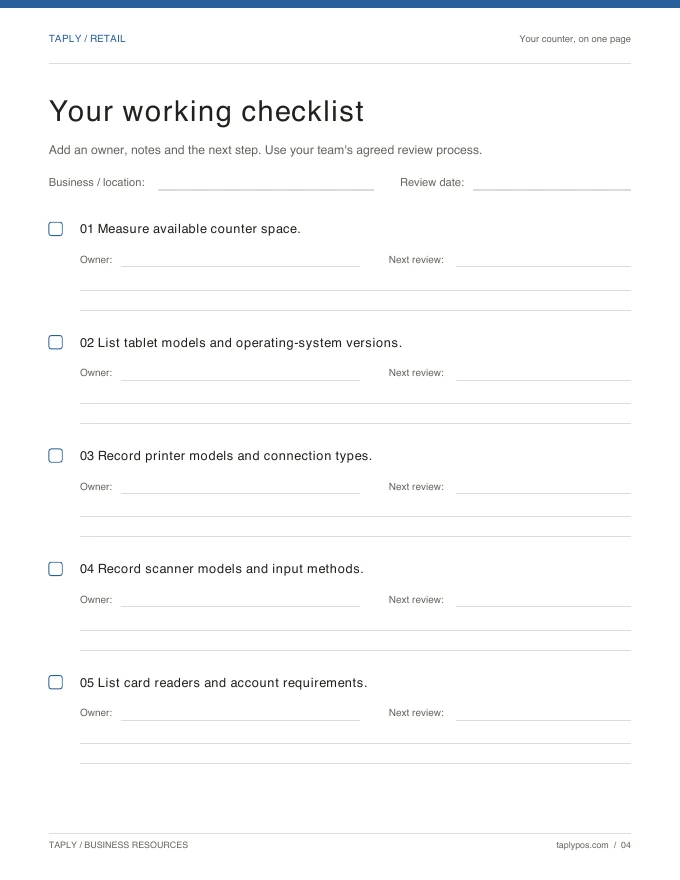
Bring exact device models and connection methods to the conversation.
Explore the resourceRoom-area calculations, waste allowances and cutting plans are not confirmed features of this Retail setup. Review those requirements separately from product records and standard checkout.
Purchasing packages connect to configured base stock units. Bring your actual carton quantities, selling units and supplier examples so the team can verify the proposed setup.
Installation scheduling, project estimates, progress billing and job deposits require a separate capability review. This page covers the Retail catalog, receiving and sale workflows.
Dye-lot tracking and sample-loan management are not confirmed here. Include those requirements and your current process in the product-fit conversation.
Bring your collection, your team’s routine and your questions.
Request a Retail demo