The retail POS buyer's guide
Compare workflows, equipment and costs. Bring the right questions to your next POS demo.
Read the guideA little more order. From the very first label.
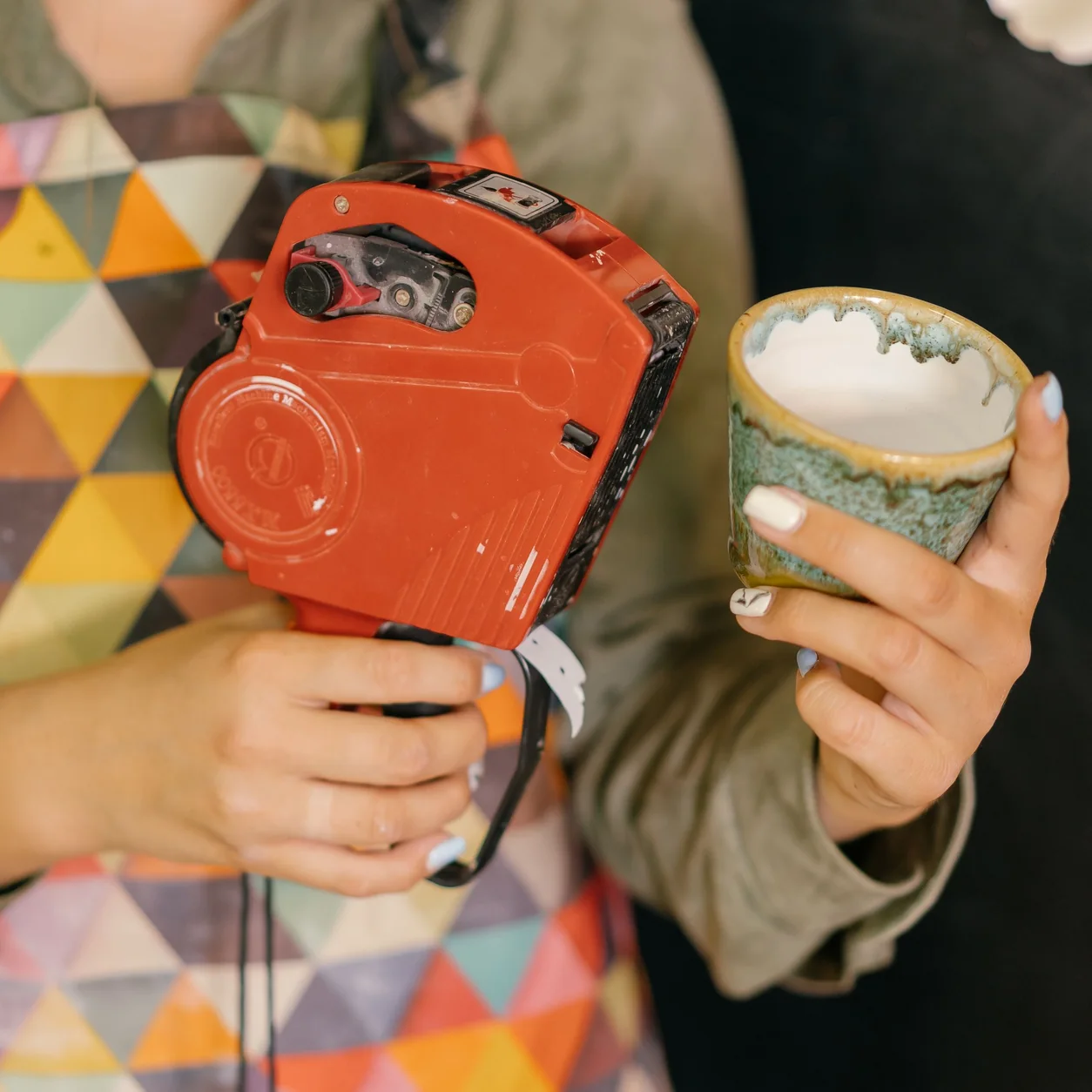
FROM CODE TO COUNTER
Choose from 13 barcode formats and turn your existing product codes into downloadable SVG labels. Start with a single item, then generate the next label when you’re ready.
Create barcodesFree to use. Email required to request your first download.
A SIMPLE PLACE TO START
Match the format your label or inventory workflow requires. Use an assigned product code or an internal stock identifier.
Enter the value and check the validation result. UPC, EAN-13, EAN-8 and ITF-14 can calculate the final check digit for you.
Request your download, save the file and print a test label. Keep the black bars, white background and clear margins.
Scan the printed label with your intended hardware. Confirm the decoded value matches the product record before using it.

Compare workflows, equipment and costs. Bring the right questions to your next POS demo.
Read the guideEight useful measures, clear calculation examples and a checklist for your next business review.
Read the guideImprove product information, review page discovery and give your website team a clear plan.
Read the guideShowing 3 of 3 more resources for your store
BEYOND THE LABEL
Explore the register, stock workflows and screens that bring your store together.
Explore Taply Retail