Bring your iPad
$295one-time hardware
Your iPad. The essentials around it.
- Use your own compatible iPad
- Counter stand + white Volcora printer
- Stripe M2 card reader
From the first order to the final check. Bring your counter, guest display and kitchen together with equipment that fits your service.
$595 once. Your POS essentials kit.
11-inch iPad, stand, printer and Stripe M2 reader.
Software, processing, tax and shipping are separate.
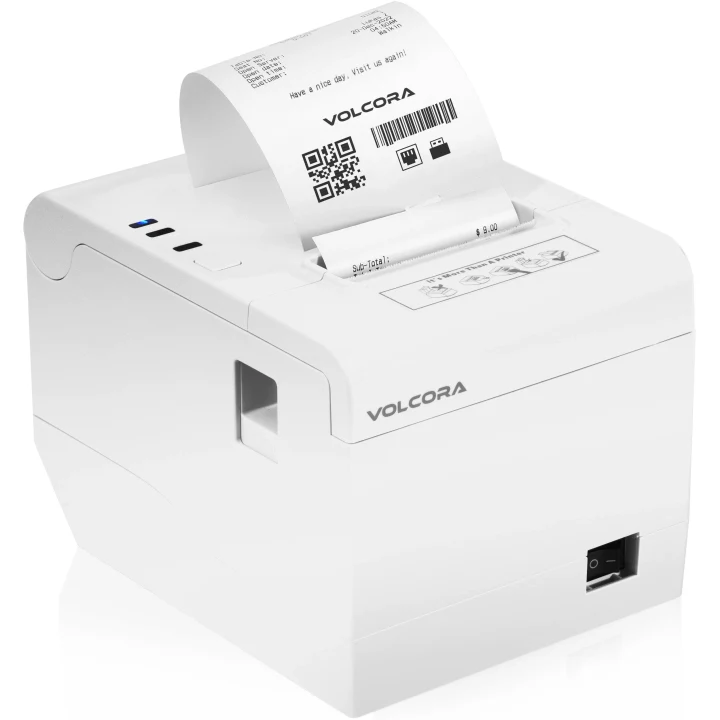 Receipt printer
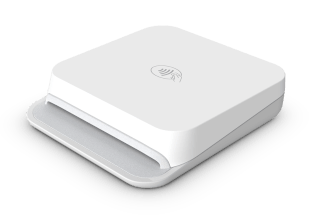 Stripe Reader M2
RESTAURANT HARDWARE
Bring your compatible iPad or choose a supplied setup. Pick the equipment that fits your service.
$295one-time hardware
Your iPad. The essentials around it.
$595one-time hardware
One iPad. A complete point of sale.
$895one-time hardware
One for your team. One for your guest.
USD hardware prices. Software, payment processing, tax and shipping are separate. Supplied iPads are 11-inch iPad (A16), 128GB. Connectivity, upgrades, installation and optional accessories are confirmed in your quote. The guest display requires Ultra or Enterprise; a dedicated kitchen display requires Ultra or Enterprise.
Get to know the equipment, then choose the combination that works for your counter and kitchen.
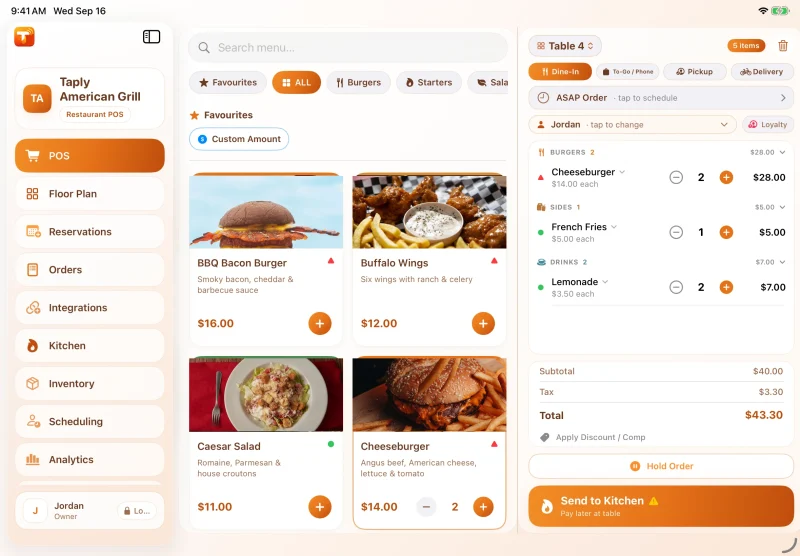
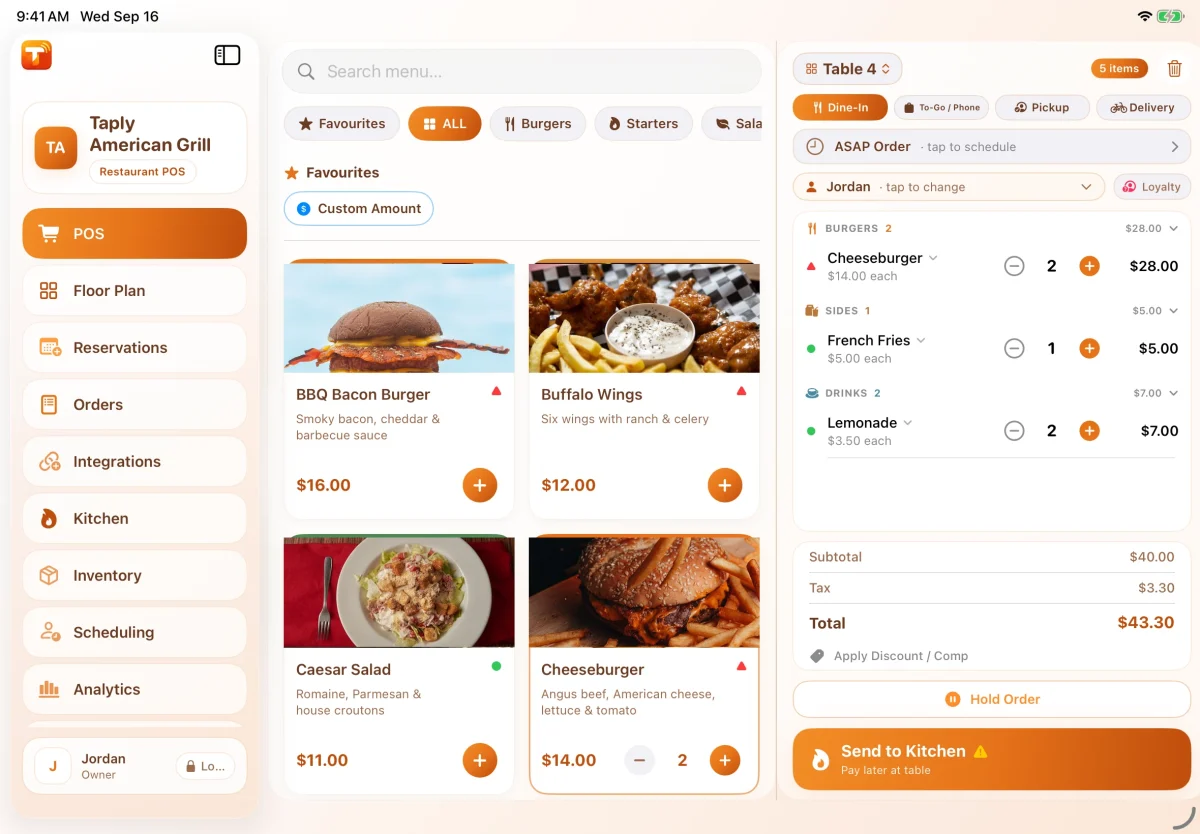
The menu, order and checkout in one place. Supplied counter kits include an 11-inch iPad (A16), 128GB. Already have an iPad? Ask us to check compatibility.
Explore the point of saleA compact card reader for the counter. Guests review their order and choose a tip on the customer display, then tap or insert their card at the M2. Payment setup is confirmed during onboarding.
Explore Restaurant paymentsA printed guest check, close at hand. A white Volcora printer is included in each counter kit. The manufacturer model pictured is an example; your quote confirms the exact model and connections.
Check printer compatibility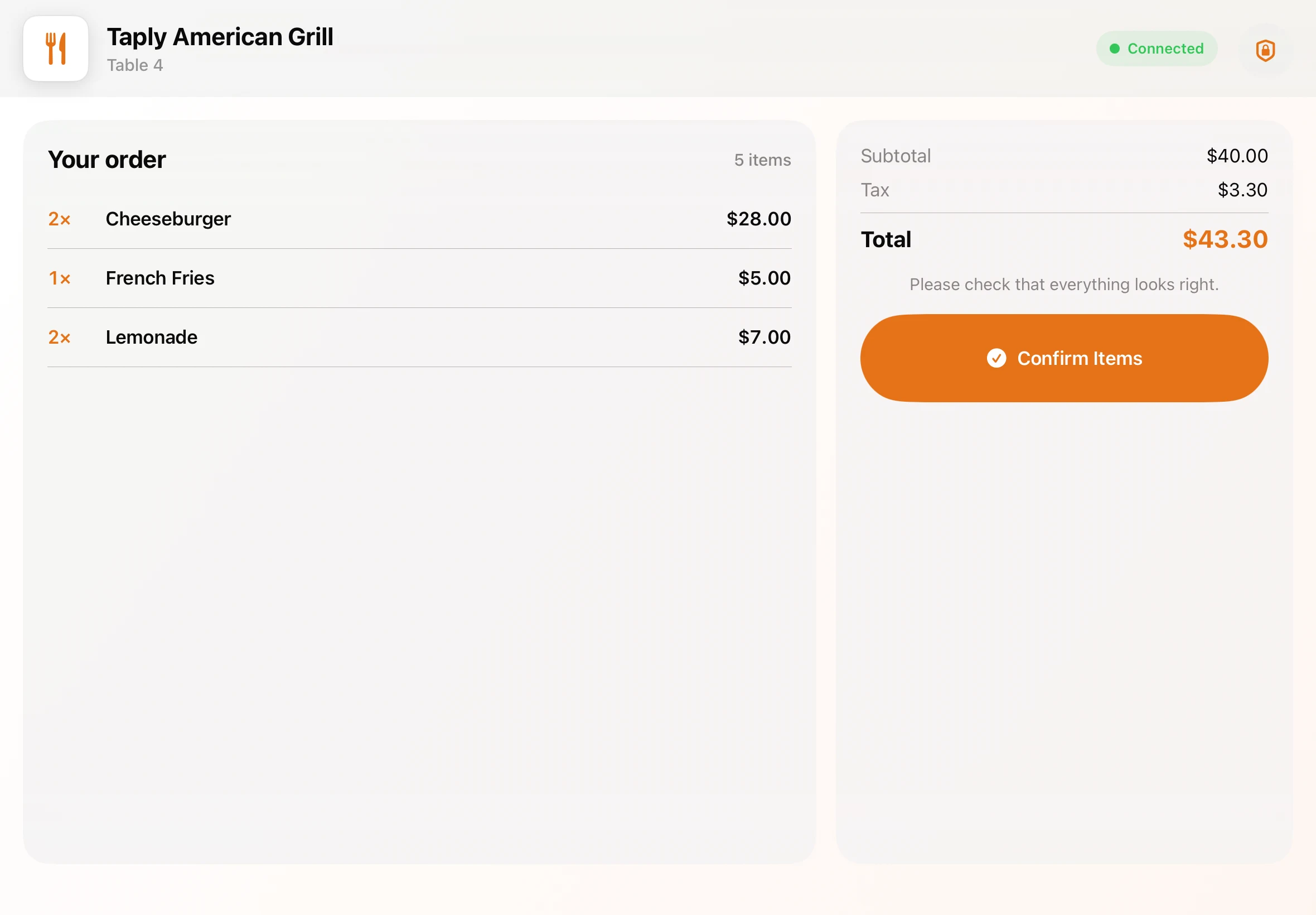
Give your guest a landscape screen of their own. The Complete counter kit includes a second 11-inch iPad. Customer display software requires Ultra or Enterprise. Ultra includes one customer display or KDS connection.
Explore the guest experience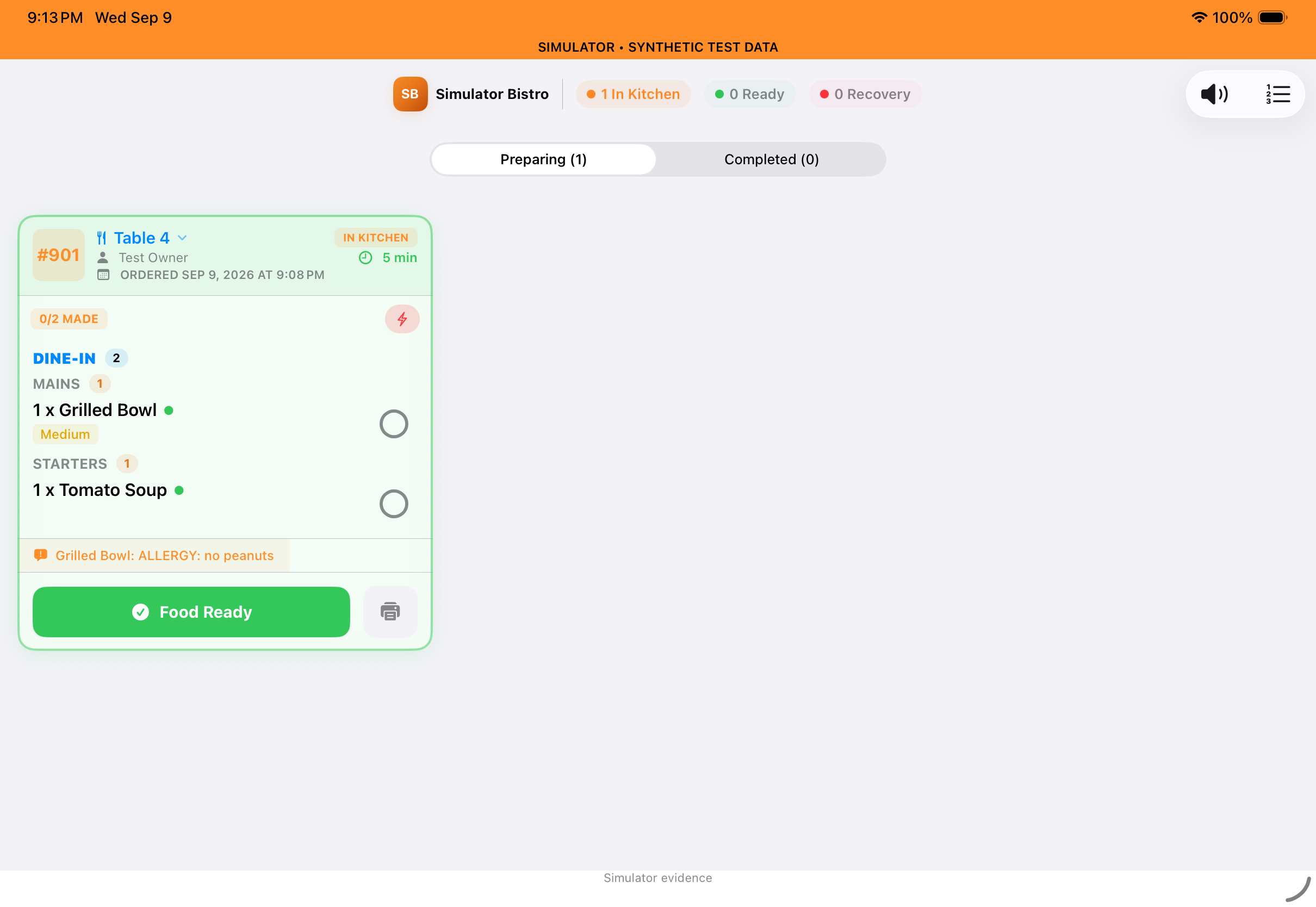
Keep incoming tickets in the kitchen’s view on a dedicated iPad. Add the device for $300. KDS software requires Ultra or Enterprise; mounts and installation are quoted separately.
Explore Taply Kitchen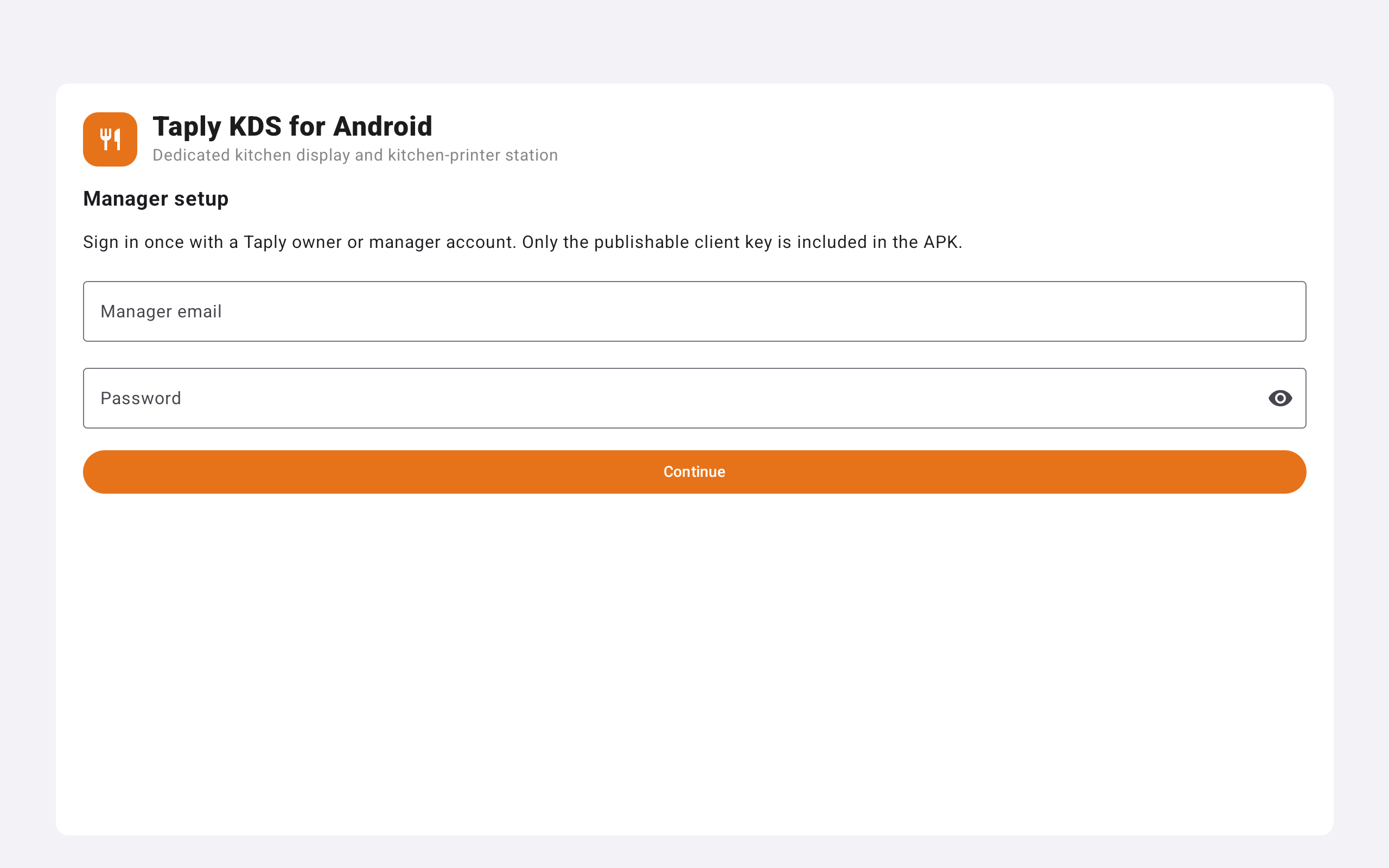
Choose an Android screen for the kitchen for $600. Confirm the device model and mounting needs in your quote. Dedicated KDS software requires Ultra or Enterprise.
Compare kitchen optionsScreen previews show actual Taply interfaces with demonstration data. Confirm equipment models, connections and compatibility before purchase.
Start with what’s on your counter. Send us the model numbers and connection details so we can check what fits your Taply setup.
Talk through the equipment, software and service your restaurant needs.
Talk to Taply Restaurant