All Features

Everything Your Restaurant Needs

Start with core POS workflows, then add advanced restaurant operations when your team needs them.

Feature Entitlements

Locked features remain visible with upgrade prompts. Free covers one-device POS; Pro adds controls and reports; Ultra unlocks Floor, dedicated KDS, and advanced operations.

Included in Free

Single-device basic POS, menu/order entry, payment acceptance, and basic order history.

Pro Features

Modifiers, refunds, staff roles, PIN permissions, tax/tip settings, standard reports.

Ultra Features

Floor app, dedicated KDS, floor/table workflows, inventory, scheduling, reservations, QR ordering, advanced analytics, delivery workflows, and priority support. Provider integrations are marked Live only after validation.

Enterprise

Multi-location, centralized reporting, custom onboarding, negotiated support.

Device Limits

Free1 device
Pro2 devices
Ultra5 devices
EnterpriseCustom/unlimited
Core POS

Ordering & Payments

A complete point-of-sale that works offline, every time.

Menu Grid

Category-filtered menu with live search. Spice levels, dietary flags, and sold-out toggles.

Payments

Accept payments with Stripe Terminal, Tap to Pay on iPhone where eligible, and Square where configured. Payment setup, refunds, and payout details stay separate from Taply software billing.

Tax Engine

Location and category-based tax setup for prepared food, soda, beer, alcohol, and reporting. Operators should verify requirements with a CPA or local tax authority.

Hold & Reopen

Hold an order, serve another table, and reopen it seamlessly. No data lost.

Receipt Printing

AirPrint support for instant receipts. Email delivery option built in.

Void & Refunds

Full and partial refunds with reason tracking and tamper-proof audit logging.

AllAppetizersMainsDrinksDesserts

Butter Chicken

$16.99

Biryani

$14.99

Tikka Masala

$15.99

Naan Bread

$3.99

Samosa (2pc)

$5.99

Mango Lassi

$4.99

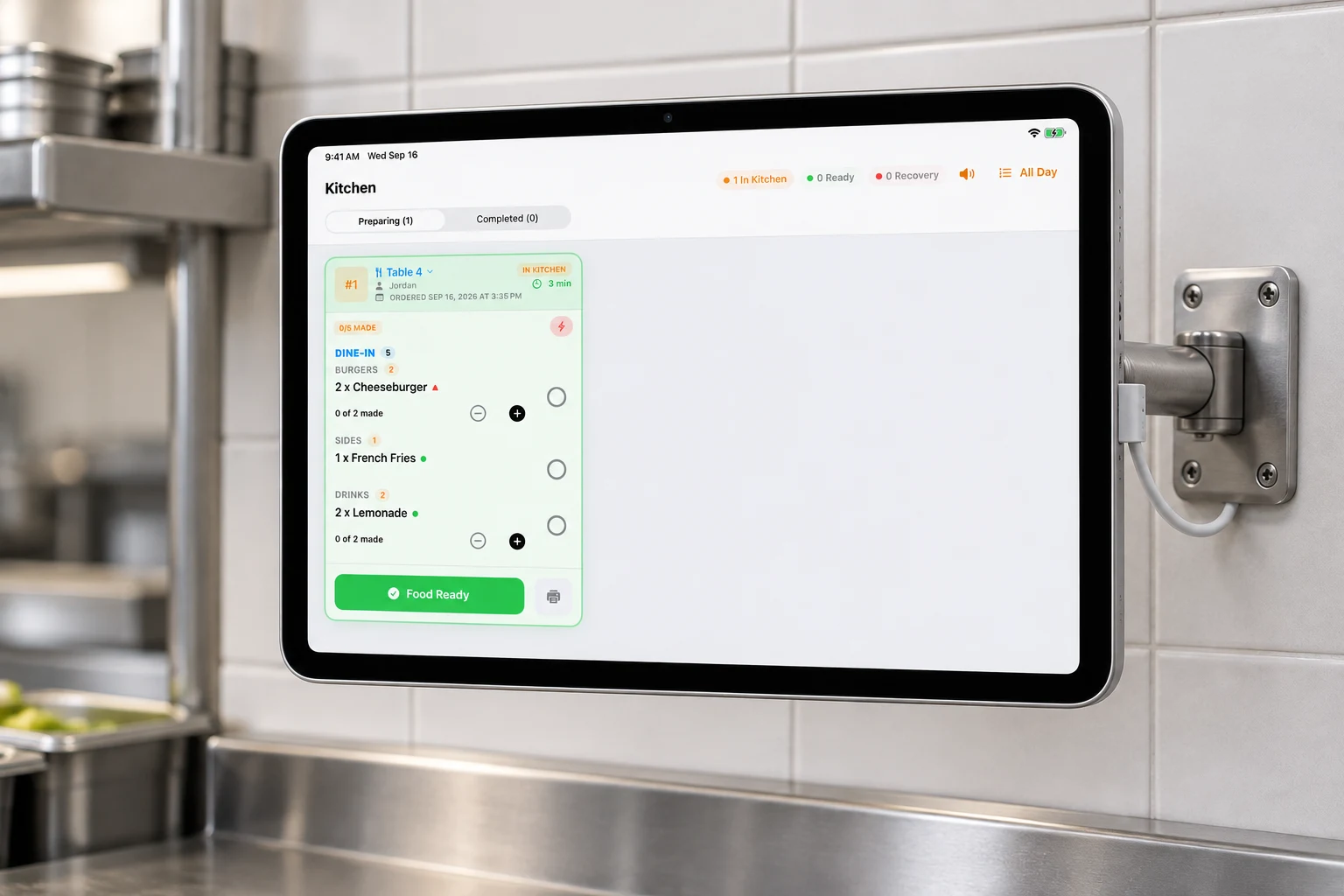
Kitchen Display

Kitchen Orders in Real Time

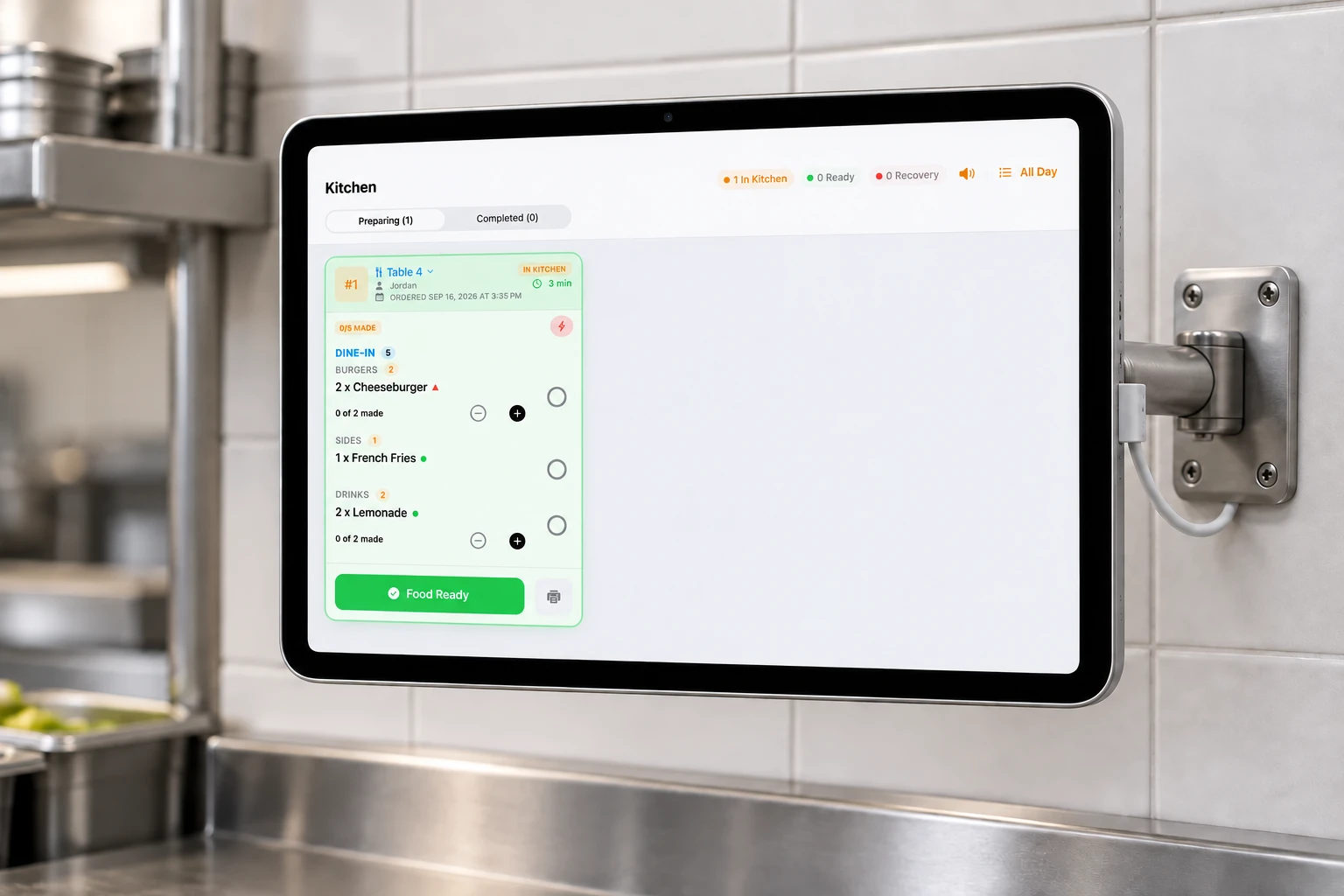
Color-coded, time-tracked, bump-ready. Your kitchen runs like clockwork.

Live Order Queue

Orders appear the moment they're fired. No tickets, no shouting across the pass.

Time Tracking

Green <10 min, orange 10–20 min, red 20+ min. Kitchen staff see urgency at a glance.

Bump & Restore

Bump orders when ready. Restore if a mistake is made. Full control at the pass.

KDS PIN + Logoff

Dedicated KDS mode requires a KDS PIN, includes Logoff, and requires manager or owner PIN to exit.

Table 48 min

Butter Chicken x2

Naan Bread x3

Table 714 min

Biryani x1

Samosa x2

Lassi x1

Table 222 min

Tikka Masala x3

To-Go Orders

Phone Orders Without Losing Control

Take a to-go order now, send it to the kitchen unpaid, and collect payment when the guest arrives.

Pay Now or Pay on Pickup

Cashiers can collect payment immediately or send an unpaid order to the kitchen for later pickup payment.

Required Customer Contact

To-go flows capture customer name and formatted phone number before the order is sent.

Kitchen Routing

Pay on Pickup still creates a kitchen-visible order with line items and notes.

Later Payment

Unpaid orders remain visible in Order History and Floor unpaid sections for final payment.

To-Go Order

Customer: Alex

Unpaid
Margherita Pizzax2
Iced Teax1
Chocolate Cakex1

Contact

(415) 555-0123

Next Step

Collect at pickup

Floor Plan

Drag & Drop Table Management

Design your restaurant floor, track every table status in real time.

Visual Floor Editor

Drag round, square, or rectangle tables anywhere on your floor plan.

Table Status

Available, Occupied, Needs Cleaning, Reserved — color-coded at a glance.

Reservations

Booking creation, guest count, preferred seating, and calendar view.

Real-Time Sync

Floor devices update the main iPad over approved local pairing and supported network conditions.

T1
T2
T3
T4
T5
T6
AvailableOccupiedCleaning
Multi-Device

iPad + iPhone, Local-First

Local Wi-Fi pairing for service, with cloud sync for restaurant data and device state when enabled.

Manager-Approved Pairing

Taply Floor pairs with the iPad POS host only after an authorized manager starts pairing.

Service-Ready Offline

Core service workflows continue locally when internet connectivity drops.

Tableside Payments

Servers can present Tap to Pay on iPhone where eligible and configured.

Message Queue

If a device disconnects, messages are queued and replayed when it reconnects.

iPad (Main)

Wi-Fi P2P

iPhone 1

iPhone 2

iPhone 3

Tax Engine

Restaurant Tax Rules by Location and Category

Configure the tax rules restaurants actually need, then preserve tax evidence in reports.

Location-Based Rates

Set state, county, and city context for restaurant tax calculations.

Category Rules

Separate prepared food, soda, beer, alcohol, service charge, gift card, and tax-exempt categories.

Tax Reports

Review taxable sales, collected tax, effective rates, payment method, and refund-adjusted tax.

Owner Verification

Tax Engine is a calculation aid. Owners should verify rates and filing requirements with a CPA or local authority.

Prepared Food9.75%
Soda / Mocktails9.75%
Beer / Malt Beverage12.05%
Cocktails / Spirits24.75%

Example rates depend on configured jurisdiction. Restaurant owners remain responsible for verification and filing.

Analytics

Data-Driven Decisions

Revenue trends, staff performance, and hourly analytics — no data warehouse needed.

Revenue Charts

7-day and 30-day bar charts of daily revenue with trend indicators.

Top Sellers

See your best items by quantity and revenue. Know what to promote.

Server Leaderboard

Orders taken, total revenue, and average order value per server.

Orders by Hour

Hourly bar chart of order volume. Spot your busiest times to staff and prep accordingly.

MonTueWedThuFriSatSun

$8.4k

Revenue

+12%

284

Orders

+8%

$29.6

Avg Order

+4%

Admin Controls

Owner-Managed Staff, Devices, and Safety

Controls for the actions that matter: staff access, approvals, sign out, device erase, and audit history.

Roles + PINs

Owner, manager, server, cashier, kitchen, and host workflows can be gated by PIN permissions.

Manager Approvals

Sensitive void, comp, refund, and correction paths can require manager authorization.

POS Layout Sync

Admins can reorder menu categories and order types and sync POS layout across devices.

Safe Sign Out / Erase

Sign Out locks the app behind login without deleting data; Erase This iPad is reserved for transfer or support.

Admin PINRequired
Void approvalManager
KDS exitOwner / Manager
Device eraseAdmin only
Owner Dashboard

Web Dashboard for Owners and Managers

Restaurant owners can review operations without needing the iPad in their hands.

Analytics and Orders

Review order history, sales, menu performance, and standard reports from the owner portal.

Staff and Settings

Manage restaurant data, staff visibility, menu context, and owner-facing settings.

Subscription View

See current plan and billing status without exposing employee-only fee controls.

Clean Separation

Platform fee controls, Deal Desk, and manual grants stay in Taply employee ops tools, not customer apps.

Today

$1,840

Orders

47

Avg Ticket

$39.15

Plan

Ultra

Security

Tamper-Proof by Design

SHA-256 hash chain audit trail. Every transaction is immutable.

SHA-256 Hash Chain

Every transaction links to the previous via cryptographic hash. Breaking one breaks all.

PIN and Device Guards

Staff PINs, KDS PINs, role checks, and device modes protect operational access.

Audit Visibility

Sensitive actions include reason capture and audit history for owner review.

Jailbreak Detection

App integrity guard prevents running on compromised devices.

tx_001: SHA256(data+prev)=a3f8...
tx_002: SHA256(data+a3f8)=7c2d...
tx_003: SHA256(data+7c2d)=e91b...

Chain integrity: VERIFIED ✓

And Much More

Every detail covered for a complete restaurant operation.

Tax Reports

Taxable sales, collected tax, effective rate, payment method, and refund-adjusted retained tax.

QR Table Ordering

Generate QR codes for each table. Guests scan to browse the menu and place orders directly.

Kiosk Mode

Run a locked self-order screen on a restaurant device with manager or owner PIN exit.

Business Hours

Per-day hours configuration, holiday management, and automatic availability scheduling.

Expense Tracking

Log and categorise operating costs. Monthly P&L at a glance.

Cash Drawer

Opening float, reconciliation, till difference tracking.

Staff Roles

Owner, Manager, Server, Bartender, Host, Cashier, Kitchen.

Shift Summary

Plan-level reporting tools help owners review performance and operational trends.

Branding

Brand colors, restaurant identity, and reorderable POS layout across devices.

Start Taply Without
Hardware Lock-In

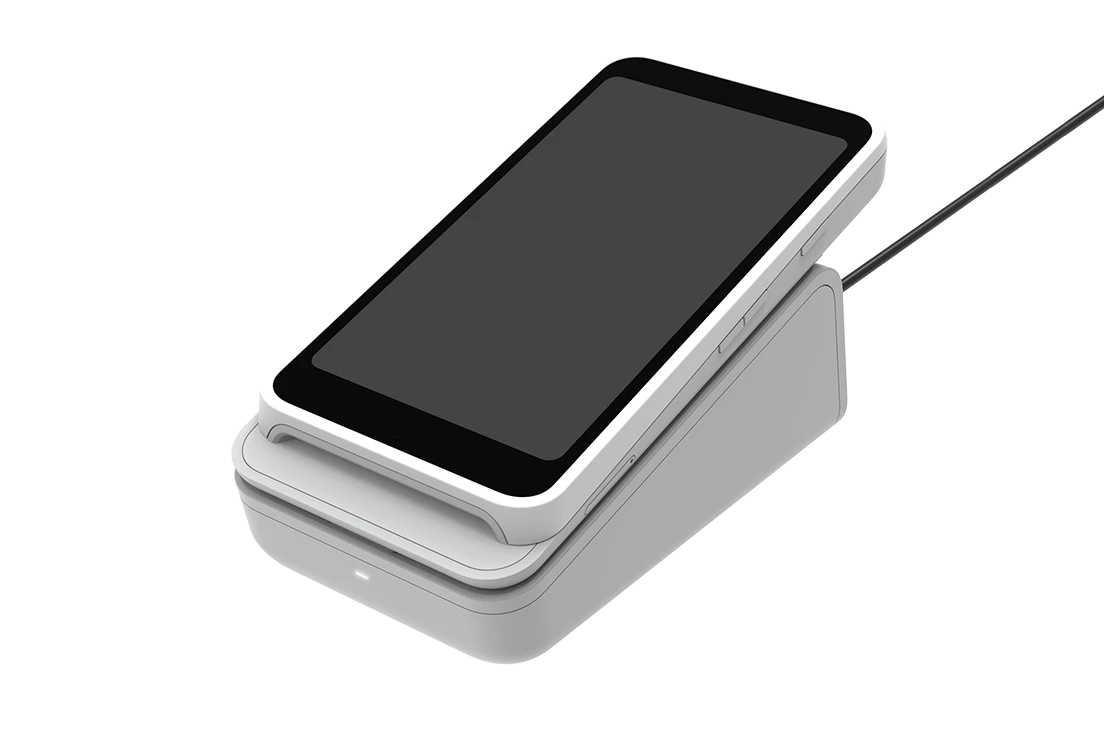
Bring compatible Apple devices, avoid a forced hardware lease, and start with the POS, Floor, KDS, analytics, payments, and operational workflows your staff needs during service.