Give every guest a clear view of their order at checkout.
Bring the order into view on a separate landscape iPad, with the items and checkout details together in Taply Restaurant.
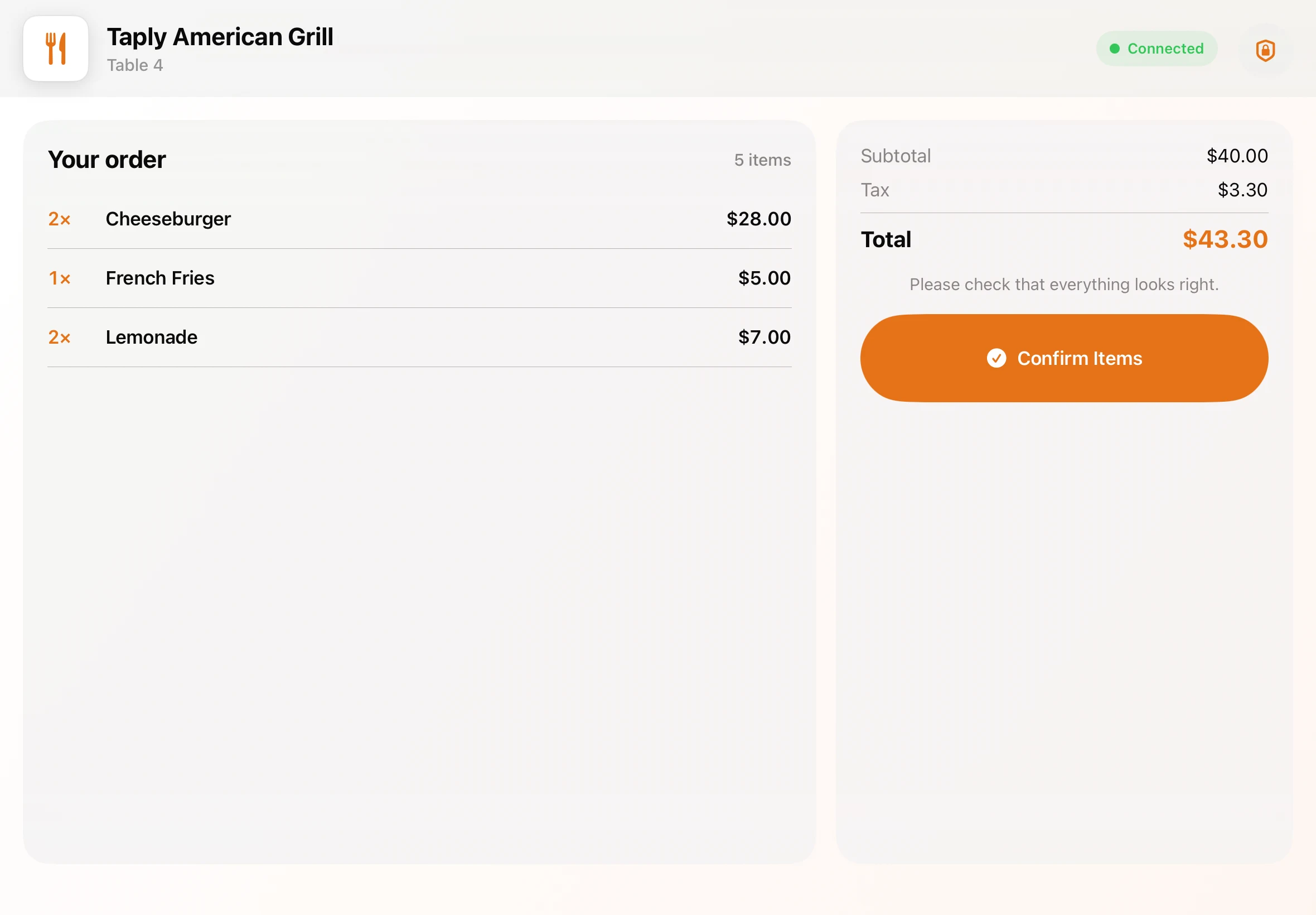
Actual Taply interface · demonstration order
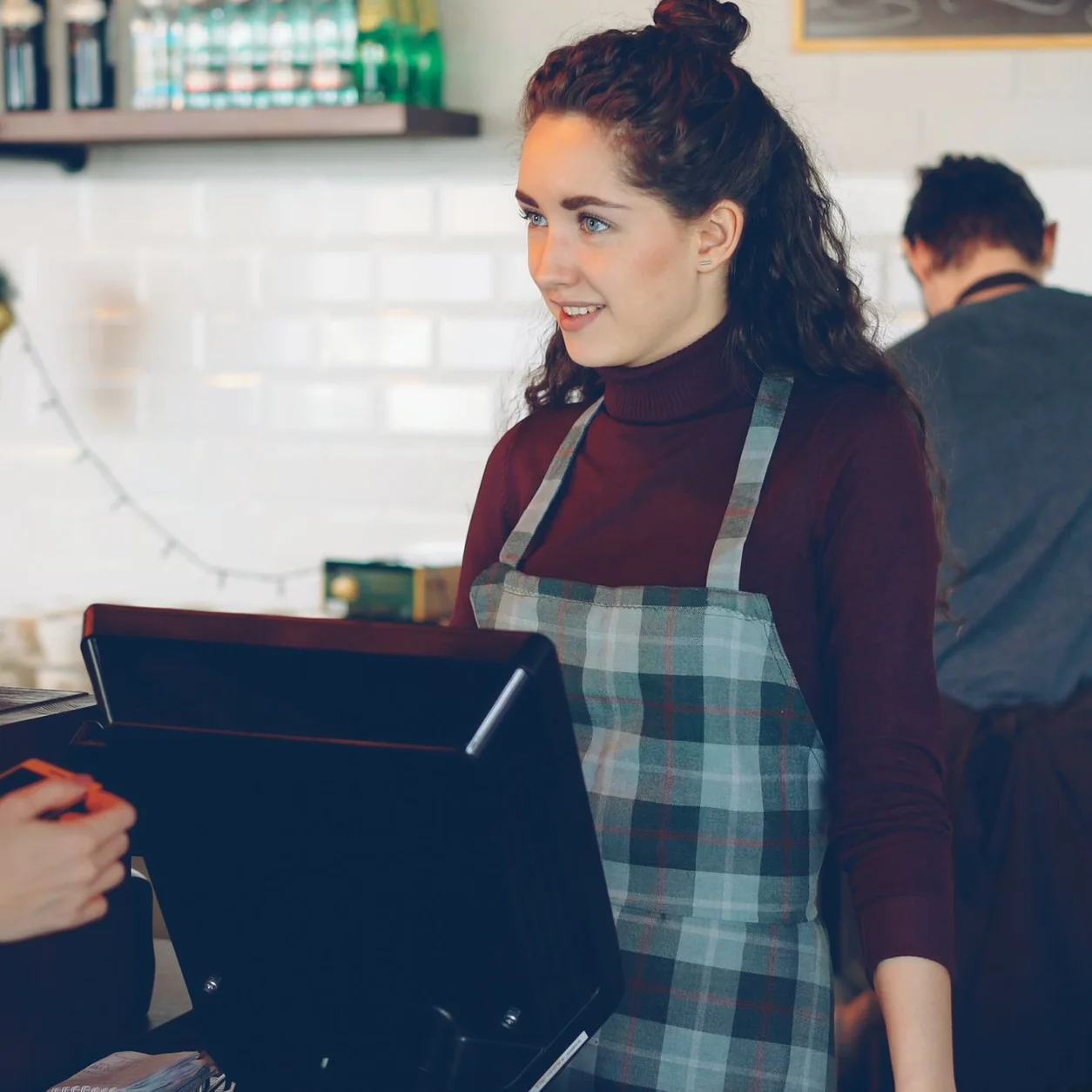
Keep the conversation on the same page.
A guest should be able to follow the check without leaning across the register. Give the customer their own screen while your team keeps the staff workspace in front of them.
Discuss your counter setupTHE GUEST’S VIEW
A little more clarity.
- The order
- Items, quantities and line amounts
- The check
- Subtotal, tax and the total
- The next step
- Confirmation and configured checkout prompts
The details guests need, in one view.
Keep the order readable from the customer’s side of the counter. The display shown above is an actual Taply screen with a demonstration order.
- Item names, quantities and line amounts
- Subtotal, tax and the order total
- Order confirmation before the next step
- Tip selection when enabled for the checkout
- Payment prompts for the configured reader setup
Plan both sides of your counter.
Start with the register and a compatible second iPad. Confirm the display app, pairing, network and reader arrangement together, then walk through the complete guest experience before service.
- Place both iPads in landscape
- Give guests a comfortable viewing angle
- Confirm pairing and connectivity at the counter
- Rehearse the handoff with your staff
THE MOMENT BEFORE GOODBYE
An easier handoff starts with a shared view.
Keep the items readable, the reader within reach and the team ready to help. A thoughtful counter setup brings those small details together.
Part of your whole service.
Explore the counter, the floor and the kitchen together. The guest display is one part of a Restaurant setup built around how your team works.
- Order taking on a landscape iPad
- Dedicated floor and kitchen workflows
- Reporting for the people running the restaurant
See your service in Taply.
Bring your counter, devices and guest checkout into the conversation.
Request a Restaurant demoCustomer-display availability depends on the compatible app, device and account setup. Card acceptance requires an approved merchant account, supported reader and connectivity. Confirm the complete setup with Taply before ordering equipment.