Browser access
Start from the Restaurant owner portal.
Restaurant owner reporting
Open the Restaurant owner portal in your browser to review the reports available to your account. Keep the location, period and working details in view wherever you check in.
Standard reports require Pro or above. Advanced analytics requires Ultra or Enterprise; multi-location tools require Enterprise. View plans
Illustrative owner view · Today
Start from the Restaurant owner portal.
Review the tools included with your plan.
Keep the reporting range in context.
Return to the Restaurant account.
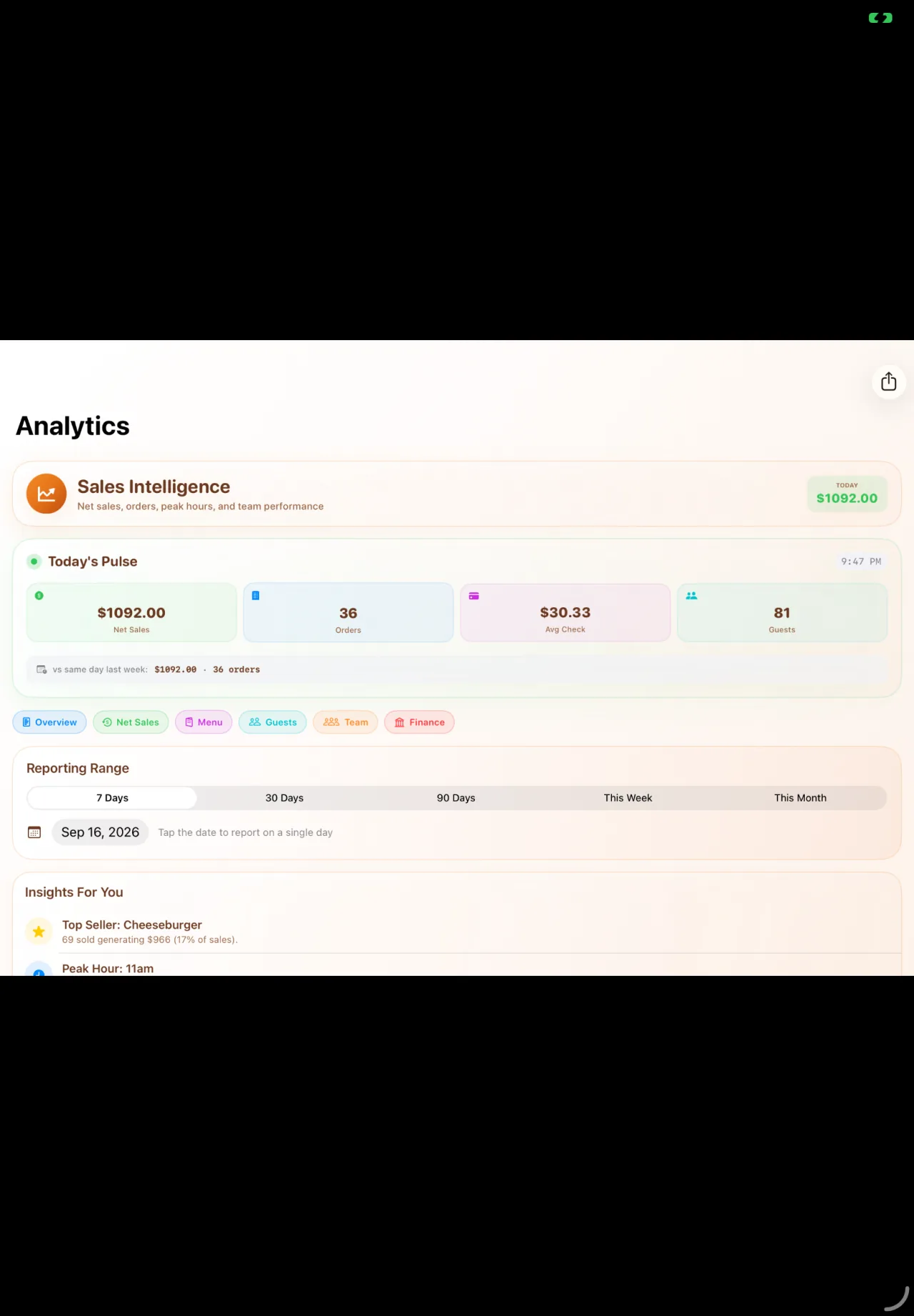
A clear place to start
Review sales, tender activity and the details your team uses for the close. Start with the report you need, then look at the items and exceptions behind the summary.
Restaurant and reporting period
The activity behind the summary
Exceptions, handovers and follow-up
From a quick check to a useful review
Choose the location and period before comparing results. Use your account’s deeper reporting tools when a quick check raises a question, and confirm when the underlying records were last updated.
The right workspace
Use the Restaurant login gateway to open the owner portal. Your account, permissions and subscription determine the workspaces available after sign-in.
A useful first conversation
Start with your menu, people and daily routines. Walk through the tools, plan and account access that fit your restaurant before changing the way your team works.
Explore Restaurant onboardingThe working details
This page describes access through the published Restaurant owner web portal. It does not advertise a separate Taply reporting app or direct you to an unrelated app-store listing.
Standard reports require Pro or above. Advanced analytics, including benchmarks and speed-of-service reporting, requires Ultra or Enterprise. Multi-location tools require Enterprise.
Access depends on the signed-in account and its permissions. Review staff access with the account administrator; a marketing preview does not grant access to restaurant data.
The owner portal is accessed in a browser. Confirm your preferred device and the reports you need during the walkthrough, especially larger tables and detailed exports.
Your next useful read
Taply Restaurant
Bring your questions. We’ll walk through the setup together.
Request a demo