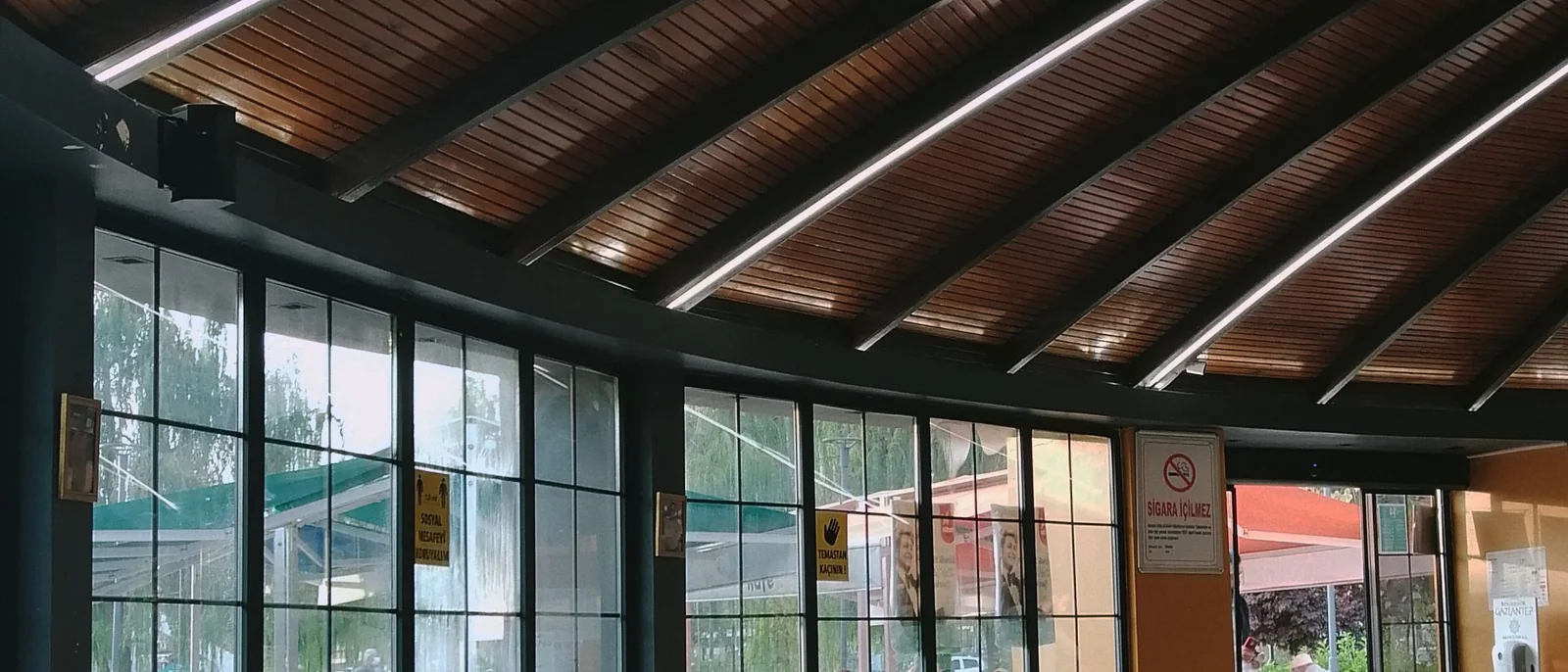
Make your first service a confident one.
Explore order taking, the kitchen and checkout in the Restaurant product tour.
Explore the product tourFind the help your restaurant needs.
Start with the Restaurant help topic that matches your question. Include the device, workflow and what happened when you contact the team, so the conversation starts with useful context.
- Browse Restaurant-specific help
- Find the right owner-login route
- Contact support@taplypos.com
- Confirm staffed hours and the after-hours process
A clearer start.0 of 3
Walk through the service together.
Bring your menu, service areas and equipment questions to the setup conversation. Rehearse a normal shift and the exceptions your team handles, then agree who owns each launch task.
- Review menus, modifiers and service areas
- Confirm compatible devices and print routing
- Practice with demonstration data
- Agree training, responsibilities and launch checks
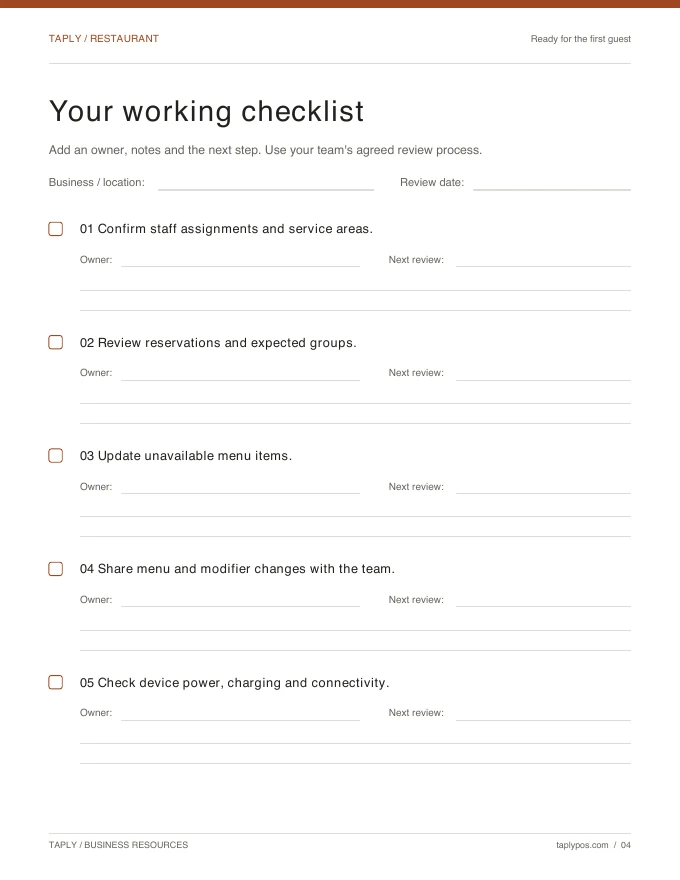
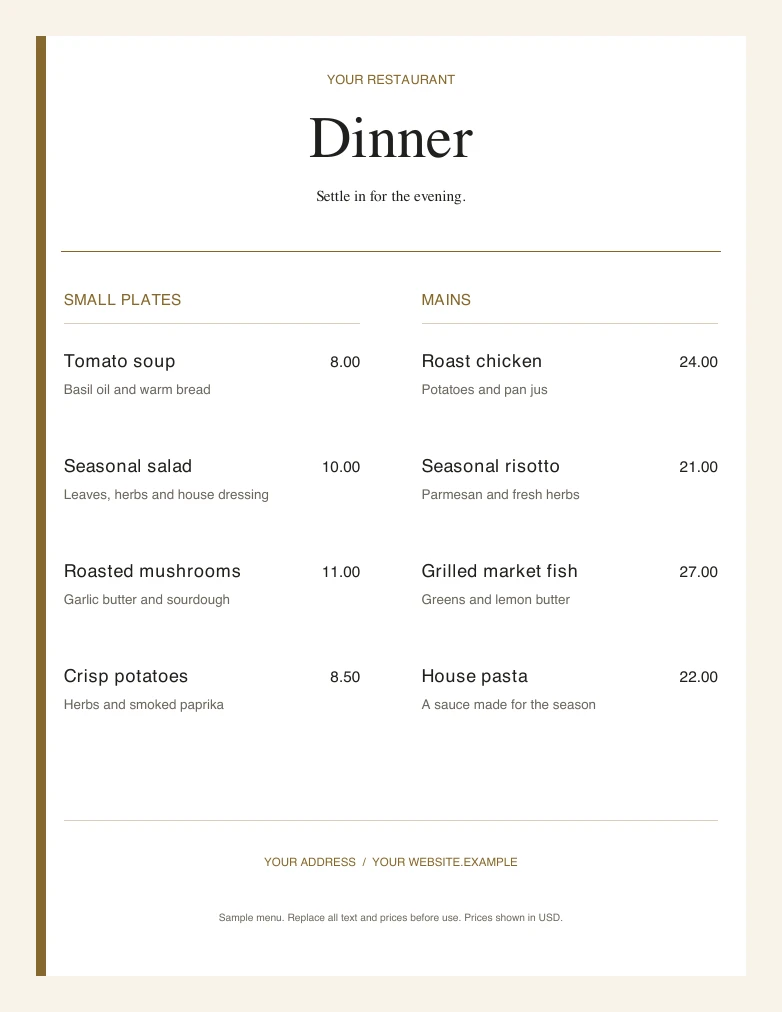
Keep useful tools close at hand.
Build an opening checklist, explore editable menu and flyer templates, and use the product tour to prepare questions. Bring the resources that fit your restaurant into the team's launch plan.
- Use the Restaurant opening checklist
- Explore menu and flyer templates
- Read practical Restaurant articles
- Review the interactive product tour
Ultra includes Hugsy phone support for the first 30 days from initial Ultra activation. Enterprise includes ongoing 24/7 Hugsy phone support while the plan is active. Help guides and email support remain available. Confirm any additional training in your quote. Compare Restaurant plans.