Skip to content

GUEST & ONLINE ORDERING

Your menu. Their moment. Connected with Taply.

Let guests explore your menu on their phone, bring self-service to the counter and discuss the right online connection for your restaurant.
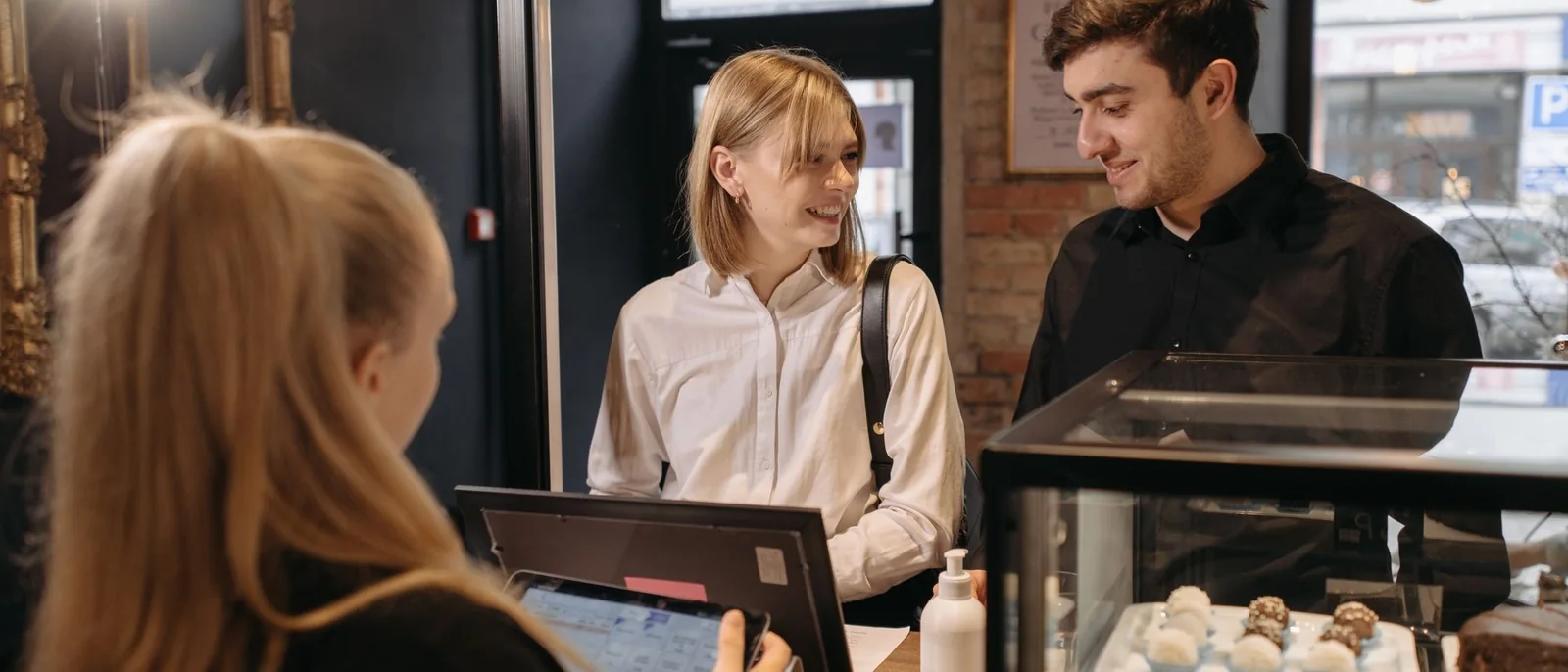
Close-up of delectable pastries under glass covers in a cozy café setting, highlighting a rustic charm.
9:41 ● ▰
Willow & GrainA little pause. A good meal.
Fresh from the kitchen
BrunchLunchDrinks
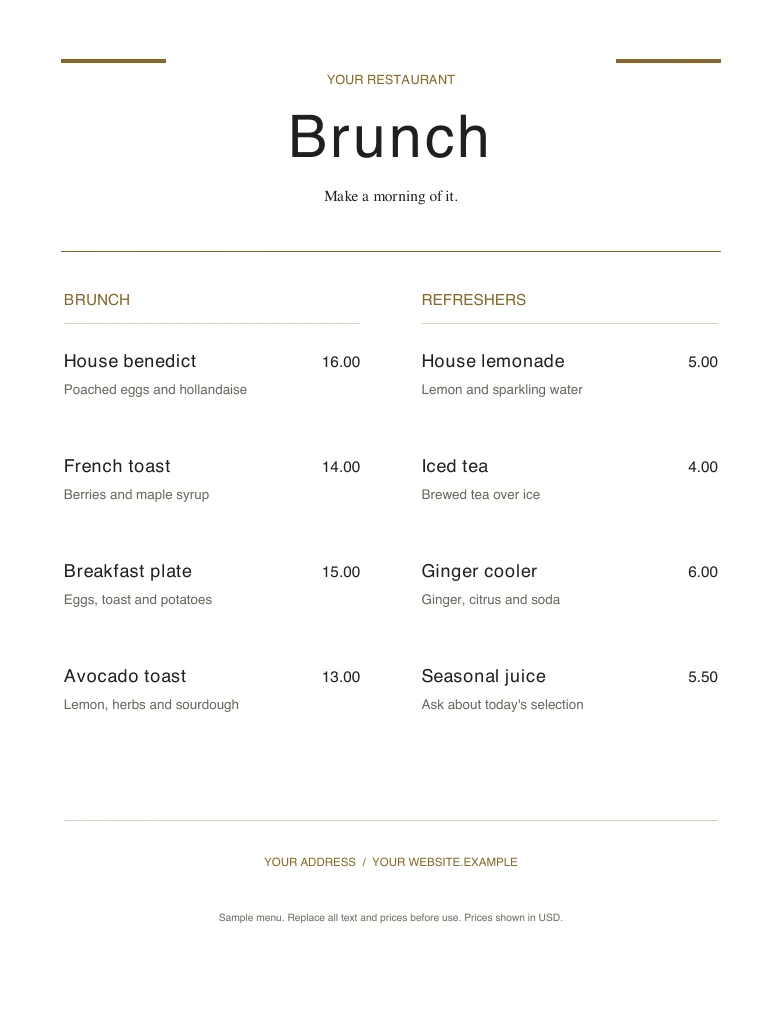
Garden toastAvocado, eggs & sourdough
Harvest bowlSeasonal greens & grains
House cappuccinoYour everyday favorite
SAMPLE MENU · PREVIEW ONLY
Illustrative guest menu · no orders or payments

Guest ordering, built around your service.

From the first look at the menu to the kitchen handoff, give every part of the journey a place.

A menu on their phone

Let guests explore the menu through a table QR code.

Self-service on iPad

Bring a compatible self-order kiosk into the counter workflow.

A connected kitchen

Give the team a clear path from a reviewed order to preparation.

More ways to order

Discuss your website and eligible delivery-store connections.
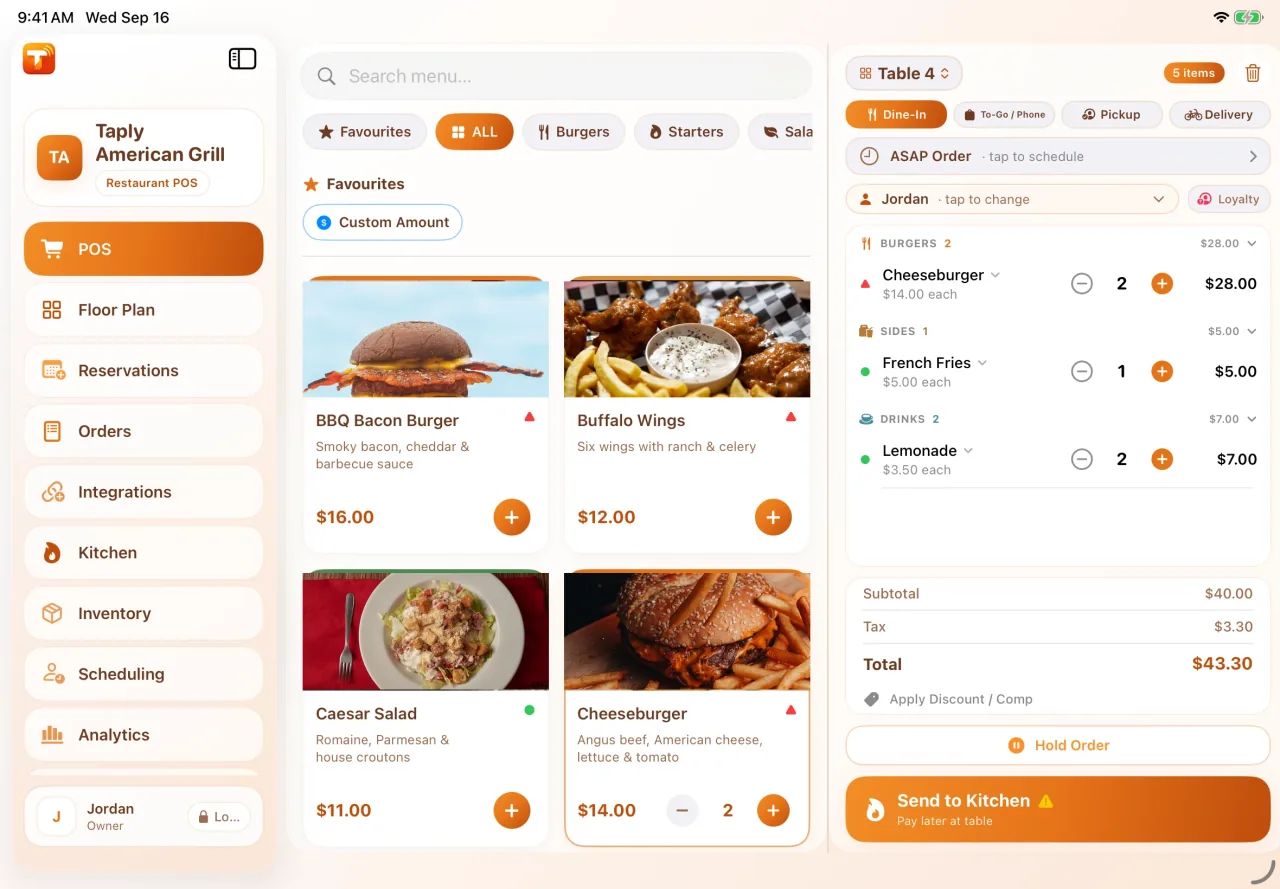
Actual Taply Restaurant POS preview with demonstration data
9:41 ● ▰
Willow & GrainA little pause. A good meal.
Fresh from the kitchen
BrunchLunchDrinks
Garden toastAvocado, eggs & sourdough
Harvest bowlSeasonal greens & grains
House cappuccinoYour everyday favorite
SAMPLE MENU · PREVIEW ONLY
Actual POS capture and illustrative menu · demonstration data

Bring delivery into the flow of service.

Explore the Uber Eats connection for an eligible restaurant. Review the menu, the store setup and the route an order takes into your kitchen.
  • Maintain menu items, photos and modifiers
  • Review the published menu and availability
  • Keep the restaurant and kitchen handoff connected
  • Confirm activation and third-party requirements
Explore delivery
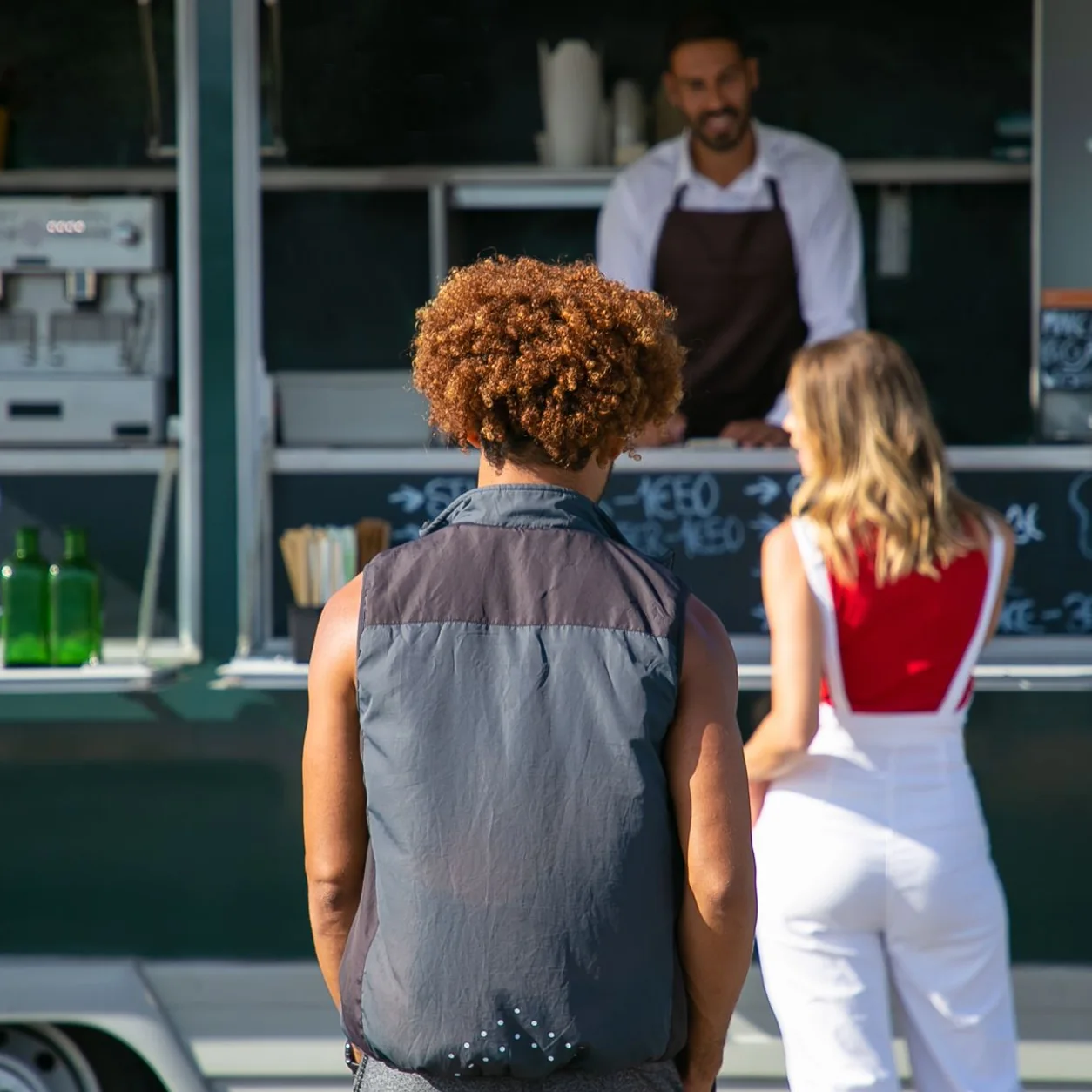
Customers choosing an order at a food truck service window.
Illustrative restaurant pickup experience

Keep your service style at the center.

Start where your guests start. A table, a self-service counter and a restaurant website each need a considered journey.

  • Table QR menus in the guest’s browser
  • Self-order kiosk mode on a compatible iPad
  • Separately scoped restaurant website and pickup setup

Make the next step feel natural.

A good experience considers the guest, the person preparing the food and the moment they meet.

Start with the menu

Give guests a clear way to browse from the table.

Choose the experience

Match table, counter and website journeys to your service.

Keep the team involved

Make staff review and the kitchen handoff part of the setup.

Prepare for the everyday

Review availability, collection details and guest questions.
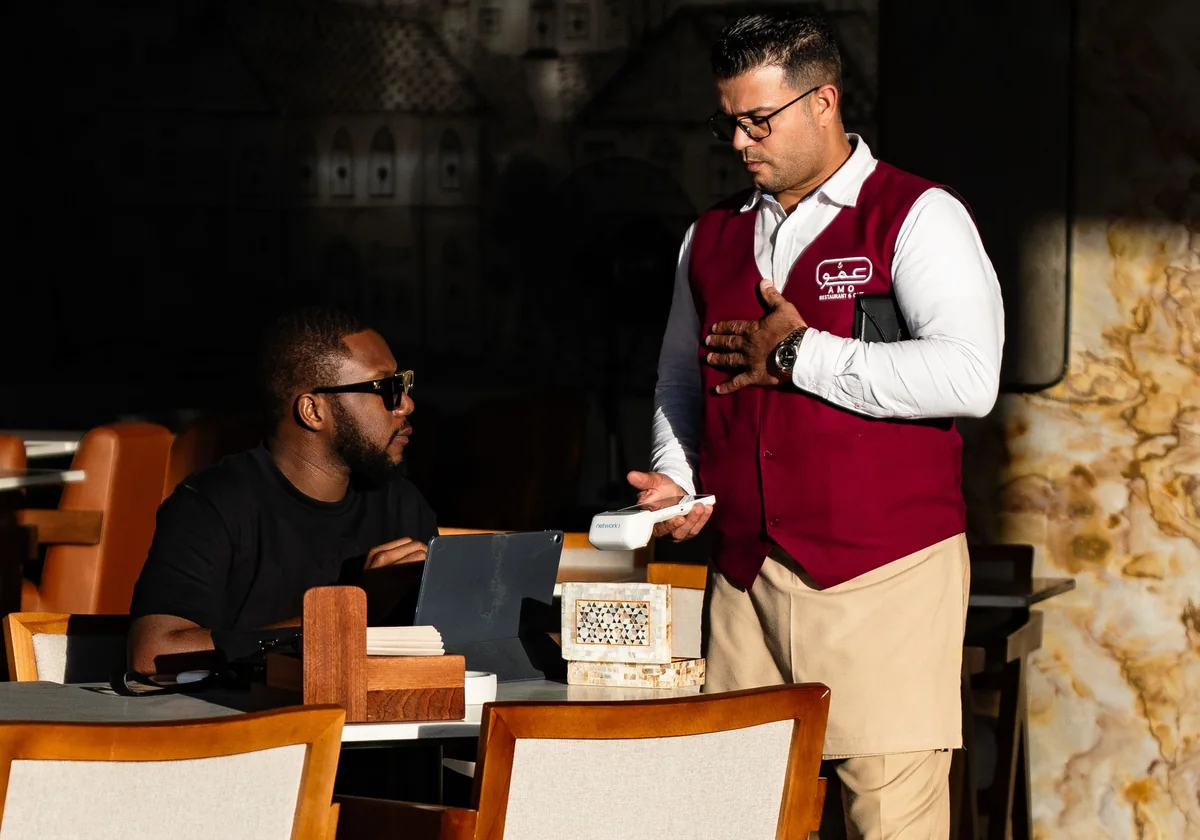
A waiter in uniform serves a customer in a trendy Dubai cafe with unique decor.
Illustrative guest experience

Let the menu meet guests at the table.

Give guests a way to browse and build their order from a table QR code. Keep staff review and kitchen preparation part of the experience.
  • A menu on the guest’s own phone
  • No guest app download for table QR ordering
  • Table context built into the service conversation
  • Setup available with Ultra and Enterprise
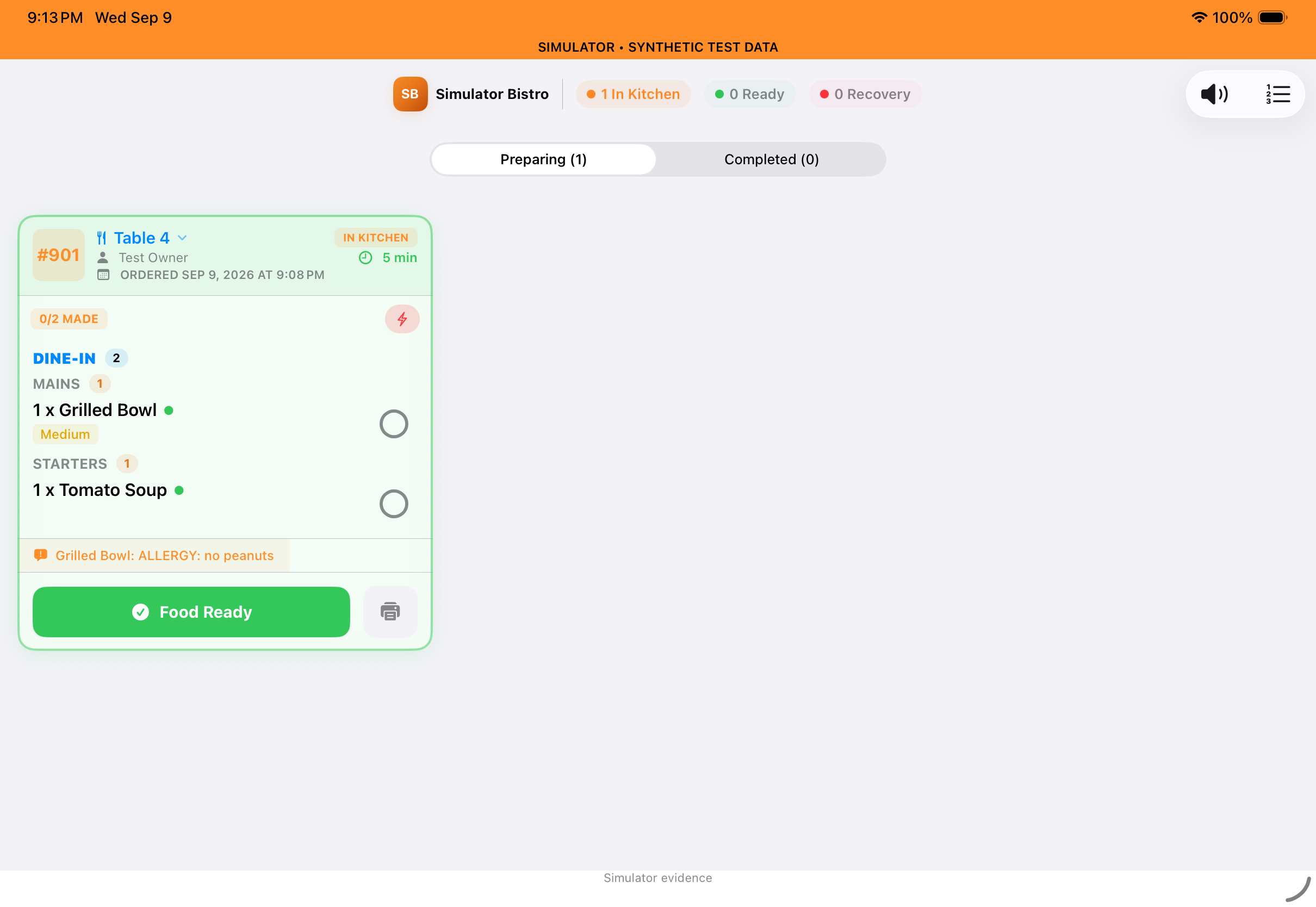
Taply kitchen-display preview with demonstration orders
Guest orderKitchenReady
Illustrative handoff · app preview uses demonstration data

Make the handoff clear for the team.

A guest’s choice is only the beginning. Walk through the staff review, preparation and pickup steps so everyone knows what happens next.

  • Review menu and modifier information
  • Match the kitchen destination to the service type
  • Plan who answers guest questions
  • Rehearse the workflow before launch
● ● ●willow-and-grain.example
WILLOW & GRAIN

Good food.
Your kind of day.

A neighborhood favorite, wherever you begin.

Explore the menu

Freshly madeThoughtfully chosenA warm welcome
9:41 ● ▰
Willow & GrainA little pause. A good meal.
Fresh from the kitchen
BrunchLunchDrinks
Garden toastAvocado, eggs & sourdough
Harvest bowlSeasonal greens & grains
House cappuccinoYour everyday favorite
SAMPLE MENU · PREVIEW ONLY
Illustrative branded menu · website setup is quoted separately

Make the menu feel like your restaurant.

Your photos, descriptions and service details set the tone before the first bite. Keep them clear and consistent across the experiences you choose.

  • Show the dishes and details that matter
  • Give collection and contact information a clear place
  • Discuss your existing website and brand requirements
Actual Taply Restaurant POS preview with demonstration data
Taply Restaurant
The counter, in view.
Actual POS capture and illustrative menu · demonstration data

Meet the rest of Taply Restaurant.

Bring the counter, floor and kitchen into the same conversation. Explore the actual app previews, plans and equipment behind your restaurant setup.

  • Landscape iPad point of sale
  • Dedicated floor and kitchen workflows
  • Owner reporting and plan options
Take the product tour
At the counterAround the floorIn the kitchenWith your guests

See your restaurant in Taply.

Bring your menu, your questions and the way you like to work.

Prefer a simple contact form?
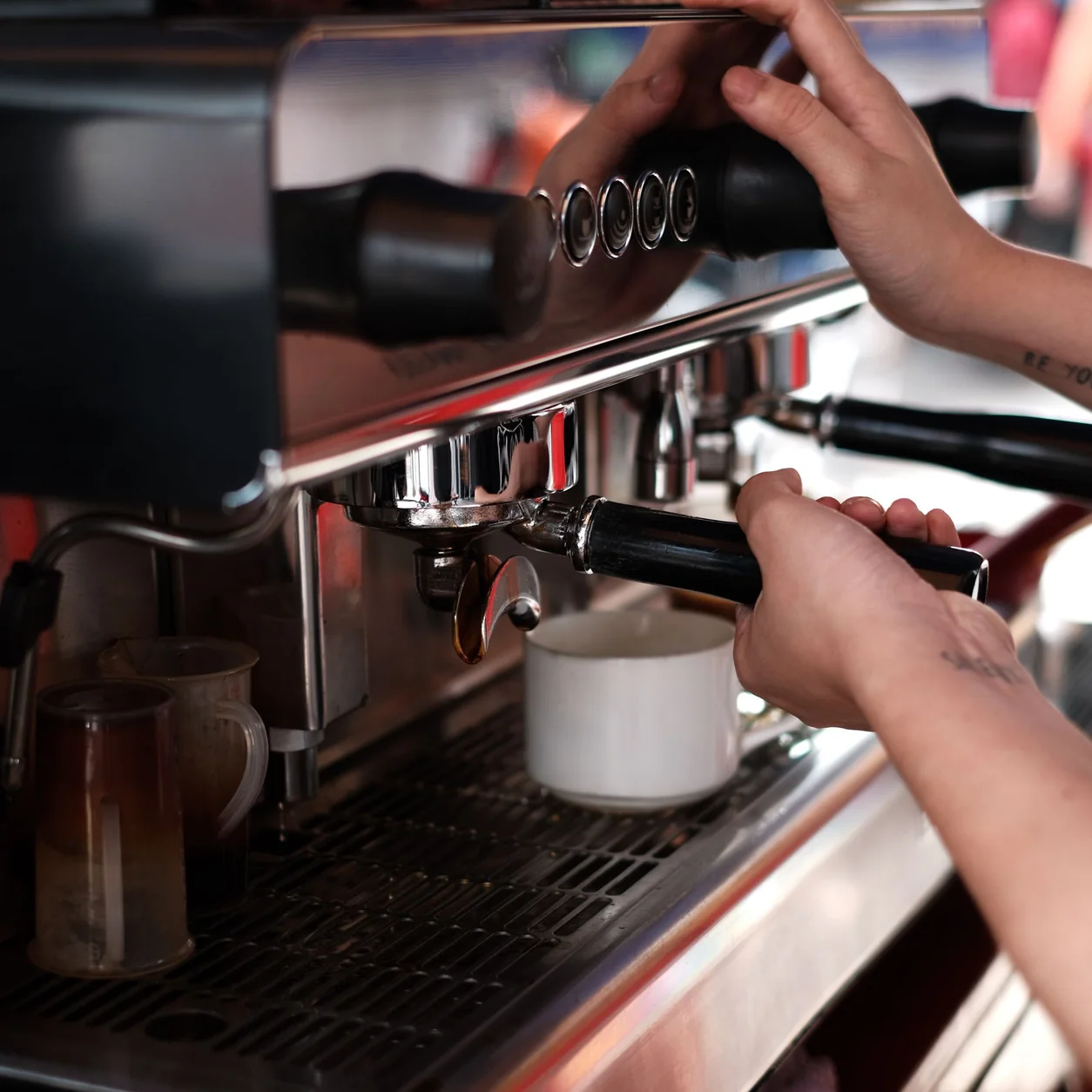
A barista preparing coffee at a professional espresso machine.
Real restaurant photography · illustrative setting

Make the next move a considered one.

Start with your menu, devices and team. Walk through the setup requirements and agree what needs to be ready before your first service.

  • Review the plan and compatible equipment
  • Prepare the menu and staff access
  • Confirm training, support and launch arrangements
Explore onboarding

A closer look at your kind of service.

Illustrative restaurant settings. Explore the workflows behind them.

A barista in a mint apron placing espresso on a marble cafe table.

Good food, ready to go

Consider the menu, packaging and handoff before the next busy service.

Explore quick service
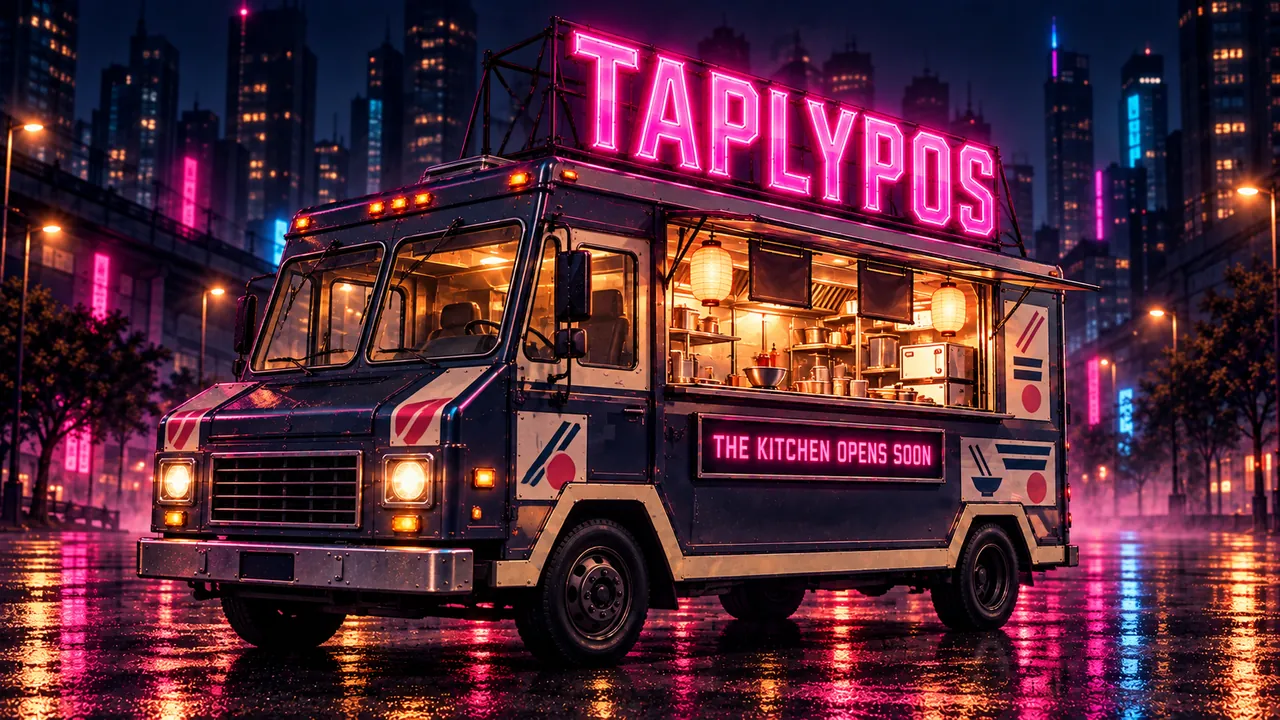
Illustration of a TAPLYPOS food truck with a pink neon rooftop sign at night

Big flavor. A small footprint.

Build the menu, order details and pickup routine around your service window.

Explore food trucks

1 / 4

Questions about guest ordering.

Which plan includes guest ordering?

Table QR ordering is included with Ultra and Enterprise. Self-order kiosk mode is an optional $10/month per device connection on Pro and Ultra. Kiosk hardware is priced separately; Enterprise kiosk connections are quoted as part of its setup.

Does the preview on this page place an order?

No. The menu and status illustrations use fictional information. They do not submit orders, collect card details or process payments.

Can I connect my restaurant website?

Discuss your existing website, menu and pickup requirements. A branded restaurant website and its ordering connection require a separate scope and quote.

Is courier delivery included?

Marketplace access, courier services and their fees are separate requirements. Confirm the available connection for your restaurant before planning a delivery launch.

How does the Uber Eats connection work?

An eligible store must be approved and activated. You can then review the supported menu, availability, hours and order workflows with Taply. Publishing and receiving confirmation are separate steps.

What should I bring to a walkthrough?

Your current menu, service types, device list and the guest journey you want to improve. Sample scenarios help the team explain the setup and its requirements.

  1. 1Business
  2. 2Size
  3. 3Your details

Let’s talk about your restaurant.

What kind of restaurant do you run?

Your answers help us prepare the conversation. Nothing is sent until you submit your details.