A menu within reach
Make the everyday choices easy to find.
Quick service / point of sale
Bring a focused menu, preparation details and guest checkout into one counter-service routine with Taply Restaurant.
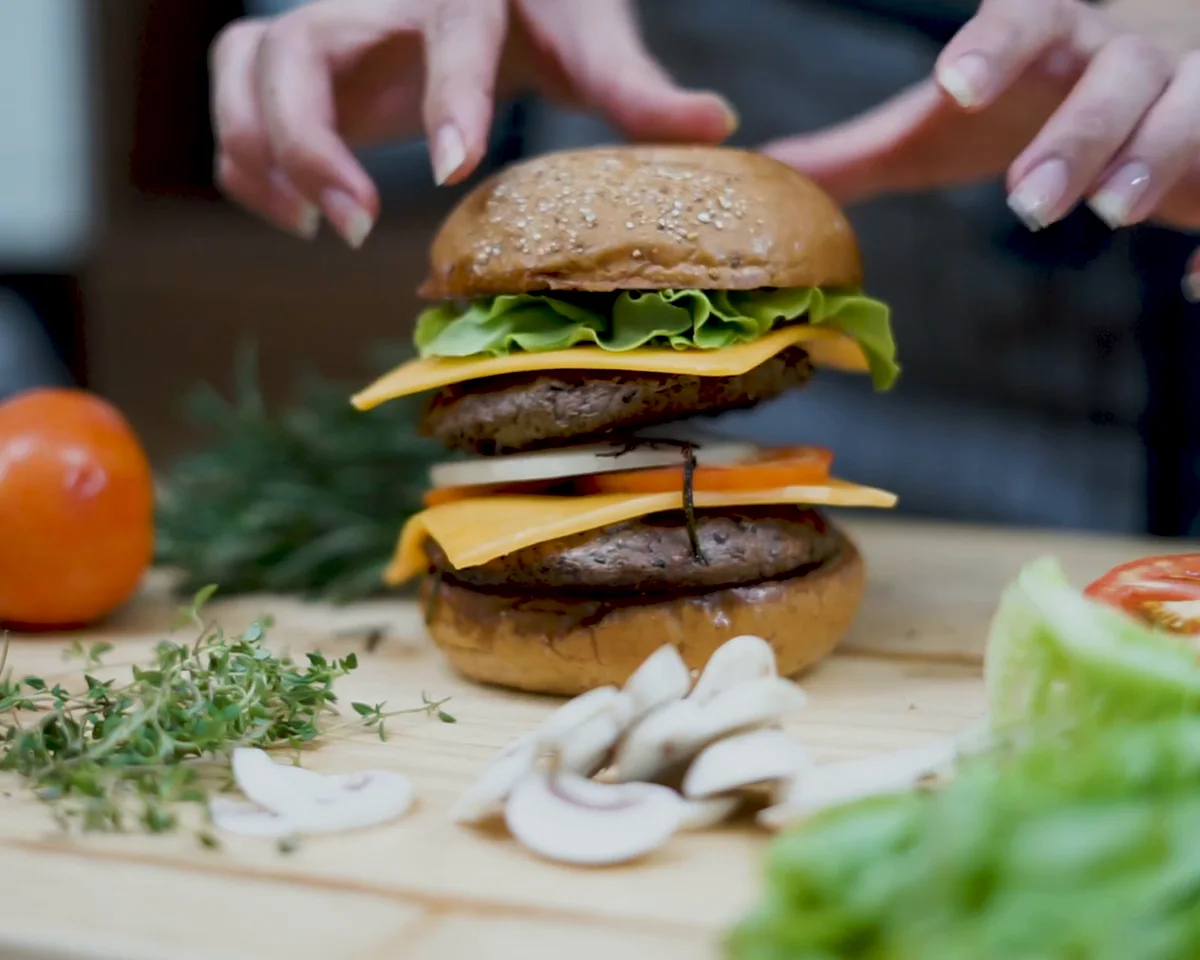
BUILT AROUND YOUR SERVICE
Make the everyday choices easy to find.
Carry the order’s details into the kitchen.
Review the records behind a busy service.
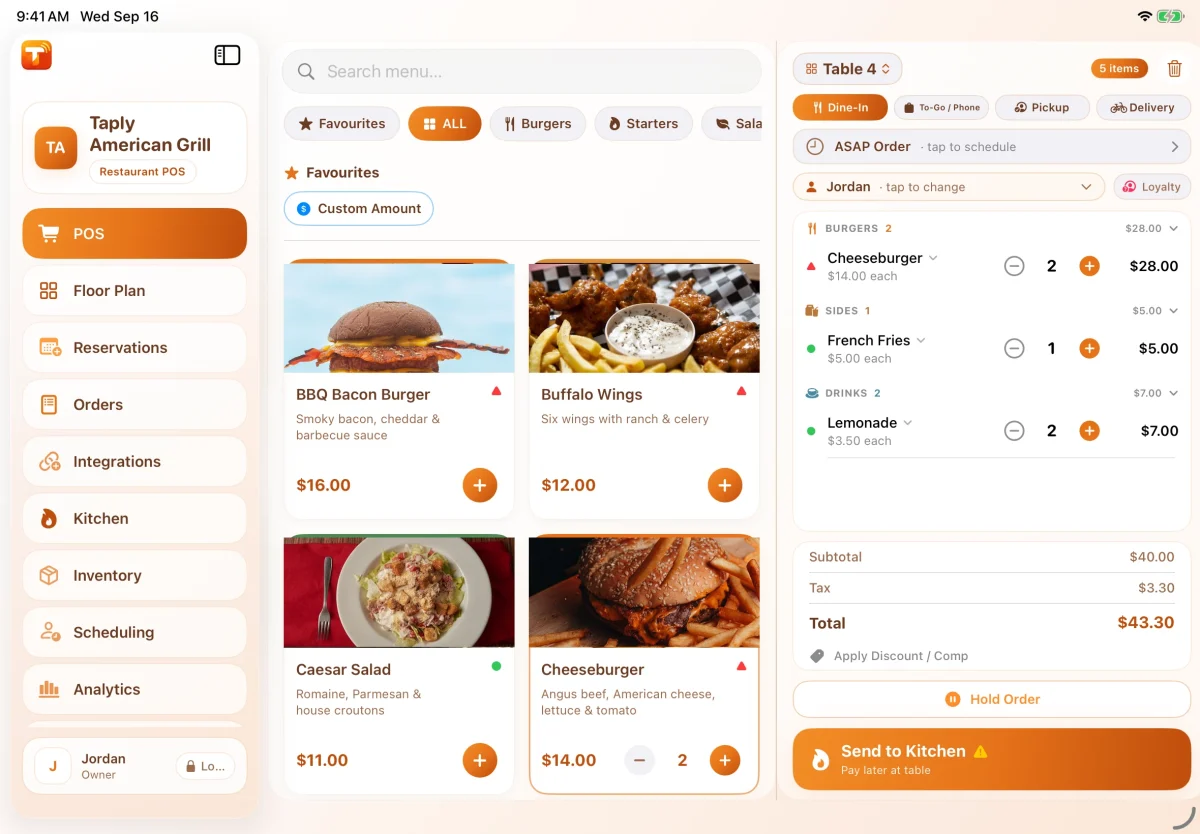
AT THE FRONT OF THE LINE
A familiar menu and clear item choices give the counter team a better starting point. Walk through the full order, including the changes guests ask for most often.
Modifiers require Pro or higher. Confirm any combo, kiosk or promotional-pricing requirements in the demo.
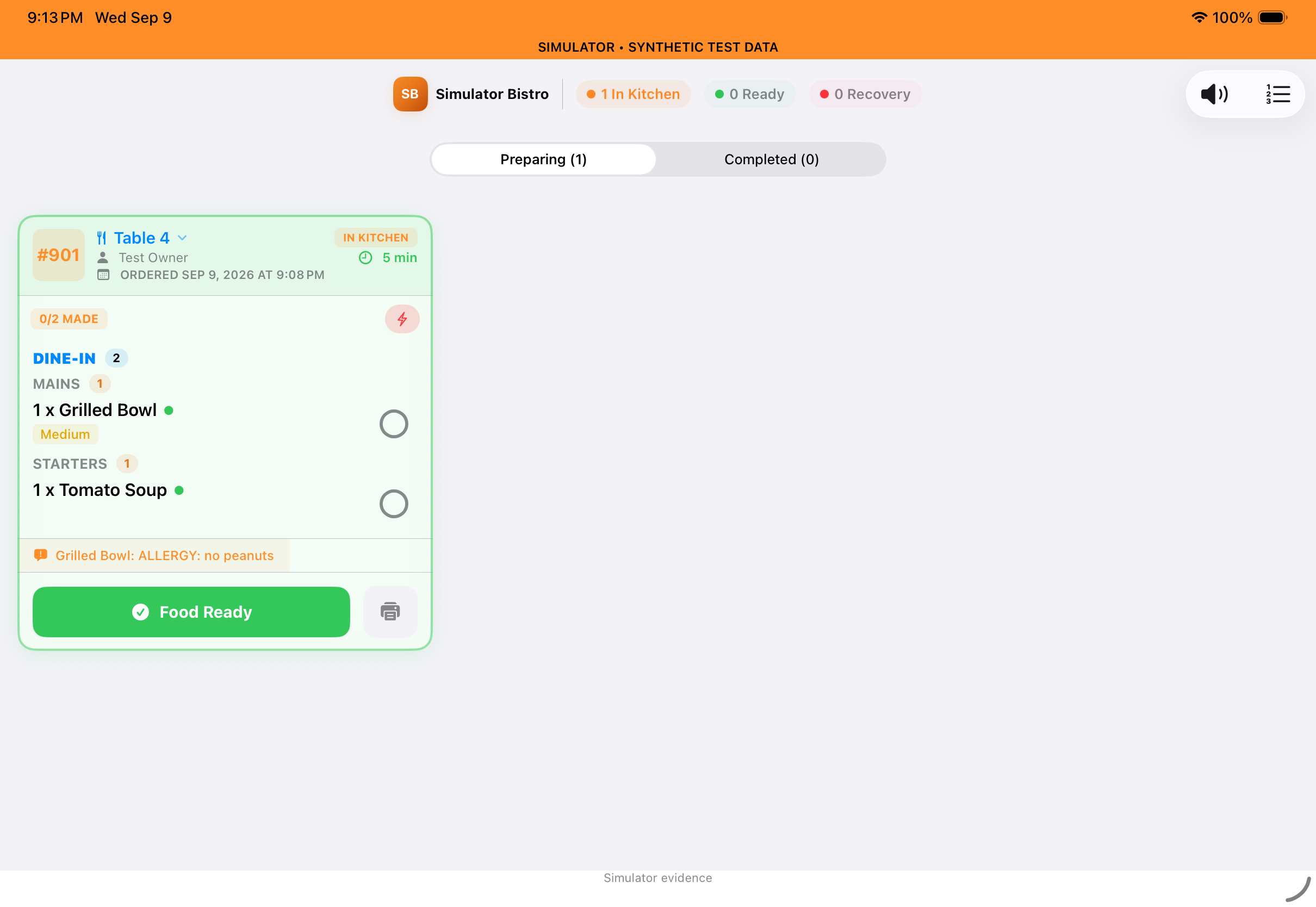
FROM COUNTER TO KITCHEN
A dedicated kitchen view puts tickets and order details where the work happens. Plan the handoff around your stations and the way finished orders reach the guest.
Dedicated KDS requires Ultra or Enterprise. Confirm station routing and pickup requirements for your setup.
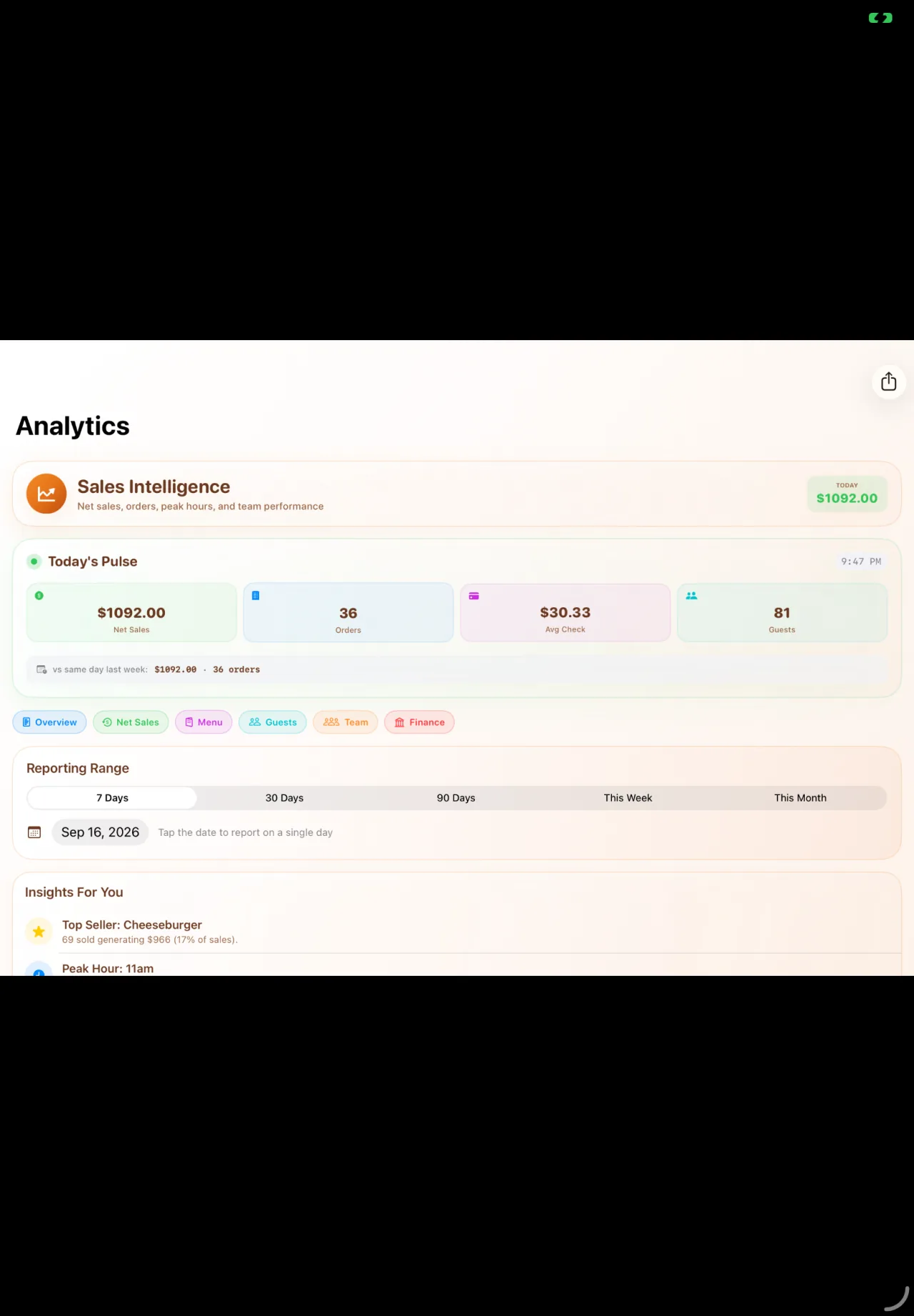
BEYOND THE LINE
Look at sales and recorded service activity together. Use a consistent period and the team’s observations to prepare for the next rush.
Advanced analytics requires Ultra or Enterprise. Recorded intervals depend on the timestamps available.
YOUR WAY TO SERVE
Choose your channels deliberately. Review the guest journey, preparation handoff and setup requirements for each.
THE GUEST’S SIDE OF THE COUNTER
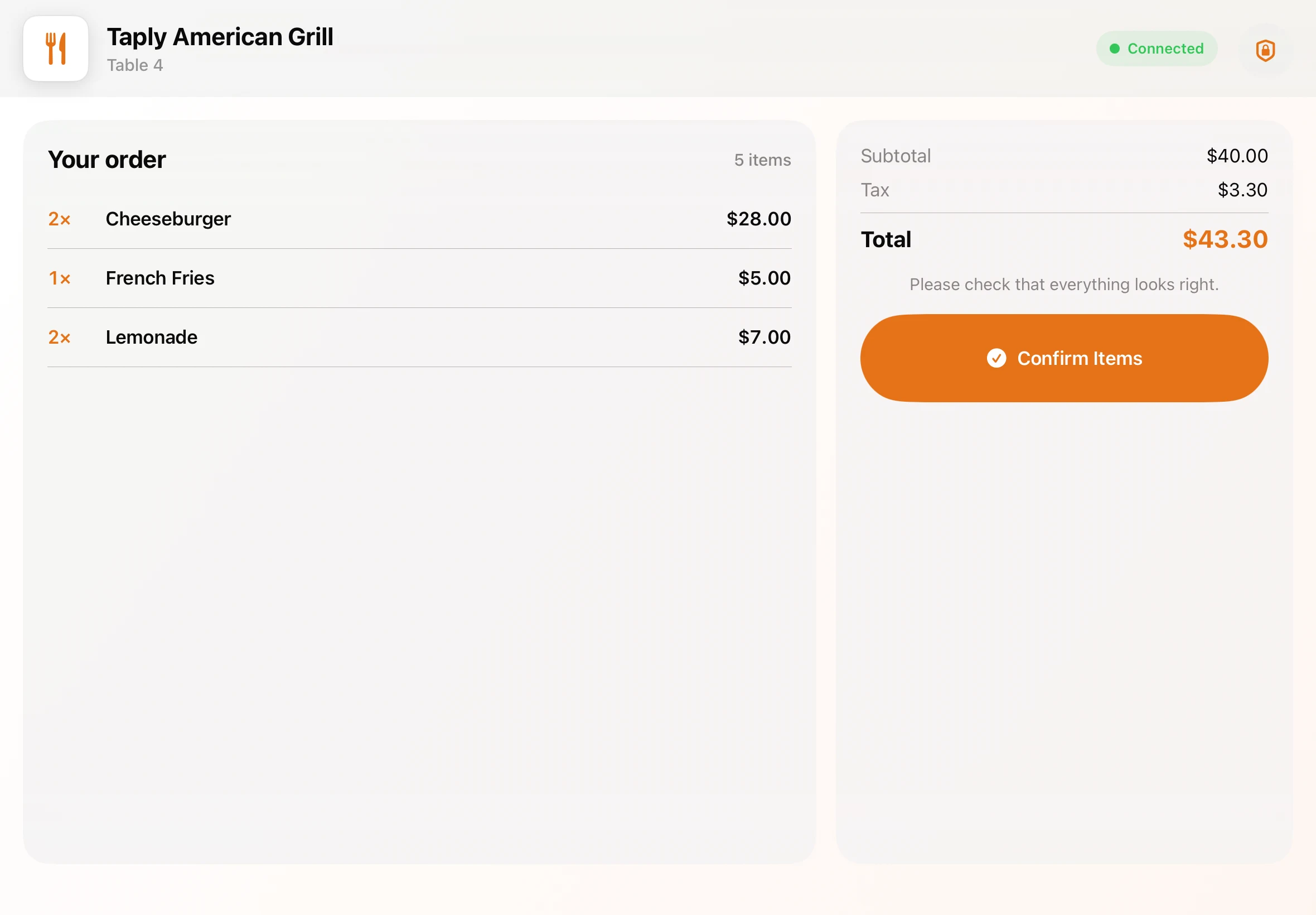
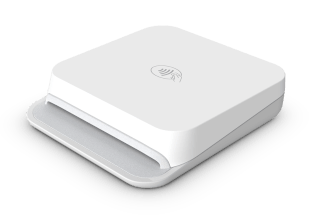
A clear view of the order. A moment to choose a tip. Then a card tap on the compact Stripe Reader M2. Walk through the guest experience with the display and payment setup for your restaurant.
Customer display requires Ultra or Enterprise and a separate compatible iPad. Payment acceptance requires approved merchant setup; processing fees are separate.
THE RIGHT PLAN FOR YOUR SERVICE
Choose the plan around your service and device count. Keep equipment and payment-processing costs beside the software price when you compare.
Compare all Restaurant plans$9.99USD / month / location
Modifiers, staff roles, kitchen workflow and standard reports.
1 main register + 1 printer + M2Explore Pro$29.99USD / month / location
Taply Floor, dedicated KDS, inventory and advanced analytics.
1 main register + 5 connectionsExplore Ultra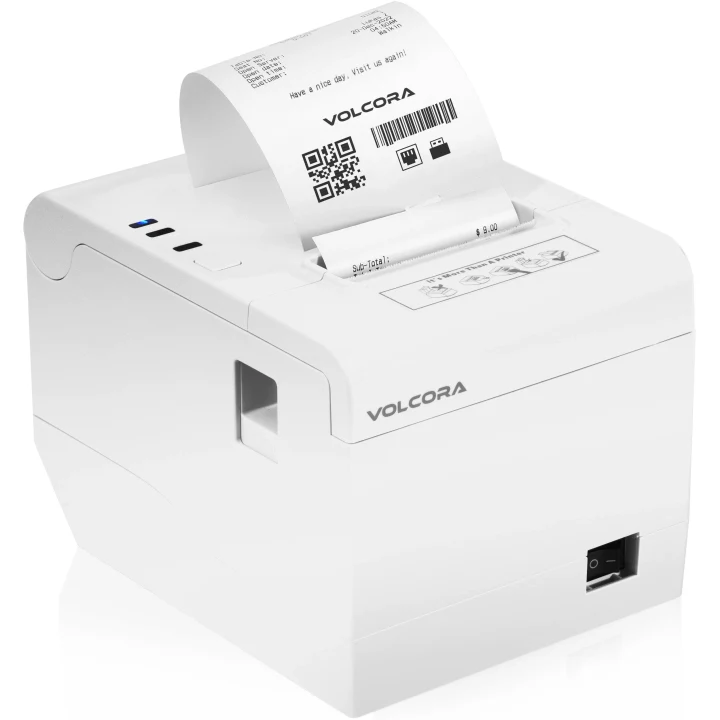
HARDWARE THAT FITS YOUR SPACE
A landscape iPad for the team. A supported printer for the check. A compact reader for the guest. Choose a kit or bring a compatible iPad, then confirm the setup for your counter.
$595POS essentials
One-time hardware cost
11-inch iPad, counter stand, receipt printer and Stripe M2 reader.
USD. Software, processing, tax and shipping are separate.
See hardware and what’s includedManufacturer printer imagery. Confirm the exact supplied model, connections and accessories in your quote.
THE TOOLS AROUND YOUR RESTAURANT
Review availability and setup for the specific account and workflow.
MAKE THE FIRST CONVERSATION USEFUL
A good demo starts with your own service. Bring a representative order and walk through the people, devices and details around it.
Plan your move to TaplyA FEW WORKING DETAILS
Yes, with Ultra or Enterprise and a compatible device. Taply’s published hardware choices include iPad and Android KDS options. Confirm the display, mounting, connections and preparation workflow in your quote.
Explore the published Guest & Online Ordering page for QR and self-order options. QR Orders require Ultra or Enterprise. Kiosk configuration, devices and the exact guest flow should be demonstrated before you purchase equipment.
No blanket marketplace compatibility is promised. The published Restaurant delivery page describes eligible Uber Eats setups. Confirm your account, menu, location and required delivery workflow with Taply.
The POS essentials kit is $595 once and includes an 11-inch iPad (A16), 128GB, a counter stand, a white Volcora receipt printer and a Stripe M2 reader. The Bring your iPad kit is $295 with a compatible existing iPad. Software, processing, tax and shipping are separate; exact equipment and connections are confirmed in your quote.
Bring your menu, device models, current reports and a representative order to the demo. Agree the data scope, equipment, account setup and training plan with Taply before selecting a launch date. Keep access to records you must retain and rehearse the complete service routine before switching.
Use the Restaurant owner-login link for the published product portal. For help, use the Restaurant help center or email support@taplypos.com. Include your product and a description of the issue without sending passwords or payment-card details.
YOUR NEXT USEFUL READ
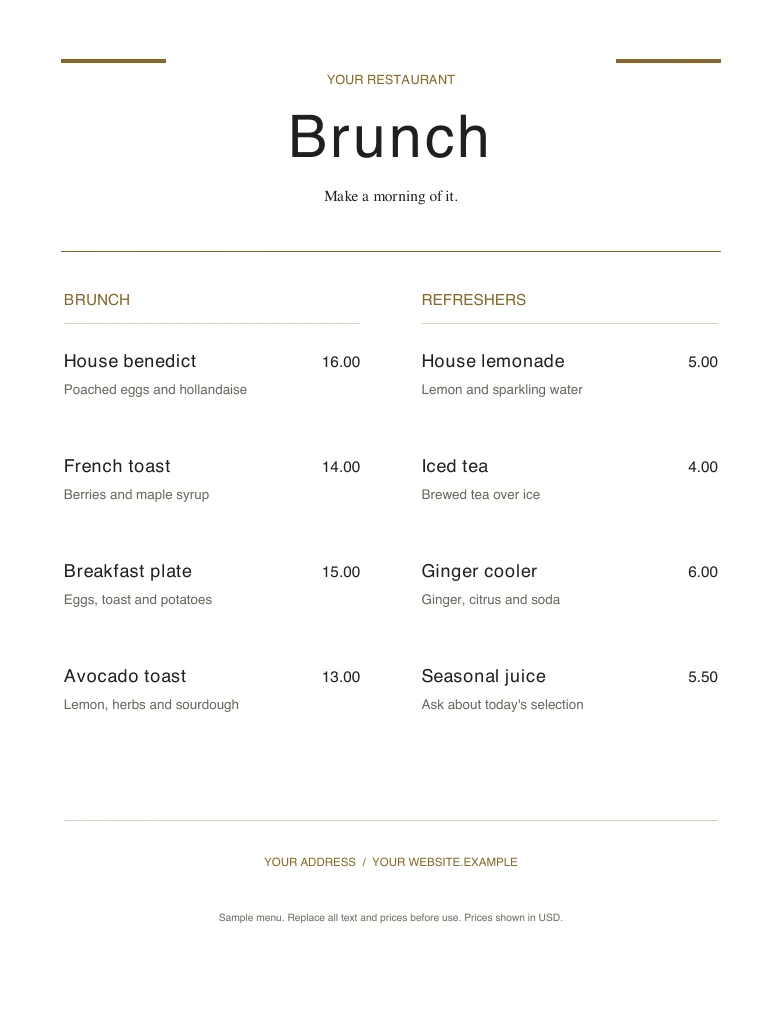
Start with a printable layout, then add your dishes, drinks and prices.
Explore the resource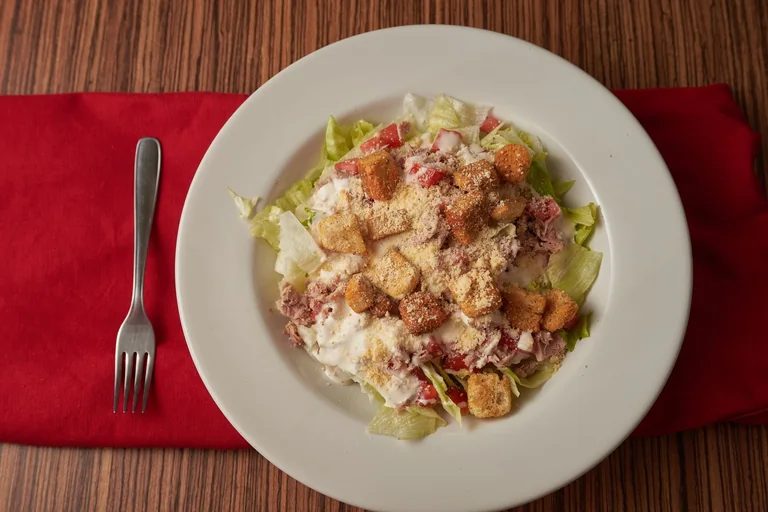
Work through ingredients, portions and the numbers behind your menu.
Explore the resource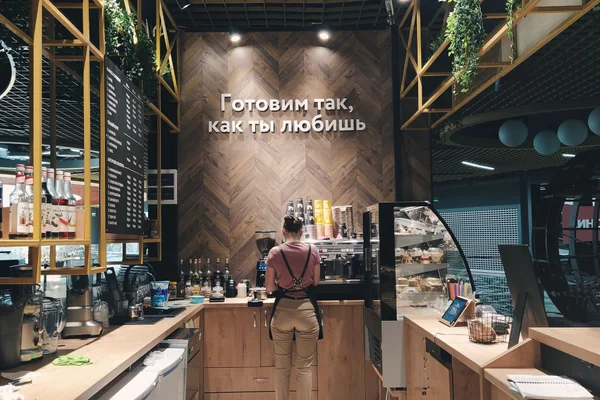
Bring the menu, people and equipment into one opening routine.
Explore the resourceTAPLY RESTAURANT
Bring your menu and your questions. Let’s walk through it together.
Request a demo