Stock on hand
Keep quantities and units together.
Restaurant inventory management
Bring ingredient quantities, low-stock thresholds and recipe costs into your Restaurant owner workspace. Give the kitchen a better starting point for the day.
Inventory and recipes are included with Ultra and Enterprise. View plans
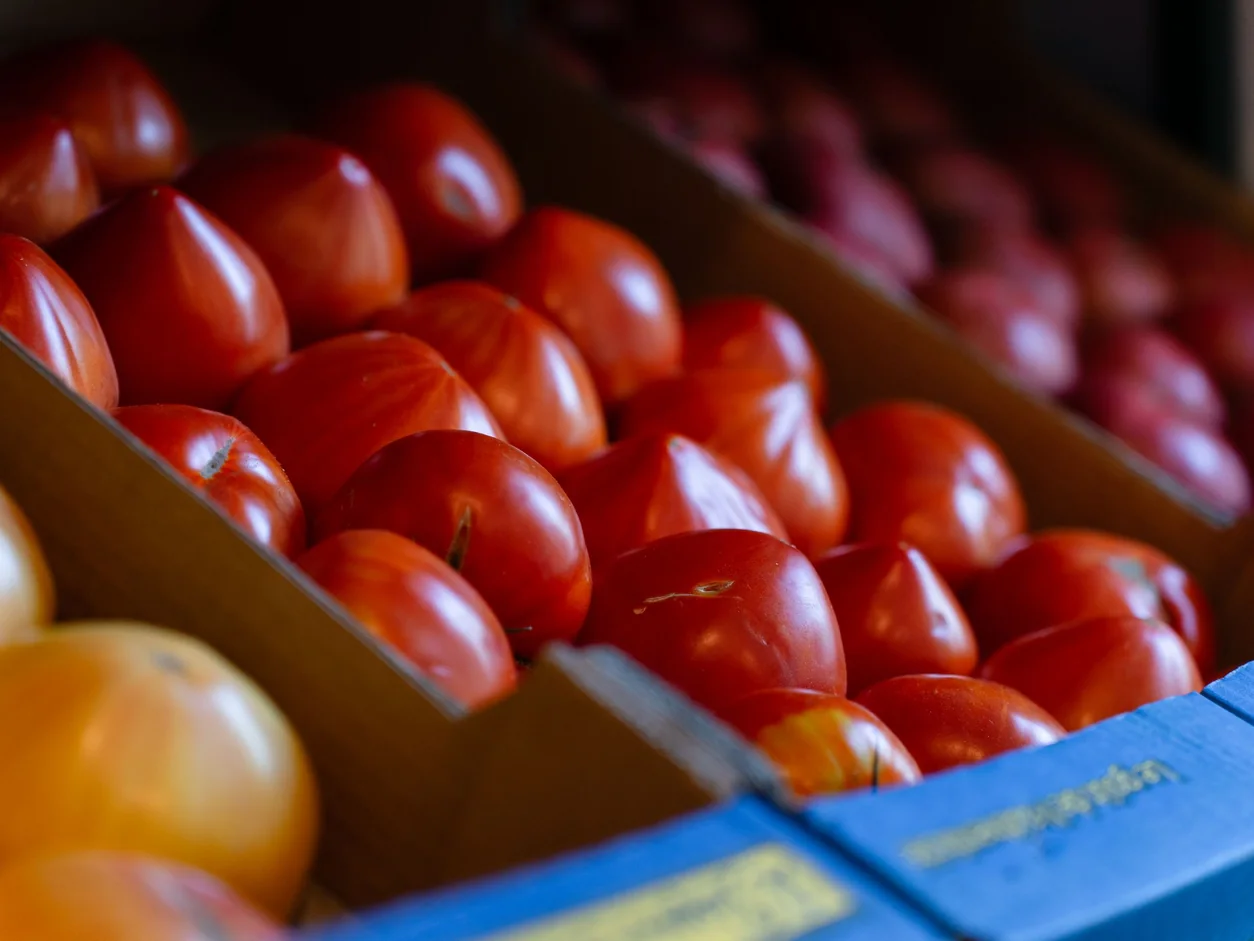
Keep quantities and units together.
Review items against their minimum.
Record cost per unit and stock value.
Connect ingredients with menu items.
| Ingredient | On hand | Status |
|---|---|---|
| Vine tomatoes | 12 kg | In stock |
| Fresh basil | 0.4 kg | Low stock |
| Arborio rice | 8 kg | In stock |
| Olive oil | 6 L | In stock |
Know your ingredients
Review your ingredient list by category, search for an item or supplier, and keep the current quantity beside its unit and minimum stock level.
10 servings · kitchen notes attached
Example quantities and recorded unit costs. Excludes other preparation and operating costs.
The details behind a dish
Link a recipe to a menu item, add ingredient quantities and record the number of servings. Use the recorded ingredient costs to understand the recipe’s estimated cost.
A useful daily review
Review the recorded value of ingredients on hand and update quantities when stock is replenished. Keep counts, supplier details and recipe inputs current so the next review starts with useful records.
A useful first conversation
Start with your menu, people and daily routines. Walk through the tools, plan and account access that fit your restaurant before changing the way your team works.
Explore Restaurant onboardingThe working details
Both workspaces are included with Ultra and Enterprise. Confirm your account’s plan and the available setup during your demonstration.
The inventory workspace records supplier information and stock quantities. Automated supplier purchasing, invoice ingestion and recurring purchase orders are separate requirements to confirm; they are not promised by this page.
It is an estimate based on the ingredient quantities and unit costs entered in your records. Check that purchase, storage and recipe units are consistent. A recipe estimate is not a complete food-cost or profit calculation.
Bring an example delivery, count and recipe to your demo. Review how your staff will maintain quantities and costs, and confirm any automatic stock deductions, waste tracking or integrations you need before changing the process.
Your next useful read
Taply Restaurant
Bring your questions. We’ll walk through the setup together.
Request a demo