Skip to content

Bring your delivery menu into the Taply Restaurant workflow.

Manage an eligible Uber Eats menu, review the details and connect the handoff to your kitchen.
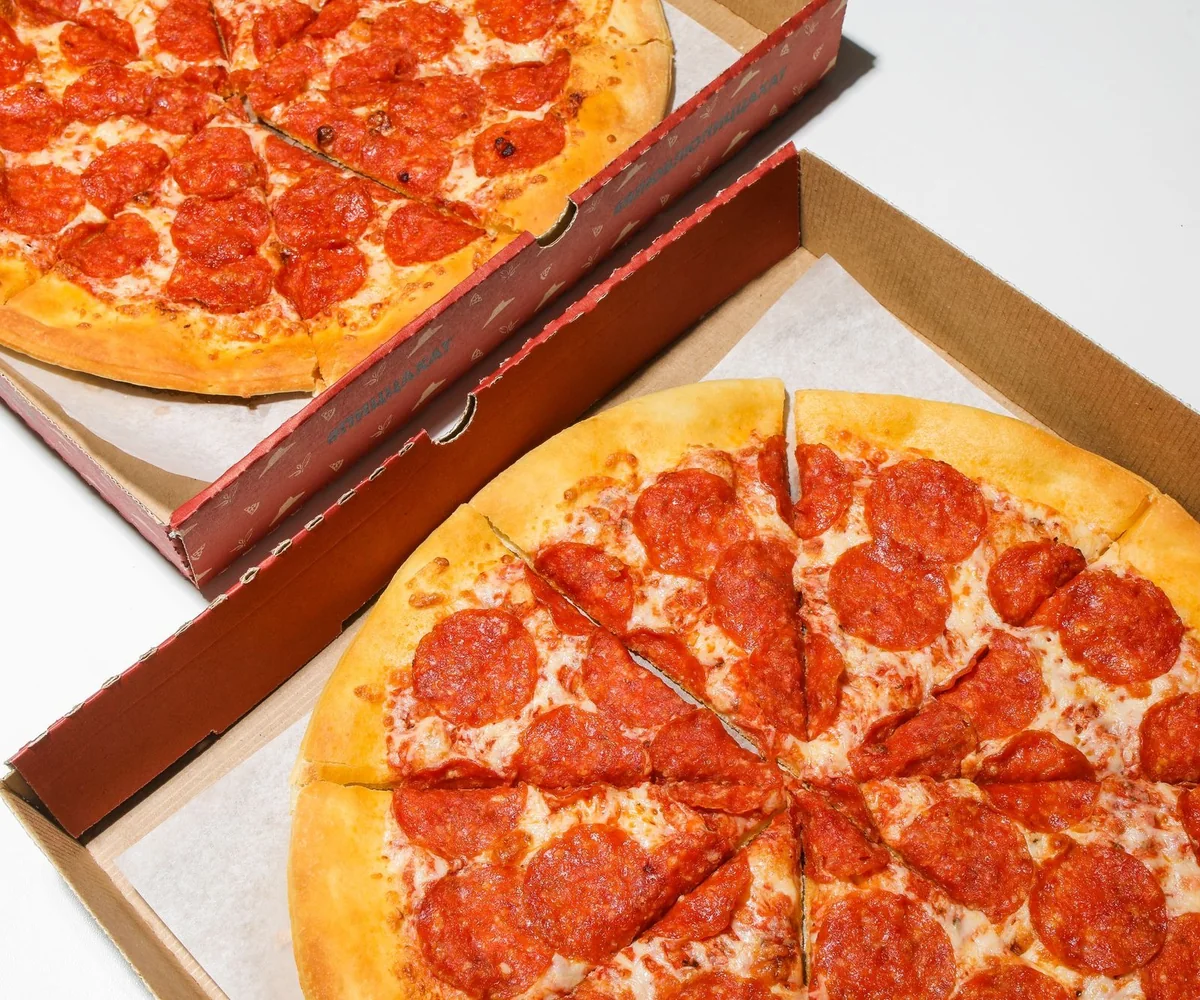
Top view of freshly baked pepperoni pizzas in open delivery boxes, ready to eat.
EXAMPLE KITCHEN HANDOFFReady for pickup.
ReceivedPreparedReady
Workflow illustration · requires an activated connection
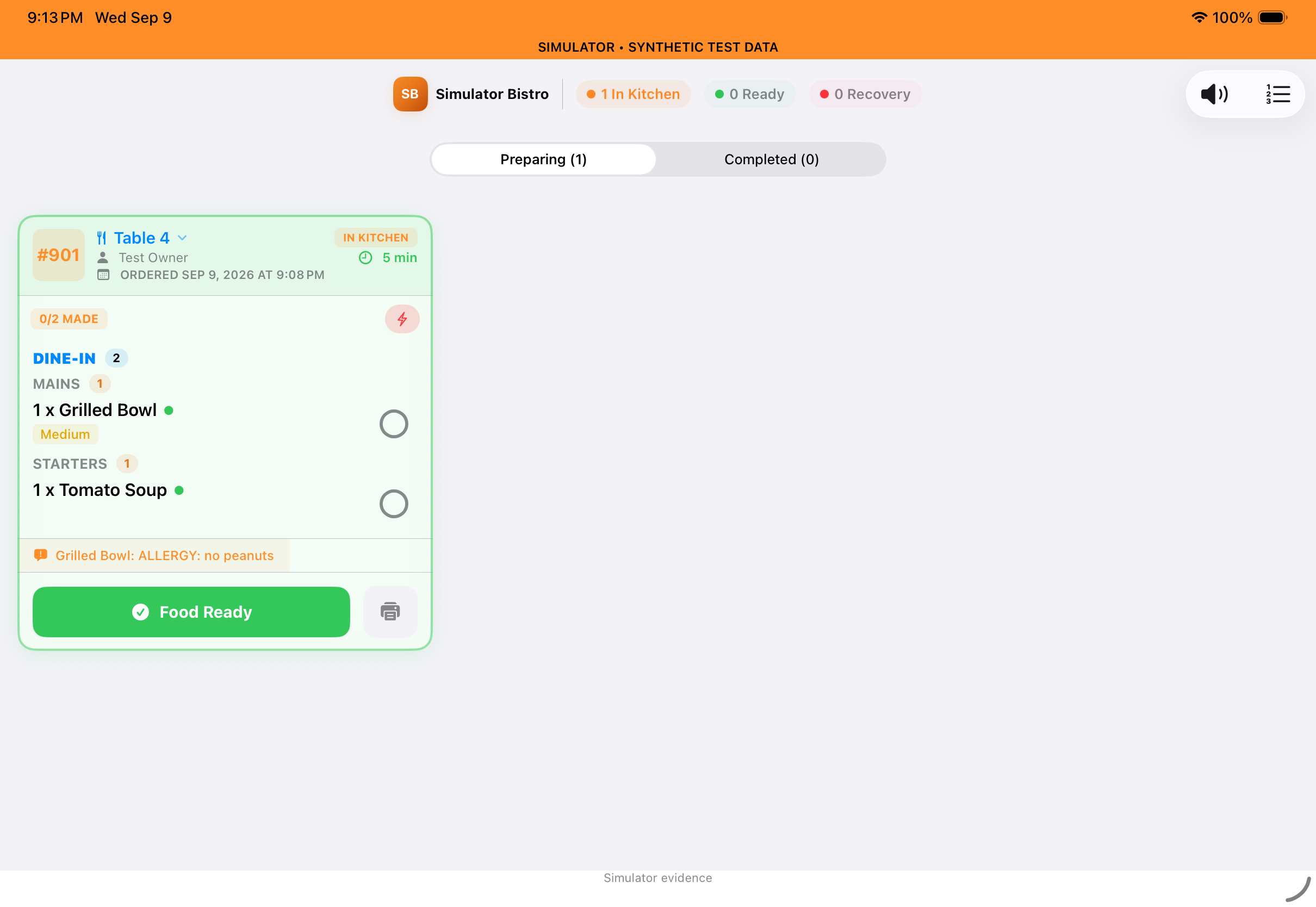
Taply kitchen-display preview with demonstration orders
Guest orderKitchenReady
Illustrative handoff · app preview uses demonstration data

Give every delivery order a clear path.

Bring an activated Uber Eats store into the restaurant workflow. Keep the team focused on preparing the food and the moment it is ready to leave.

  • Connect an eligible, approved store
  • Review incoming orders with your restaurant team
  • Send a ready-for-pickup update from the kitchen
Your delivery menuEXAMPLE SETUP
01Items & modifiers
02Photos & descriptions
03Store hours
04Item availability
Review your changes.
Then publish to your connected store.
Workflow illustration · publishing and store activation required

Keep your delivery storefront up to date.

The everyday details matter. Review the menu guests see and keep publishing part of the process when hours, prices or availability change.

  • Maintain item photos, descriptions and modifiers
  • Review delivery pricing before publishing
  • Publish hours and availability to the connected store
Eligible Uber Eats storeTaply RestaurantYour kitchen
Pizza delivery man in casual wear delivers pizza box to a customer indoors, smiling
Illustrative pickup experience

Stay familiar, wherever guests find you.

A clear menu and a recognizable restaurant make it easier for guests to choose. Bring the same care to delivery that you bring to the dining room.

  • Keep menu photos and descriptions consistent
  • Review the details of eligible offers
  • Give the team clear pickup and handoff instructions
● ● ●willow-and-grain.example
WILLOW & GRAIN

Good food.
Your kind of day.

A considered menu, ready to travel.

Explore the menu
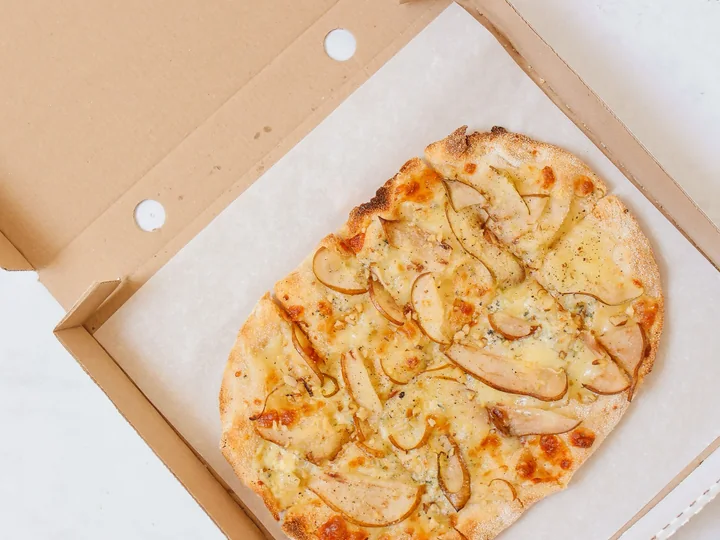
Freshly madeThoughtfully chosenA warm welcome
9:41 ● ▰
Willow & GrainA little pause. A good meal.
Fresh from the kitchen
BrunchLunchDrinks
Garden toastAvocado, eggs & sourdough
Harvest bowlSeasonal greens & grains
House cappuccinoYour everyday favorite
SAMPLE MENU · PREVIEW ONLY
Illustrative branded menu · website setup is quoted separately

Put a thoughtful delivery menu on the table.

Choose the dishes you want to offer, prepare the item details and review the guest-facing menu before it goes live.
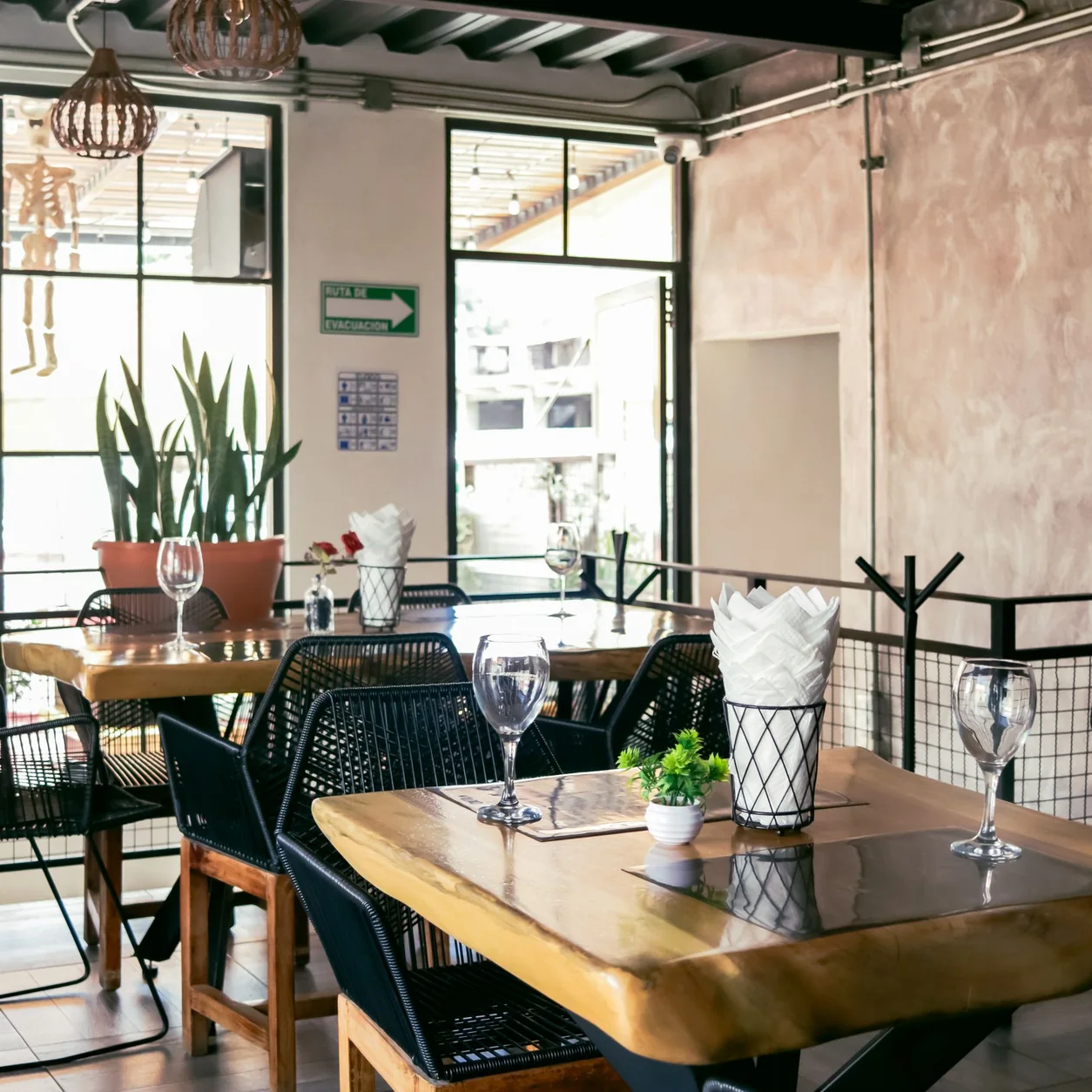
  • Build around the dishes that travel well
  • Review the modifier and availability choices
  • Preview the menu before publishing
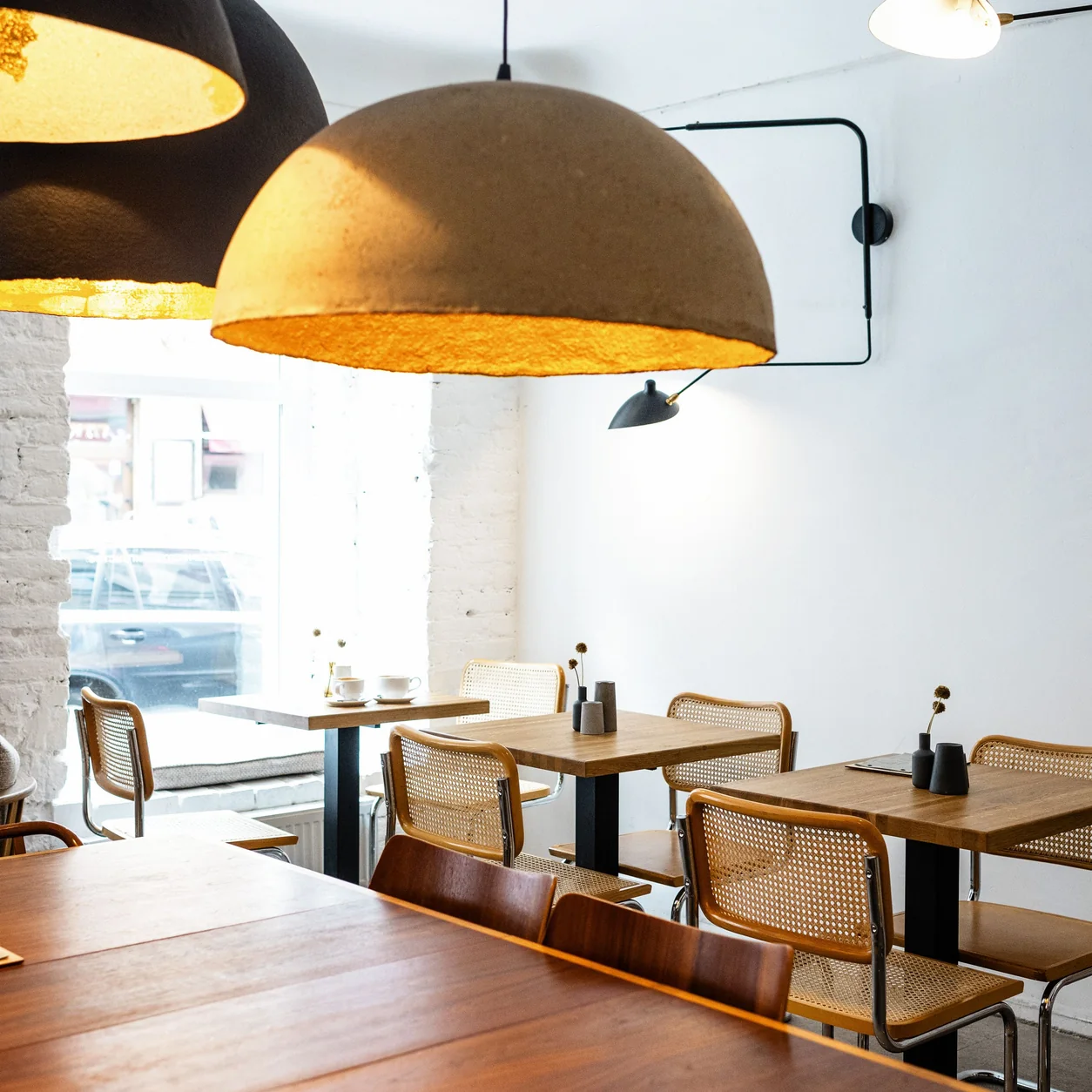
A modern restaurant dining room with soft natural light.

THE TAPLY APPROACH

Good service carries through to the very last handoff.

Consider the menu, the kitchen and the person collecting the food together.
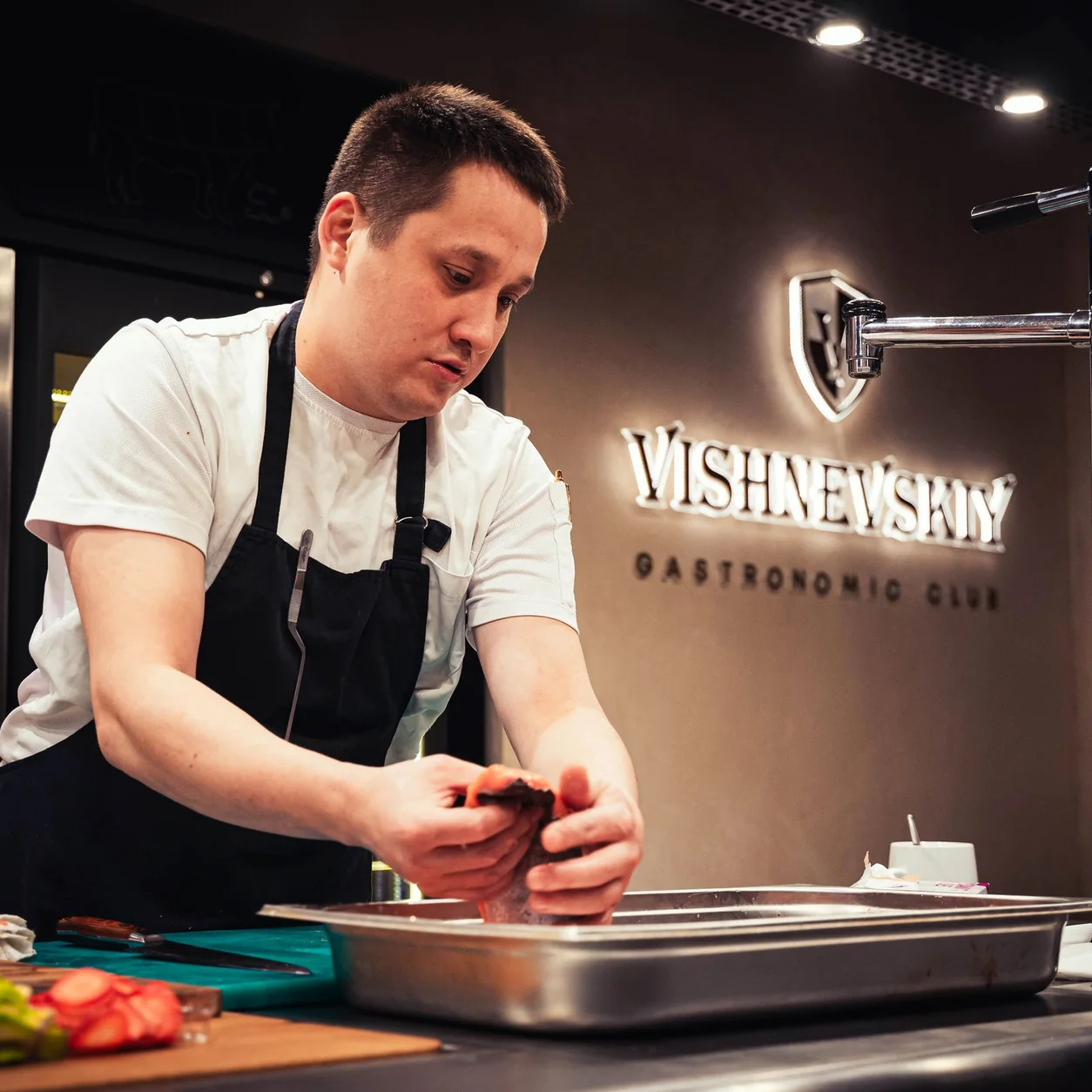
A chef preparing food at a professional restaurant worktop.
Real restaurant photography · illustrative setting

Make the next move a considered one.

Start with your menu, devices and team. Walk through the setup requirements and agree what needs to be ready before your first service.

  • Review the plan and compatible equipment
  • Prepare the menu and staff access
  • Confirm training, support and launch arrangements
Explore onboarding

A closer look at your kind of service.

Illustrative restaurant settings. Explore the workflows behind them.

A barista in a mint apron placing espresso on a marble cafe table.

Good food, ready to go

Consider the menu, packaging and handoff before the next busy service.

Explore quick service
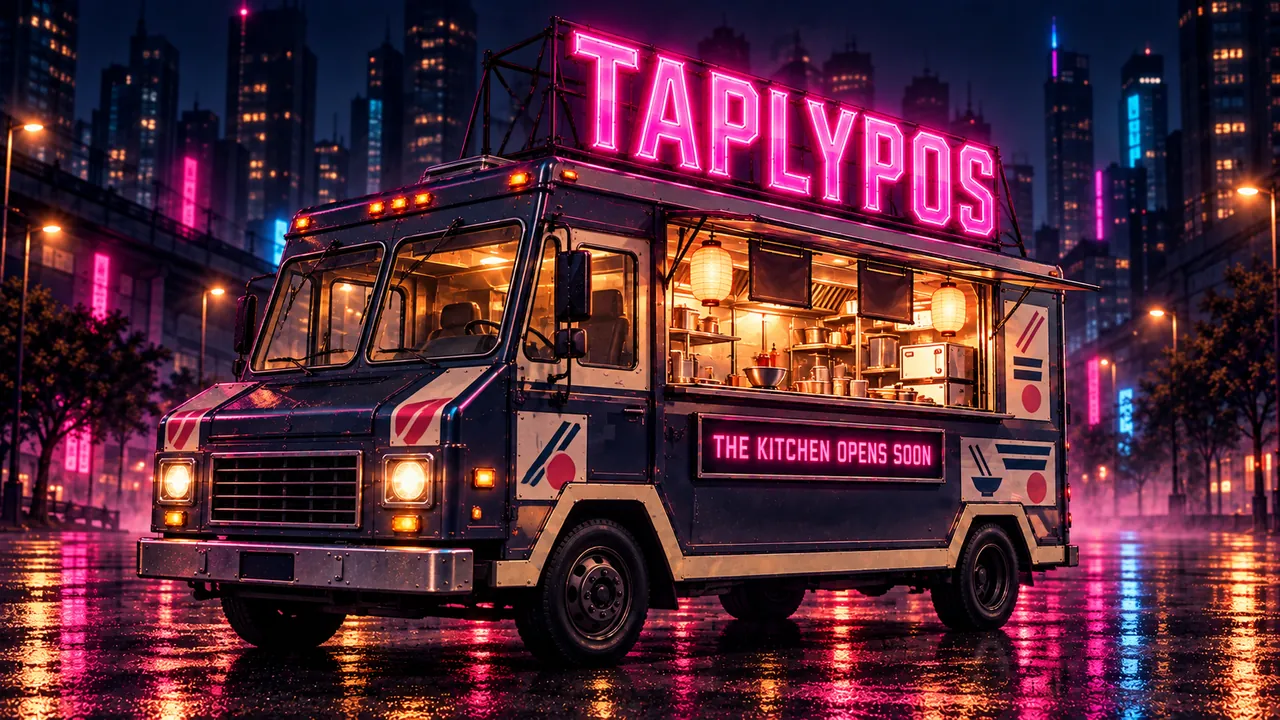
Illustration of a TAPLYPOS food truck with a pink neon rooftop sign at night

Big flavor. A small footprint.

Build the menu, order details and pickup routine around your service window.

Explore food trucks

1 / 4

See your restaurant in Taply.

Bring your menu, your questions and the way you like to work.

Prefer a simple contact form?
  1. 1Business
  2. 2Size
  3. 3Your details

Let’s talk about your restaurant.

What kind of restaurant do you run?

Your answers help us prepare the conversation. Nothing is sent until you submit your details.