An easy first step
Give guests a clear way to choose a date, time and party size.
Taply Reservations · Guest bookings
Bring bookings, guest notes and table planning into one Restaurant workflow. From the first reservation to the moment you say hello.
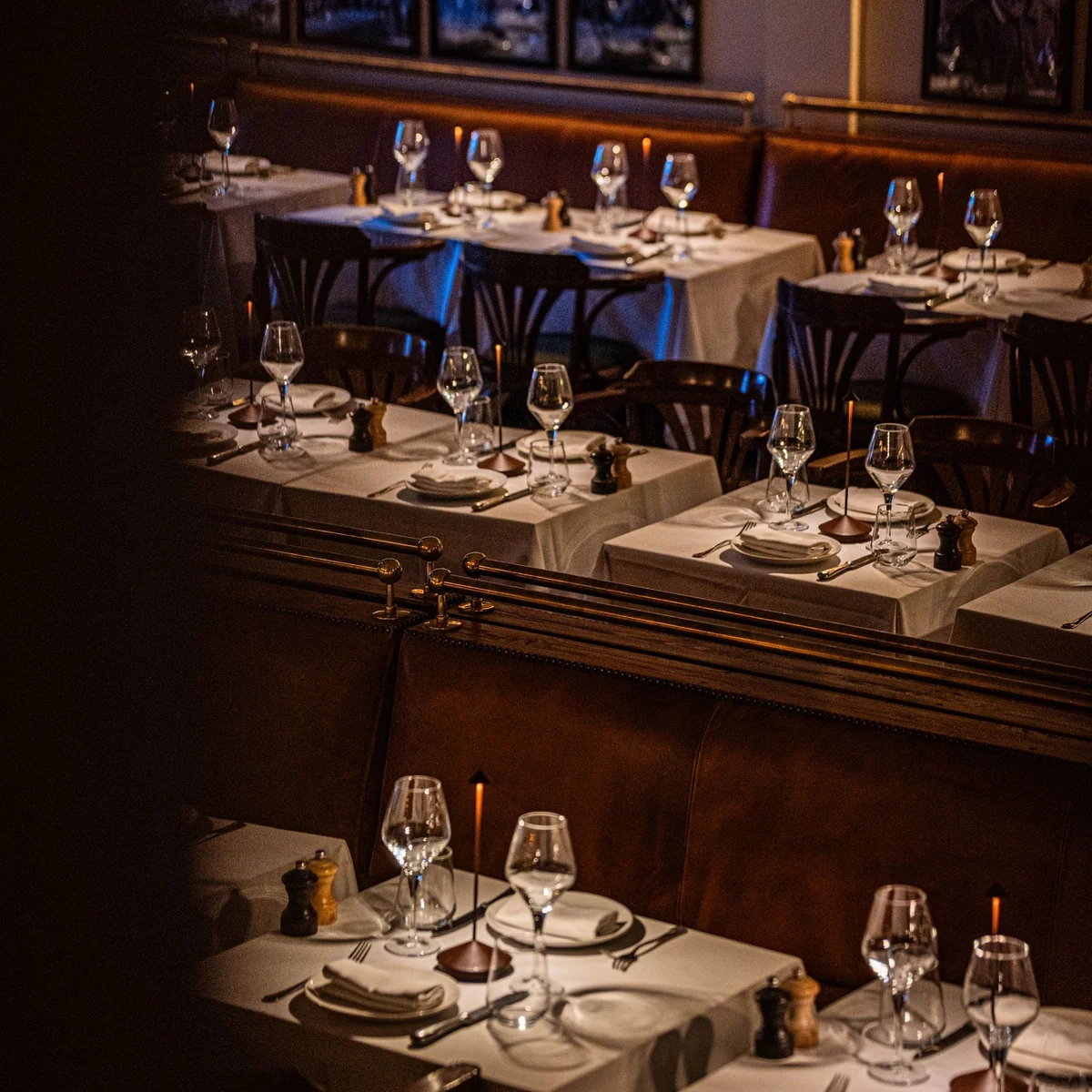
A thoughtful front of house
Give guests a clear way to choose a date, time and party size.
Keep guest notes, preferences and the occasion close to the booking.
Bring the arrival time, table assignment and status into view.
Meet guests where they find you
Give your website and social profiles a direct path to a table. Let guests explore availability and make the details of their visit clear.
Explore the fictional booking example here. No reservation is submitted.
Choose a party size and explore the sample availability.
No contact details, deposit or real booking.Window table requested
Ready for the welcomeThe welcome, in one view
Review the next arrivals, find the details that matter and give the floor team a clear handover when guests arrive.
With your floor team
Take the reservation view into the room with Taply Floor. Keep the people welcoming guests connected to the way your restaurant runs service.
Taply Floor is available on Ultra and Enterprise. Review device and booking requirements in your walkthrough.
Explore Restaurant plans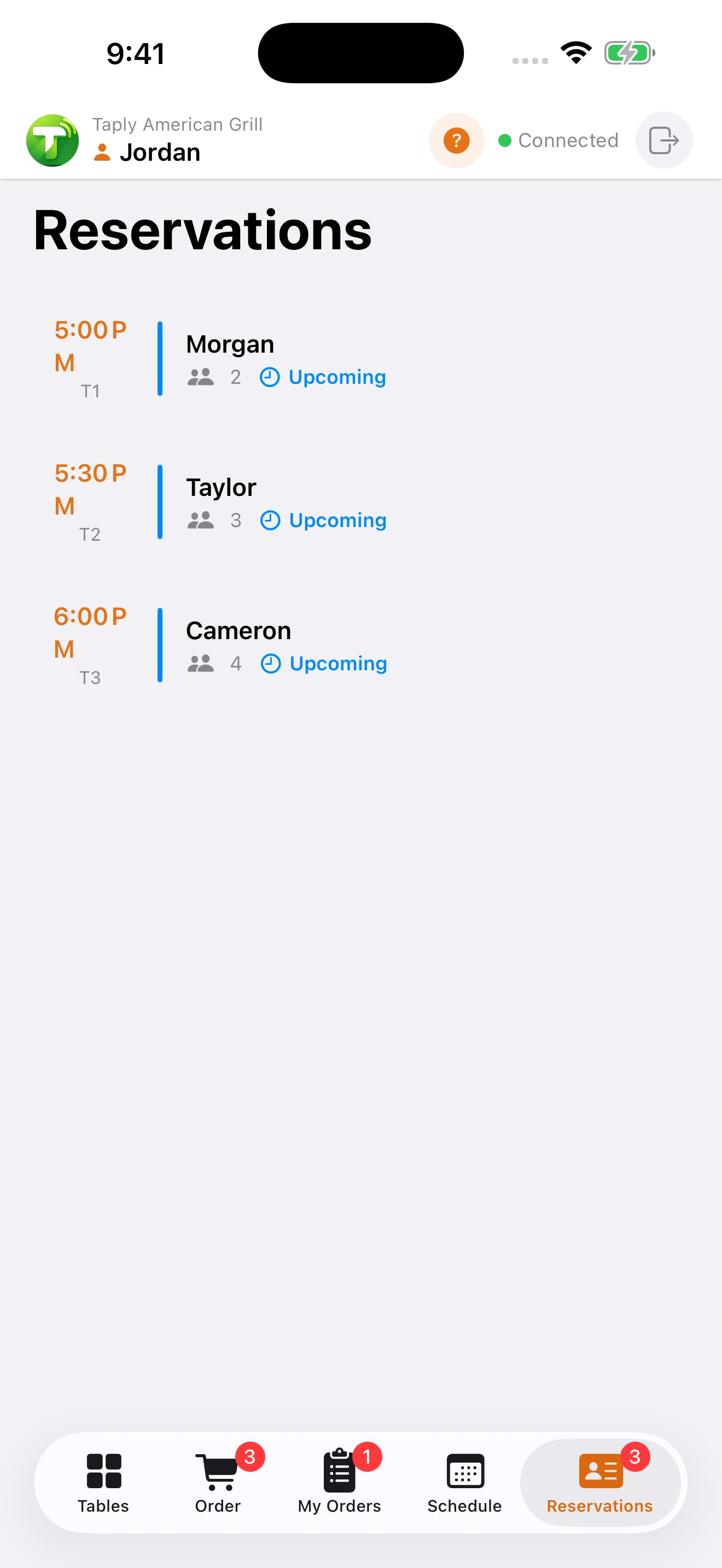
Your restaurant, your setup
Already working with a reservation provider? Bring the connection, guest communication and floor workflow you need. We’ll talk through the setup with you.
Explore Restaurant connectionsOne restaurant. A connected day.
Taply Restaurant
Bring your menu, your routines and your questions to a personal walkthrough.
Book a Restaurant walkthroughBookings, party sizes, visit notes, arrival times and table assignments. Keep the guest’s plans close to the people managing your dining room.
Use a booking link or website widget to offer dates, party sizes and available times. Discuss your capacity, opening hours, communication setup and booking rules during your walkthrough.
Taply Floor includes a reservation view alongside the tableside workflow. Floor is available with Ultra and Enterprise. Confirm staff access and the device setup for your restaurant.
No. The booking example uses a fictional restaurant and sample availability. It lets you explore a party size and time without collecting contact details or making a booking.
Bring the provider name and workflow to the setup conversation. Review compatibility and connection requirements separately; a booking illustration does not establish a partnership with another provider.