Understand the working parts of a point-of-sale setup, from the catalog to the daily review.
Start with the sale
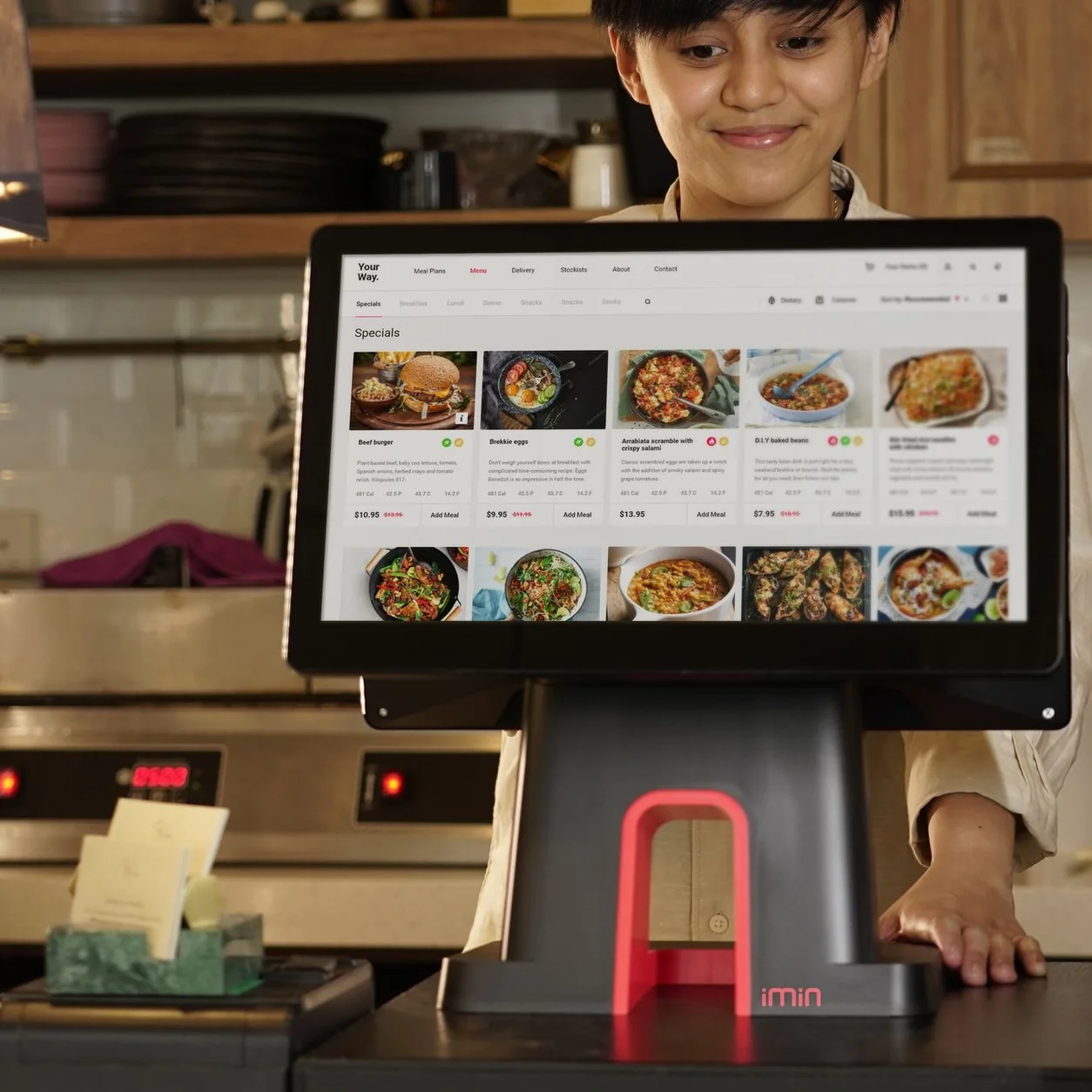
A point-of-sale system is the workspace a business uses to record a sale. It brings together the items being sold, their configured prices and taxes, the way the customer pays, and the record of what happened. The hardware might include a tablet, reader, printer, scanner and cash drawer.
The right setup depends on the business. A restaurant needs menus, modifiers and a clear route to preparation. A retailer needs product identities, selling units and stock information. Those differences matter more than whether two products share the same general label.
Separate software from equipment
Software defines the workflow; equipment gives people a way to use it. A tablet model, printer connection or scanner setting can change what is possible at the counter. List exact models rather than assuming that every device with Bluetooth or USB will work together.
Payment processing is another part of the setup. Confirm the supported reader, account, payment methods and connection requirements separately. A software subscription does not establish that all processing or hardware costs are included.
Look at what happens after checkout
A completed sale becomes part of a wider operating routine. Staff may need to review stock, close a drawer, resolve a return or explain a difference in a report. Ask the provider to show those jobs as well as the easiest checkout example.
Bring one common exception into the demonstration. It could be a missing barcode, a kitchen change or a connection interruption. Establish who should respond and which record they should use to understand the outcome.
- Show a normal sale using your menu or product examples.
- Review the devices and connections involved.
- Walk through an exception with a clear next step.
- Check the closeout and owner reports you need.
Choose for the work you actually do
Make a short list of essential workflows, then identify the plan and setup that supports them. Record unanswered questions before choosing a launch date. A good comparison makes the equipment, software, processing and implementation scope clear.