A supplier order, a shelf count or a menu refresh starts with a few useful details. Explore Taply’s growing collection of browser tools, worksheets and editable templates.
Start with the task in front of you
You do not need a complete business overhaul to make the next working day clearer. Sometimes the useful first step is a supplier order with all the delivery details, a consistent stock-count sheet or a checklist for the opening team.
Taply’s resource library brings those starting points together. Browse by business type, then look at what each resource contains before choosing a download or opening an interactive tool. Some downloads use a short form; browser tools explain their input and export options on the page.
Give retail records a common format
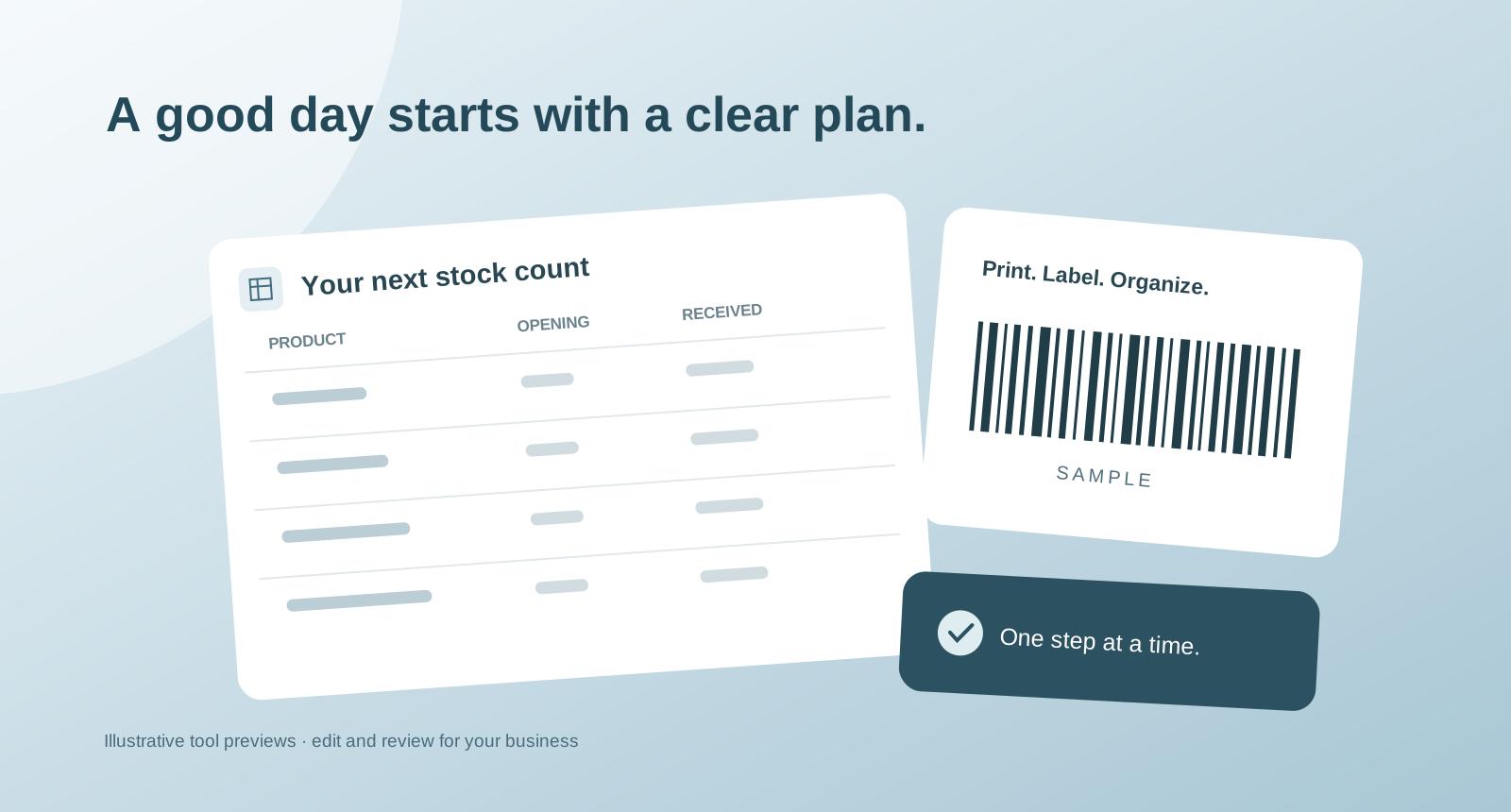
The purchase-order template provides space for supplier, delivery and item details in an editable workbook. The inventory template connects opening stock with purchase and sales records. Both are starting files for your own process: review the units, descriptions and quantities before relying on a completed sheet.
The barcode generator turns a product code into a printable SVG. Choose a supported format, follow the validation feedback and check the result with the scanner and labels you plan to use. Generating a symbol does not assign an official retail identifier or automatically create an item in your POS catalog.
Turn restaurant planning into a working document
Restaurant resources cover opening routines, menus, business planning and the questions behind a POS decision. Menu and flyer templates offer a starting layout, while longer guides pair explanations with checklists or worksheets you can use with your team.
Choose one owner for the working copy and agree when to review it. If a template includes example material, replace it with the details of your restaurant. Keep a separate clean copy so an everyday revision does not overwrite your starting point.
Bring the result into your next conversation
A useful worksheet makes the unknowns visible. Circle the equipment you need to check, the units your team counts differently or the workflow you want to see demonstrated. Those details help make a product conversation specific to your business.
The resources are planning aids. A downloaded workbook or browser label does not connect to your live inventory, submit a supplier order or make a change inside Taply. When you are ready to discuss the working setup, share the requirements with the Taply team through a demo inquiry.