Bring real workflow questions so your walkthrough answers more than a feature checklist.
Bring three everyday situations
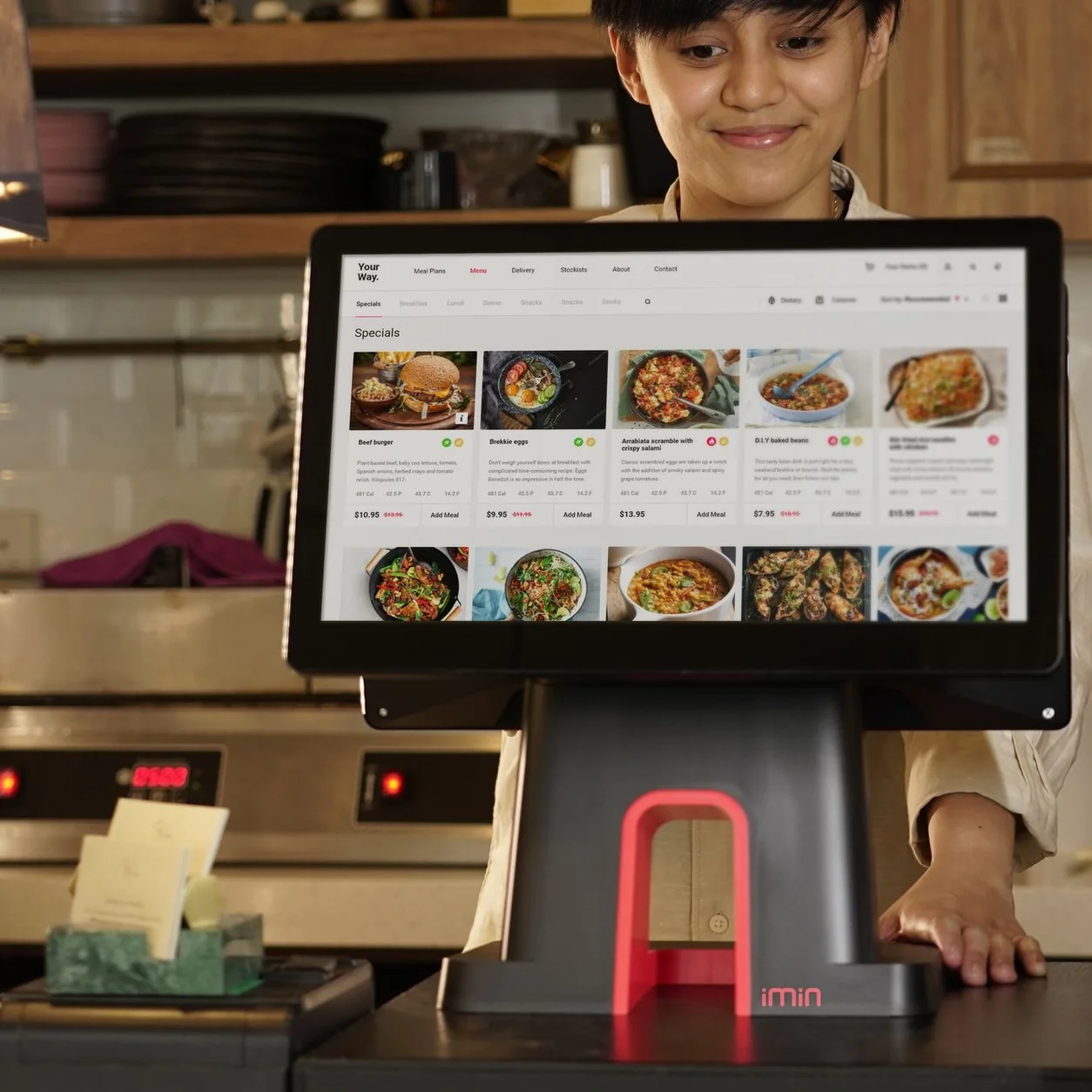
Choose a routine sale, a busy-period order and an exception your staff encounters. Describe the steps in plain language. Seeing those situations demonstrated is more informative than watching a tour of every button.
Make the setup visible
List your locations, number of devices, existing hardware and connected services. Explain which people need access to which tasks. If you run more than one type of business, ask to see the relevant Taply product rather than assuming every product behaves the same way.
Ask what is included
Keep software, hardware, processing, onboarding and optional services as separate questions. Ask which plan covers each required workflow and whether third-party approval is involved. Write down anything that still needs verification before making a decision.
Leave with a concrete next step
A useful demo ends with a list of confirmed capabilities, open questions and setup responsibilities. Agree what needs testing with your own equipment or data and who will provide that evidence. Do not treat a demonstration account as proof that a production integration is already active.