A considered catalog
Use clear names, categories and barcodes to help staff find the right item.
Explore a considered catalogFlower shop POS system
Bring arrangements, gifts and everyday sales into a clear retail routine, with tools for your catalog, stock and the customers who make each day different.

A ready-made bouquet, a vase and a custom event order need different care. Start with your retail catalog and checkout, then map the specialist work that happens at the florist’s bench or beyond the shop.
A clear view of the collection, the counter and the next decision.
Use clear names, categories and barcodes to help staff find the right item.
Explore a considered catalogReview stock on hand, reorder levels, receiving and physical counts.
Explore stock worth checkingBring customer records, loyalty and gift cards into your store’s routine.
Explore familiar customersLook at product and category results when planning what comes next.
Explore a view of the seasonGive staff appropriate access and review exceptions with the original sale.
Explore a supported teamChoose the tablet, scanner, printer and reader around your counter.
Explore a practical counterKeep product photos, categories and item details close to the sale. Build the catalog around what a customer can buy today, with clear records for arrangements, vases, cards and gifts.
Use stock quantities, receiving and counts to review the products and supplies you manage in Retail. Agree how finished arrangements and their ingredients will be represented before relying on any stock calculation.
Customer records and purchase history give the team useful context when someone returns. Keep loyalty and gift-card options clear, and agree where bespoke requests and delivery instructions will be managed.
Start with the work each system does. Confirm the exact connection and setup before relying on it.
Review the supported QuickBooks journal handoff and account mapping.
Learn moreConfirm the platform, catalog ownership and supported connection.
Explore online planningExplore customer records, loyalty and the rules for your store.
Explore customer toolsMap staff access, time records and the payroll preparation handoff.
Learn moreFinish the flower-shop visit with a basket your staff and customer can review together. Taply Retail brings item lookup, customer details and the configured ways to pay into the sale.
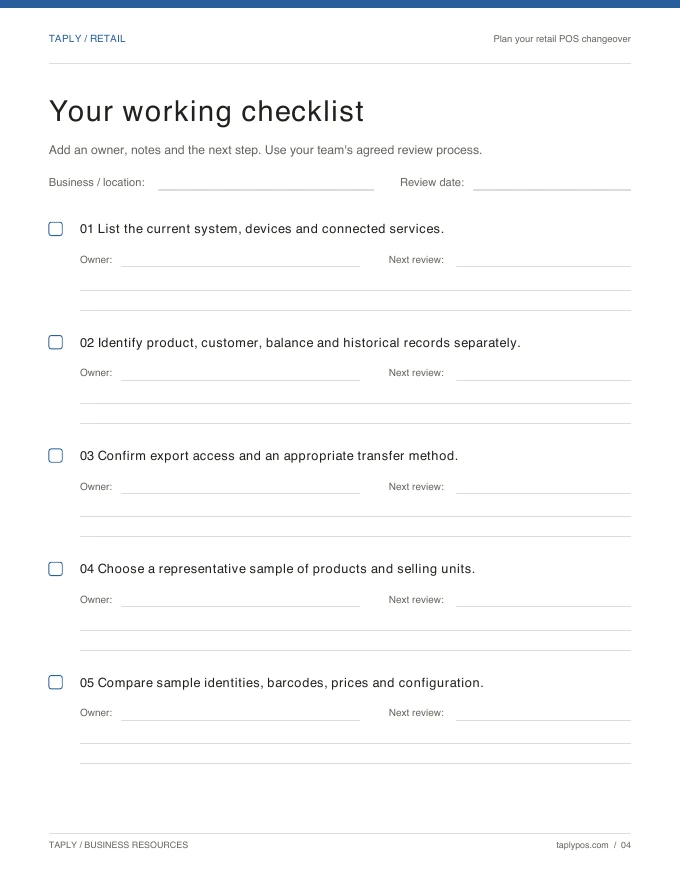
The useful starting point is your current store. Bring a sample catalog, supplier records and your exact equipment list so the transition can be planned around a real trading day.
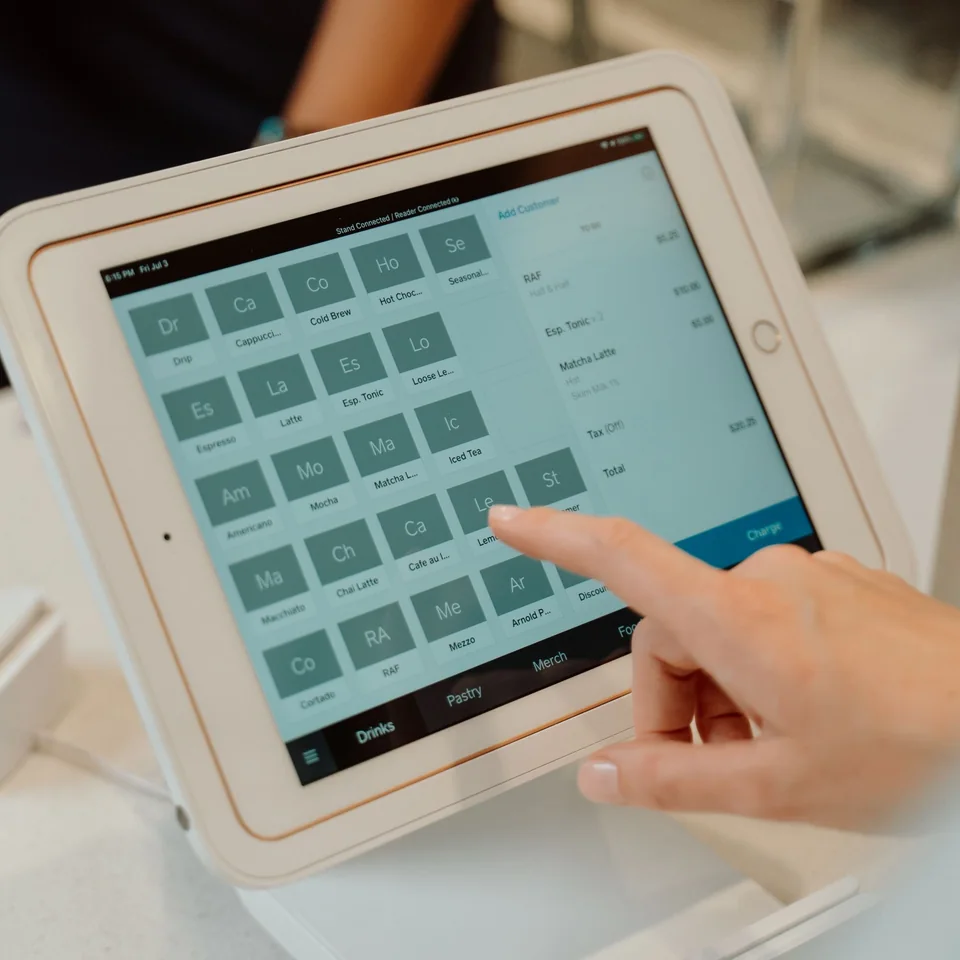
Choose a stable landscape tablet setup, the receipt format your customers need and compatible payment equipment. Confirm the exact models and connections before making your hardware purchase.
Bring your collection and daily routines to a Taply Retail walkthrough.
Request a demoStart with the products you sell at the counter, customer records, stock management and reporting. Then identify custom orders, events, delivery and perishable-stock requirements for a separate fit review.
Taply Retail supports product categories and item records. Review your actual range to agree the item name, selling unit, price and stock behavior for each example.
Recipe or bill-of-material stock deductions, batch expiry and perishable inventory automation are not confirmed. Review those requirements before relying on automatic ingredient consumption.
Dedicated delivery dispatch, event scheduling and florist quotations are not established by the retail checkout. Confirm the specialist tools and any connection needed for those workflows.
Taply Retail includes customer records, loyalty and gift-card workflows. Review the configuration, staff access and operating rules with the team before offering them to customers.
Practical Retail guides and templates, ready when you are.
Buyer’s guide
A buyer’s guide to the questions, workflows and equipment worth reviewing.
Explore the buyer’s guideChecklist
Agree the scope, prepare the team and review the differences.
Explore the checklistFree template
A practical template for products, quantities and supplier details.
Explore the free templatePlanning guide
Bring your records, equipment and daily routines into the transition plan.
Explore the planning guide