Accounting
Review the supported QuickBooks journal handoff and account mapping.
Learn moreMusic store POS system
Keep instruments, accessories and counter sales in tune with Taply Retail. Bring the collection, the customer and the details of the day into view.
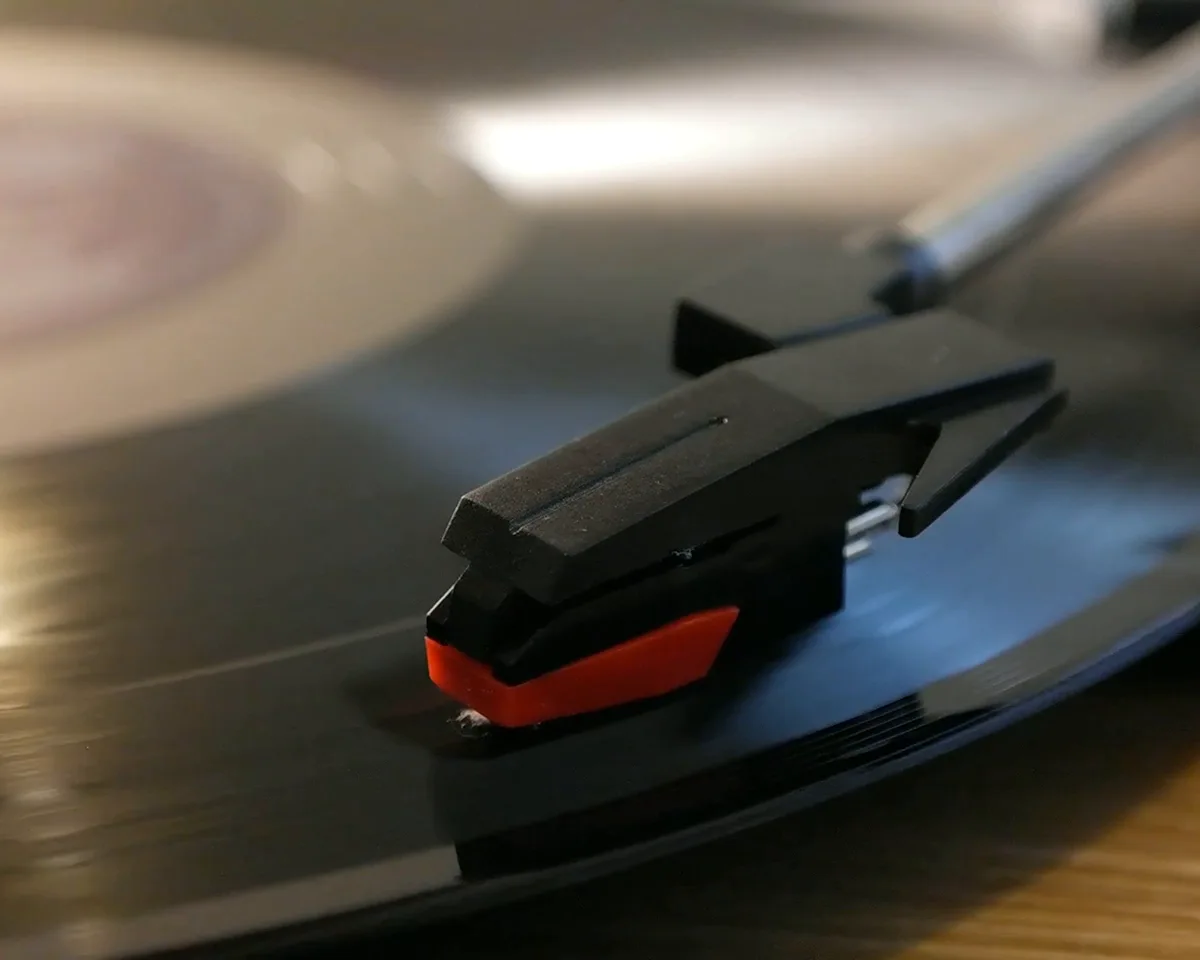
A music store brings together high-value instruments and everyday essentials. Make model names, product photos and sellable units clear, so a small accessory gets the same care as a major purchase.
Selling an instrument can be only one part of the visit. If your store also rents equipment, teaches lessons or repairs instruments, bring those workflows into the first conversation so each requirement has an agreed home.
A repair, a customer request and an item on the shelf are different kinds of work. Agree how customer details, promised dates and service records move between the people and systems involved.
Finish the music-store visit with a basket your staff and customer can review together. Taply Retail brings item lookup, customer details and the configured ways to pay into the sale.
Start with the work each system does. Confirm the exact connection and setup before relying on it.
Review the supported QuickBooks journal handoff and account mapping.
Learn moreConfirm the platform, catalog ownership and supported connection.
Explore online planningExplore customer records, loyalty and the rules for your store.
Explore customer toolsMap staff access, time records and the payroll preparation handoff.
Learn morePractical retail tools for the collection, the counter and the close.
Use clear names, categories and barcodes to help staff find the right item.
Explore find the right modelReview stock on hand, reorder levels, receiving and physical counts.
Explore count every accessoryBring customer records, loyalty and gift cards into your store’s routine.
Explore remember the customerLook at product and category results when planning what comes next.
Explore review your product mixGive staff appropriate access and review exceptions with the original sale.
Explore support the counter teamKeep customer details and purchase history available when they return for an accessory or their next instrument. Explore gift cards and loyalty alongside the way your team builds lasting relationships.
Walk through your range, your counter and the services that make your shop different.
Request a demoPractical Retail guides and templates, ready when you are.
Buyer’s guide
A buyer’s guide to the questions, workflows and equipment worth reviewing.
Explore the buyer’s guideChecklist
Agree the scope, prepare the team and review the differences.
Explore the checklistFree template
A practical template for products, quantities and supplier details.
Explore the free templatePlanning guide
Bring your records, equipment and daily routines into the transition plan.
Explore the planning guideThe Retail catalog, checkout and inventory workflows can be reviewed with instrument and accessory records. Bring real models, barcodes and stock units to confirm the setup for your range.
Dedicated rental contracts, lesson scheduling and recurring tuition workflows are not confirmed. These need a separate capability and connection review.
Serial-number lifecycle tracking and repair work orders are not established by the standard Retail catalog. Demonstrate those requirements before choosing the complete system.
Taply Retail includes customer records and purchase history, alongside configurable loyalty and gift cards. Access and the rules used by your store should be reviewed during setup.
Compatibility depends on the exact tablet, operating system, scanner, printer and reader. Bring model numbers and connection methods; payment equipment also depends on merchant and provider eligibility.