Counter lookup
Find a fitting, fastener or accessory with its SKU, category or compatible barcode.
Explore this workflowConstruction supplies · Taply Retail
Bring hardware, replacement parts and everyday supply sales into an organized catalog, receiving and checkout routine.
Pick sample products. Review the basket. Tap to finish.
Already with Taply? Owner login
YOUR TURN AT THE COUNTER
 Taply RetailInteractive demo
Click a product to start your basket.
Explore the Retail tools around your store’s everyday work.
Find a fitting, fastener or accessory with its SKU, category or compatible barcode.
Explore this workflowConnect a supplier’s purchasing package to the base units used for stock.
Explore this workflowKeep the customer attached to the retail purchase and review sale history.
Explore this workflowReview products, sales, tenders and maintained costs after the trading day.
Explore this workflowUse scanned invoice information as a draft to verify against the actual delivery.
Explore this workflowMatch permissions and manager approvals to the responsibilities at the counter.
Explore this workflowThe supplier handoff
Keep the order, invoice and receiving review connected. Confirm costs and quantities before posting the items your staff will sell.
The view after close
Bring sales, tender activity and inventory into the business-day review. Use maintained cost information to give the numbers context.
Your business has its own details
Project estimating, trade credit accounts, cut-length pricing, delivery dispatch and contractor job costing require a separate capability review. Confirm supported selling units with your actual product list.
Discuss your requirementsThe tools around your store
Explore the accounting, payment and equipment connections around Taply Retail, including the setup each one needs.
Explore Retail connectionsClick an orbiting icon to learn more. Stripe payments
 QuickBooks Online
Considering the switch?
Bring your real catalog, current equipment and the exceptions your team handles. A useful walkthrough follows your business from the first delivery to the final closeout.
Made for your counter
Build around the way your staff works, then confirm the exact models and connections.
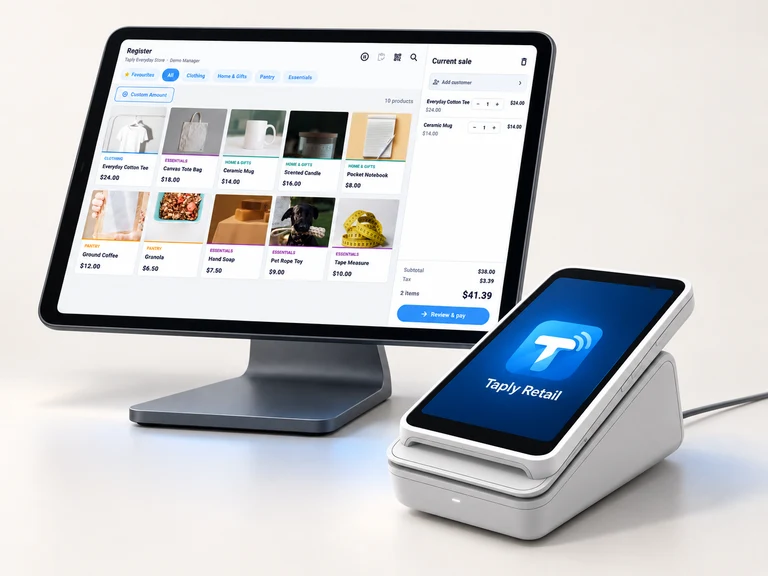
Give the register a clear view and a stable home. Confirm the tablet model, operating system and stand fit.
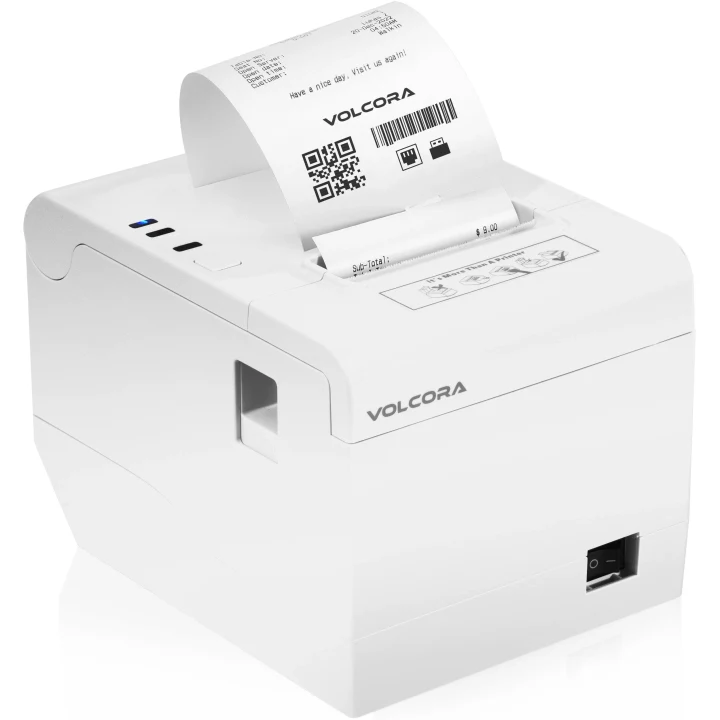
Match the exact printer, paper and connection to the way your store produces receipts.
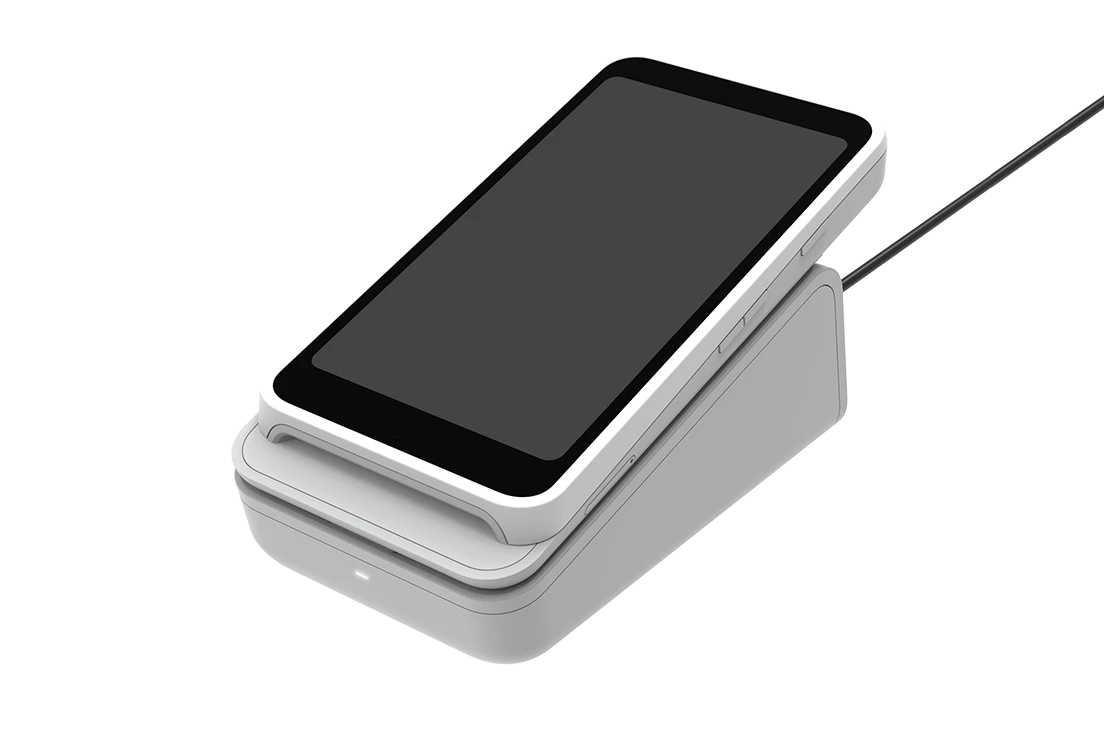
Review supported readers, pairing and merchant eligibility before selecting payment equipment.
Equipment examples. Software, equipment and payment processing are separate.
Free tools to help you plan your next step.
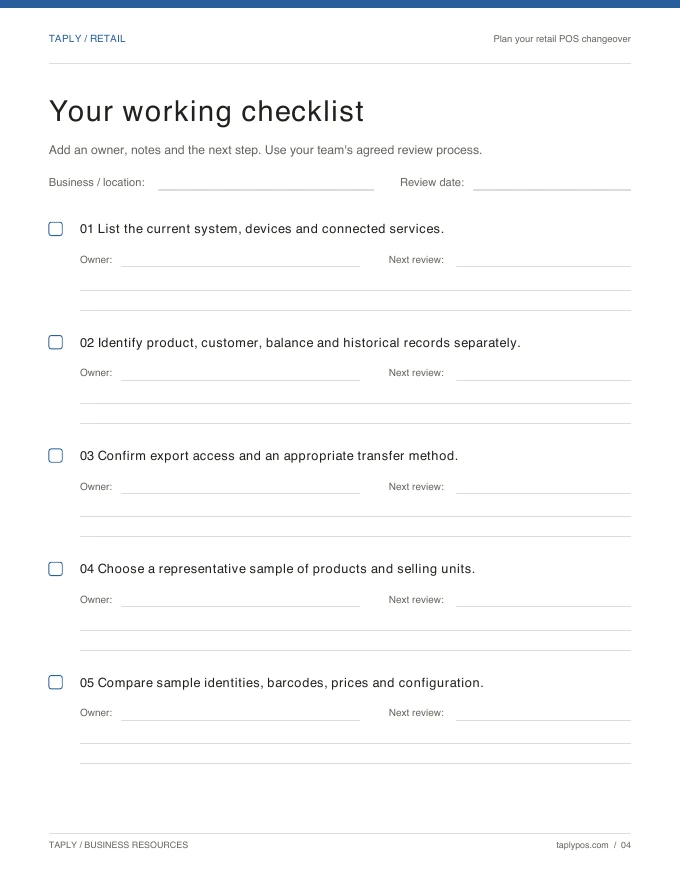
Capture the records, equipment and routines you want to preserve.
Explore the resource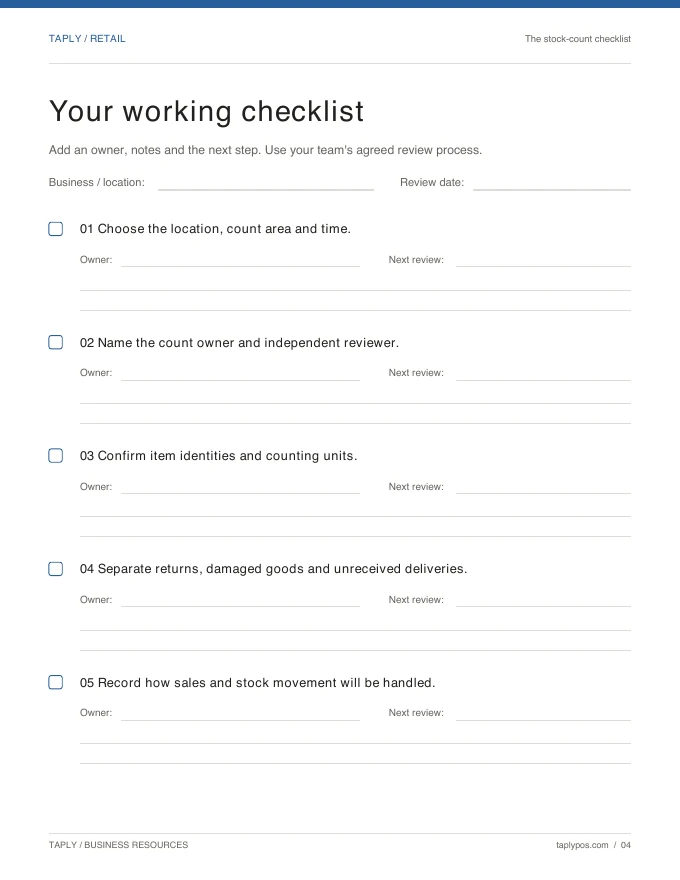
Give the count a scope, a responsible team and a review process.
Explore the resource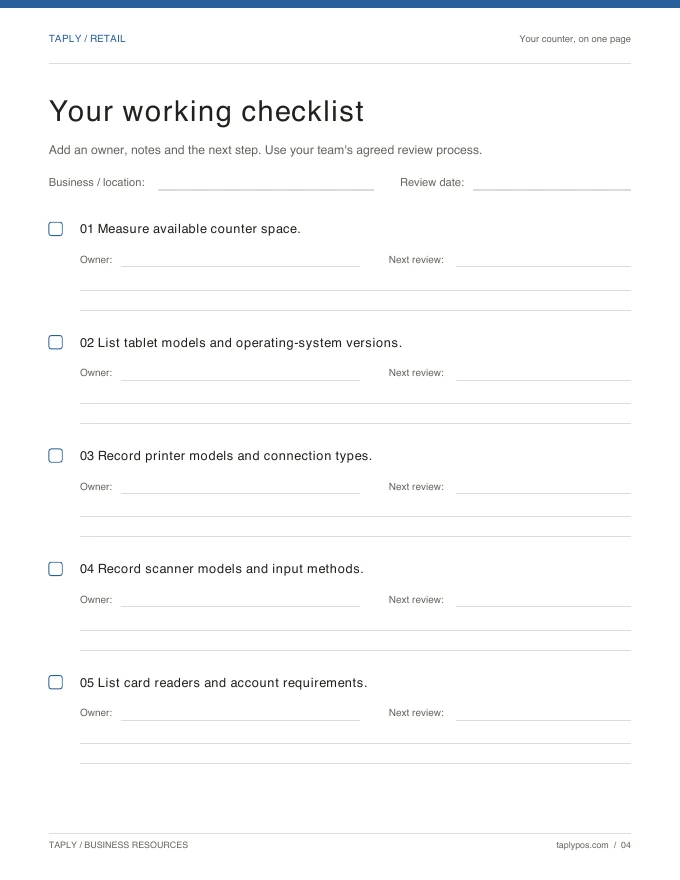
Bring exact device models and connection methods to the conversation.
Explore the resourceVendor purchasing packages can connect to the product’s base stock unit. Verify every package conversion and selling unit with actual supplier examples before receiving and selling the product.
Trade credit, account billing, estimates and contractor job costing are not confirmed by this Retail page. Bring the complete workflow to a capability review before choosing a setup.
Cut-length and other measured-unit sales require a specific review of product units, quantities and pricing. Do not assume standard item checkout provides that workflow.
Bring product labels, a supplier invoice, representative packs and cases, current equipment models and examples of returns or delivery exceptions. Include any trade-account or project requirements.
Bring your collection, your team’s routine and your questions.
Request a Retail demo