Start with the handoff
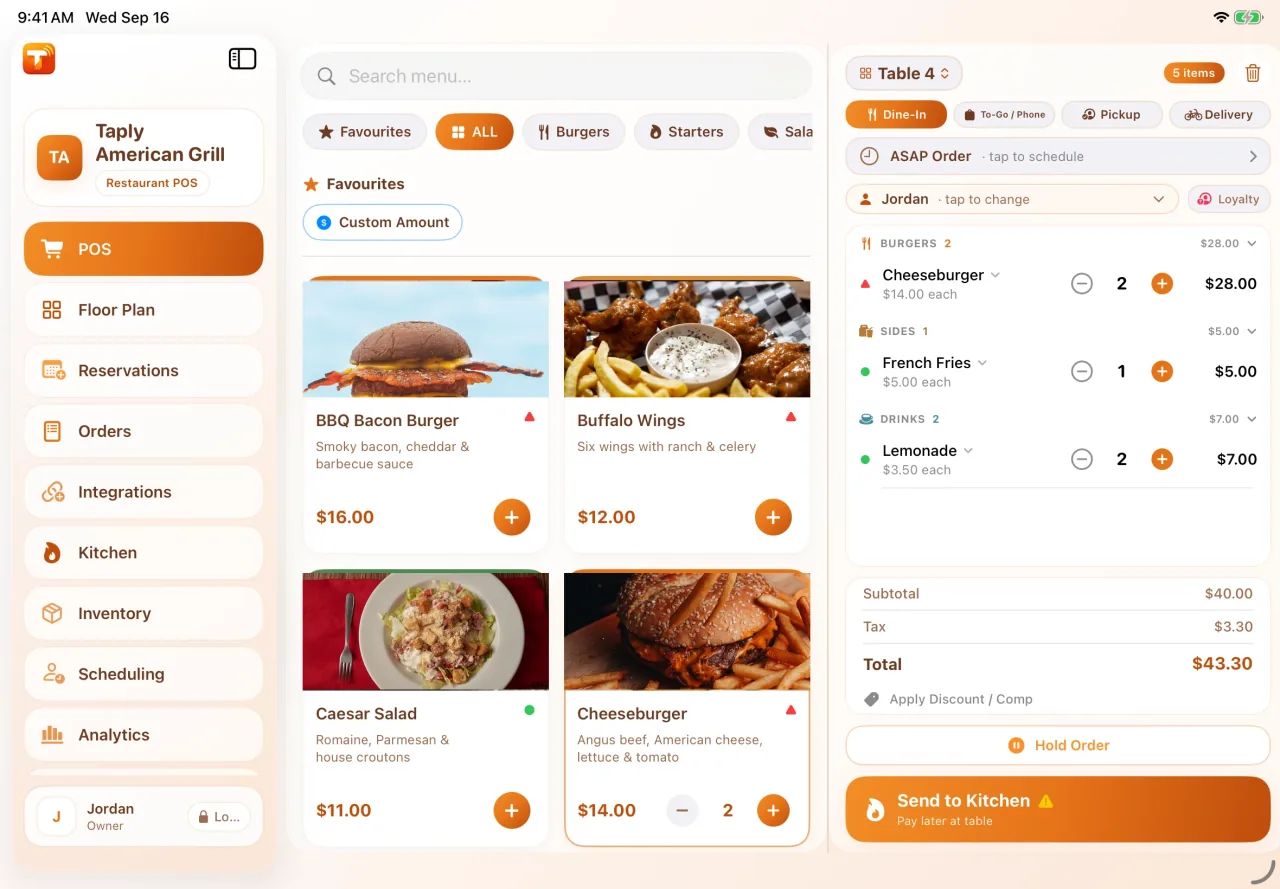
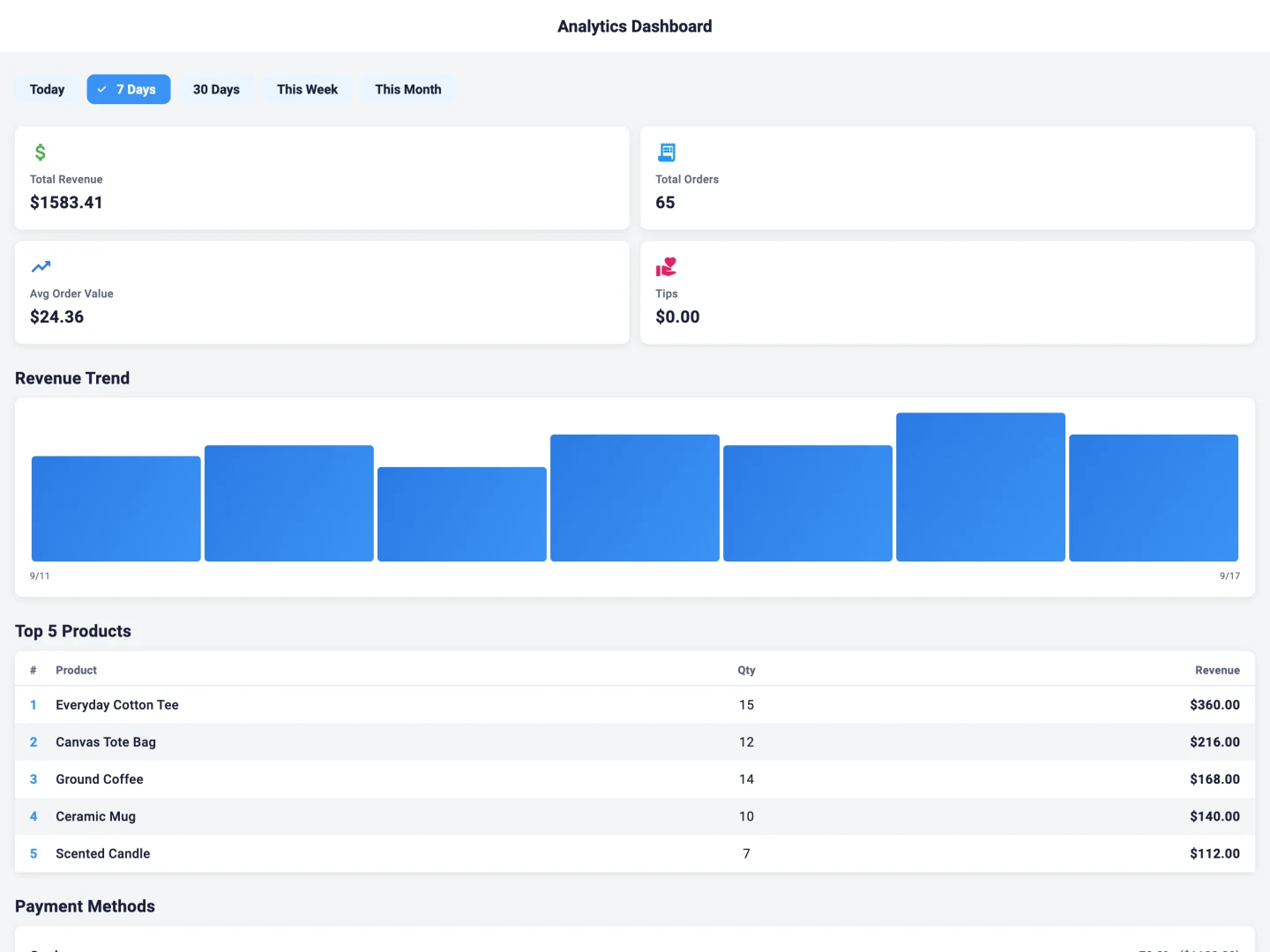
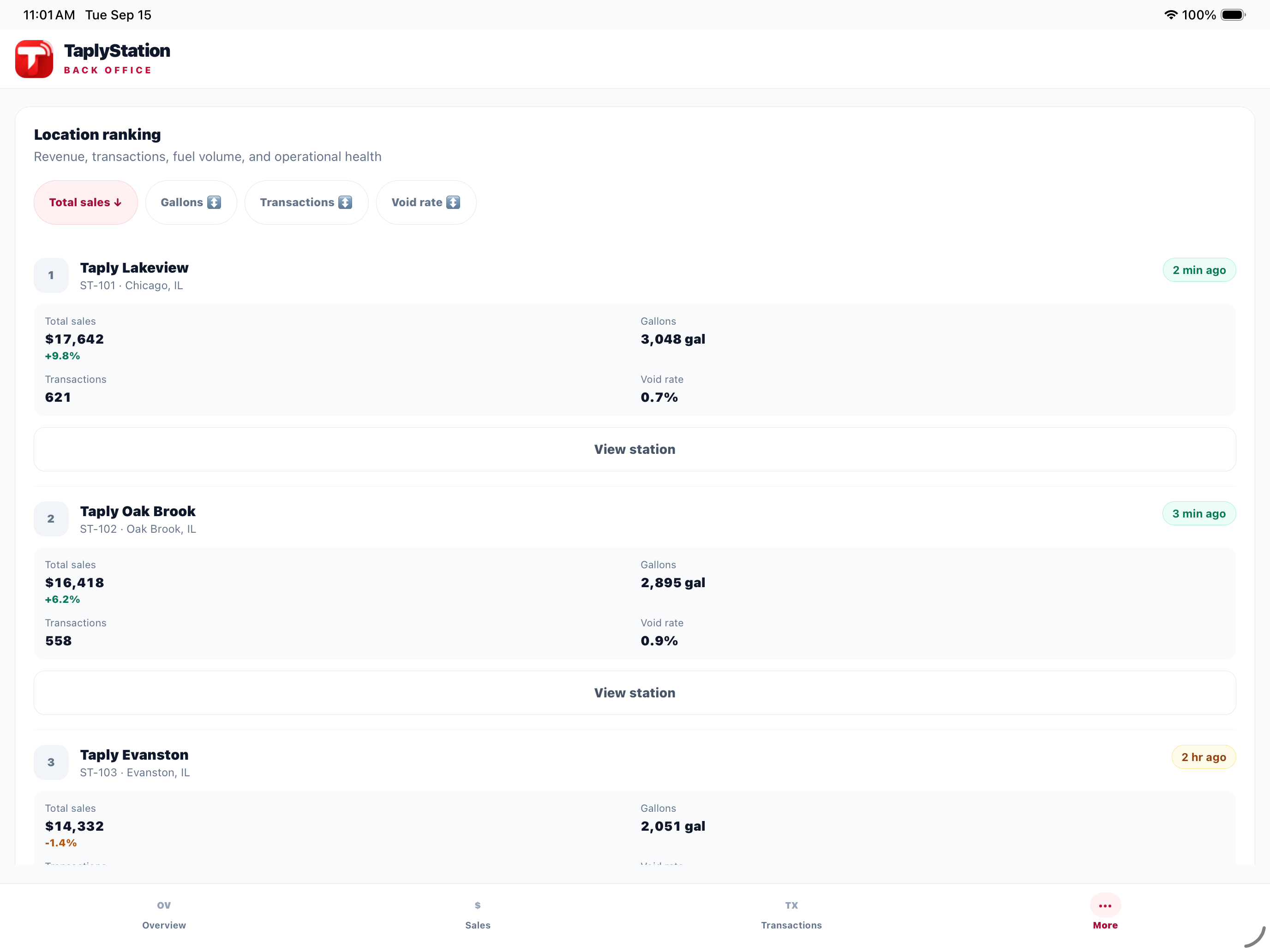
Decide what should move between systems: a daily accounting journal, a customer’s marketing consent, a printed receipt or a stock alert. Choose your Taply product first, because Restaurant, Retail and Station have different connection requirements and operating contexts.
Check the type of connection
An API, an automatic export, a calendar file and a receipt link solve different problems. Each detail page explains the workflow and the setup needed. Review the exact provider account, device and access requirements before assuming a connection will work with existing equipment.
Plan who owns the setup
Bring the person responsible for the receiving system into the conversation. Agree which records matter, how to verify a sample and who will review exceptions. For a custom project, share system names and desired results with Taply rather than sending credentials in an inquiry.