1. Make it yours
Open the template in Excel, Numbers or Google Sheets. Add one dish per row. Keep the header names and save as UTF-8 CSV.
 Taply Restaurant POS
Your menu, ready to bring over
Put your dishes, prices, categories, descriptions, spice levels and photos in one editable CSV.
Free downloads · 28 dishes in the example · No signup needed
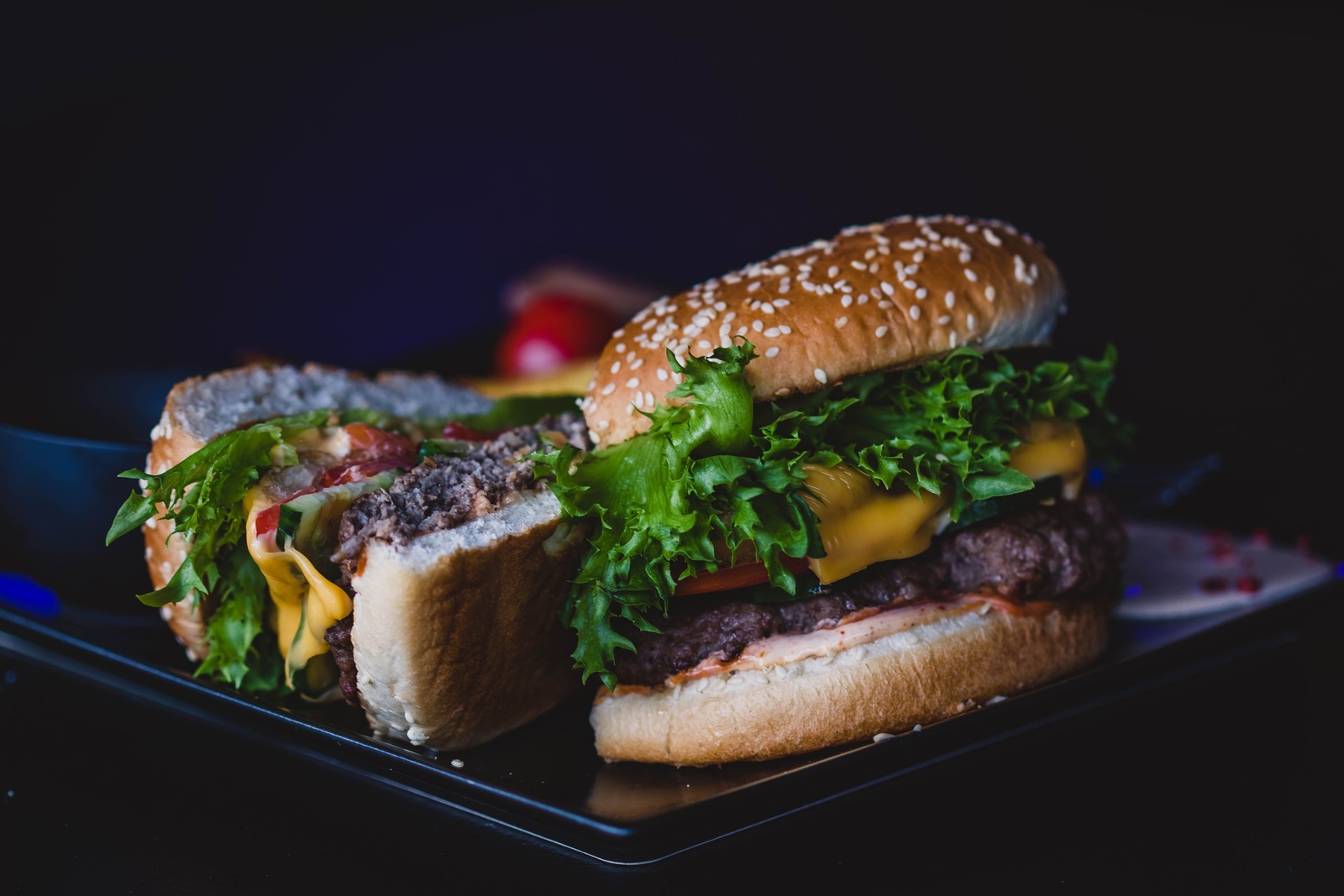
Sandwiches
Beef patty, American cheese and pickles.
Spice level: NoneThree simple steps
Open the template in Excel, Numbers or Google Sheets. Add one dish per row. Keep the header names and save as UTF-8 CSV.
Upload dish photos to your website or another public image host. Paste each direct HTTPS link into image_url. Local file paths and private sharing pages won’t load.
In supported iPad builds, open Admin → Menu Editor → Import → CSV File. Choose your file and review its photos, prices and categories before importing.
Don’t see CSV File in your app? Ask Taply to help with menu setup. Import options depend on your app version. Choose “Replace entire menu” only when you intend to replace your current menu.
Know your columns
Names, prices and categories are required. Add the other columns to build a more useful menu. Each file can contain up to 500 items and be up to 2 MB.
| Column | What to enter | Example |
|---|---|---|
name | Item name | Classic Cheeseburger |
price | Number with up to two decimal places. Currency follows your restaurant settings. | 12.99 |
category | Use the same spelling for items in the same category. | Sandwiches |
description | A useful dish description. Keep commas inside quoted CSV fields. | Beef patty, American cheese and pickles. |
spice_level | 0 = none · 1 = mild · 2 = medium · 3 = hot. Describes the dish, not an individual guest’s order choice. | 0 |
image_url | A public HTTPS link directly to your dish photo. The CSV references the image; it does not embed a picture. | https://your-website.com/burger.jpg |
show_image_in_pos | Show the photo in Restaurant POS. Use true or false. | true |
show_image_in_floor | Show the photo in the separate Taply Floor app. Use true or false. | true |
is_vegetarian / is_vegan | Optional dietary flags. Verify your ingredients before marking either true. | false |
Sample prices and dishes are editable examples. Replace stock photographs with images of your own dishes. Photo credits · Plain-text instructions
A hand with the setup
Have a spreadsheet, a printed menu or photos to organize? Talk to Taply about guided menu setup.