Remember the details
Keep the customer and their item connected to the work they asked for.
Service orders · Taply Retail
Repairs, adjustments and the finishing touches. Bring customer details, service notes and job progress together, from the counter to collection.
Sam · Wednesday
Jordan · Tuesday
A shared view for sales & service
The person at the counter and the person doing the work should have the same story. Keep the request, the item and the next step with the job.
Keep the customer and their item connected to the work they asked for.
Review scheduled, active and ready-to-collect work in a shared service queue.
Use job notes and clear statuses to make every handoff easier to explain.
A view of the work ahead
Find a service, follow its progress and give the next person the details they need. Explore a sample day at the bike shop.
4 sample jobs
SO-1042 · Sample job
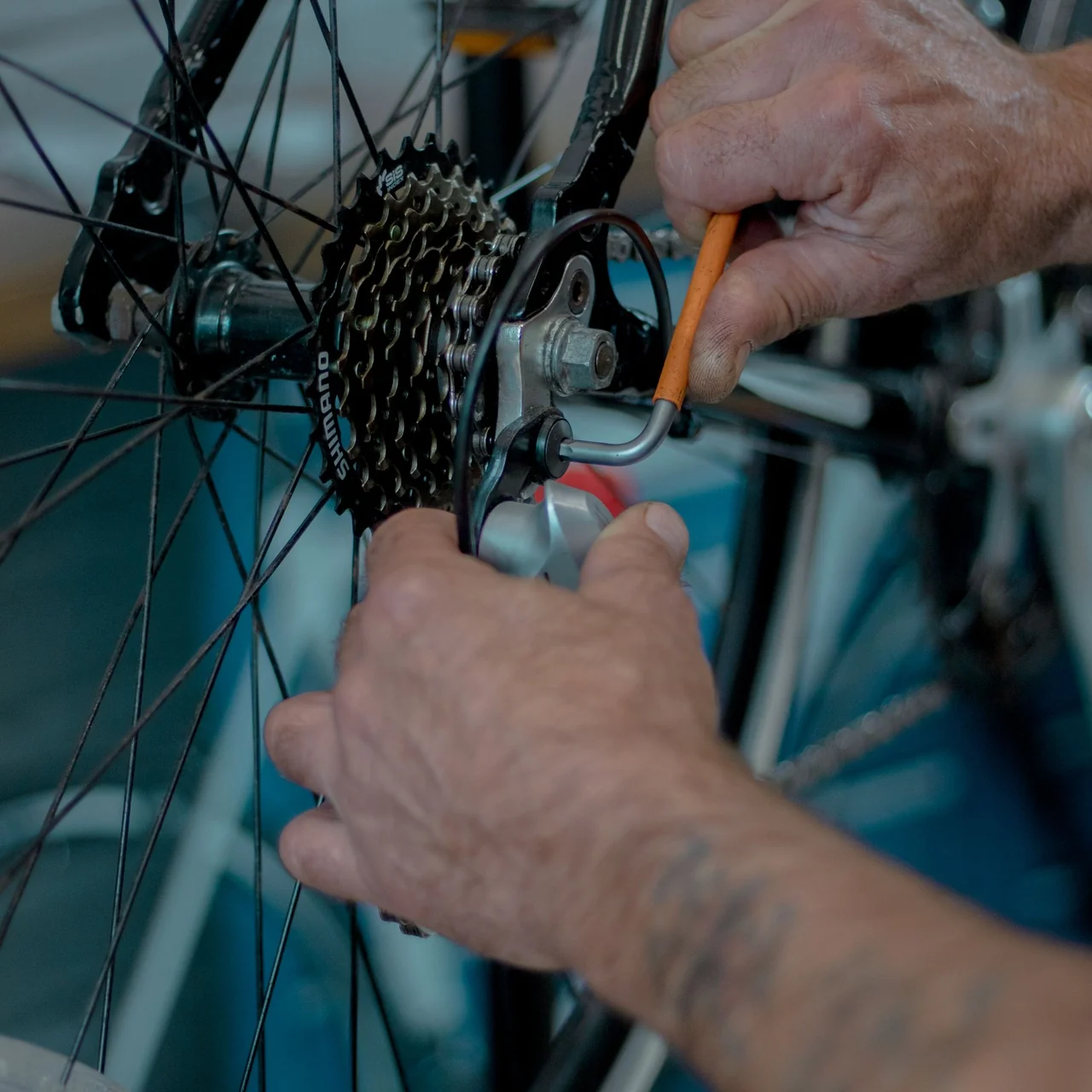
Check the rear brake and gear indexing. Customer asked to keep the existing saddle.
Finish the safety check before marking the bicycle ready.
Service statuses
A job waiting for a part needs a different conversation from one ready to collect. Make the stage visible and leave the reason in the notes.
The service & the sale
Review the completed service, the parts and the customer’s next step. Bring a considered checkout to the moment they come back through your door.
Let’s get the details right
Repairs, parts, appointments or custom work. Talk through the setup and plan with the Retail team.
support@taplypos.comFrom the first question at the counter to the final pickup, let’s walk through the way your store works.
Request a Retail demoService Orders organize the work that happens after an item reaches your counter: customer intake, the item being serviced, job notes, scheduling, assignment and progress through pickup. Keep the work and its customer context together.
Bike shops, jewelry stores, sporting-goods shops and other retailers offering repairs, adjustments or customization can organize their work around service orders. Bring your service process to a walkthrough to review the right setup.
Use the service queue to review scheduled and active jobs, then narrow the view by status. Open a job to see its item, assigned team member, scheduled work and notes.
Keep the customer, item description, requested work, condition notes, assignment and service date together. Add parts and labor details to the job so the team can review the work before the final handoff.
Give each job a clear status, from new or scheduled through in progress, on hold, ready for pickup and completed. Use the notes to explain a handoff or a delay, and keep cancellation distinct from completion.
Request a Retail walkthrough with the types of service you offer, the people involved and the equipment you use. Confirm the service-order configuration, plan and checkout process with Taply before rollout.
Have a question about your store? Talk to Taply