A menu that makes sense
Bring drink categories and everyday choices into focus.
Bars / point of sale
Give the bar and floor a shared starting point for drink choices, food orders and guest checkout. Taply Restaurant fits around the way your room serves.
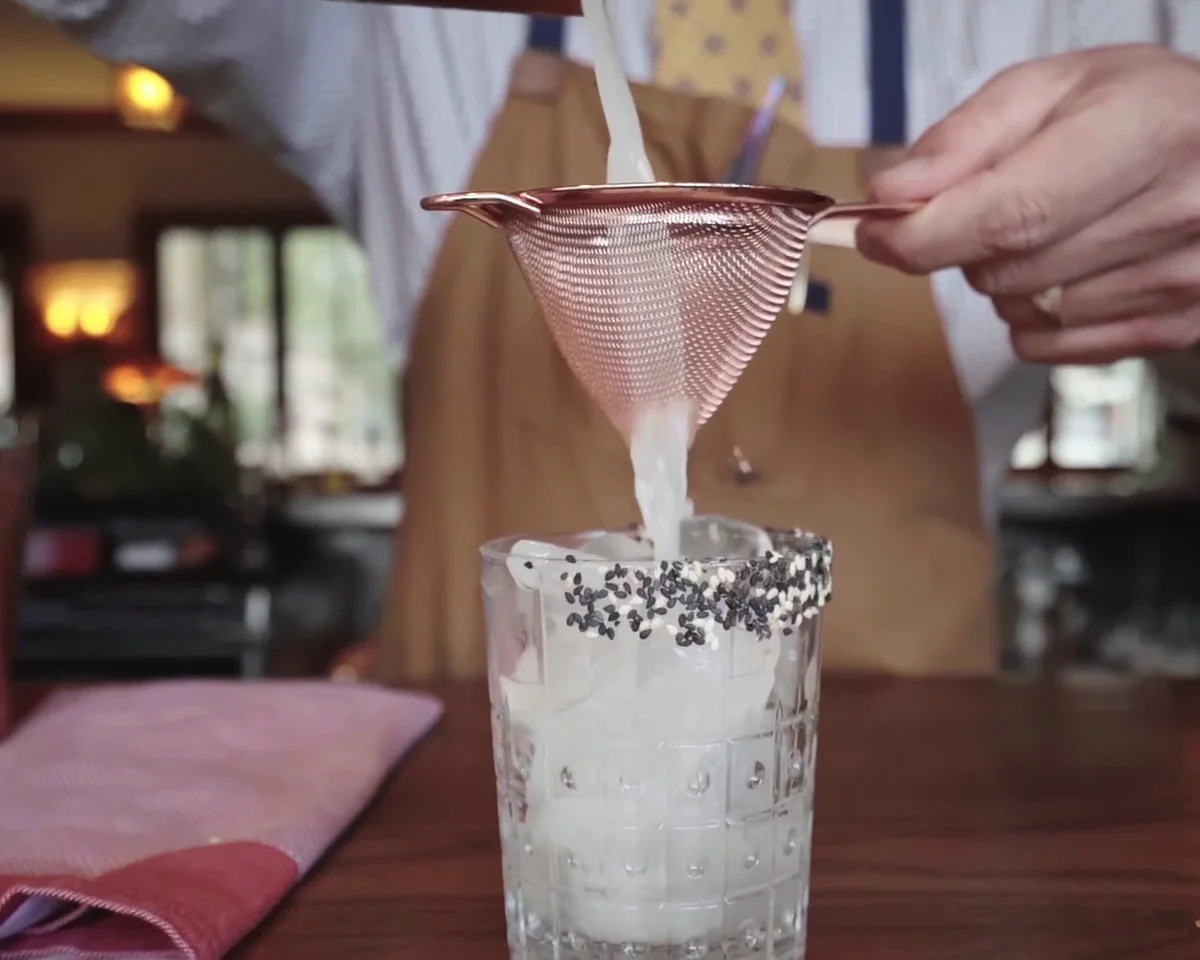
BUILT AROUND YOUR SERVICE
Bring drink categories and everyday choices into focus.
Explore tableside ordering for the floor team.
Review sales and service details after the rush.
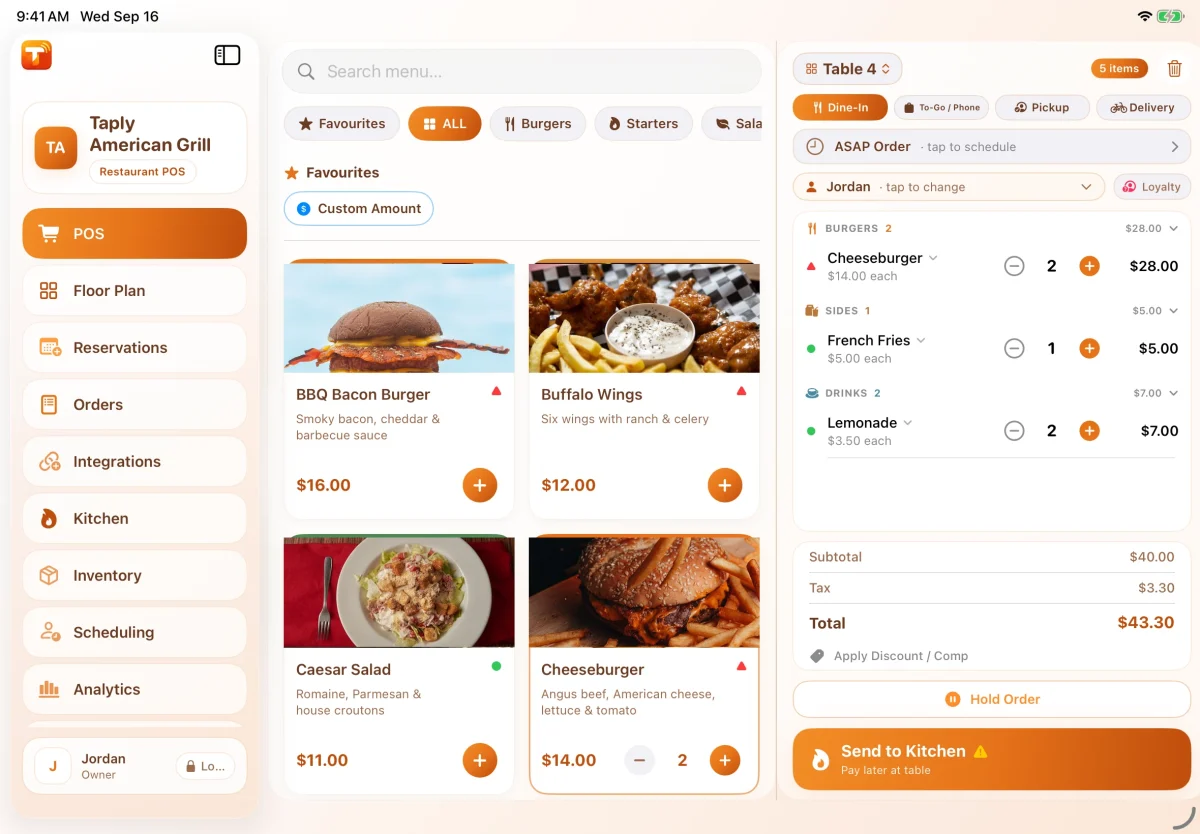
BEHIND EVERY GOOD ORDER
House cocktails, spirits and food each have their own preparation details. Organize the menu around the choices your team uses throughout a busy evening.
Modifiers and staff controls require Pro or higher.
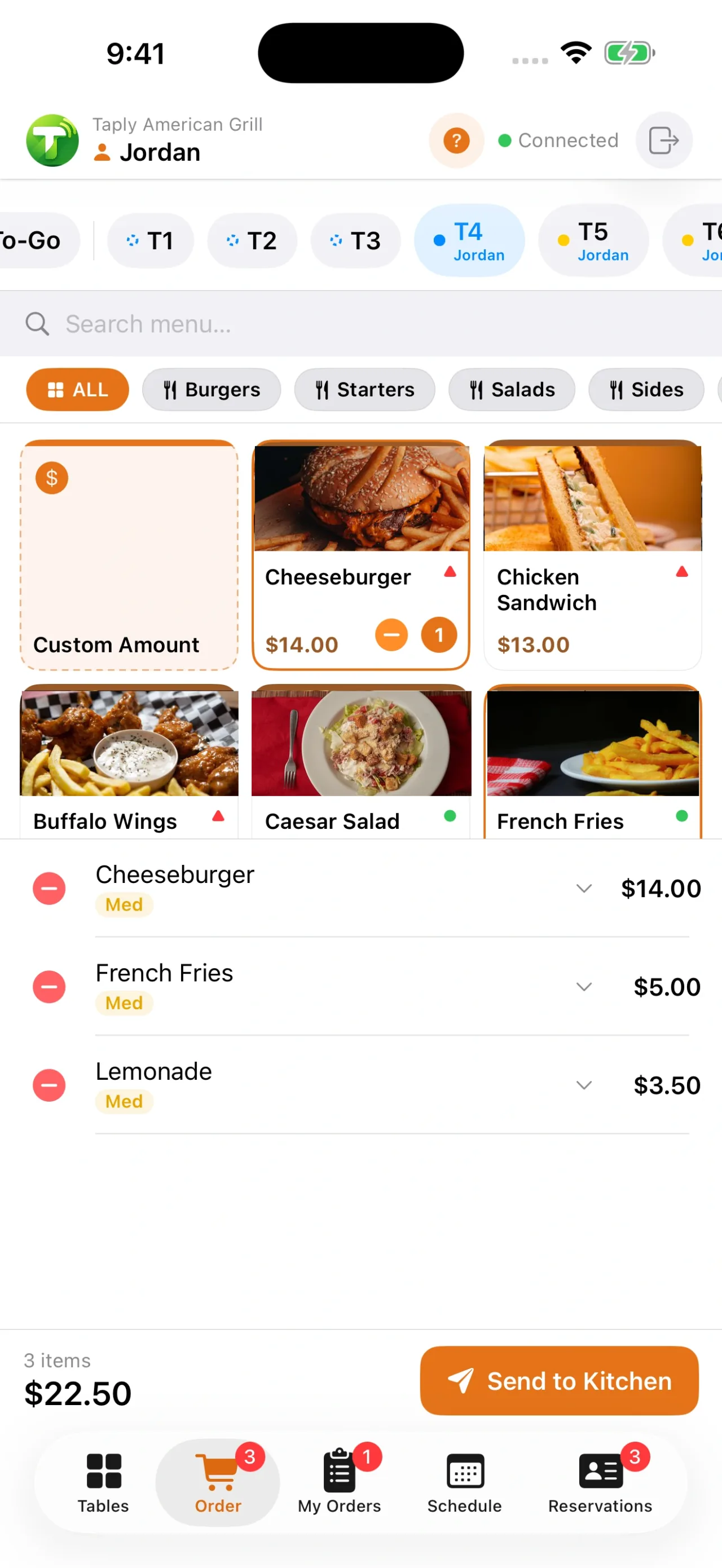
BETWEEN THE BAR AND THE TABLE
Explore taking orders with Taply Floor on a supported mobile device. Walk through the communication between the server, bar and kitchen using an actual service example.
Taply Floor requires Ultra or Enterprise. Confirm split-check, tab and card-preauthorization requirements separately.
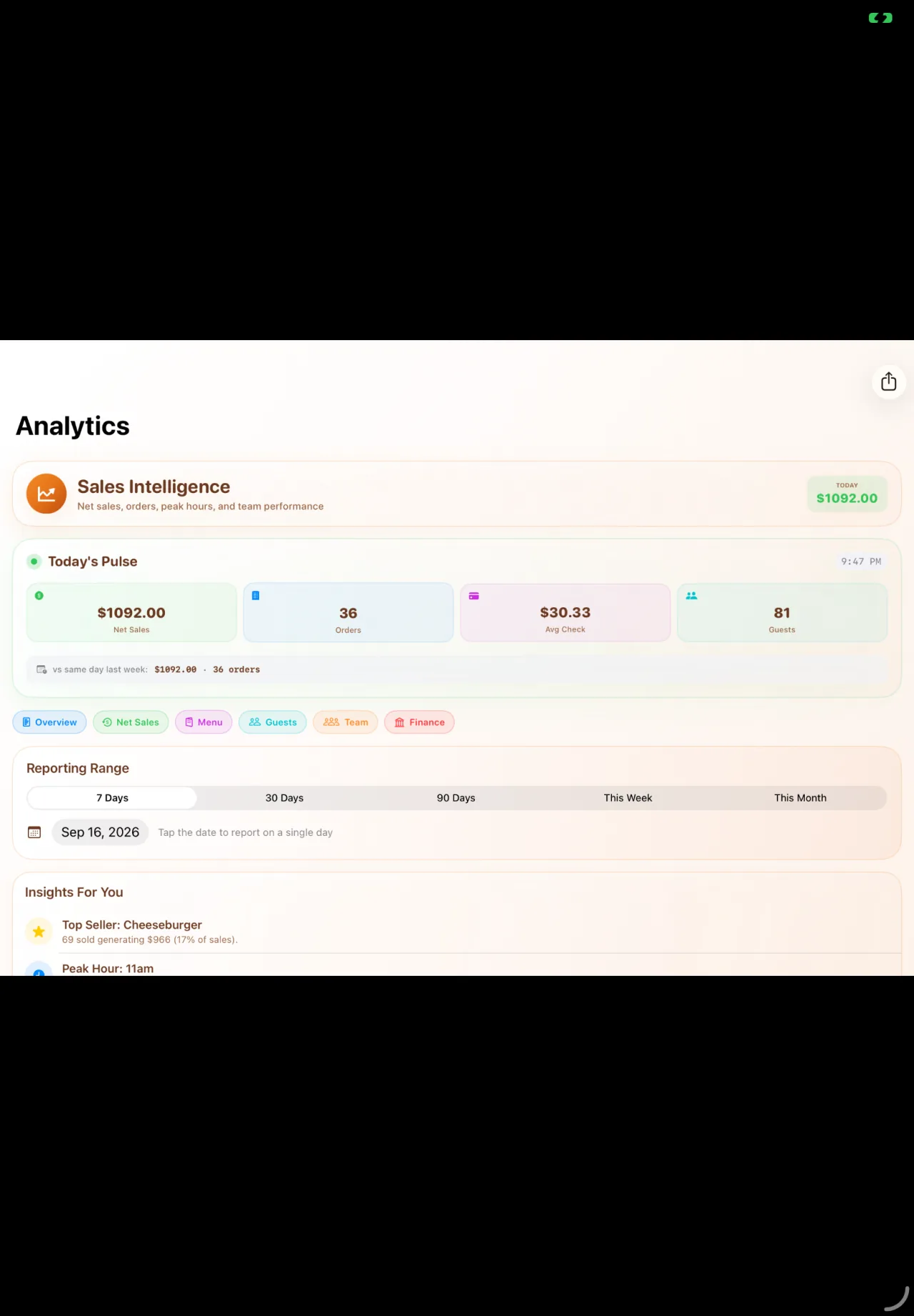
AFTER THE LAST ROUND
The busiest hour is only part of the picture. Review the reporting period and sales records, then add the shift context that helps the next team prepare.
Standard reporting starts with Pro. Advanced analytics requires Ultra or Enterprise.
YOUR WAY TO SERVE
Build your setup around the counter, the tables and the work happening in the kitchen.
THE GUEST’S SIDE OF THE COUNTER
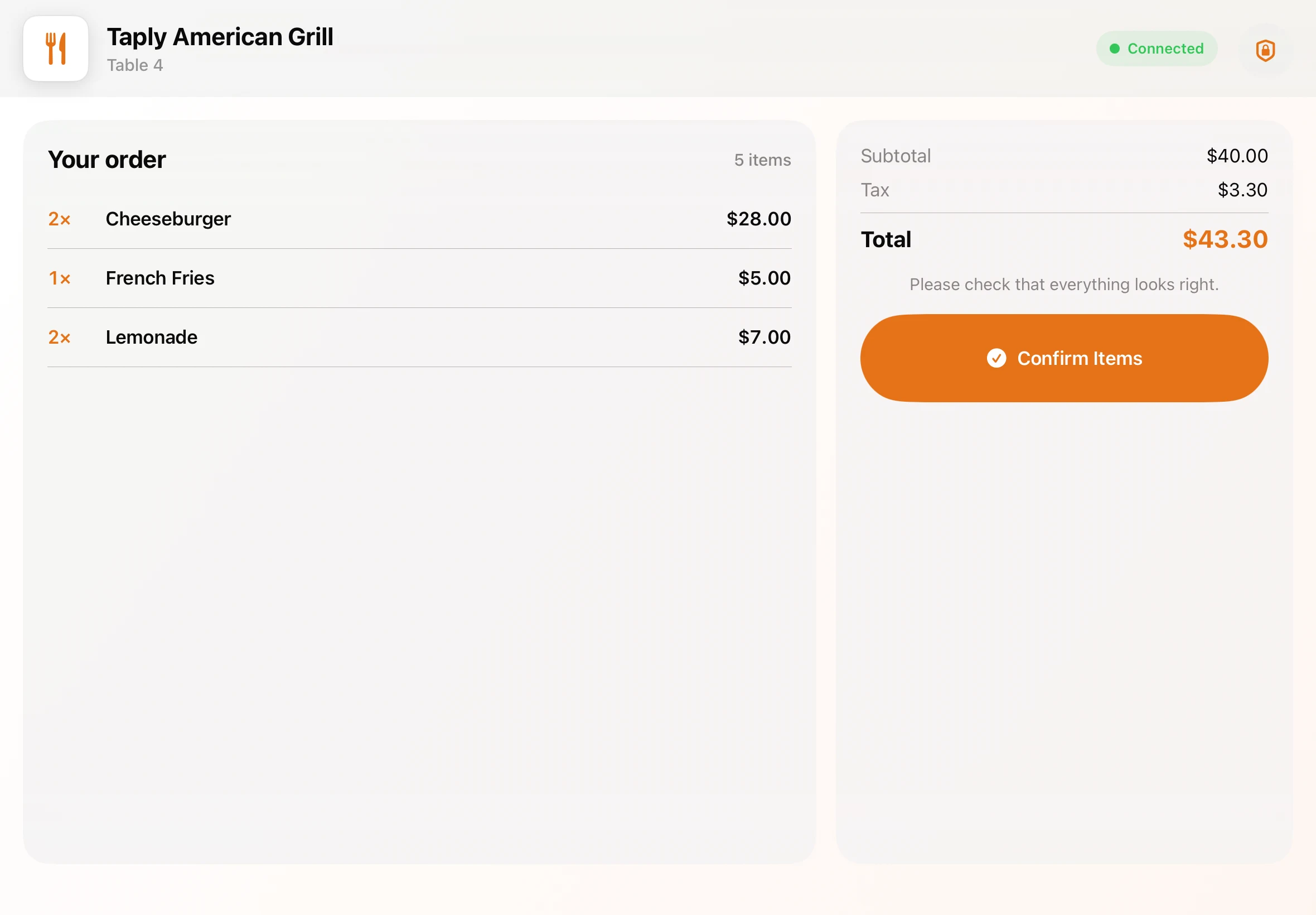
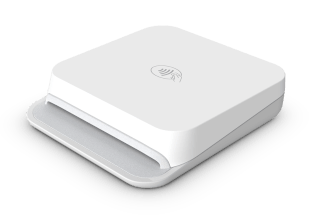
A clear view of the order. A moment to choose a tip. Then a card tap on the compact Stripe Reader M2. Walk through the guest experience with the display and payment setup for your restaurant.
Customer display requires Ultra or Enterprise and a separate compatible iPad. Payment acceptance requires approved merchant setup; processing fees are separate.
THE RIGHT PLAN FOR YOUR SERVICE
Choose the plan around your service and device count. Keep equipment and payment-processing costs beside the software price when you compare.
Compare all Restaurant plans$9.99USD / month / location
Modifiers, staff roles, kitchen workflow and standard reports.
1 main register + 1 printer + M2Explore Pro$29.99USD / month / location
Taply Floor, dedicated KDS, inventory and advanced analytics.
1 main register + 5 connectionsExplore Ultra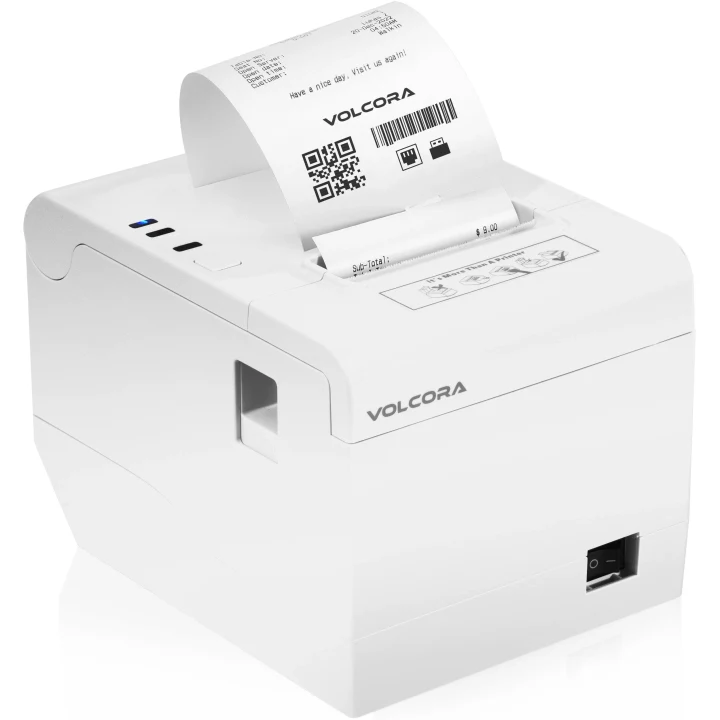
HARDWARE THAT FITS YOUR SPACE
A landscape iPad for the team. A supported printer for the check. A compact reader for the guest. Choose a kit or bring a compatible iPad, then confirm the setup for your counter.
$595POS essentials
One-time hardware cost
11-inch iPad, counter stand, receipt printer and Stripe M2 reader.
USD. Software, processing, tax and shipping are separate.
See hardware and what’s includedManufacturer printer imagery. Confirm the exact supplied model, connections and accessories in your quote.
THE TOOLS AROUND YOUR RESTAURANT
Review availability and setup for the specific account and workflow.
MAKE THE FIRST CONVERSATION USEFUL
A good demo starts with your own service. Bring a representative order and walk through the people, devices and details around it.
Plan your move to TaplyA FEW WORKING DETAILS
These workflows must be demonstrated for your current product version, payment reader and merchant account. A drinks-menu or payment demonstration does not establish card preauthorization or every tab behavior. Bring your requirements to the team before selecting a setup.
Bring an order containing both food and drinks to your demo and review the intended destinations. Pro includes kitchen workflow; a dedicated KDS and Taply Floor require Ultra or Enterprise. Confirm routing and equipment for the way your bar operates.
No. Your team remains responsible for the service requirements that apply to the business. Confirm any age-check or other category-specific controls you require; they are not promised by this page.
The POS essentials kit is $595 once and includes an 11-inch iPad (A16), 128GB, a counter stand, a white Volcora receipt printer and a Stripe M2 reader. The Bring your iPad kit is $295 with a compatible existing iPad. Software, processing, tax and shipping are separate; exact equipment and connections are confirmed in your quote.
Bring your menu, device models, current reports and a representative order to the demo. Agree the data scope, equipment, account setup and training plan with Taply before selecting a launch date. Keep access to records you must retain and rehearse the complete service routine before switching.
Use the Restaurant owner-login link for the published product portal. For help, use the Restaurant help center or email support@taplypos.com. Include your product and a description of the issue without sending passwords or payment-card details.
YOUR NEXT USEFUL READ
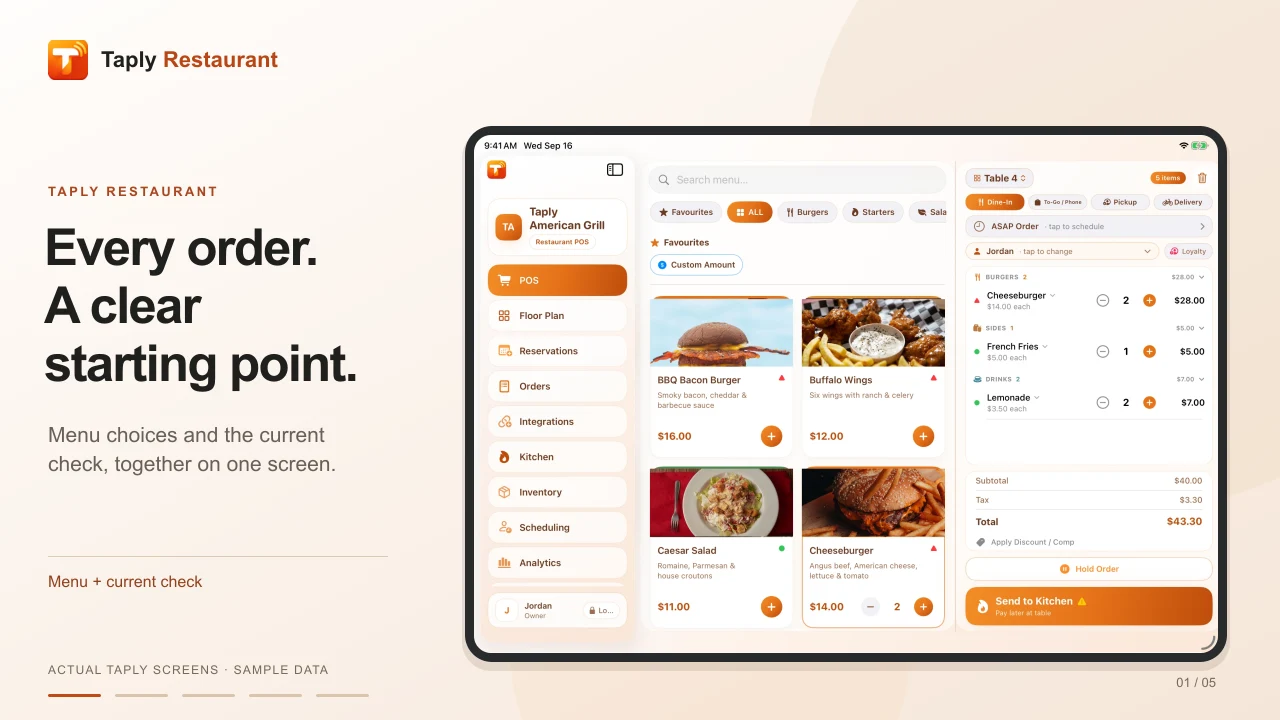
Watch the register, floor, kitchen and guest display in a short visual tour.
Explore the resource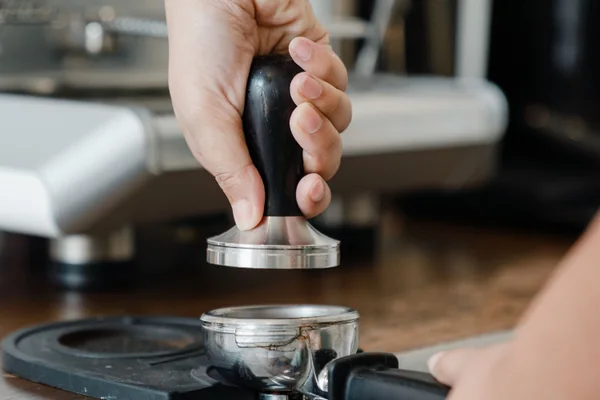
Build a handbook around your own roles and service routines.
Explore the resource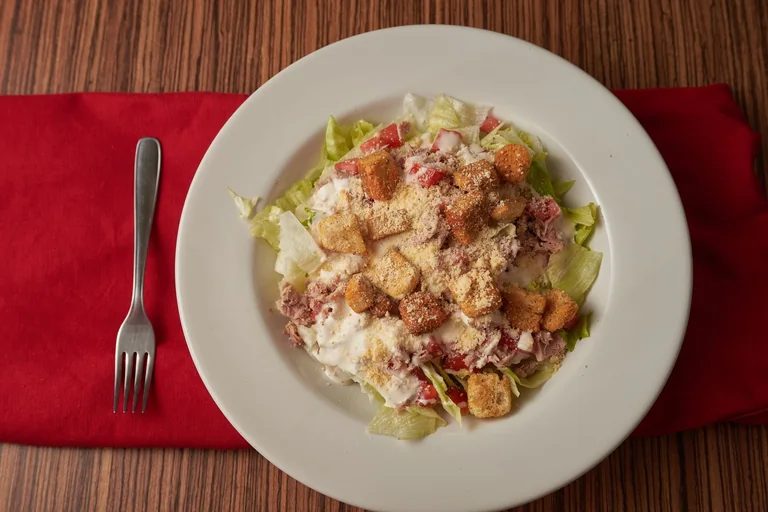
Work through ingredients, portions and the numbers behind your menu.
Explore the resourceTAPLY RESTAURANT
Bring your menu and your questions. Let’s walk through it together.
Request a demo