Gift shop POS system
A thoughtful find. A memorable visit.
Beautiful objects, independent makers and a reason to stop in. Bring the collection and the customer together with Taply Retail.
Choose an occasion to explore a fictional gift collection.Sample data. No sign-in needed.
Already with Taply? Log in
Choose an occasion to explore a fictional gift collection.
A THOUGHTFUL ASSORTMENT
Small finds, clearly organized.
Three individual items · no bundle or reservation created
A collection with character
Find the right little something.
Help your team navigate a changing assortment of makers, materials and occasions. Keep a clear SKU and stock record behind each distinctive find.
- Group products in a way the counter team understands.
- Keep an individual record for each sellable item.
- Review quantities before the next seasonal edit.
The person behind the present
Make the next visit feel familiar.
Keep customer history close to the counter. Bring useful context to a repeat visit, with loyalty and communication preferences that belong to the customer.
- Review previous purchases with the customer.
- Organize your loyalty program and customer groups.
- Keep permission to contact separate from a sale.
From maker to shop floor
Welcome new discoveries with a clear plan.
Give supplier orders and deliveries a consistent routine, even when the collection comes from many different makers. Record what arrived before it reaches the display.
- Prepare a purchase order for the supplier.
- Keep pack sizes and individual units distinct.
- Check quantities received against the order.
KEEP THE BIGGER PICTURE CONNECTED
Good connections.
One clear picture.
Bring accounting, payments and equipment into the conversation around your store. Explore each connection and the setup it needs.
Explore Retail connectionsClick an orbiting icon to learn more.
 Stripe payments
- Barcode scanners
- Receipt printers
 QuickBooks Online
- Retail API access
- Retail webhooks
- CSV report exports
Another way to discover your shop
Let the collection travel a little further.
Plan an online range with the same care as the shop window. Agree the product information, stock ownership and fulfillment handoff before connecting your storefront.
- Choose a considered online assortment.
- Prepare useful descriptions and product images.
- Review the supported platform and connection.
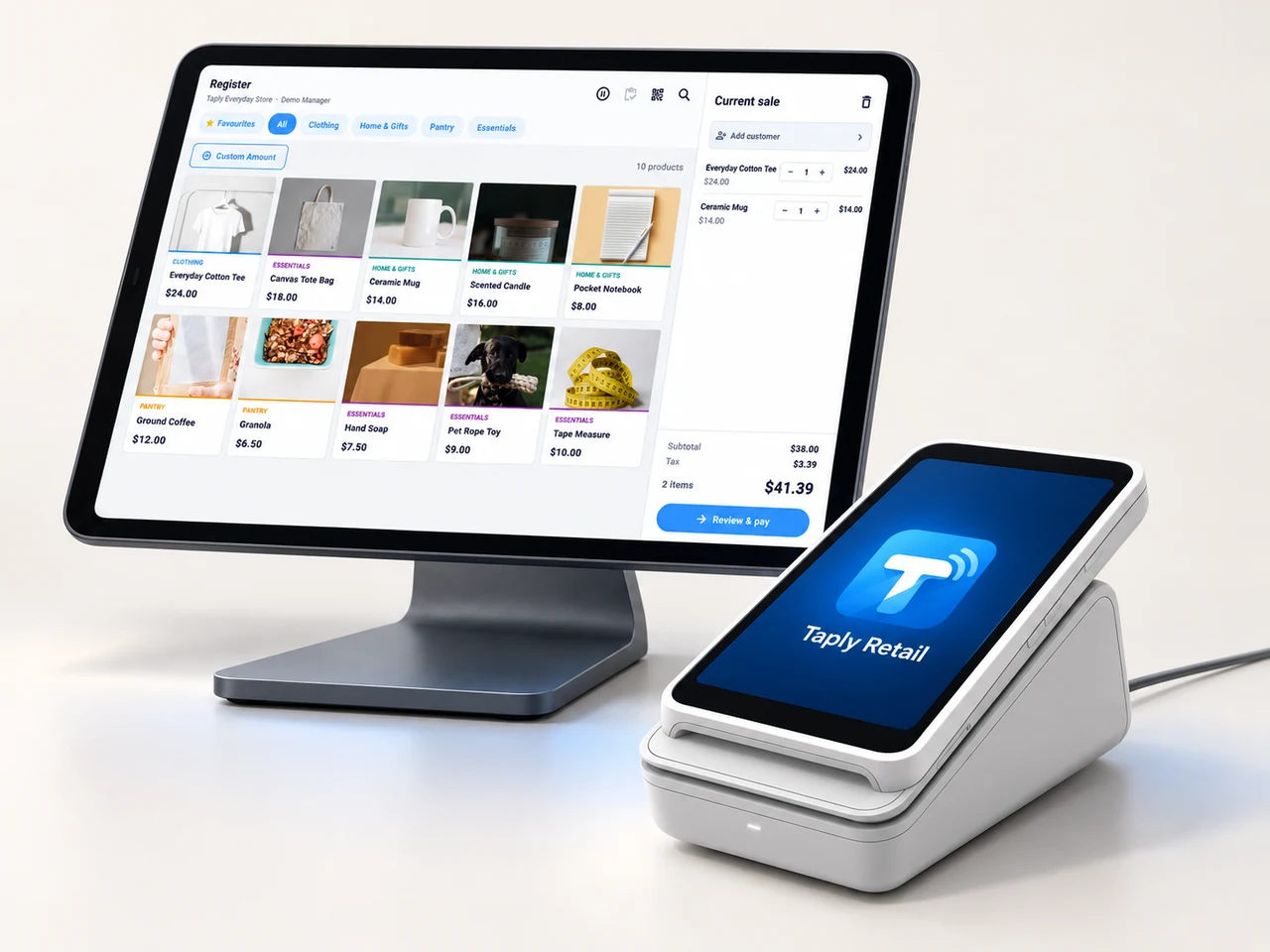
MADE FOR THE COUNTER
Give good service a great setup.
A landscape register, the right scanner and a receipt setup that fits your space. Build the counter around the way your team works.
- Review your existing equipment and connection methods.
- Confirm the reader and merchant setup before ordering.
- Keep hardware, software and payment costs itemized.
GOOD TOOLS START WITH GOOD QUESTIONS
A little preparation goes a long way.
FIELD NOTESBuyer's guide
Choose your next POS with a clear plan.
Open the resourceFIELD NOTESStock-count checklist
Give your next stock count a better start.
Open the resourceFIELD NOTESPurchase-order template
Put the next supplier order on paper.
Open the resourceFIELD NOTESMigration planning guide
Make the details part of your switch.
Open the resourceGive a distinctive collection a thoughtful setup.
Walk through your products, your counter and your daily routines with Taply.
Questions about your gift shop POS.
What should a gift shop organize in its POS?
Start with the individual product, its supplier, SKU, barcode and quantity. Group the range around useful categories such as home, stationery and accessories, then connect that detail to receiving, checkout and reporting.
Does the collection example create a bundle?
No. It filters three fixed, fictional collections on this page. It does not create a bundle, reserve stock or place an order.
Can I review gift cards and gift receipts?
Bring those requirements to the walkthrough and review the exact supported gift-card, redemption and receipt workflow for your setup. A gift product category does not itself establish gift-card support.
What should I prepare before moving my catalog?
Bring item and supplier records, barcodes, opening quantities and any customer information you are authorized to transfer. Use the migration planning guide to agree what will be imported and checked.