Turn a long feature list into a useful comparison of workflows, equipment, costs and support.
Start with one ordinary business day
Write down what happens between opening the door and finishing the day. A store that sells individual greeting cards has a different catalog from one that sells shoes by size and color. Use examples from your shelves, your staff and your counter. The goal is a short description another person could demonstrate.
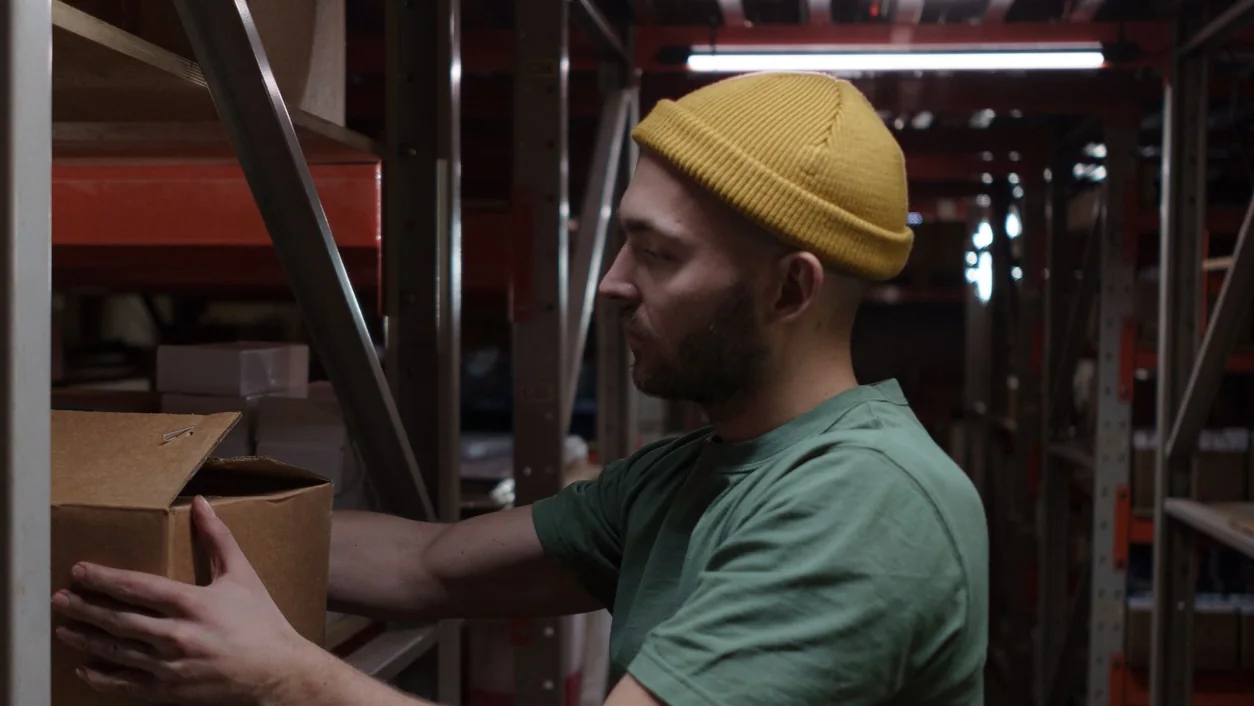
Choose five essential jobs: finding an item, completing a sale, receiving a delivery, resolving an exception and reviewing the day. Give each an owner and a clear success condition. For example: a new employee can find the right size without creating a duplicate product. Keep future ideas separate so they do not obscure the work you need on day one.
Build a comparison that asks for evidence
Create one row per requirement and one column per provider. Record the product, plan, device, demonstrated result and unanswered question in each cell. A feature name is a useful starting point, but it is not the same as seeing your workflow completed.
Use three practical labels: demonstrated, needs confirmation and outside the proposed scope. Add a dated note or document reference. An important unknown should remain visible rather than disappearing into an average score. Ask the provider to confirm any requirement that would stop you from opening.
- Catalog: variants, barcodes, selling units and supplier references.
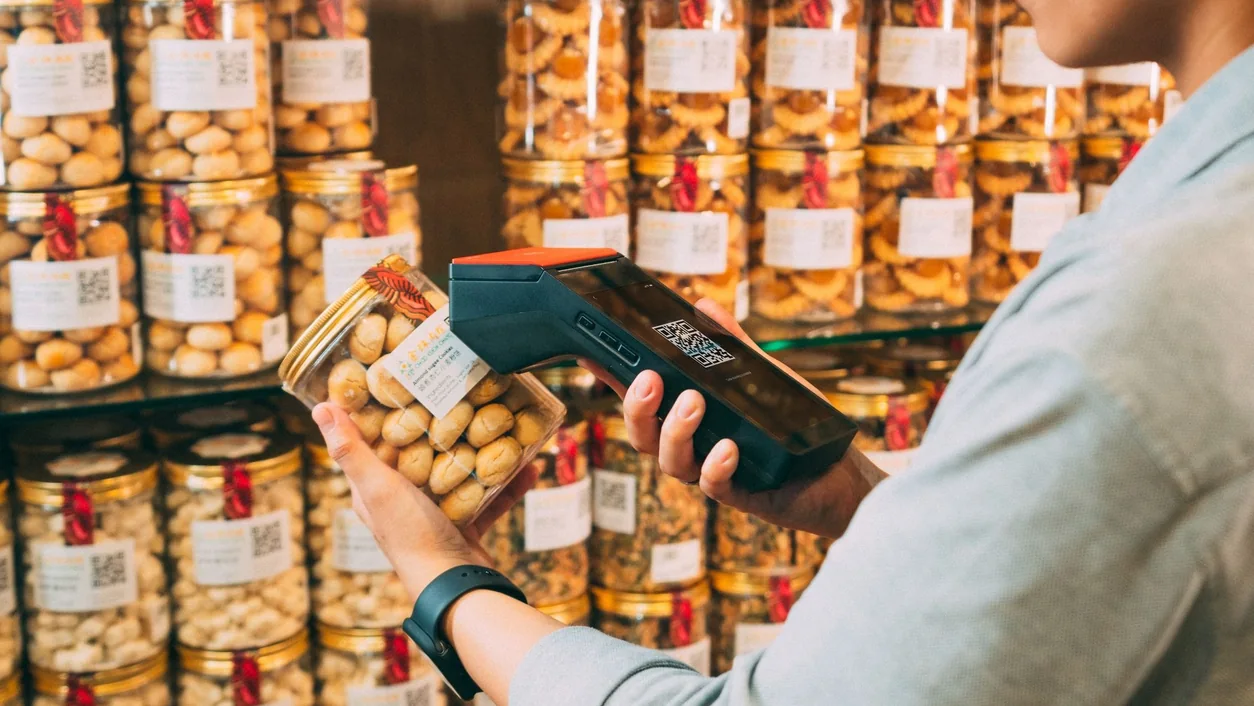
- Counter: search, scanning, permissions and the customer-facing setup.
- Operations: receiving, counts, returns and end-of-day reports.
- Ownership: access, exports, support and responsibilities for connected services.
Demonstrate the exception as well as the sale
Prepare a small fictional catalog and a script for the demonstration. Start with the routine sale, then try an unreadable barcode, a size exchange and a connection interruption using the provider's approved training setup. Ask what the employee sees and who is allowed to resolve the situation.
For a payment with an unclear result, ask the provider to show how staff establish the outcome before taking another payment. Record the support and recovery process rather than improvising it at a busy counter. A demonstration explains the proposed workflow; your own acceptance checks still belong in the launch plan.
Compare the complete proposal
Request a written breakdown for software, additional locations or registers, hardware, payment processing, setup, training and any connected services. Note the billing period, renewal conditions and items that require a separate quote. Compare proposals for the same store configuration and time period.
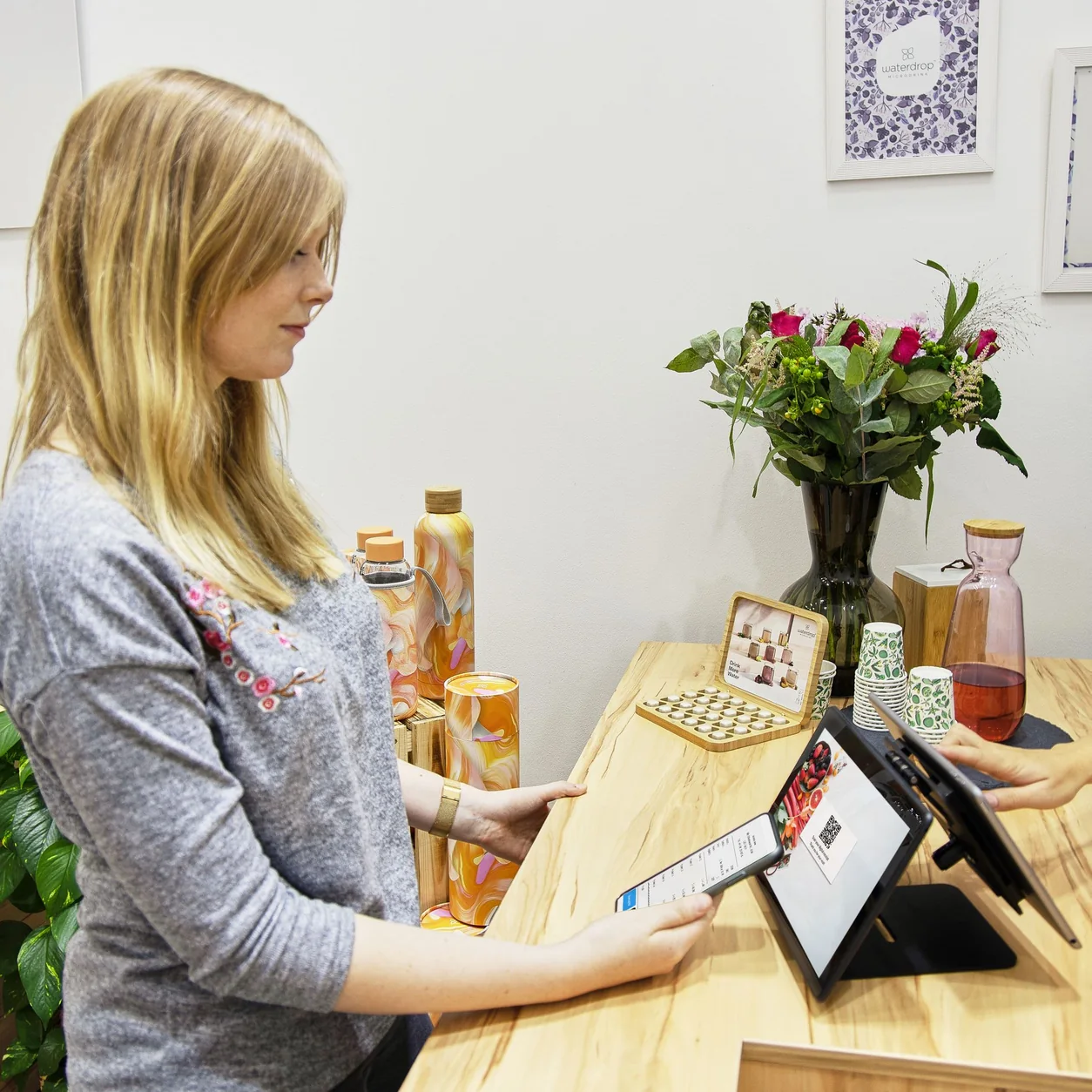
Photograph the model labels on existing equipment and list the connection types. Confirm each tablet, scanner, reader and printer against the proposed setup before ordering replacements. Include counter dimensions, power, cabling and the customer's reach; an attractive device can still be awkward in your space.
Plan the people and the changeover
Identify the records you need to bring across and the records you need to keep accessible in the previous system. Agree the transfer method and review a small representative sample first. Avoid putting customer exports or account credentials into an ordinary inquiry form.
Assign a launch owner, a staff trainer and a person who can approve postponing the cutover. Ask about support channels, operating hours, setup responsibilities and escalation. Keep the answers with the proposal so the person opening the shop has the same information as the person who bought the system.
Make the decision with your team
Bring the comparison back to the people who perform the work. Have them repeat the essential jobs in the agreed demo or training environment. Resolve the launch-critical questions, record the accepted scope and choose a review date after opening. The best outcome is a setup the team understands and a clear plan for anything still outstanding.
Use the companion checklist to record evidence and owners. For a Taply discussion, bring the same requirements to your Retail demo; plan coverage, device compatibility and specialist workflows should be confirmed for your business.