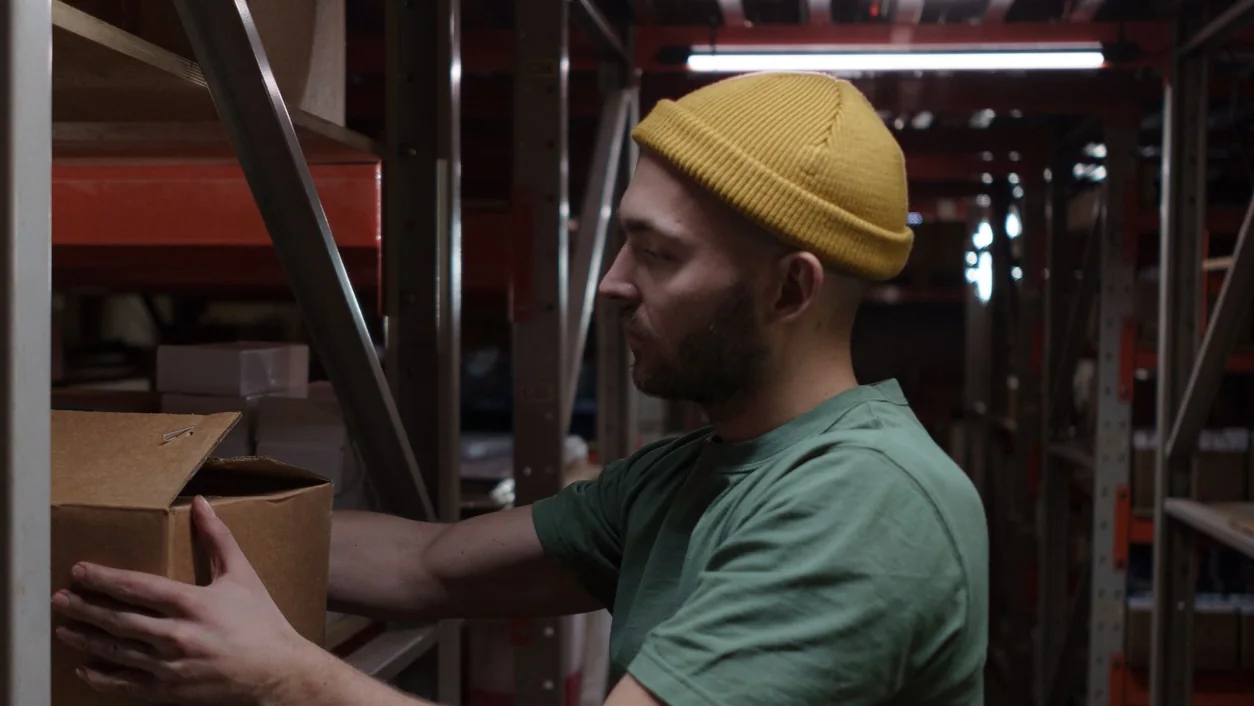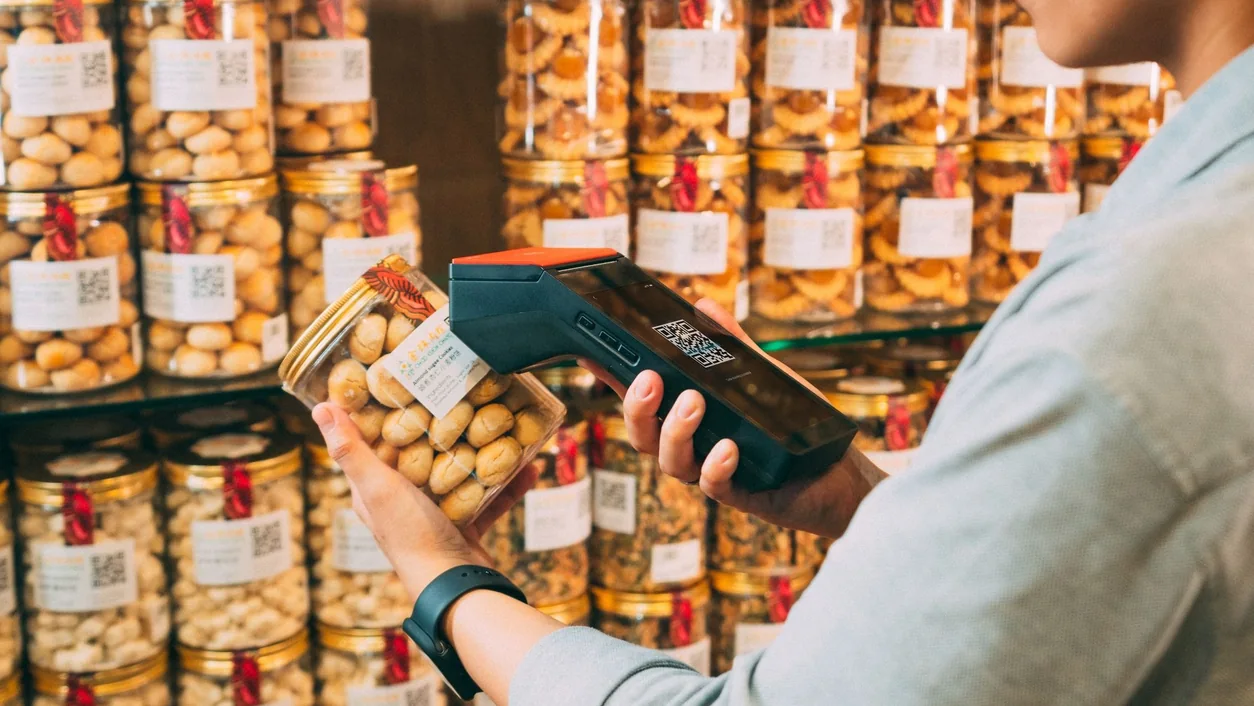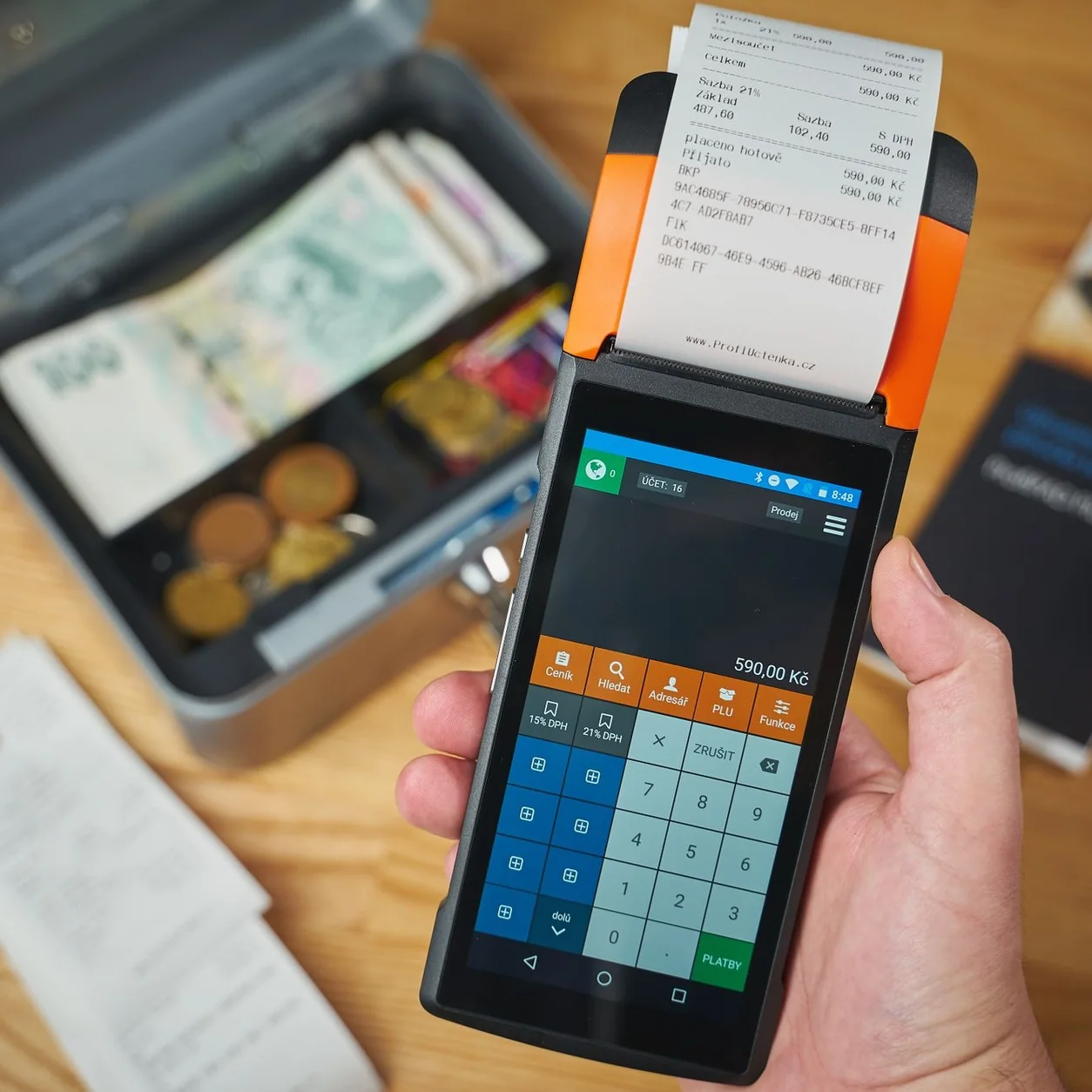
Start with counter space, scanning, receipts and the customer’s side of checkout.
Map the counter
Measure where the tablet, scanner, printer and payment reader will sit. Leave room for bags and purchases, and look at the setup from the customer’s side. A compact device can still create a crowded counter when cables and receipt access are overlooked.
List the connections
Write down the model number and connection type of equipment you already own. Compatibility is specific to the device, operating system and app. A scanner and a receipt printer perform different jobs and may use different connections.
- Tablet model and operating-system version
- Printer model, paper width and connection
- Scanner model and input method
- Reader model and account setup
Test the busy moment
Evaluate the sequence that puts the most pressure on the counter: finding an item, scanning a mixed basket, bagging, showing the amount and producing a receipt. Arrange equipment so staff do not have to reach across the customer or turn the tablet around repeatedly.
Confirm before purchasing
Share the exact hardware list with the Taply team before ordering. Ask which accessories, mounts and network connections are required. Keep hardware costs separate from software subscriptions and payment processing when comparing quotes.