Point of sale & business software
Built for the way your business works.
Bring the counter, your team and the owner’s view into a clearer daily routine. Start with the Taply product made for your operation.

Find your place in the Taply family.


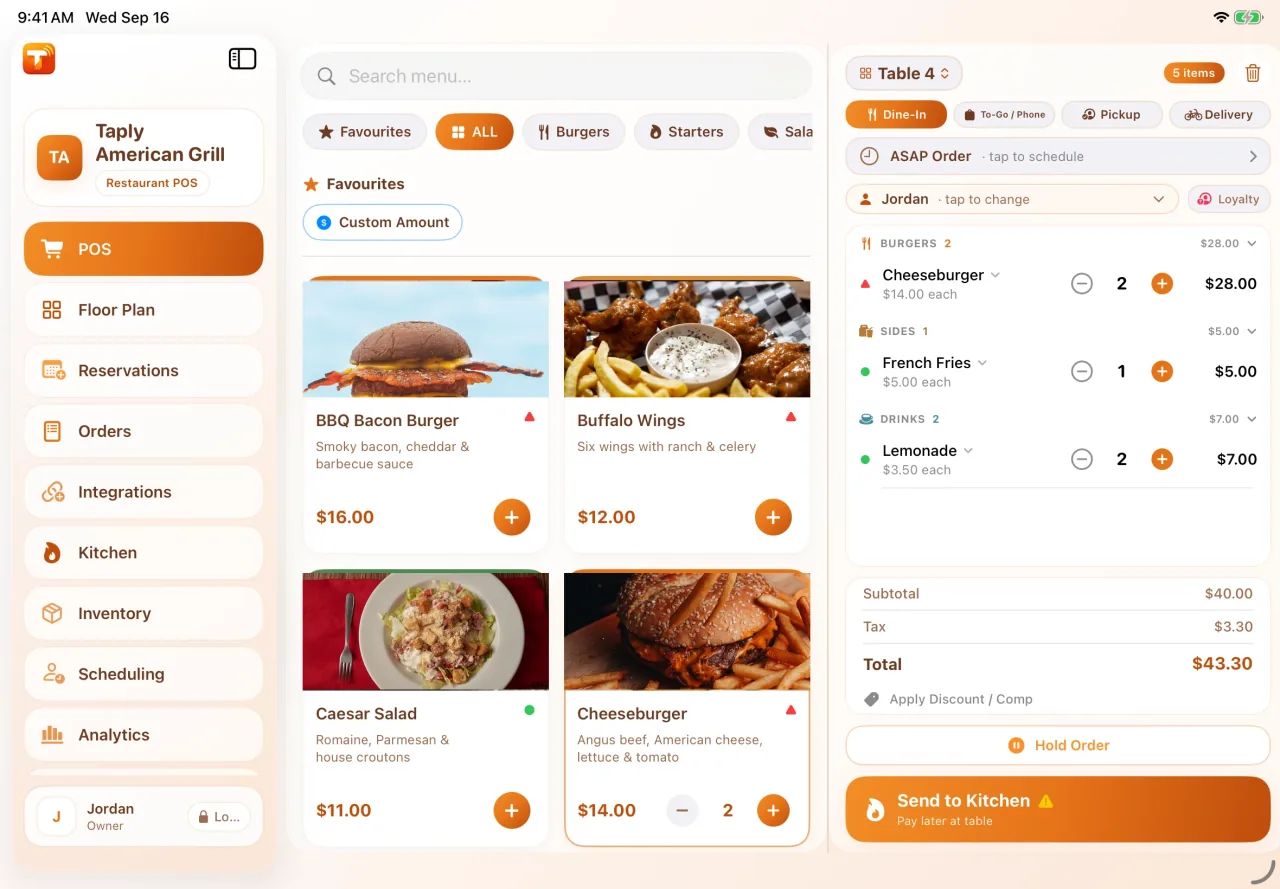
The working screen
More context at the point of sale.
Your menu or catalog should be easy for the team to work with. Explore the item details, order controls and customer-facing steps available in Restaurant or Retail.
Then match the software to the devices, layout and routines at your counter.
Beyond the counter
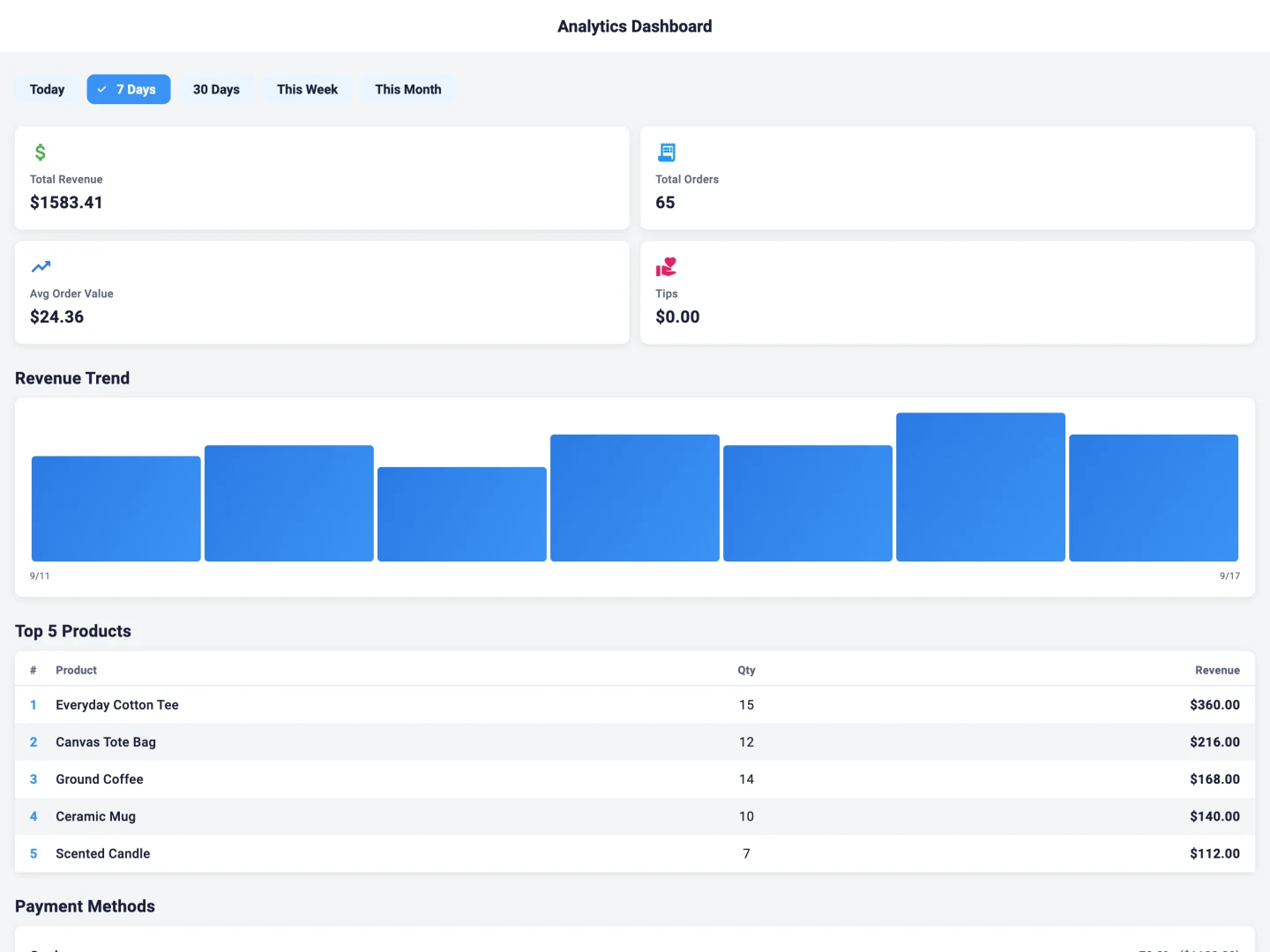
The owner’s view, in the right workspace.
Different decisions need different views. Review sales, stock or site activity in the owner workspace for your Taply product.
Restaurant, Retail and Station use separate accounts and destinations. Start with the product you use, then explore the reports available for your plan.
Start with a business like yours.

Restaurants & cafés
From the first order to the guest’s checkout.
Explore the product
Independent & specialty retail
Products, the counter and everything around the sale.
Explore the product
Fuel & convenience
A dedicated back office for supported station operations.
Explore the productHow the pieces fit together.
- 01
Set up your business
Organize the menu or catalog, team access and supported equipment.
- 02
Work through the sale
Find the item, review the details and follow the product’s checkout flow.
- 03
Review what happened
Use the records and reports available to the owner and authorized team.
- 04
Refine the routine
Bring exceptions, setup questions and changing requirements into the next review.
Explore the details that make a workday.
A clearer checkout
Explore menu choices, item details and the current order in a product-specific workspace.
Explore the detailsA considered payment setup
Review supported readers and the account, plan and device requirements for your product.
Explore the detailsInventory with context
Bring product identity, receiving and stock review into the same retail conversation.
Explore the detailsReports for the next decision
Explore the product’s reporting views, filters and records that matter to your business.
Explore the detailsRoles for the people doing the work
Discuss the access owners, managers and staff need for their daily responsibilities.
Explore the detailsCheckout & payments
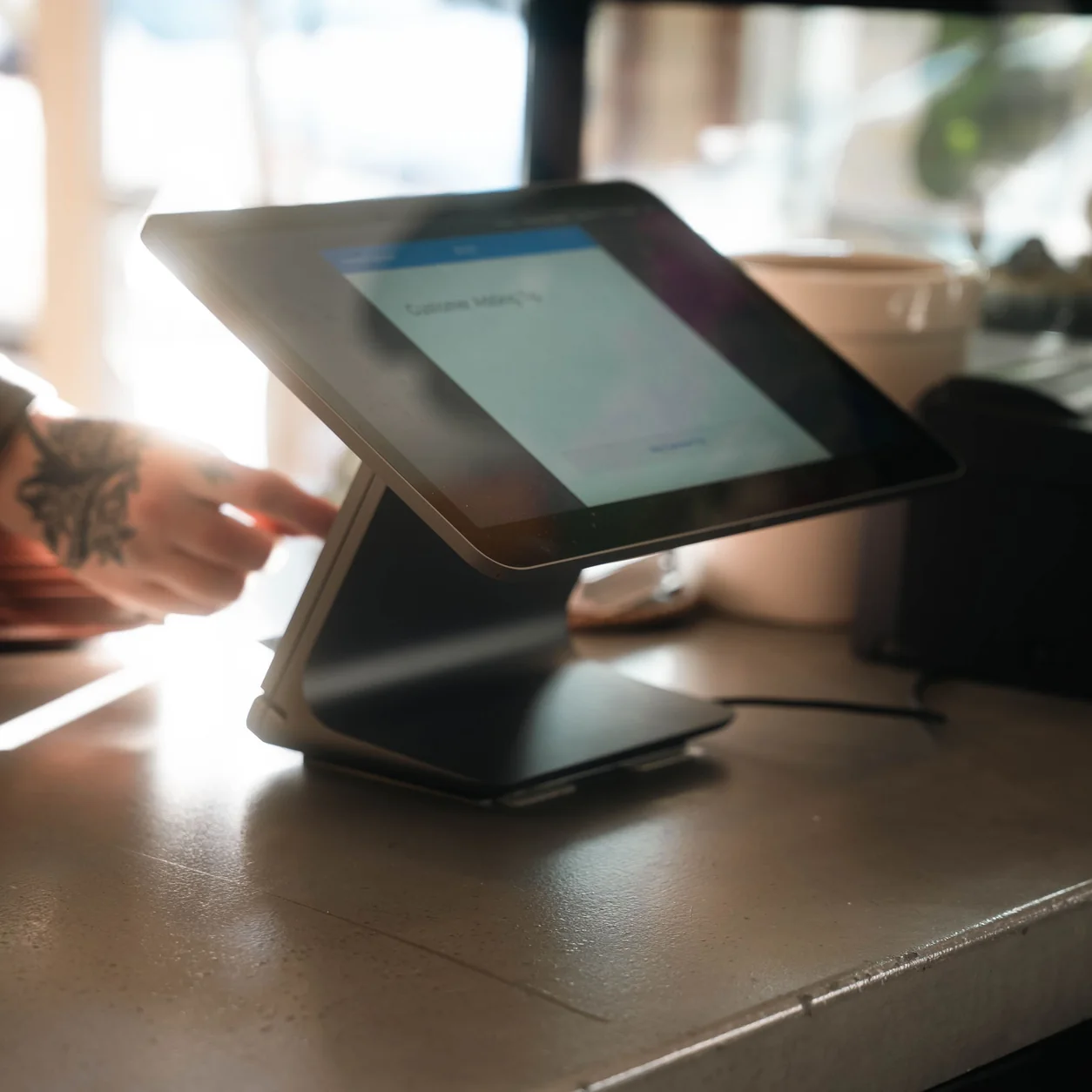
Make the customer’s side part of the plan.
Leave space for the guest to review the order and use the supported reader. The display, reader placement and receipt routine are all part of a considered counter.
Confirm payment eligibility, hardware and setup for the specific product. Your walkthrough should cover both the ordinary sale and how staff handle an unclear result.
Connect the tools around your business.
Start with the system and workflow you need. Review the requirements in the right product context.
Restaurant connections
Explore the published restaurant connections and the requirements for your account.
See connectionsRetail connections
Bring storefront, accounting and supplier requirements into your product discussion.
See connectionsStation & Linq
Confirm your register interface, site setup and supported back-office connection.
See connectionsYour next channel starts with a clear workflow.
Retail, online and in store.
Map catalog ownership, stock updates and fulfillment before selecting a storefront connection.
Plan online sellingRestaurant ordering beyond the counter.
Explore the published guest-ordering tools and confirm the setup for your restaurant.
Explore guest orderingEvery piece of the counter has a purpose.
Restaurant equipment
Explore the iPad, guest display, printer and reader choices for your service.
Restaurant hardware
Retail equipment
Review the devices and connections around scanning, checkout and receipts.
Retail hardwareBring your equipment list
Use exact models and connection types when discussing an existing setup.
Hardware worksheetFrom evaluation to your next question
Keep the right conversation close.
Use a product walkthrough to review fit. Use the Help Center and your owner portal when you already work with Taply.
Your questions,
answered.
What is a point-of-sale system?
A point-of-sale system combines the software and equipment used to work through a sale. Depending on the product, it can also support menu or catalog management, inventory, staff workflows and business reporting.
Which Taply product should I explore?
Restaurant covers restaurant service workflows. Retail covers independent and specialty store workflows. Station is a fuel and convenience-store back office with Linq connections for supported sites.
Does every task work without internet?
Connectivity requirements vary by product, task and payment setup. Confirm the documented fallback for your exact workflow and equipment before relying on it during an interruption.
Is the payment processor the same as the POS?
They have different roles. The POS supports the sale and its records; the payment service handles the supported payment method. Review account eligibility, readers and product requirements as part of setup.
Does Station replace a fuel register?
No. Taply Station is presented as a back office for supported station connections. It does not replace the fuel POS, forecourt controller or payment register.
Practical resources
A useful place to go next.
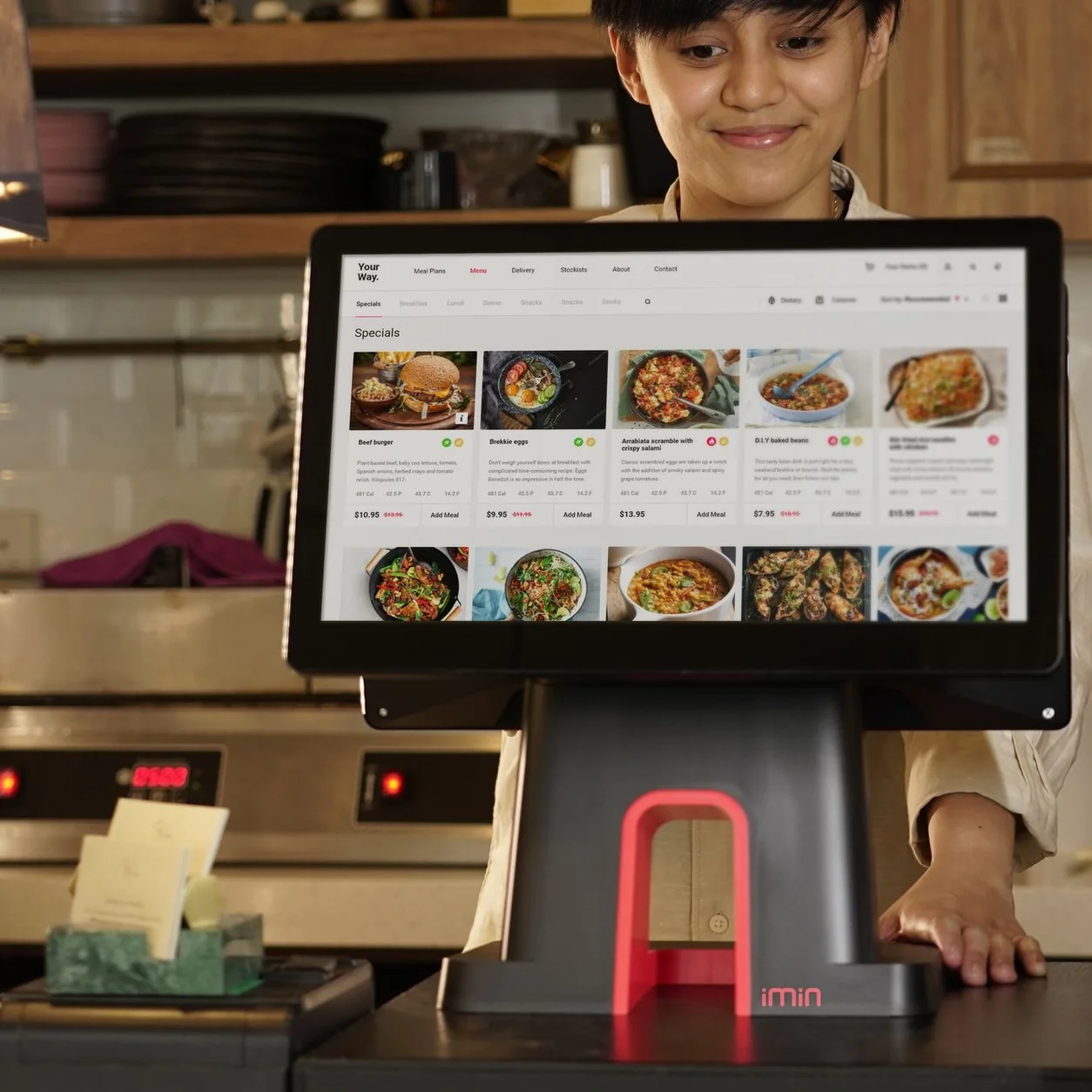
What does a POS system do for your business?
Understand the working parts of a point-of-sale setup, from the catalog to the daily review.
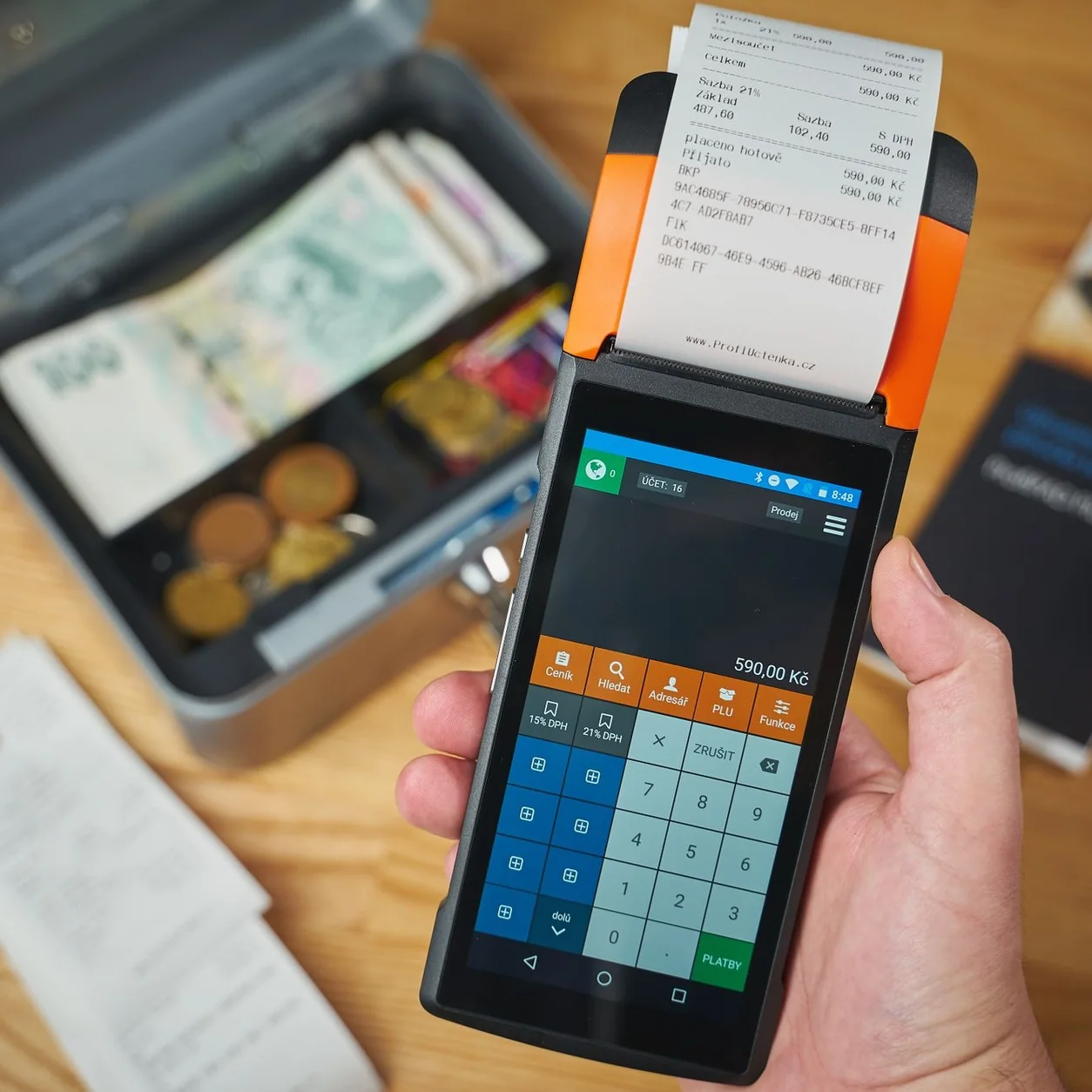
Choose your workflow before your hardware.
Start with counter space, scanning, receipts and the customer’s side of checkout.

Make your POS demo work for you.
Bring real workflow questions so your walkthrough answers more than a feature checklist.
Bring your workday. Find your Taply.
Choose the product, collect your questions and explore the details in a personal walkthrough.
Request a demo