Think about placement, station responsibilities and training before mounting the screen.
Make it readable at the working distance
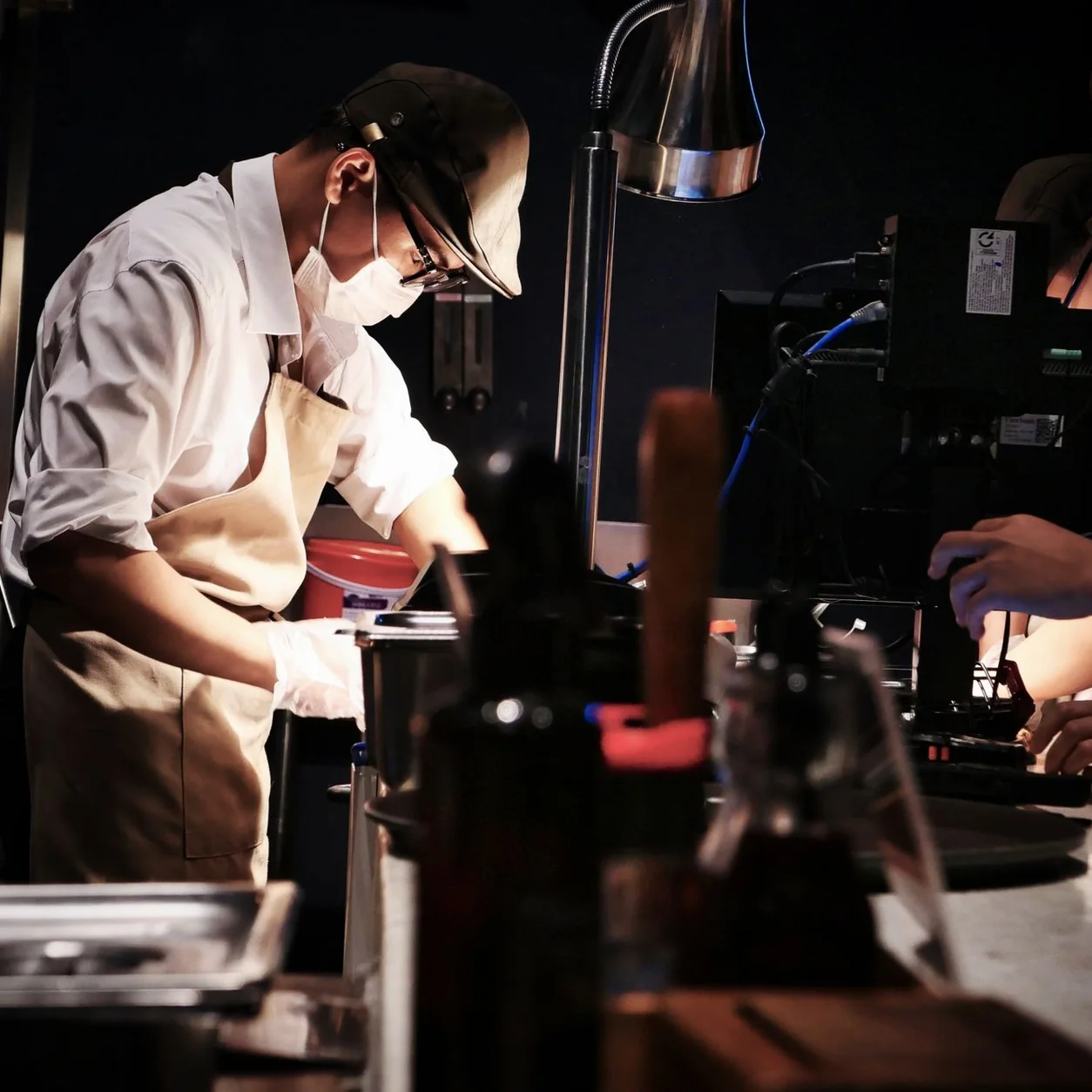
Stand where the kitchen team will actually work. Check the screen size, viewing angle and glare from that position. Keep the device away from heat and splashes and follow the hardware manufacturer’s installation requirements.
Agree what each station owns
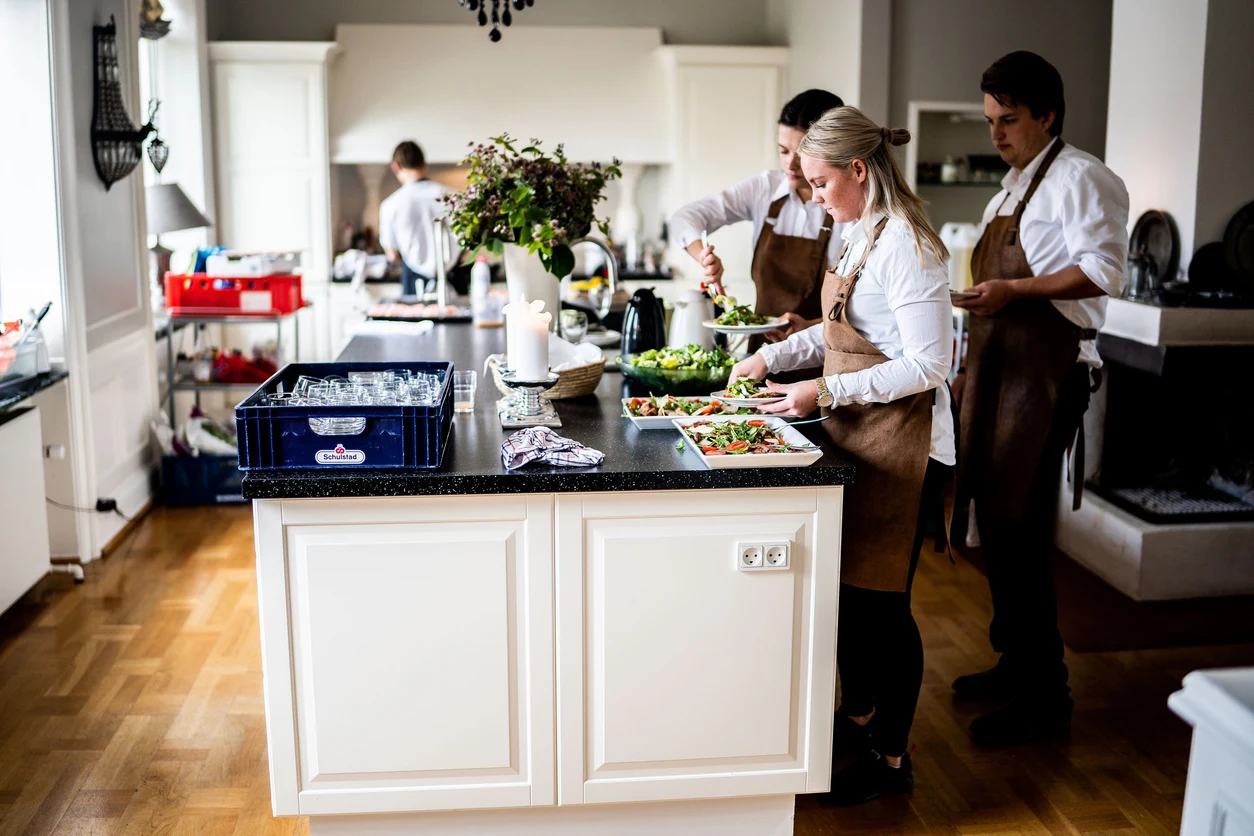
Map order types and menu items to the team that prepares them. Confirm how the kitchen marks progress and how the floor knows that an item is ready. A shared vocabulary makes training easier than relying on staff to interpret a new screen under pressure.
Confirm the product and plan
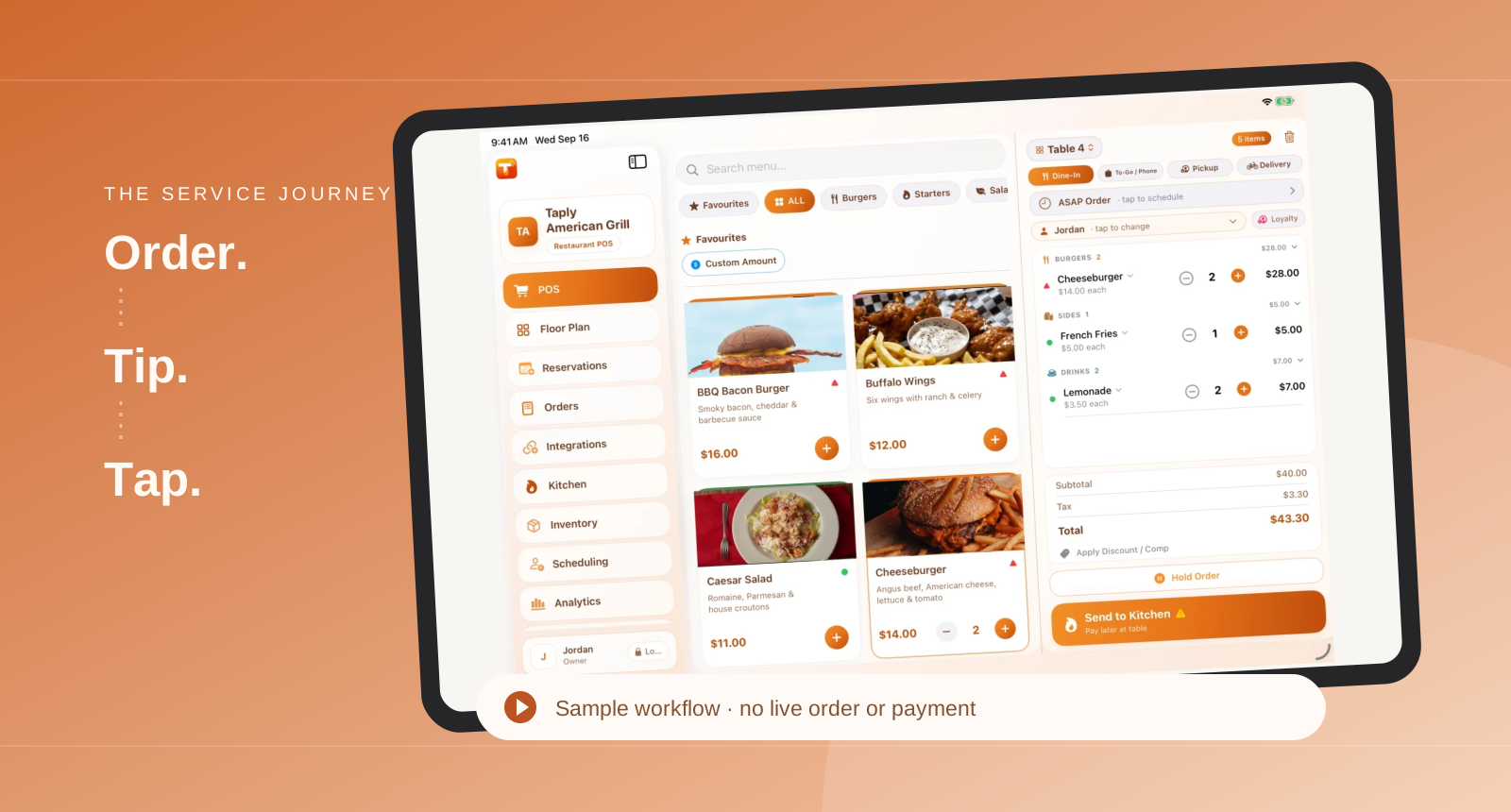
Taply’s dedicated kitchen display is available on supported iPad and Android hardware with Ultra or Enterprise. Discuss the number of stations, device limits and routing requirements with the team. Mounting and installation are separate setup questions.
Rehearse before opening
Use clearly identified training orders to check routing and preparation flow. Include an item change and a delayed dish in the rehearsal. Keep a documented fallback procedure for the kitchen if a device or connection becomes unavailable.