A considered menu helps a guest understand the food, the price and the next step. Build the information first, then give it a layout that works at the table, at the counter and on a phone.
Start with the moment a guest chooses
Write down where the menu will be used. A person in a lunch queue has a different amount of time and viewing distance from someone seated for dinner. A delivery customer may be comparing options on a small screen. Design for the actual decision, rather than shrinking one printed sheet into every format.
List the questions the menu needs to answer: what is available, what comes with it, how portions differ, which choices are required and what each choice costs. Ask the team which questions they answer most often during service. Those recurring conversations are useful clues about missing or unclear information.
Choose one person to approve the final content. Keep an editable master with a version date, and agree who can update it. The printed menu, website and ordering screen should be different presentations of the same approved information.
Create a dependable dish list
Before choosing fonts, make a simple list of dish names, descriptions, portions, prices and available options. Review it with the kitchen and service team. Keep temporary specials separate from items that will remain on the main menu, so an everyday update does not require a complete redesign.
Give similar items a consistent structure. If one sandwich description lists its side, explain the side for the other sandwiches too. Write the differences between sizes in plain language. A guest should not have to infer whether a larger price buys a bigger portion, a different ingredient or an added course.
| Field | Example | Check before publishing |
|---|---|---|
| Dish name | Roasted tomato soup | Matches the name used by the team |
| Description | Slow-roasted tomatoes, basil and sourdough | Ingredients and accompaniment are current |
| Portion | Bowl | The serving is clear without a sales pitch |
| Price | $12 | The approved price appears consistently |
| Option | Add a side salad +$5 | The addition and its price are explicit |
Make the reading order easy to follow
Arrange categories around how your guests order. A daytime café might start with breakfast, sandwiches and drinks; an evening restaurant may separate snacks, main courses and sides. Use labels that make sense without an explanation from staff. Keep the category order consistent across the formats guests use.
Use a small number of type styles: one for category headings, one for dish names and one for the supporting detail. Add space between categories before adding decorative lines or boxes. If every item has a badge, border and large photograph, the guest has to work harder to see the structure.
For an online menu, use actual heading levels in a logical hierarchy. W3C’s headings guidance explains how this structure supports navigation, including for people using assistive technology. A larger or bolder line of text alone does not provide that structure.
Write descriptions that help someone decide
Use the description to explain what makes the dish distinct. Name the main ingredient, preparation and accompaniment when they matter to the choice. A familiar dish may need very little explanation; an unfamiliar house name usually needs more. Read the description aloud and remove words that add enthusiasm without adding information.
Compare “a delicious seasonal favorite” with “charred cauliflower, lemon yogurt and toasted chickpeas.” The second is a fictional example, but it gives a guest something concrete to consider. Only use origin, preparation or ingredient claims that the restaurant can support for the current dish.
Keep the language consistent with the way the team speaks. Give staff a clear process for checking ingredient questions and substitutions with the kitchen. A short description cannot replace that conversation, and decorative icons should not imply a promise the operation cannot maintain.
Keep prices and choices visible
Treat price as useful information in the decision. Place it predictably beside the dish or its description, with enough contrast and space to read. State the cost of an optional addition where the option appears. If there are several sizes, keep each size and price together.
Review the business case separately from the graphic design. Ingredient costs, preparation effort, waste and the wider operating costs all affect a menu decision. A visual highlight can draw attention to a dish; it cannot establish that the dish is profitable. Use an agreed costing process before changing a selling price.
For digital menus, W3C’s minimum-contrast criterion uses a 4.5:1 ratio for ordinary text and 3:1 for large text, with defined exceptions. Use that guidance when choosing text colors, including muted descriptions and prices. It is a web-content criterion, not a substitute for testing a printed sample under restaurant lighting.
Use photographs with a clear purpose
Choose photographs when they help explain the food or the service. Show the dish and portion the guest can expect, using current photography approved by the restaurant. Keep the light, crop and background consistent enough that the pictures feel like one menu.
Leave enough space for the actual information. A single well-composed image can introduce a section without competing with every description. On a phone, check that a large image does not push the name, price and ordering choices so far apart that their relationship becomes unclear.
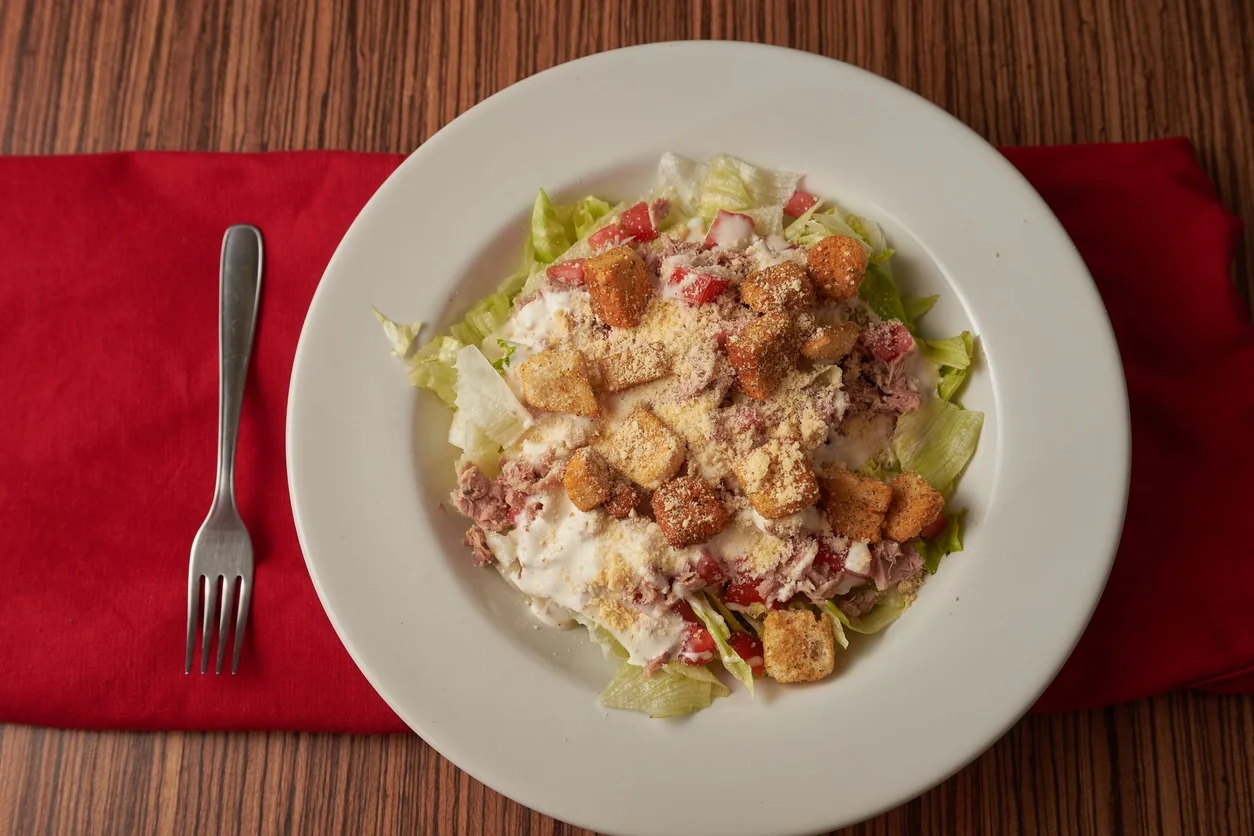
A stock photograph can illustrate an editorial article, as it does here. It should not stand in for a restaurant’s actual dish on a selling menu. Keep the distinction clear when assembling a template or preparing a product demonstration.
Test the finished menu in the real setting
Print a sample at its intended size. Read it at a normal table distance, under the light used during service, with the menu open as a guest would hold it. Check folds, glare, margins and whether prices become lost near the edge. A clean design on a large monitor can still be difficult at the table.
For the online version, try a small phone and a larger screen. Check zoom, the reading sequence, keyboard navigation and every link. Ask someone unfamiliar with the menu to choose a dish, identify what comes with it and explain the price. Observe the hesitation before explaining the answer.
- Check every dish, portion, option and price against the approved list.
- Read a printed sample in daytime and evening lighting.
- Review the phone version without relying on the desktop layout.
- Ask a fresh reader to complete a realistic ordering task.
- Give the team the final version before guests start using it.
Plan the next update before this one goes live
Record the launch date and keep the previous version for reference. Replace printed copies and digital files as one coordinated change. Check the linked menu in booking messages, QR destinations and any ordering channels the restaurant actually uses.
After a few services, collect the questions guests still ask. Decide whether a description, category name or option needs adjustment. Make a focused change and observe again. A useful menu becomes clearer through this routine, without needing a new visual identity every week.
Frequently asked questions
Is there a perfect number of dishes for a menu?
There is no universal count in this guide. Use your concept, preparation capacity, service model and guest questions to decide the range. Test whether people can find and understand the choices you offer.
Should the printed and online menus look identical?
Keep the approved content consistent, then adapt the presentation. A printed sheet, counter board and phone screen have different reading distances and space constraints.
Will a menu redesign increase sales?
A clearer menu can make the ordering task easier, but this guide does not promise a sales increase. Review guest feedback and comparable operating periods before attributing a business result to the design.