Identify where the sale happens.
List the pro-shop counter, clubhouse, food-service areas and any mobile requirements. Describe the products being sold and the merchant account responsible for each operation.
GOLF BUSINESSES / Clubhouse & pro-shop payments
Build the checkout around the place the sale happens. Review the Restaurant and Retail payment setup, equipment and account requirements for each counter.
Choose the counter to review its payment setup.
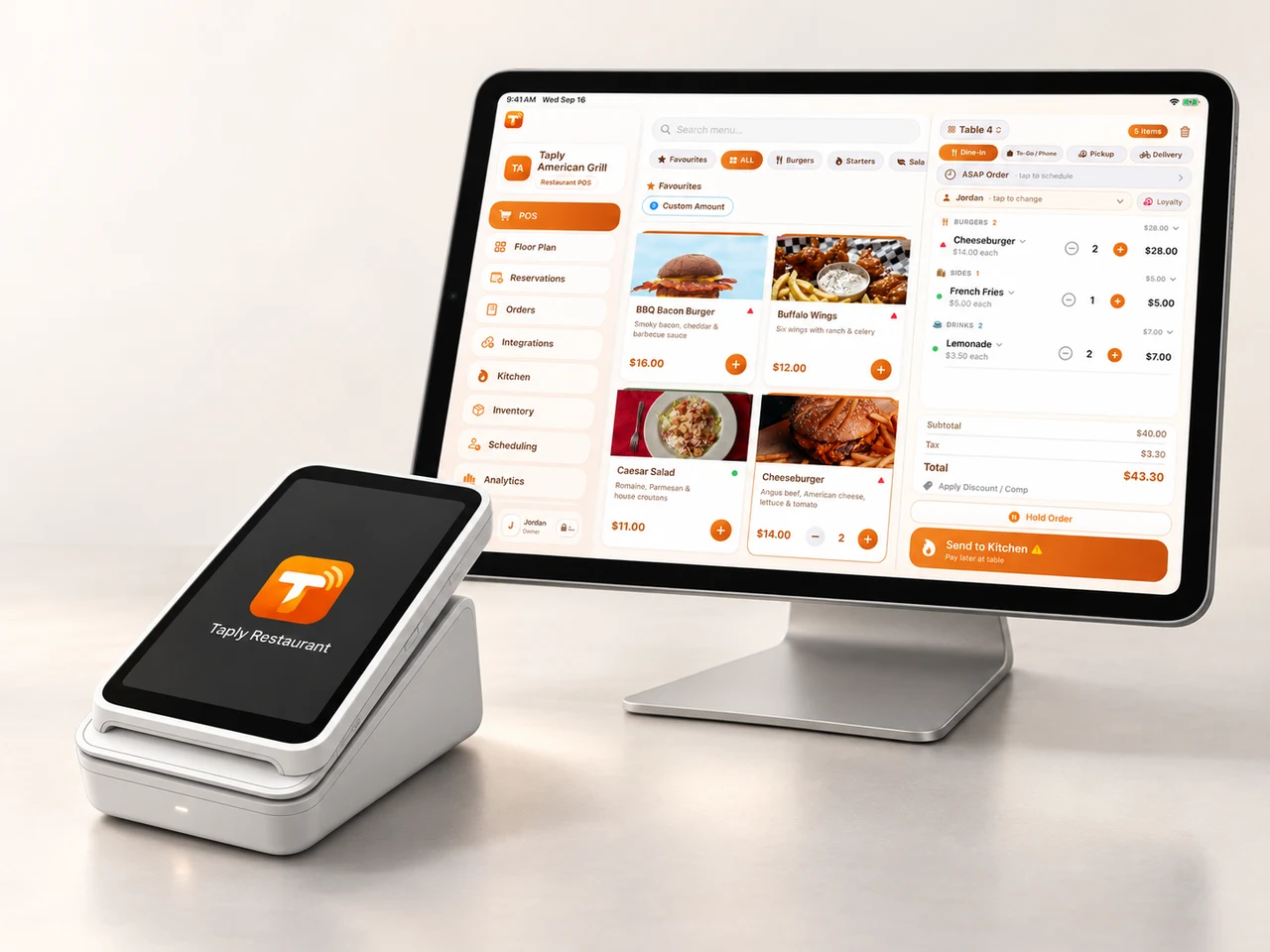
Restaurant and Retail are separate products. Review any course or member-account handoff with the providers.
THE DETAILS THAT MAKE THE DIFFERENCE
List the pro-shop counter, clubhouse, food-service areas and any mobile requirements. Describe the products being sold and the merchant account responsible for each operation.
Discuss the exact Taply product, eligible reader and processing arrangement. Merchant approval, compatible hardware, connectivity and separate processing fees apply.
Document charges to member accounts, course bookings and any combined-bill requirement explicitly. Do not assume that Restaurant or Retail payment support includes those golf-specific workflows.
FROM AN IDEA TO A WORKING PLAN
Bring your outlets, current equipment and the work your team does each day. Use this checklist to keep the requirements together.
Check items as you go, or download a blank copy.
0 of 4 complete
Checks stay on this page during your visit. The CSV download is a blank copy you can adapt for your business.
A FEW USEFUL ANSWERS
These pages help golf facilities evaluate Taply Restaurant for food service and Taply Retail for merchandise. A dedicated tee sheet, membership platform, golf booking engine or Golf owner account is not confirmed by these pages.
No. Planning illustrations use a fictional course and stay on this page. Actual Taply interface captures use demonstration data. No booking, order, payment or campaign is submitted.
Use the portal for your product: Restaurant owner login or Retail owner login. Course software keeps its own account unless a specific connection has been agreed.
Start with the relevant Restaurant or Retail product page, then ask for an itemized proposal for your facility. List course charges, member accounts and connections separately so every requirement can be confirmed.
A useful conversation starts with the way you work.